secp256r1: Security and TLS Elliptic Curve Support
secp256r1 is NIST P-256, a TLS key-exchange group. Learn how TLS 1.3 and earlier versions negotiate it, how it differs from ECDSA, and how to verify a live endpoint.
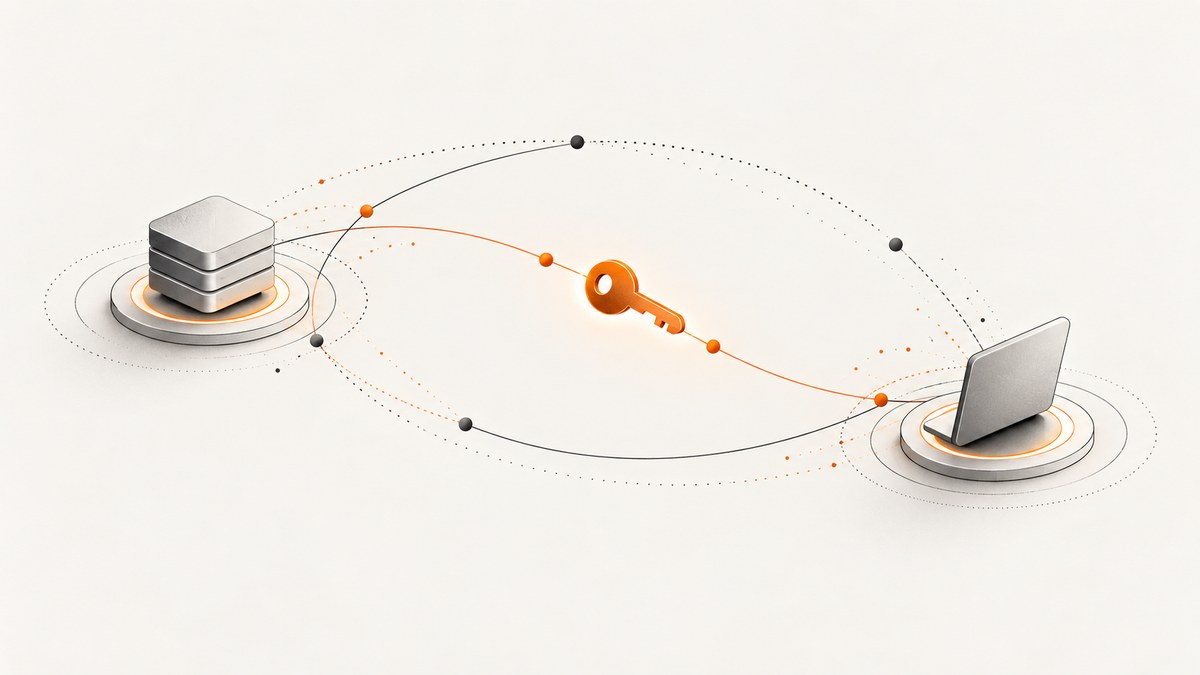
Direct answer: secp256r1 is the TLS supported group also known as NIST P-256. In TLS 1.3, a compliant application must support key exchange with this group; support does not mean every connection selects it. In TLS 1.2 and earlier, clients advertise supported groups and servers choose a compatible option from those offered. P-256 key exchange and ECDSA signatures are related but distinct protocol functions.
This guide explains the names and version differences, shows how to inspect a real TLS endpoint, and covers configuration, troubleshooting, security policy, performance, and FIPS considerations. Standards describe required or recommended capabilities; only a handshake or implementation configuration can show what a particular deployment actually uses.
1. What secp256r1 means
secp256r1 is the name of an elliptic-curve group standardized as NIST P-256. The name appears in protocol and library interfaces; P-256 is the familiar curve name. For TLS 1.2 and earlier, RFC 8422 assigns the group supported-groups value 23, written as 0x0017. The group identifies parameters used for elliptic-curve Diffie–Hellman key exchange.
The TLS shared secret is not used directly as application traffic encryption material. TLS derives other secrets from it as part of the handshake key schedule. This distinction matters when reading packet captures: seeing an ECDHE group identifies a key-agreement choice, not the final traffic key.
2. Key exchange is not a signature
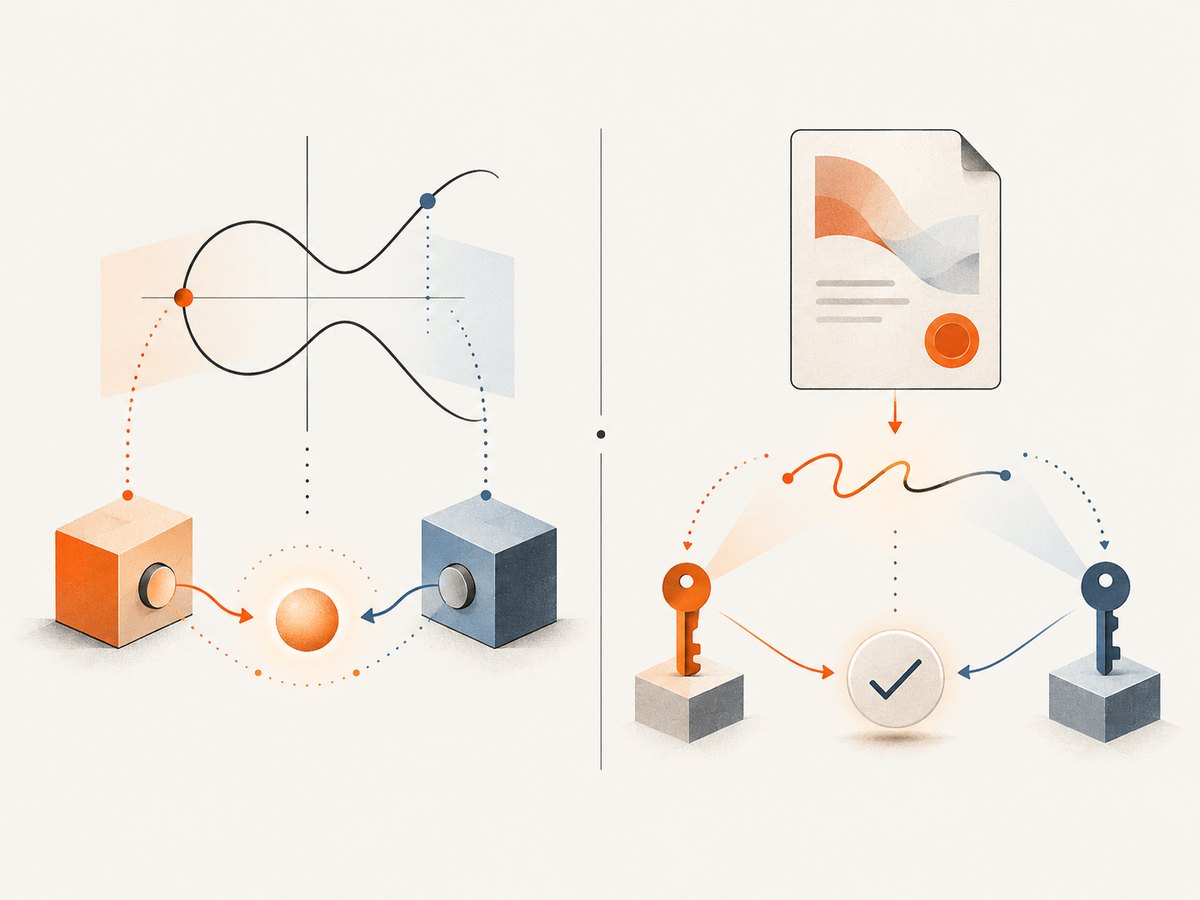
Names that contain the same curve can describe different jobs:
| Protocol item | Example | Purpose |
|---|---|---|
| Key-exchange group | secp256r1 / P-256 |
Contributes to establishing a shared secret during the handshake. |
| Signature scheme | ecdsa_secp256r1_sha256 |
Uses ECDSA with P-256 and SHA-256 to authenticate handshake data or a certificate signature, as applicable. |
A TLS 1.3 peer can use one group for ephemeral key exchange and a compatible certificate signature scheme for authentication. Supporting the signature scheme does not prove support for the group, and the reverse is also true. When diagnosing a failure, inspect both the supported-groups/key-share path and the signature-algorithms/certificate path.
3. TLS 1.3 requirements and negotiation
RFC 9846 requires a TLS-compliant application to support key exchange with secp256r1 (NIST P-256). It separately requires support for the ecdsa_secp256r1_sha256 signature scheme. The RFC says applications should support X25519 key exchange as well. RFC 9325 likewise recommends support for both P-256 and X25519. These are capability requirements and recommendations, not a promise that a given handshake uses P-256.
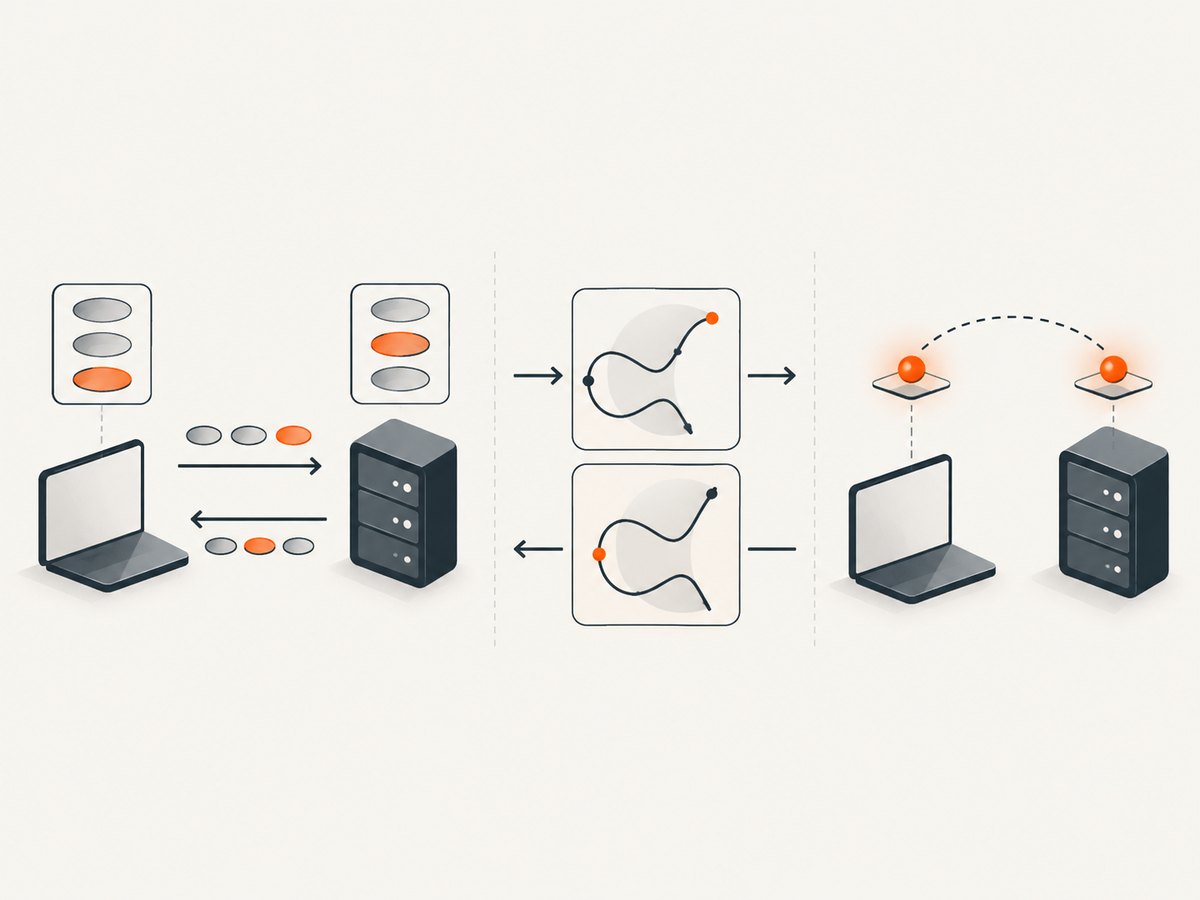
TLS 1.3 uses the supported-groups extension and key shares to negotiate ephemeral key exchange. A client indicates groups it can use and may send one or more key shares. The server selects a mutually supported option; if it needs a group for which the client did not send a usable share, the protocol can request another share in a retry. The selected group is visible in the completed handshake when observing it with suitable TLS diagnostics.
Do not infer a live endpoint’s current behavior from the standard alone. Its software version, configuration, policy, front-end load balancer, and client offer all affect the result. To say “this endpoint negotiates P-256,” check a handshake against that endpoint and record the client and network path used.
4. TLS 1.2 and earlier
RFC 8422 covers ECC cipher suites for TLS 1.2 and earlier. In its model, the client advertises supported groups in preference order. The server chooses a compatible group from the offered capabilities. Group 23 (0x0017) is secp256r1. The RFC deprecates many older curve values and explicit-curve negotiation, so old configuration snippets may not reflect current recommendations.
For TLS 1.2, the negotiated cipher suite and the ECDHE group are separate pieces of handshake information. A cipher suite name can tell you that ephemeral ECDH is involved, but you must inspect the ServerKeyExchange or a modern diagnostic summary to identify the actual group. TLS 1.3 cipher suite names do not encode the key-exchange group at all.
5. Check a real endpoint with OpenSSL
Use an OpenSSL client installed on your machine to test the endpoint you care about. The examples below request TLS 1.3 and TLS 1.2 separately; replace example.com with the hostname and use the correct SNI name for virtual hosting.
openssl s_client -connect example.com:443 -servername example.com -tls1_3 -briefFor a TLS 1.2 handshake, use:
openssl s_client -connect example.com:443 -servername example.com -tls1_2 -briefOpenSSL versions differ in how much handshake detail -brief prints. Remove it and add -state -msg for protocol messages, or capture traffic and inspect the handshake with a protocol analyzer. Check the negotiated protocol, peer certificate and verification result, then locate the key-share/group details. Repeat with different clients when compatibility matters: one successful client proves only that one offer and path succeeded.
To ask OpenSSL to constrain the TLS 1.3 group offer, use the groups option supported by your build:
openssl s_client -connect example.com:443 -servername example.com -tls1_3 -groups P-256For TLS 1.2, try the same option with -tls1_2. OpenSSL accepts aliases that can vary by version; consult openssl s_client -help and the installed documentation if the command rejects a name. A constrained test is useful for compatibility debugging, but it is not evidence that ordinary clients prefer that group.
6. Configure groups in a client or server
Configuration controls differ by TLS library, language runtime, proxy, and operating system. First identify which component terminates TLS. A browser-facing CDN or load balancer may own the effective policy even when the application server has a different configuration.
- List the supported groups and policy controls for the exact TLS implementation and version.
- Keep P-256 enabled where required for interoperability or policy, and consider X25519 according to your platform and security requirements.
- Set preference only when you have a reason and have measured the client population and runtime behavior.
- Deploy to a staging endpoint and test both TLS 1.3 and TLS 1.2 if both are enabled.
- Verify the negotiated group using representative clients after deployment.
In OpenSSL command-line tools, -groups constrains or orders groups offered by the client. Server-side APIs and configuration files use library-specific controls; do not assume that a client option configures a server. Also distinguish cipher-suite configuration from supported-group configuration. Changing cipher suites alone may leave the negotiated group unchanged.
7. P-256 versus X25519
There is no universal winner for every deployment. Compare the curves against the actual constraints:
| Decision axis | Questions to answer |
|---|---|
| Standards and policy | Does a compliance profile require a particular approved implementation or curve? Does it permit X25519? |
| Platform availability | Do your clients, TLS libraries, accelerators, and middleboxes support the intended groups? |
| Negotiation | Which groups do clients offer, and which does the server select under its policy? |
| Performance | How do handshake CPU and latency compare on your specific hardware and software? |
| Security assumptions | Are you comfortable with the curve’s design, implementation, and operational policy? |
RFC 8422 describes efficiency and interoperability benefits associated with widely used NIST curves, while noting a general preference for curves with less algebraic structure. RFC 9325 recommends support for both P-256 and X25519. These facts support maintaining interoperable options; they do not establish a universal choice for every application. Benchmark only in the target environment and include the whole TLS handshake, not just a primitive microbenchmark.
8. FIPS and compliance caveats
Using P-256 does not, by itself, make a product or deployment FIPS compliant. Compliance depends on the exact validated cryptographic module, its operating environment, how it is configured, and whether cryptographic operations route through approved implementations.
OpenSSL’s FIPS provider documentation says FIPS-compliant use requires including fips=yes in property queries so operations use approved implementations. This is specific operational guidance, not proof that every installation of OpenSSL is validated or configured correctly. Check your module’s validation scope and your organization’s requirements, then test the actual application path.
9. Troubleshooting common failures
| Symptom | Likely cause | What to check or change |
|---|---|---|
no shared cipher or handshake failure |
No common cipher suite, protocol version, group, or signature path. | Inspect the client offer and server policy. Check groups and signature algorithms separately from cipher suites. |
| TLS 1.3 works but TLS 1.2 fails | The two protocol versions have separate configuration and negotiation behavior. | Test each version explicitly. Confirm the TLS 1.2 cipher suite and supported group are both enabled. |
| Certificate verify error | Trust chain, hostname, expiration, or certificate-signature compatibility problem. | Check SNI, hostname, trust store, and certificate chain. Do not “fix” a certificate problem by changing the ECDHE group. |
| Group name rejected by OpenSSL | Alias or option support differs by OpenSSL build. | Inspect openssl version and openssl s_client -help; use the documented alias for that version. |
| One client connects, another does not | Different offers, platform policies, middleboxes, or TLS implementations. | Capture both ClientHello messages and compare versions, groups, signatures, and extensions. |
| FIPS mode still fails an audit | OpenSSL presence alone does not establish validation; operations may not use the approved provider. | Verify module certificate/scope, provider configuration, property queries, runtime environment, and application code path. |
| Unexpected group appears in production | A load balancer, CDN, or different server instance terminates TLS. | Test the public hostname from relevant regions and inspect the actual TLS termination layer and fleet configuration. |
10. Performance, reliability, and operational cost
Group choice affects handshake computation and compatibility, but practical impact depends on hardware, TLS implementation, session resumption, connection reuse, and traffic patterns. P-256 is widely implemented according to RFC 8422’s qualitative statement. Do not turn that statement into a current endpoint compatibility percentage or a performance ranking.
For reliable rollout, preserve at least one mutually supported group across the clients you serve, monitor handshake failures by protocol and client family, and validate after changes at the TLS termination point. A successful test from a single workstation is not a fleet-wide compatibility check. If you remove a group, stage the change and retain a rollback path. For cost, measure CPU and connection latency under representative load; standards provide no universal cost figure for your deployment.
11. FAQ
Does TLS 1.3 support secp256r1?
Yes. TLS 1.3 compliant applications must support key exchange with secp256r1. A specific connection may negotiate another mutually supported group.
Is P-256 the same thing as ECDSA?
No. P-256 is a curve/group. ECDSA is a signature algorithm that can use P-256; ECDHE key exchange using the group is a separate operation.
Does value 23 apply to every TLS version?
RFC 8422 assigns value 23 in its TLS 1.2-and-earlier supported-group context. Do not use that fact to conflate group negotiation with TLS 1.3 signature scheme identifiers.
Can I tell a server supports P-256 from its certificate?
No. The certificate describes authentication material and signatures; test a handshake to observe key exchange support and selection.
12. Capture protocol documentation with ScreenshotNeo
When documenting TLS behavior, a screenshot can preserve the rendered configuration guide, vendor documentation, or test report alongside your notes. ScreenshotNeo is a website screenshot API and MCP server for developers. It accepts a URL and returns a PNG, JPEG, WebP, or PDF. Its capture options include full-page screenshots, element capture, custom CSS and JavaScript, request blocking, custom headers, cookies, user agent, and caching. See the ScreenshotNeo API documentation for parameters and setup.
A screenshot of a documentation page is useful evidence of what the page displayed, but it does not prove which cryptographic configuration a live endpoint negotiated. Use TLS diagnostics for handshake facts and screenshots for visual records.
Or skip the browser setup
Use one GET request to capture a page. This runnable cURL example saves a WebP image:
curl -G "https://api.screenshotneo.com/v1/shot" -d access_key=YOUR_API_KEY --data-urlencode url=https://www.rfc-editor.org/rfc/rfc9846 -o shot.webpCookie banners, popups, and chat widgets are removed before the shot. Bot checks, blank pages, and failed loads are never billed. An MCP server lets AI agents take screenshots. The free plan includes 1,000 screenshots a month with no card; paid plans start at $5 for 3,000. The API also has Python and Node.js examples in the docs.


