secp521r1: Security and TLS Elliptic Curve Support
secp521r1 is NIST P-521. Learn its TLS support, security range, negotiation tests, troubleshooting and deployment guidance.

secp521r1 is the SECG name for the NIST P-521 elliptic curve. It is one of the named NIST curves listed for TLS 1.2 and earlier in RFC 8422, and NIST lists P-521/secp521r1 among approved elliptic curves for ECC key agreement. That standards status does not mean every TLS client and server supports or negotiates P-521. In practice, you must check the protocol version, enabled groups, policy and the implementation on both ends.
NIST SP 800-56A Rev. 3 reports targeted security strengths from 112 through 256 bits for P-521. Treat that as a range supported by the curve and operation, not a promise that every deployment automatically provides 256-bit security. Key validation, key lifecycle, protocol configuration and implementation quality still determine the result.
What secp521r1 and P-521 mean
“secp521r1” is the SEC 2 identifier; “P-521” is the NIST name for the same curve. RFC 8422 includes secp521r1 with secp256r1 and secp384r1 in the NIST curve set for TLS 1.2 and earlier (RFC 8422). NIST’s approved ECC key-agreement table also places P-521 and secp521r1 in the same row (SP 800-56A Rev. 3).
The number 521 is the field size in bits. It is not a direct conversion to a TLS security level, certificate lifetime or application risk. Use the strength range in SP 800-56A as guidance for the specific algorithm and key-establishment scheme you selected.
Does TLS support P-521?
TLS can support P-521, but support is conditional. RFC 8422 defines ECC cipher-suite use for TLS 1.2 and earlier. TLS 1.3 uses its supported-groups negotiation mechanism; the existence of a curve in an RFC does not prove that a particular TLS 1.3 library enables, advertises or selects it. NIST SP 800-52 Rev. 2 requires an implementation configuring elliptic-curve cipher suites to support at least P-256 or P-384 and refers implementers to SP 800-56A for additional curves (SP 800-52 Rev. 2).
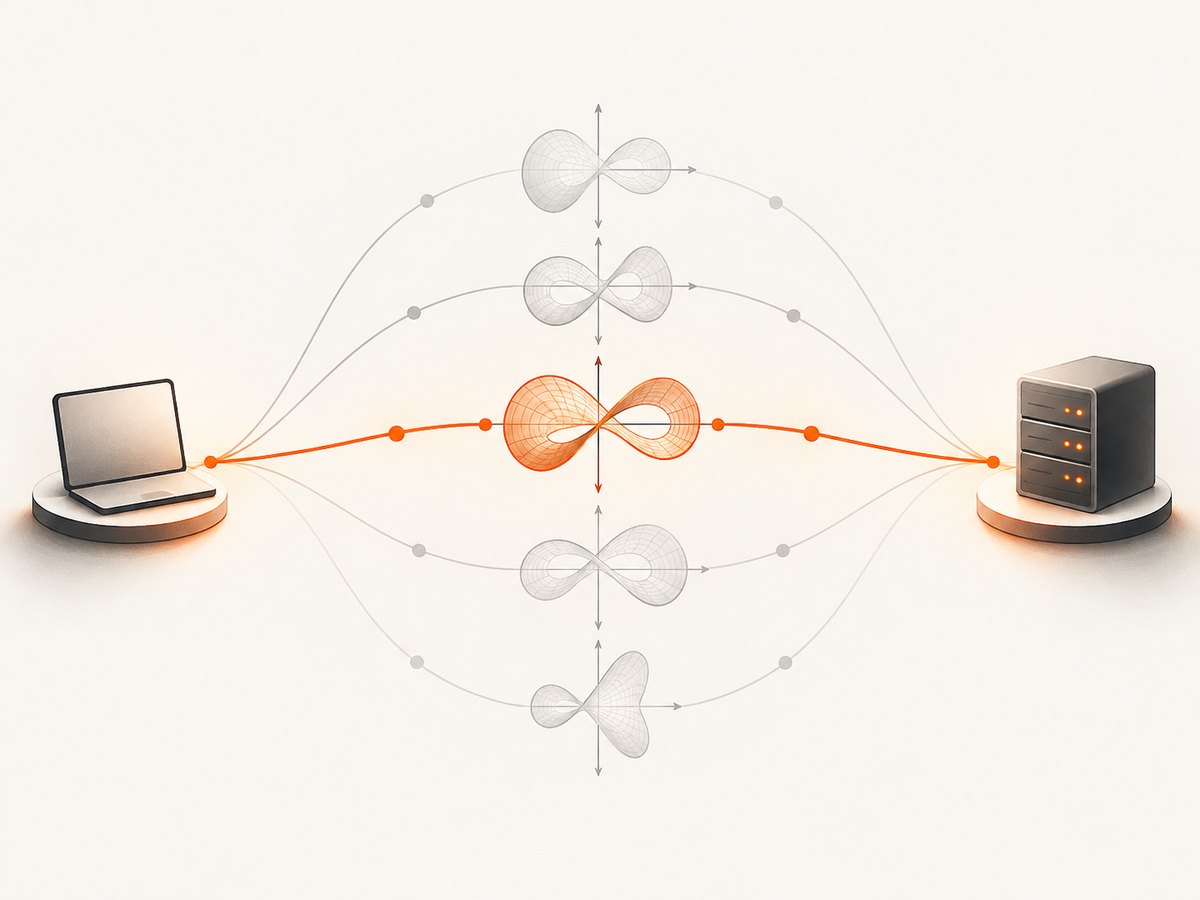
To answer “is P-521 supported?” test the exact client, server, TLS version and policy you deploy. A browser, reverse proxy, operating-system crypto provider or cloud load balancer may have a different group list from the library you used in development.
Check negotiation with OpenSSL
Use a real endpoint that you operate or are authorized to test. The following commands ask OpenSSL to advertise P-521 and show the negotiated details. Option names vary by OpenSSL release, so run openssl version first.
openssl version
# TLS 1.2: request the secp521r1 group
openssl s_client -connect example.com:443 -servername example.com \
  -tls1_2 -curves secp521r1 -brief

# TLS 1.3: request the same supported group
openssl s_client -connect example.com:443 -servername example.com \
  -tls1_3 -groups secp521r1 -brief
Look for the protocol, cipher and peer key-exchange information in the output. A handshake failure means this combination did not agree on a usable group; it does not by itself identify whether the client, server or an intermediate policy rejected P-521. Repeat without forcing a group to see the deployment’s normal choice.
Inspect a certificate without assuming it controls ECDHE
openssl s_client -connect example.com:443 -servername example.com </dev/null \
  | openssl x509 -noout -text | rg "Public Key Algorithm|ASN1 OID|Public-Key"
A certificate’s public key curve and the ephemeral key-exchange group are separate decisions. An ECDSA P-521 certificate does not require P-521 for every handshake, and an RSA certificate does not prevent an ECDHE handshake.
Automate checks in Python
Python’s standard ssl module exposes TLS versions and cipher settings, but supported-group controls are implementation-specific. This script records the negotiated protocol and cipher for a normal connection, which is useful evidence alongside an OpenSSL forced-group test.
import socket, ssl

host = "example.com"
ctx = ssl.create_default_context()
with socket.create_connection((host, 443), timeout=10) as raw:
    with ctx.wrap_socket(raw, server_hostname=host) as tls:
        print("protocol:", tls.version())
        print("cipher:", tls.cipher())
        print("peer:", tls.getpeercert().get("subject"))
For deterministic group testing, invoke the same OpenSSL binary used by your deployment or use the group APIs documented by your TLS library. Do not infer P-521 support from a successful connection that negotiated X25519 or P-256.
Automate checks in Node.js
Node.js delegates TLS to the OpenSSL build shipped with that release. You can pin a minimum TLS version and inspect the result, while group selection may require OpenSSL options or a library-specific setting.
import tls from "node:tls";

const socket = tls.connect({
  host: "example.com",
  port: 443,
  servername: "example.com",
  minVersion: "TLSv1.2",
  timeout: 10000
}, () => {
  console.log("protocol:", socket.getProtocol());
  console.log("cipher:", socket.getCipher());
  console.log("authorized:", socket.authorized);
  socket.end();
});
socket.on("timeout", () => socket.destroy(new Error("TLS timeout")));
socket.on("error", console.error);
Check your Node and OpenSSL versions in CI. An operating-system update or a rebuilt runtime can change the enabled group list without changing your application code.
Compare P-521 with P-256, P-384 and X25519
| Question | P-521/secp521r1 | P-256/P-384 | X25519 |
|---|---|---|---|
| Standards context | Named in RFC 8422 for TLS 1.2 and earlier; listed by NIST | NIST baseline requires at least P-256 or P-384 when EC suites are configured | Supported-group choice depends on TLS implementation and policy |
| Security guidance | SP 800-56A targeted range: 112–256 bits | Use the strength guidance for the chosen curve and operation | Use the algorithm’s current guidance and implementation documentation |
| Interoperability | Must be verified on each client/server pair | Often the baseline required by policy | Must be verified on each client/server pair |
| Operational choice | Consider policy, peer support and implementation behavior | Common fallback candidates under NIST guidance | Common modern option where enabled |
There is no universal winner from nominal curve size. Measure the actual handshake path, verify peer support and follow the profile that governs your service. RFC 8422 says that curve selection is an issue implementers and users must consider; RFC 9325 adds operational guidance for safe TLS and DTLS deployments (RFC 9325).
Security requirements beyond the curve name
- Validate received points. RFC 9325 warns that an invalid-curve attack is possible when an ECDH implementation does not verify that a received point lies on the correct curve.
- Avoid unsafe exponent reuse. Follow the library’s guidance for ephemeral ECDH key generation and lifecycle.
- Pin policy deliberately. Record enabled groups, minimum TLS version, certificate algorithms and provider configuration as deployable settings.
- Test the real path. Include proxies, load balancers, service meshes and hardware accelerators in compatibility tests.
- Keep libraries current. Security fixes and provider changes can affect validation and negotiation behavior.
A repeatable deployment checklist
- Write down required TLS versions and approved groups from your policy.
- Confirm the client advertises secp521r1/P-521 when you intend to test it.
- Confirm the server and every intermediary accept that group.
- Capture negotiated protocol, group, cipher and certificate algorithm in CI logs.
- Run negative tests with unsupported groups and malformed points in a controlled test harness.
- Check fallback behavior to P-256 or P-384 where policy allows it.
- Review changes after runtime, OS, proxy or crypto-provider upgrades.
Troubleshooting
| Symptom | Likely cause | Fix |
|---|---|---|
handshake failure when forcing P-521 |
Peer or intermediary does not advertise or permit secp521r1 | Inspect supported groups on both sides; test an approved fallback and update policy only if justified. |
| Connection succeeds but reports another group | The client offered several groups and the peer selected its preference | Use a forced single-group test, then document the normal negotiated result. |
| Works in OpenSSL, fails in an application | Different OpenSSL build, provider, security level or runtime defaults | Compare versions and effective configuration inside the application process. |
| Certificate inspection seems inconsistent | Certificate key and ephemeral ECDHE group are different parameters | Inspect both certificate details and handshake diagnostics. |
| TLS 1.2 works, TLS 1.3 does not | Different supported-group APIs or policy for TLS 1.3 | Test TLS 1.3 with its supported-groups controls and consult the implementation documentation. |
| Intermittent failures behind a load balancer | Backends or terminators have different group policies | Probe each termination point and align configuration before retesting. |
Performance, reliability and cost planning
P-521 arithmetic can have different performance characteristics from P-256, P-384 or X25519 depending on the CPU, provider and hardware acceleration. The supplied standards do not provide a universal benchmark. Benchmark your complete handshake path with production-like certificates, concurrency and session resumption, then balance results against interoperability and policy.
For reliability, monitor handshake failures by negotiated protocol and group, keep a tested fallback where permitted, and alert on sudden changes after dependency upgrades. For cost, account for CPU time at the TLS terminator and the operational cost of maintaining multiple compatibility paths. A larger curve is not a substitute for capacity planning or secure implementation.
Or skip the browser setup
If your goal is to capture documentation, dashboards or test pages while you investigate TLS behavior, ScreenshotNeo provides a one-request website screenshot API. It removes cookie and consent banners, newsletter popups and chat widgets before capture; bot checks, blank pages, timeouts, failed loads and cache hits are not billed, and response headers report the page verdict and billing result. Its MCP server gives Claude, Cursor and other MCP clients take_screenshot, get_page_info and capture_pdf tools.
See the ScreenshotNeo API documentation for all options. cURL:
curl -G "https://api.screenshotneo.com/v1/shot" -d access_key=YOUR_API_KEY --data-urlencode url=https://stripe.com -o shot.webpPython:
import requests
r = requests.get("https://api.screenshotneo.com/v1/shot", params={"access_key": "YOUR_API_KEY", "url": "https://stripe.com"}, timeout=90)
open("shot.webp", "wb").write(r.content)
Node.js:
const q = new URLSearchParams({ access_key: 'YOUR_API_KEY', url: 'https://stripe.com' }); const res = await fetch(`https://api.screenshotneo.com/v1/shot?${q}`);Plans include 1,000 screenshots a month free with no card; paid plans start at $5 for 3,000 shots. Every feature is on every plan. Create a free ScreenshotNeo account.
FAQ
Are secp521r1 and P-521 different curves?
No. They are names used by SEC 2 and NIST for the same curve.
Does a P-521 certificate force P-521 key exchange?
No. Certificate signing and ephemeral key exchange are separate choices.
Should every service enable P-521?
No. Enable groups that your policy and clients require, then verify real negotiation and fallback behavior.
Is the 256-bit figure a guarantee?
No. NIST gives P-521 a targeted strength range of 112 to 256 bits; achieved security depends on the algorithm, implementation and configuration.
Where should I start when a handshake fails?
Record TLS version, offered groups, selected group, runtime/provider versions and every termination point. Then reproduce with a forced-group OpenSSL test.


