Why Selenium WebDriver Screenshots Don’t Show Driver Errors
Selenium screenshots capture page pixels, while driver errors travel through WebDriver’s command response. Learn what to save and how to debug failures.
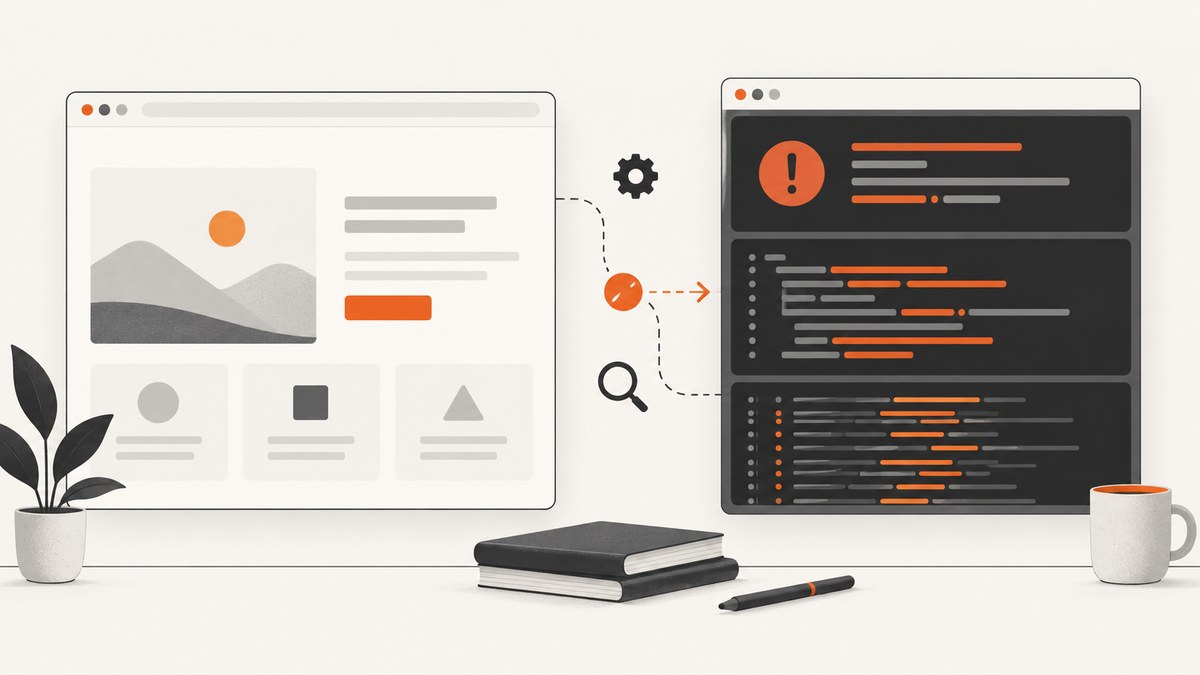
Short answer: a Selenium screenshot contains rendered pixels from the browser’s page viewport. A driver error is structured data returned through the WebDriver command channel, so its message and stack trace are not automatically drawn into the page image. The W3C specification defines the screenshot command as capturing the top-level browsing context’s visual viewport, while errors are returned separately as protocol data.
That separation explains why a screenshot can show the last successful page even though the test has already failed. Save the screenshot, exception, stack trace, browser logs, and driver logs as separate failure artifacts.
What a Selenium screenshot actually captures
The WebDriver specification says the Take Screenshot command captures the top-level browsing context’s visual viewport. Read the normative screen-capture definition. Selenium’s Java API says a conformant driver follows that behavior for WebDriver and WebElement screenshots.
- Page pixels: HTML, CSS, images, canvas content, and other content rendered in the captured browsing context.
- Element pixels: when using an element screenshot, only that element’s rendered area.
- Not command diagnostics: exception objects, HTTP responses, stack traces, and driver-process logs.
- Not guaranteed browser chrome: address bars, developer tools, native dialogs, and operating-system windows are outside the normal page viewport.
For non-conformant implementations, Selenium documents best-effort behavior that can vary by browser and driver. Treat full-desktop capture as a separate capability rather than an assumption about getScreenshotAs.
Why the error message is missing
WebDriver is a remote command protocol. A failed command returns an error response containing an error type, human-readable message, and stack trace; Selenium maps that response to a language-specific exception. The screenshot response is image data from a different operation. One response does not get composited into the other.
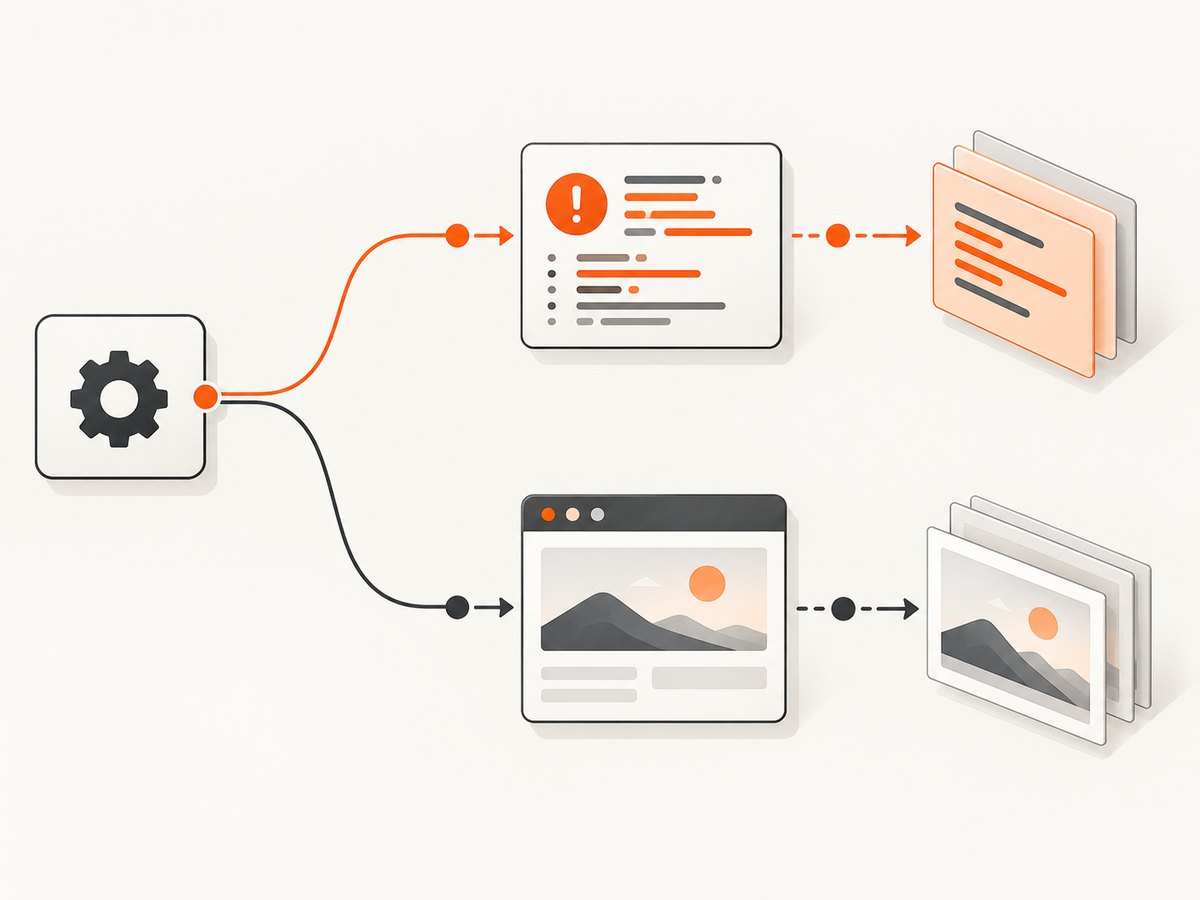
Typical sequence:
- Your test sends a command such as click, navigation, script execution, or screenshot.
- The browser or driver returns either a success response or a structured WebDriver error.
- Selenium raises an exception when the response is an error.
- If a later screenshot command succeeds, it captures whatever page state remains visible at that moment.
The WebDriver errors reference describes the protocol-level error categories and their diagnostic fields.
Cases that look like “the screenshot missed the error”
The test threw an exception
For NoSuchElementException, TimeoutException, ElementClickInterceptedException, and similar failures, preserve the exception class, message, and stack trace. The page image is evidence of visual state, not a replacement for those diagnostics.
A JavaScript alert or confirmation dialog is open
WebDriver handles user prompts separately. An open alert can block commands and produce an unexpected alert open error. Use the alert interface to inspect, accept, or dismiss it:
try {
    Alert alert = driver.switchTo().alert();
    String message = alert.getText();
    alert.dismiss();
} catch (NoAlertPresentException ignored) {
    // There was no alert at the time of inspection.
}
A native JavaScript dialog may not be represented as ordinary page pixels, so do not rely on a page screenshot to prove that it was present.
The browser displayed an internal error page
If an error page is rendered inside the captured tab, its content may appear in the screenshot because it is page content. This is an inference from the viewport scope, not a guarantee for every browser-internal page or driver.
The browser or operating system showed native UI
Internet Explorer debug prompts, certificate dialogs, permission windows, browser warnings, and OS-level windows require a desktop capture mechanism that can see outside the WebDriver page viewport. That is a different capture target and is usually browser- or OS-specific.
The screenshot command failed too
Selenium can report an unsupported capture operation, a driver capture failure, or a file I/O failure. Check the return value or exception before treating the image as available.
Capture a complete failure bundle
Collect each diagnostic channel independently so a missing image does not hide the original failure.
- Record the failing WebDriver command and its URL.
- Save the exception class, message, and full stack trace.
- Attempt a screenshot and verify that it was written successfully.
- Save browser and driver logs when your environment exposes them.
- Record browser version, driver version, platform, capabilities, and test name.
- If an alert is suspected, inspect it with the alert API.
- If the requirement is native UI evidence, use a desktop-level capture path and label it separately from the WebDriver screenshot.
Java example: keep the exception and screenshot separate
import java.nio.file.Files;
import java.nio.file.Path;
import org.openqa.selenium.*;

public final class FailureArtifacts {
  public static void capture(WebDriver driver, Path directory, Throwable failure) {
    try {
      Files.createDirectories(directory);
      Files.writeString(directory.resolve("exception.txt"),
          failure.toString() + System.lineSeparator());
      Files.write(directory.resolve("page.png"),
          ((TakesScreenshot) driver).getScreenshotAs(OutputType.BYTES));
    } catch (Exception captureFailure) {
      // Keep the original test failure; report captureFailure separately.
      captureFailure.printStackTrace();
    }
  }
}
The screenshot call can itself throw WebDriverException or an unsupported-operation exception. Catch capture failures without replacing the original exception.
Python example
from pathlib import Path
from selenium import webdriver

out = Path("artifacts")
out.mkdir(exist_ok=True)
driver = webdriver.Chrome()
try:
    driver.get("https://example.com")
    # test steps go here
except Exception as failure:
    (out / "exception.txt").write_text(repr(failure), encoding="utf-8")
    ok = driver.save_screenshot(str(out / "page.png"))
    if not ok:
        (out / "screenshot-error.txt").write_text("save_screenshot returned False")
    raise
finally:
    driver.quit()
Selenium’s Python API documents save_screenshot and get_screenshot_as_file as saving the current window to PNG; file I/O failure is reported by a false return value. See the Python API reference.
JavaScript example
const { Builder } = require('selenium-webdriver');
const fs = require('node:fs/promises');

(async () => {
  const driver = await new Builder().forBrowser('chrome').build();
  try {
    await driver.get('https://example.com');
    // test steps go here
  } catch (error) {
    await fs.mkdir('artifacts', { recursive: true });
    await fs.writeFile('artifacts/exception.txt', String(error));
    await driver.takeScreenshot().then(base64 =>
      fs.writeFile('artifacts/page.png', base64, 'base64'));
    throw error;
  } finally {
    await driver.quit();
  }
})();
Common errors and fixes
| Symptom | Likely cause | Fix |
|---|---|---|
| Screenshot shows the previous page | The failing command stopped before navigation or rendering completed. | Save the exception and add an explicit wait for the expected URL or selector before the screenshot. |
unexpected alert open |
A JavaScript prompt blocked the command. | Switch to the alert, record its text, then accept or dismiss it. |
| No popup appears in the image | The popup is browser chrome, a native dialog, or an OS window. | Use desktop capture when native UI evidence is required. |
UnsupportedOperationException or capture failure |
The driver does not implement screenshot capture or the browser session ended. | Check driver support, session health, and browser-driver compatibility. |
save_screenshot returns False |
The file could not be written. | Verify the directory exists and the process has write permission. |
| Blank or incomplete image | Capture occurred before the page finished loading or lazy content rendered. | Wait for a stable selector, document state, or application-specific readiness signal. |
Timing, reliability, and CI practices
- Take a screenshot in the exception handler, but preserve the original exception first.
- Use unique filenames containing test name, timestamp, browser, and retry number.
- Write artifacts to a job directory that CI uploads even when tests fail.
- Capture the current URL and page source alongside the image when permitted by your data policy.
- Do not assume a screenshot proves that a click, navigation, or script command succeeded.
- Keep browser and driver versions matched and record capabilities for reproduction.
- Use retries carefully: a second screenshot can show a different page state and should be labeled as a retry.
Or skip the browser setup
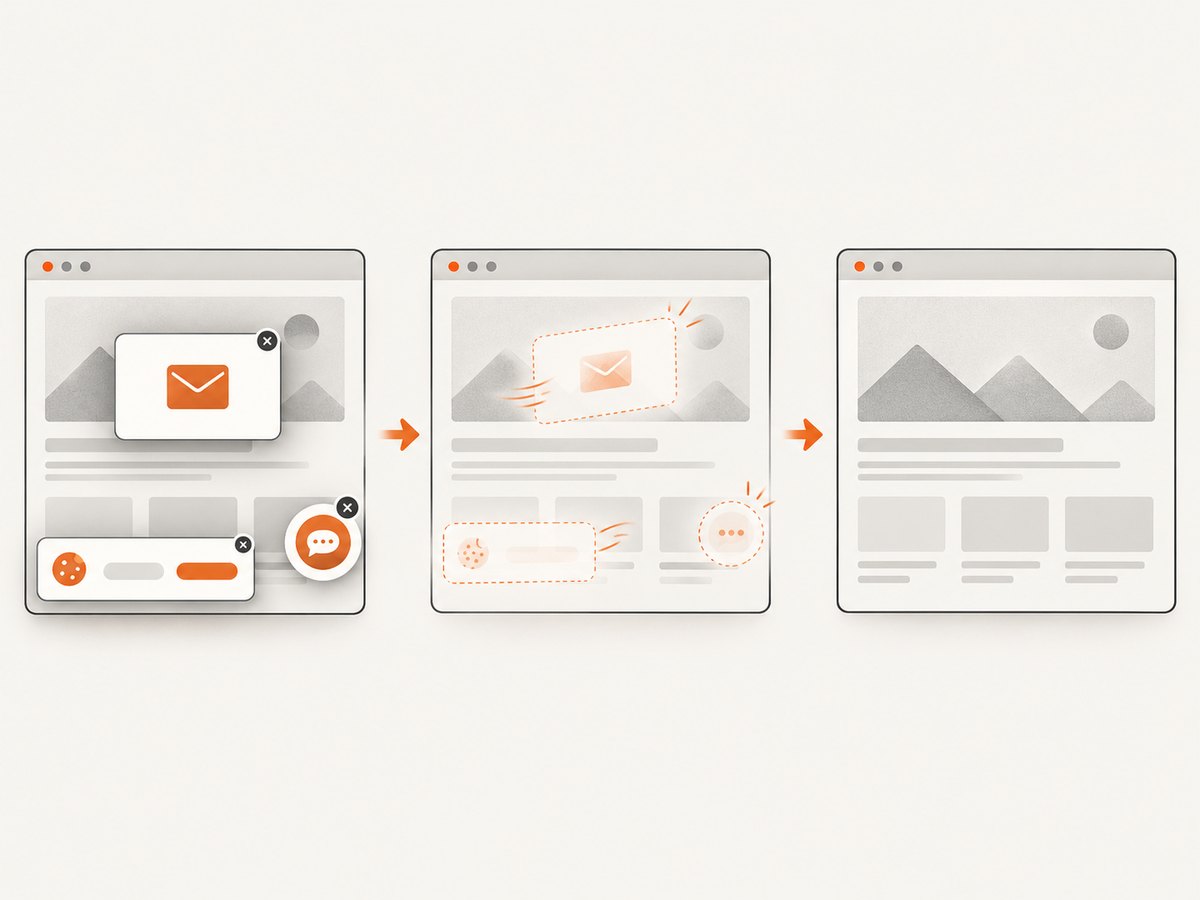
If you need a clean rendered image rather than WebDriver diagnostics, ScreenshotNeo provides a website screenshot API and MCP server. It accepts a URL and returns PNG, JPEG, WebP, or PDF. The API removes cookie and consent banners, newsletter popups, and chat widgets before capture; bot checks, blank pages, timeouts, failed loads, and cache hits are not billed, and response headers report the page verdict and billing status. Its MCP server provides take_screenshot, get_page_info, and capture_pdf for AI agents.
See the ScreenshotNeo API documentation for all options. A one-call capture looks like this:
cURL
curl -G "https://api.screenshotneo.com/v1/shot" -d access_key=YOUR_API_KEY --data-urlencode url=https://stripe.com -o shot.webpPython
import requests
r = requests.get("https://api.screenshotneo.com/v1/shot", params={"access_key": "YOUR_API_KEY", "url": "https://stripe.com"}, timeout=90)
open("shot.webp", "wb").write(r.content)
Node.js
const q = new URLSearchParams({ access_key: 'YOUR_API_KEY', url: 'https://stripe.com' });
const res = await fetch(`https://api.screenshotneo.com/v1/shot?${q}`);
The free plan includes 1,000 screenshots per month with no card. Paid plans start at $5 for 3,000 shots. Create a free ScreenshotNeo account.
FAQ
Can Selenium put the exception text into the screenshot?
Only if your test deliberately renders that text into the page. Selenium does not automatically overlay protocol errors on captured pixels.
Does a full-page screenshot include browser chrome?
No. Full-page options extend page content; they do not promise the address bar, native dialogs, or the operating-system desktop.
Should I screenshot before or after re-raising the exception?
Capture inside the exception handler, save the original details first, then re-raise so the test framework still marks the test correctly.
What should I use for an Internet Explorer debug popup?
Determine whether it is a JavaScript prompt or native browser UI. Use WebDriver’s alert commands for the former and a desktop capture mechanism for the latter.
Why did the screenshot command return an image but the test still fail?
The screenshot is an independent command. A successful capture only proves that the driver could return pixels at that moment; it does not undo an earlier failed command.


