How to Implement Server-Side Screen Capture with Chromium
Build reliable server-side screenshots with Chromium headless mode, CLI flags, DevTools Protocol code, readiness, troubleshooting, and costs.
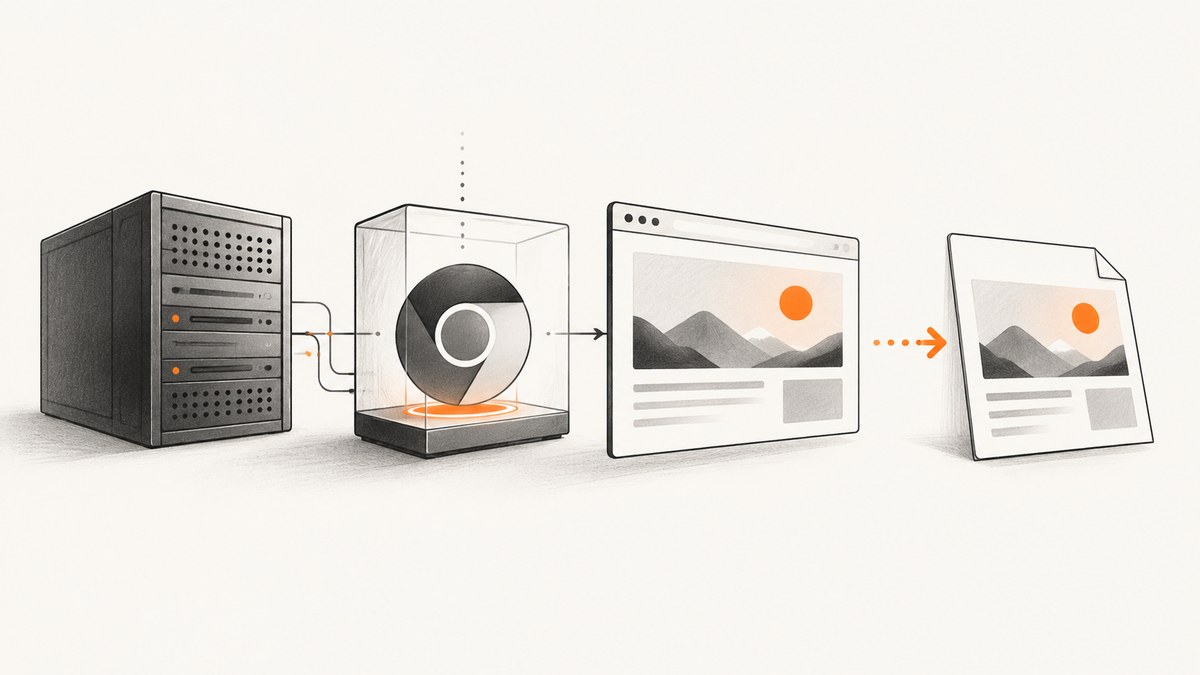
Direct answer: run Chromium in headless mode and choose between the command-line screenshot flag and the Chrome DevTools Protocol (CDP). Use --headless --screenshot --window-size=1280,900 URL for a simple URL-to-file job. Use CDP’s Page.captureScreenshot when your service must control navigation, readiness, clipping, image format, or browser state.
1. Choose the capture path
| Need | Use |
|---|---|
| One URL, one file | CLI with --screenshot |
| Navigation state, clipping, format, or image bytes | CDP with Page.captureScreenshot |
| Repeatable production jobs | Either path with explicit timeouts and cleanup |
2. Command-line capture
Minimal PNG
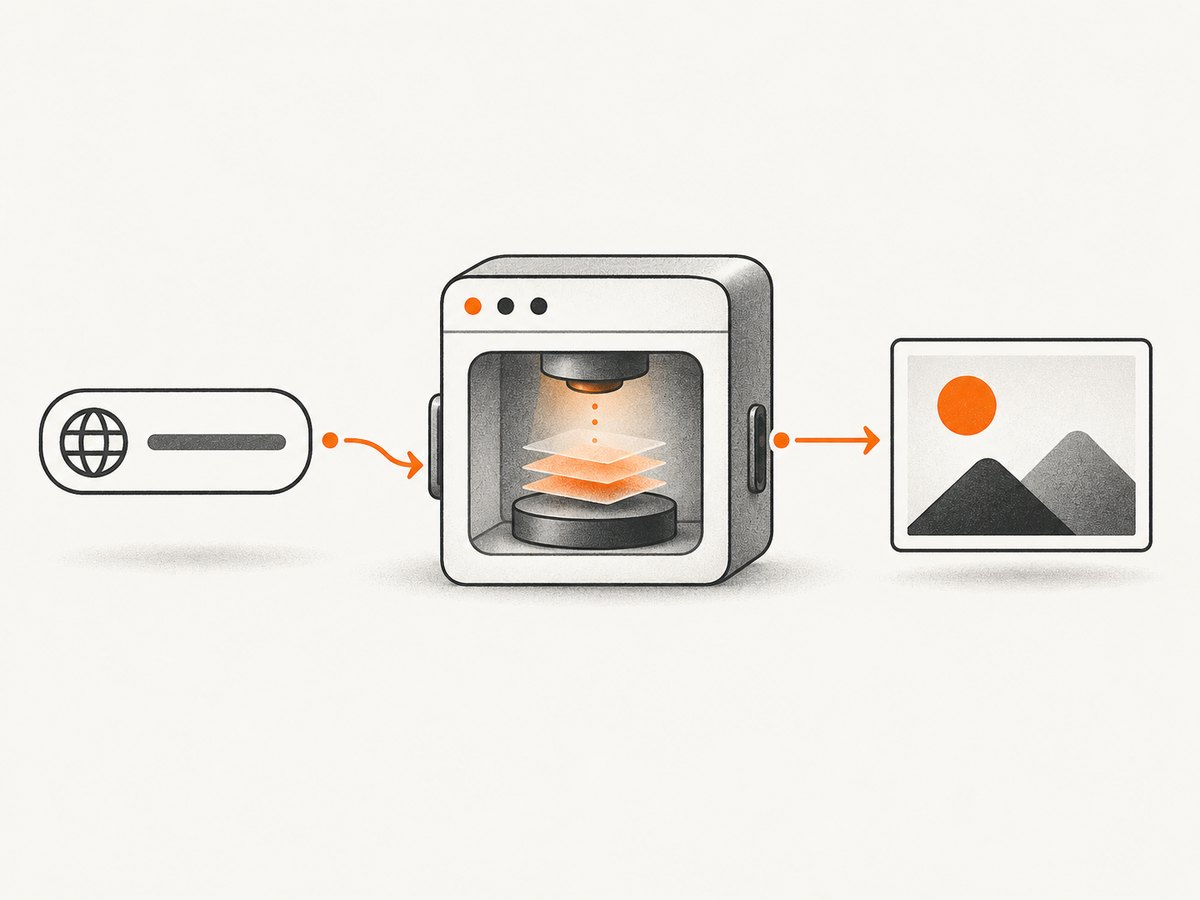
chrome --headless --screenshot --window-size=1280,900 https://example.com/The command writes screenshot.png in the current working directory. Set the viewport deliberately with --window-size=WIDTH,HEIGHT.
Bounded waiting
chrome --headless --screenshot \
  --window-size=1440,900 \
  --timeout=5000 \
  https://example.com/
--timeout bounds the wait but does not prove that application data, fonts, or images are ready. For a defined amount of virtual time:
chrome --headless --screenshot \
  --window-size=1280,900 \
  --virtual-time-budget=5000 \
  https://example.com/
These controls are not universal readiness guarantees.
Related flags
--screenshotcreates a PNG.--window-sizesets viewport pixels.--timeoutbounds capture timing.--virtual-time-budgetgives a page a virtual-time budget.--print-to-pdfis a separate PDF operation.--dump-domreturns the serialized DOM after parsing and script execution.
3. Drive Chromium through the DevTools Protocol
Use CDP when your service needs browser state and image bytes. The sequence is: start headless Chromium with a private remote-debugging endpoint; connect and select a page target; navigate and apply a readiness policy; call Page.captureScreenshot; decode the data and close resources.
Start a browser
chromium --headless --remote-debugging-port=9222 --user-data-dir=/tmp/chromium-captureKeep the debugging endpoint private. See the Chromium headless README for server use and remote debugging.
Python with Selenium
from selenium import webdriver
from selenium.webdriver.chrome.options import Options

options = Options()
options.add_argument('--headless')
options.add_argument('--window-size=1280,900')
driver = webdriver.Chrome(options=options)
try:
    driver.get('https://example.com/')
    driver.save_screenshot('screenshot.png')
finally:
    driver.quit()
Install Selenium and provide a matching Chrome/Chromium driver. Record browser and driver versions together.
Node.js with CDP
import CDP from 'chrome-remote-interface';
import { writeFile } from 'node:fs/promises';

const client = await CDP({ host: '127.0.0.1', port: 9222 });
const { Page } = client;
try {
  await Page.enable();
  await Page.navigate({ url: 'https://example.com/' });
  await Page.loadEventFired();
  const result = await Page.captureScreenshot({ format: 'png', captureBeyondViewport: true });
  await writeFile('screenshot.png', Buffer.from(result.data, 'base64'));
} finally {
  await client.close();
}
Install chrome-remote-interface. The load event is only one readiness policy. CDP supports PNG, JPEG, optional JPEG quality, clipping, and captureBeyondViewport; match the protocol version to your deployed browser using the Page.captureScreenshot definition.
CDP options
| Option | Use |
|---|---|
format |
PNG or JPEG |
quality |
JPEG quality |
clip |
Rectangle capture |
captureBeyondViewport |
Include content outside the viewport where supported |
4. Full-page and element captures
For full-page output, use beyond-viewport capture where supported and ensure lazy resources are ready. For an element, measure its box and pass it as CDP clip:
from selenium import webdriver
from selenium.webdriver.chrome.options import Options
import base64

options = Options(); options.add_argument('--headless'); options.add_argument('--window-size=1280,900')
driver = webdriver.Chrome(options=options)
try:
    driver.get('https://example.com/')
    element = driver.find_element('css selector', 'main')
    rect = driver.execute_script('''
      const r = arguments[0].getBoundingClientRect();
      return {x:r.x,y:r.y,width:r.width,height:r.height};
    ''', element)
    result = driver.execute_cdp_cmd('Page.captureScreenshot', {'format':'png','clip':{**rect,'scale':1}})
    open('main.png','wb').write(base64.b64decode(result['data']))
finally:
    driver.quit()
5. Readiness and determinism
- Wait for a meaningful application signal when available.
- Set bounded navigation and capture timeouts.
- Decide how animations, video, ads, and rotating content should behave.
- Record viewport, browser version, URL, timestamp, and readiness policy.
- Expect authenticated pages, consent dialogs, bot checks, and geolocation requirements to need additional state.
Timing flags control waiting; they do not guarantee application-specific readiness.
6. Deployment and reliability checklist
- Pin or record the browser distribution and version. The Chromium README notes legacy headless removal from Chrome as of M132 and points users of that mode to
chrome-headless-shell. - Keep remote debugging private.
- Close pages and processes on success, timeout, and cancellation.
- Bound navigation, capture, and queue time; classify failures.
- Measure memory, CPU, startup time, and output size on representative pages; docs provide no universal concurrency or RAM figures.
- Isolate untrusted page work from sensitive services according to your environment.
7. Performance and cost
Startup, page complexity, network activity, image dimensions, and concurrency drive latency and resource use. Reuse a browser process only when safe; use fresh contexts or profiles when state must not leak. Benchmark representative pages because Chromium docs define no universal throughput or memory values. Self-hosting also costs compute, storage, and operations; track crashes, failures, bytes, and queue time.
8. Troubleshooting
| Symptom | Cause | Fix |
|---|---|---|
| No file | Wrong directory or process failure | Use an absolute path, capture stderr, check exit status. |
| Blank or incomplete image | Content not ready | Wait for a page signal and use a bounded budget. |
| Wrong viewport | Defaults assumed | Set --window-size or explicit clip. |
| Truncated full page | Viewport-only capture | Use beyond-viewport capture and verify dimensions. |
| CDP refused | Browser, host, or port issue | Start remote debugging and use the matching private endpoint. |
| Protocol error | Version mismatch | Pin compatible client and browser versions. |
| Navigation hangs | Readiness event never arrives | Apply a hard timeout and classify the result. |
--headless=old fails |
Legacy mode removed in M132 | Use current headless mode or chrome-headless-shell. |
9. Or skip the browser setup
ScreenshotNeo is a hosted screenshot API and MCP server. It removes cookie and consent banners, newsletter popups, and chat widgets from more than 60 known platforms before capture. Only clean shots are billed: bot checks, blank pages, timeouts, failed loads, and cache hits are not billed. The X-Page-Verdict and X-Billed response headers identify the result.
curl -G "https://api.screenshotneo.com/v1/shot" -d access_key=YOUR_API_KEY --data-urlencode url=https://stripe.com -o shot.webpimport requests
r = requests.get("https://api.screenshotneo.com/v1/shot", params={"access_key": "YOUR_API_KEY", "url": "https://stripe.com"}, timeout=90)
open("shot.webp", "wb").write(r.content)const q = new URLSearchParams({ access_key: 'YOUR_API_KEY', url: 'https://stripe.com' });
const res = await fetch(`https://api.screenshotneo.com/v1/shot?${q}`);See the ScreenshotNeo docs for options. Its MCP server provides take_screenshot, get_page_info, and capture_pdf for Claude, Cursor, and other MCP clients. The free plan includes 1,000 shots/month with no card; paid plans start at $5 for 3,000. Create a free ScreenshotNeo account.
10. FAQ
Does headless mode need a desktop?
No. It renders without a visible browser window and is intended for server environments.
CLI or CDP?
CLI for one-off URL-to-file jobs; CDP for programmatic state, clipping, formats, or image bytes.
Does timeout guarantee complete content?
No. Use a readiness signal suited to the page.
Can CDP return JPEG?
Yes, with optional quality.
Where can I avoid operating Chromium?
Use ScreenshotNeo’s free plan and API or MCP tools.


