How to Speed Up Puppeteer When Loading the Same Page Repeatedly
Reuse browsers, preserve useful cache, wait for the right signal, and measure each stage to make repeated Puppeteer loads faster and more reliable.
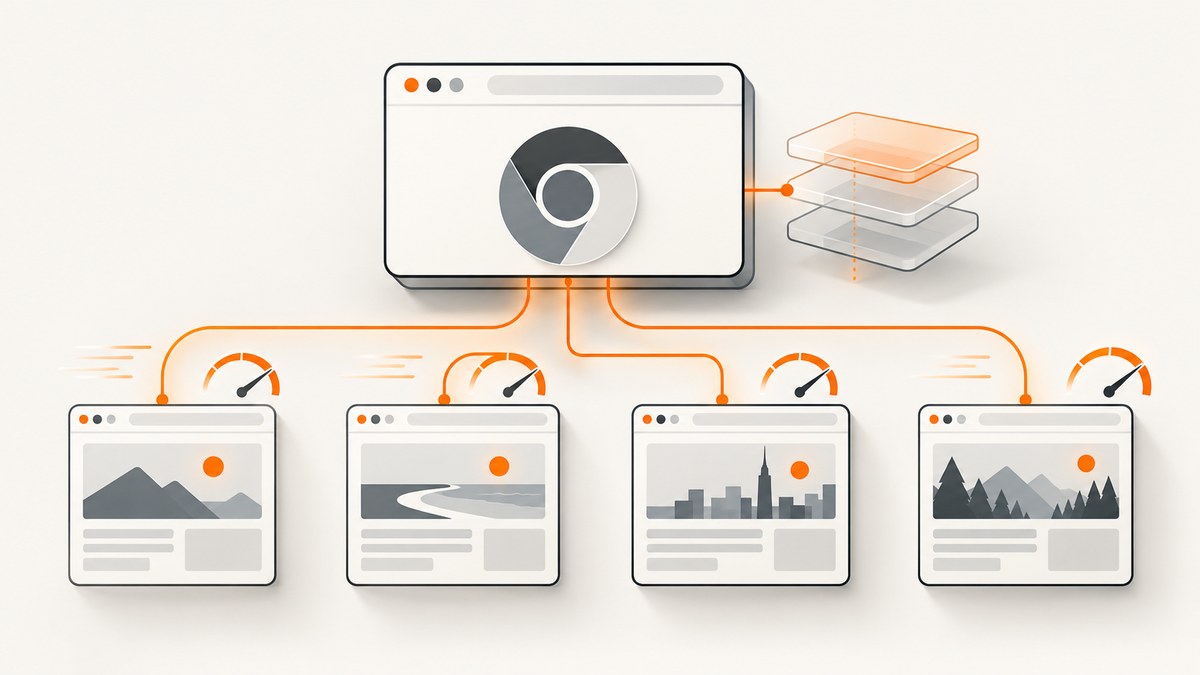
Direct answer: launch Puppeteer once, reuse its Browser and (when state can persist) the same Page, leave caching enabled, wait for the narrowest condition that proves your task is complete, and keep request interception disabled unless you need it. Measure browser startup, navigation, readiness, and extraction separately before claiming an improvement.
Repeatedly starting Chromium, creating a new page, waiting for network idleness, and intercepting every request adds work that may not improve correctness. The right optimization depends on whether you need fresh data, isolated cookies, or a fully settled application. This guide shows a reusable pattern, explains each option, and gives a troubleshooting checklist.
1. Reuse the browser and page
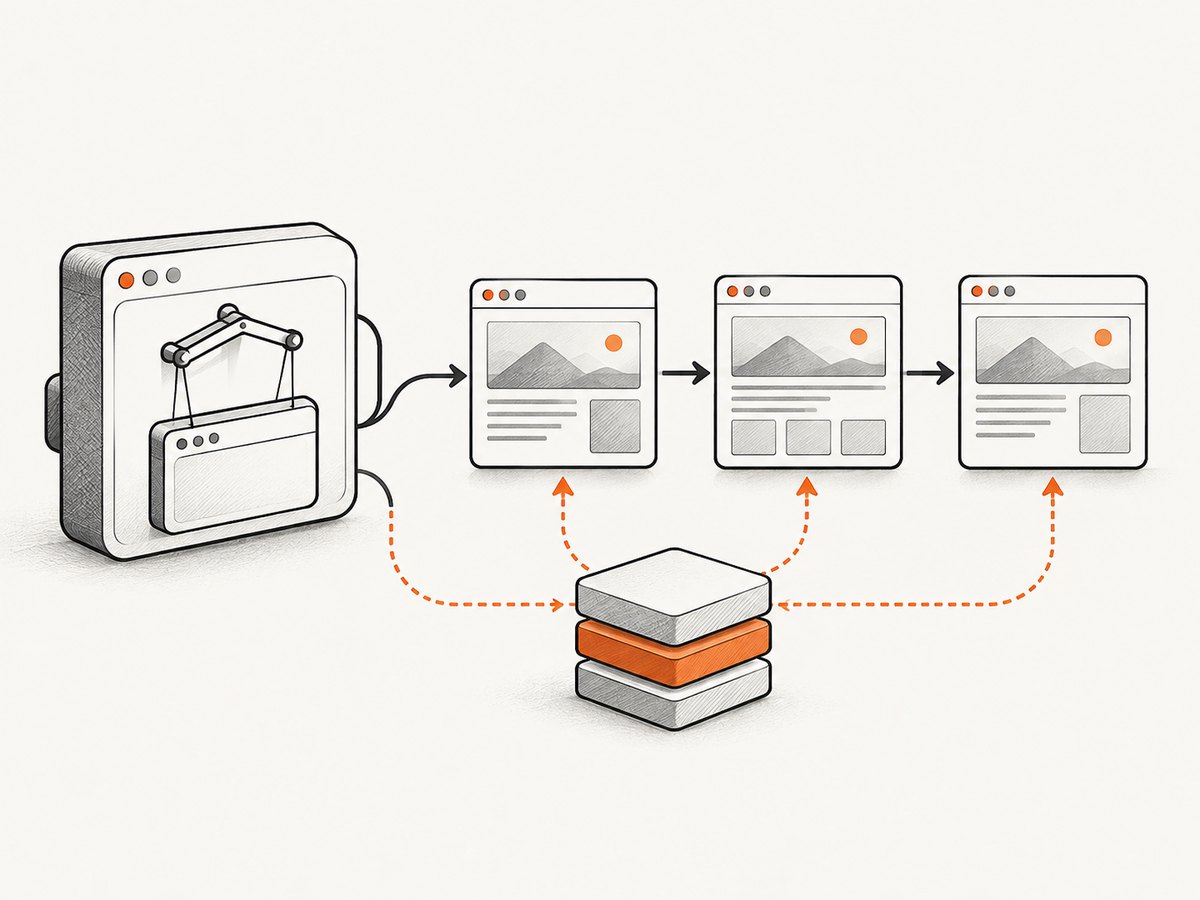
A single Puppeteer Browser can contain multiple Page instances. Keeping the browser process alive avoids paying launch costs for every URL; reusing a page can also preserve cookies, storage, and other state when that is intentional. Puppeteer’s browser and page model is described in the official API documentation (Browser and Page).
import puppeteer from 'puppeteer';

const browser = await puppeteer.launch();
const page = await browser.newPage();

for (const url of ['https://example.com', 'https://example.org']) {
  await page.goto(url, { waitUntil: 'domcontentloaded' });
  await page.waitForSelector('body');
  console.log(url, await page.title());
}

await browser.close();
This pattern is appropriate when pages can share a session. If every job must be isolated, create a separate page or browser context and measure the cost. Do not assume isolation is free or that shared state is harmless.
Control page lifetime
- Create one page outside the loop.
- Remove listeners you add for one job before the next job.
- Clear or replace cookies and storage when the next navigation must start clean.
- Close pages that are no longer needed; close the browser during graceful shutdown.
2. Keep the browser cache usable
Puppeteer caching is enabled by default. The page.setCacheEnabled() API toggles whether requests ignore the cache; the official documentation states that caching is enabled by default (Page.setCacheEnabled). Avoid disabling it in a speed-sensitive repeated-load workflow unless freshness or test isolation requires that choice.
// Keep normal browser caching enabled (the default).
await page.setCacheEnabled(true);

// Use this only when a test explicitly requires a fresh request.
// await page.setCacheEnabled(false);
A cache can only help when the site permits reuse. Response cache headers, a new incognito context, a service worker, an application-level cache, or a test runner that clears data can change the result. Check your actual context and headers before adding custom caching logic. Puppeteer’s API documents the toggle, not the hit rate you will receive on a particular site.
3. Wait for the condition your task needs
Broad waits are often the largest avoidable delay. page.waitForNetworkIdle() resolves after network activity stays below its threshold, but it always waits at least the configured idle time. The current documented default idle time is 500 ms (Page.waitForNetworkIdle). A page with analytics, polling, advertisements, or a WebSocket may never become meaningfully idle.
| Task | Readiness signal | Why |
|---|---|---|
| Read text from a known component | waitForSelector or a locator |
Completes as soon as the required element exists. |
| Capture a dashboard after data loads | An application-specific element or state | Network quiet does not prove that rendering finished. |
| Save a page whose requests settle predictably | waitForNetworkIdle with a measured idle time |
Useful only when network quiet matches correctness. |
| Wait for a known delay from a third-party widget | A short, measured delay | Use only when no reliable DOM or application signal exists. |
await page.goto(url, { waitUntil: 'domcontentloaded' });
await page.waitForSelector('[data-ready="true"]', { timeout: 15000 });

// Use network idle only when it is the correct signal for this page.
// await page.waitForNetworkIdle({ idleTime: 500, timeout: 30000 });
Puppeteer’s interaction guide recommends locators for interaction. Lower-level selector waits are still useful for a simple readiness check; dispose of element handles you create so long-running workers do not accumulate references (Page interactions guide).
4. Do not intercept requests without a reason
Request interception pauses requests until your handler continues, aborts, or fulfills them. That overhead is justified for blocking unwanted resources, mocking responses, or rewriting requests, but it should not be enabled by default for a speed experiment. Puppeteer also notes that authentication turns interception on behind the scenes and may affect performance (Page API).
// No interception: the normal fast path.

// If you need it, handle every request or the page can stall.
await page.setRequestInterception(true);
page.on('request', request => {
  const type = request.resourceType();
  if (type === 'image' || type === 'font') {
    request.abort();
  } else {
    request.continue();
  }
});
Only block resources your output does not need. Blocking fonts can change layout; blocking images can make a screenshot incorrect. Remove the listener or close the page when the special workflow ends.
5. A complete reusable worker
The following script keeps one browser and one page alive, preserves normal caching, waits for a task-specific selector, and records each stage. Replace the selector with one that represents correctness on your site.
import puppeteer from 'puppeteer';

const urls = [
  'https://example.com',
  'https://example.org'
];

const browser = await puppeteer.launch({
  headless: true
});
const page = await browser.newPage();
await page.setCacheEnabled(true);

try {
  for (const url of urls) {
    const started = performance.now();
    await page.goto(url, {
      waitUntil: 'domcontentloaded',
      timeout: 30000
    });
    const navigated = performance.now();

    await page.waitForSelector('body', { timeout: 15000 });
    const ready = performance.now();

    const title = await page.title();
    const text = await page.locator('body').innerText();
    const finished = performance.now();

    console.log(JSON.stringify({
      url,
      title,
      characters: text.length,
      navigationMs: Math.round(navigated - started),
      readinessMs: Math.round(ready - navigated),
      extractionMs: Math.round(finished - ready),
      totalMs: Math.round(finished - started)
    }));
  }
} finally {
  await browser.close();
}
For pages that require a logged-in session, authenticate once and reuse the page while that session remains valid. For unrelated users or tenants, use separate contexts and explicitly measure the isolation overhead. A persistent page is an optimization only when its state matches your correctness requirements.
6. Measure the change correctly
Do not report a universal speedup. The reviewed Puppeteer documentation describes behavior and options but does not publish a benchmark for repeated loads. Run a representative workload on the versions and machine your application uses.
- Record a baseline that launches and closes Chromium for each job.
- Record a second run that reuses one browser.
- Record a third run that also reuses one page where appropriate.
- Keep URL order, repetition count, network conditions, Chrome version, Puppeteer version, and cache state documented.
- Report startup, navigation, readiness wait, extraction, and total time separately.
Warm-cache and cold-cache runs answer different questions. Run both when freshness matters. Use enough repetitions to see normal variation, and compare the same completion condition in every version.
7. Reliability and freshness trade-offs
Shared state
Reusing a page carries cookies, local storage, service workers, and in-page JavaScript state between navigations. That can be useful for a session, but it can also leak state between jobs. Clear state or use a separate context when one job must not influence another.
Cache freshness
Keeping the cache enabled improves reuse only when cached resources are acceptable. If the task validates fresh content, disable caching for that measured workflow or use the site’s own cache-busting mechanism. Treat freshness as a correctness requirement, not merely a performance setting.
Timeouts and retries
Set navigation and readiness timeouts that match the site. A retry should create a clear policy: record the first failure, decide whether the page is safe to reuse, and avoid multiplying a slow request into an unbounded queue. Persistent network activity is a reason to replace network-idle waits with a selector or application state.
8. Troubleshooting repeated-load slowdowns
| Symptom | Likely cause | Fix |
|---|---|---|
| Every iteration takes as long as the first | Browser is launched inside the loop, or cache is disabled. | Move launch() outside the loop and confirm setCacheEnabled(true). |
| Runs hang at network idle | Polling, analytics, ads, or a WebSocket keeps traffic active. | Wait for a required selector or application state; use network idle only when it represents readiness. |
| Requests never finish after interception is enabled | A request handler did not continue, abort, or fulfill every request. | Handle every branch and disable interception when filtering is unnecessary. |
| Second job sees the first user’s data | Cookies or storage persisted on the reused page. | Clear state or use a separate browser context/page for isolation. |
| Warm runs are not faster | The site sends non-cacheable responses, or the test clears the context. | Inspect cache headers and test setup; do not add custom cache code without evidence. |
| Memory grows over a long batch | Pages, listeners, or element handles remain referenced. | Reuse one page deliberately, remove listeners, dispose handles, and close finished pages. |
| Fast output is incomplete | The readiness signal fires before lazy content renders. | Wait for the element or state that proves the required content exists. |
9. Or skip the browser setup
If your goal is a clean screenshot rather than browser automation, ScreenshotNeo provides a single GET request that returns PNG, JPEG, WebP, or PDF. See the ScreenshotNeo API documentation for the complete option list.
curl -G "https://api.screenshotneo.com/v1/shot" -d access_key=YOUR_API_KEY --data-urlencode url=https://stripe.com -o shot.webpimport requests
r = requests.get("https://api.screenshotneo.com/v1/shot", params={"access_key": "YOUR_API_KEY", "url": "https://stripe.com"}, timeout=90)
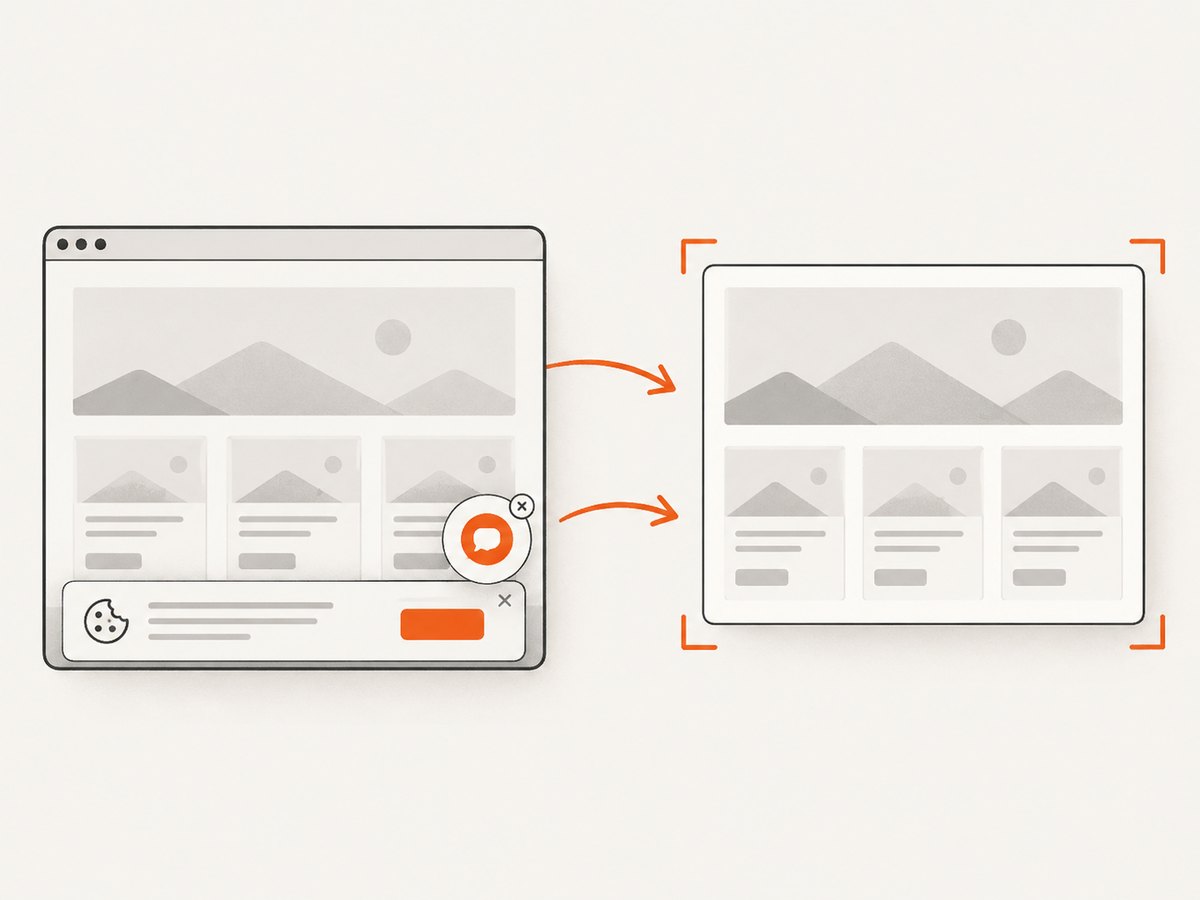
open("shot.webp", "wb").write(r.content)const q = new URLSearchParams({ access_key: 'YOUR_API_KEY', url: 'https://stripe.com' }); const res = await fetch(`https://api.screenshotneo.com/v1/shot?${q}`);ScreenshotNeo removes cookie and consent banners, newsletter popups, and chat widgets before capture. Bot checks, blank pages, timeouts, failed loads, and cache hits are not billed; response headers identify the page verdict and billing result. Its MCP server exposes take_screenshot, get_page_info, and capture_pdf for Claude, Cursor, and other MCP clients. The free plan includes 1,000 screenshots per month without a card, and paid plans start at $5 for 3,000 screenshots. Create a free ScreenshotNeo account.
10. FAQ
Should I reuse a Browser or a Page?
Reuse the browser for nearly every batch. Reuse the page when cookies, storage, and JavaScript state should persist. Use separate pages or contexts when isolation is part of correctness.
Is network idle always faster?
No. It has a minimum idle wait and can be delayed by persistent traffic. A specific selector or application state is often both faster and more accurate.
Does disabling the cache make tests more realistic?
It can model a cold load, but it also changes the workload. Choose it deliberately, label the run, and do not use it for a warm repeated-load benchmark.
How can I prove an optimization helped?
Measure the same URLs and completion condition before and after, separating startup, navigation, readiness, and extraction. The official documentation provides behavior descriptions, not a universal improvement percentage.


