Stealth Chromium Browsers for Web Scraping and AI Agents
Understand stealth Chromium, browser detection, Playwright choices, managed services, and safer ways to capture pages for scraping and AI agents.

Direct answer: a stealth Chromium browser is not one standardized browser. The term usually means Chromium automation with changes intended to reduce detectable automation signals, or a managed browser service that adds proxies, sessions, CAPTCHA handling, and infrastructure. It can reduce friction on some sites, but it does not make an agent reliably indistinguishable from a person. Detection can use browser fingerprints, network and IP signals, HTTP details, and behavior.
For a permitted workflow, start with ordinary Playwright or Puppeteer. Add a managed browser only when you have identified a concrete problem such as session continuity, remote execution, concurrency, or a site challenge. Before collecting data, check the target’s terms, robots directives, rate limits, official APIs, and permission requirements.
What “stealth Chromium” means
Chromium is the open-source browser project behind Chrome and several other browsers. Playwright downloads its own Chromium build, but it can also control installed Google Chrome or Microsoft Edge. The project’s Chromium build can move ahead of branded browser releases, and Playwright distinguishes its default headless shell from newer Chrome headless mode. Those differences can affect rendering and compatibility; they do not prove that a site will treat the session as human. See the Playwright browser documentation.
“Stealth” is a vendor and developer label. Depending on the product, it can refer to:
- Browser fingerprint adjustments such as changes to exposed properties, rendering characteristics, or user-agent details.
- Proxy routing and IP reputation management.
- Persistent profiles, cookies, and session handoff.
- Ad and tracker blocking.
- Challenge or CAPTCHA handling.
- A hosted browser that packages some or all of these features behind an API.
These are separate controls. Changing one JavaScript property does not repair a poor IP reputation, an inconsistent session, or an automation pattern that looks unlike normal browsing.
How websites detect automation
A user-agent string is only one signal. Detection systems can combine browser-level, HTTP, network, and behavioral evidence:
| Layer | Examples | Operational implication |
|---|---|---|
| Browser | Exposed APIs, rendering traits, WebGL and canvas behavior, headless differences, installed fonts | Keep the browser and profile internally consistent. |
| HTTP and TLS | Headers, protocol fingerprints, TLS characteristics, request ordering | Do not assume a realistic user-agent fixes a mismatched network stack. |
| Network | IP reputation, hosting ranges, geography, proxy history | Use an authorized, stable egress strategy and respect rate limits. |
| Behavior | Navigation timing, pointer and wheel events, click patterns, retries, concurrency | Make waits and interactions reflect the actual workflow rather than random delays. |
Recent research reinforces the limits. A 2026 study of six LLM-based web agents used network-, HTTP-, and browser-level signals against honeysites and reported that all evaluated agents could be distinguished from humans and from one another. The authors also wrote that “stealth and anti-detection mechanisms often increase detectability rather than decrease it” in their setup. A separate 2026 behavioral study analyzed 2,299 evasion sessions and reported benchmark-specific model results, including a selected two-feature precision of 0.994. These are controlled experiments, not universal success rates for every site or service.
Choosing local Chromium, installed Chrome, or a managed browser
| Approach | Good fit | Costs and risks |
|---|---|---|
| Local Playwright or Puppeteer | Permissive sites, prototypes, testing, controlled workflows | You maintain browser versions, workers, retries, storage, and networking. |
| Installed Chrome or Edge | Workflows requiring branded-browser behavior or a specific channel | Browser updates and headless mode changes can affect compatibility. |
| Managed browser | Remote execution, persistent sessions, team access, scaling, or documented challenge handling | Review provider limits, data handling, geography, authentication, and current pricing. |
| Scraping-browser service | Teams that want hosted browser infrastructure bundled with scraping features | Anti-detection and scale claims are vendor claims; validate them for your workload. |
Browserless documents separate Chromium, Chrome, and stealth BrowserQL endpoints, plus browser automation APIs and session features. Its stealth endpoint is described by the vendor as a privacy-hardened browser with fingerprint randomization, ad and tracker blocking, and a distinct user agent. Bright Data similarly describes proxy, TLS, retry, and CAPTCHA capabilities for its Scraping Browser. Treat these as product descriptions rather than independent comparative evidence.
Compare any option on seven dimensions: page complexity, compatibility with your Playwright/Puppeteer or agent tooling, session persistence, throughput and retry behavior, total cost and maintenance, logging and data handling, and the target site’s access rules.
Runnable Playwright workflow
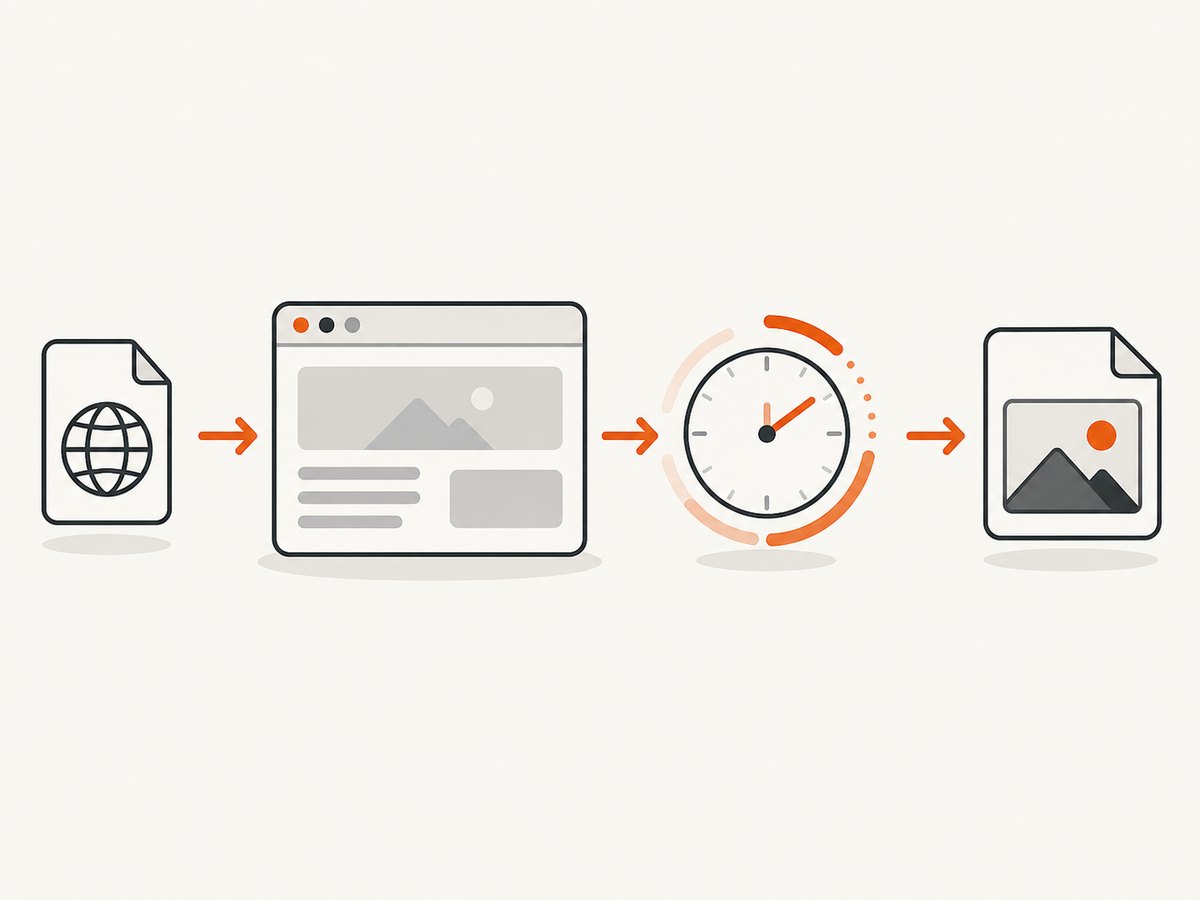
The following example uses a normal Playwright Chromium session. It waits for the page to load, captures a screenshot, and extracts visible text. Install Playwright with npm install playwright, then install its browser with npx playwright install chromium.
import { chromium } from 'playwright';

const browser = await chromium.launch({ headless: true });
const context = await browser.newContext({
  viewport: { width: 1440, height: 900 },
  colorScheme: 'light',
  locale: 'en-US'
});
const page = await context.newPage();

try {
  await page.goto('https://example.com', {
    waitUntil: 'domcontentloaded',
    timeout: 45_000
  });
  await page.waitForLoadState('networkidle', { timeout: 15_000 }).catch(() => {});
  await page.screenshot({ path: 'page.png', fullPage: true });
  const text = await page.locator('body').innerText();
  console.log(text.slice(0, 2000));
} finally {
  await context.close();
  await browser.close();
}
Use domcontentloaded for an early, predictable milestone, then wait for a selector that proves the data you need is present. networkidle can be unsuitable for pages with analytics, streaming, or long-polling requests. Prefer a specific selector when possible.
Using installed Chrome
import { chromium } from 'playwright';

const browser = await chromium.launch({
  channel: 'chrome',
  headless: true
});
const page = await browser.newPage();
await page.goto('https://example.com', { waitUntil: 'domcontentloaded' });
await page.screenshot({ path: 'chrome.png' });
await browser.close();
The Chrome channel must be installed on the machine. Pin browser and Playwright versions in production, and roll upgrades through a small canary workload.
Sessions, authentication, and interactions
Persist only the state your workflow is authorized to use. Playwright can save cookies and local storage to a storage state file:
await context.storageState({ path: 'state.json' });
const reused = await browser.newContext({ storageState: 'state.json' });
For an authenticated account, use explicit authorization and protect the state file as a credential. Avoid putting passwords or tokens in source control or logs. For interactions, target stable selectors, check that an action changed the page, and capture diagnostics when it did not.
await page.getByRole('button', { name: 'Accept' }).click().catch(() => {});
await page.locator('[data-testid="results"]').waitFor({ state: 'visible', timeout: 20_000 });
await page.locator('a.next').click();
await page.waitForURL(/page=2/);
AI agents and browser control
An AI agent needs the same foundations as a scraper: a controlled browser, explicit waits, bounded retries, session policy, and a clear permission model. Give the agent narrow tools such as “navigate,” “read text,” “click this approved selector,” and “save this artifact.” Record the URL, timestamp, browser version, and outcome for each run. Add a human review step before account changes, purchases, deletion, or other irreversible actions.
When a site blocks an agent, diagnose the layer first. A timeout may be a slow JavaScript application, not a fingerprint issue. A challenge may be caused by IP reputation, an expired session, an unusual request rate, or a policy decision. Adding random mouse movements or rotating fingerprints without evidence can make runs less reproducible and, according to the cited research, can sometimes increase detectability.
Performance, reliability, and cost
- Reuse browsers carefully: keep one browser process with isolated contexts when safe, but close contexts to prevent memory growth.
- Bound every wait: navigation, selectors, downloads, and external calls need timeouts.
- Retry selectively: retry transient network failures with backoff; do not blindly retry a challenge or permission denial.
- Limit concurrency: match workers to CPU, memory, bandwidth, and the target’s published limits.
- Cache stable work: avoid recapturing unchanged pages when your data requirements allow it.
- Measure useful outcomes: record successful extraction, empty pages, timeouts, HTTP errors, challenge pages, and browser crashes separately.
- Budget total cost: include compute, proxy or hosted-browser charges, storage, engineering time, and maintenance.
There is no neutral benchmark in the reviewed material that ranks stealth browser providers. Test your own permitted pages with a representative mix of static, JavaScript-heavy, authenticated, and challenge-prone workflows.
Or skip the browser setup
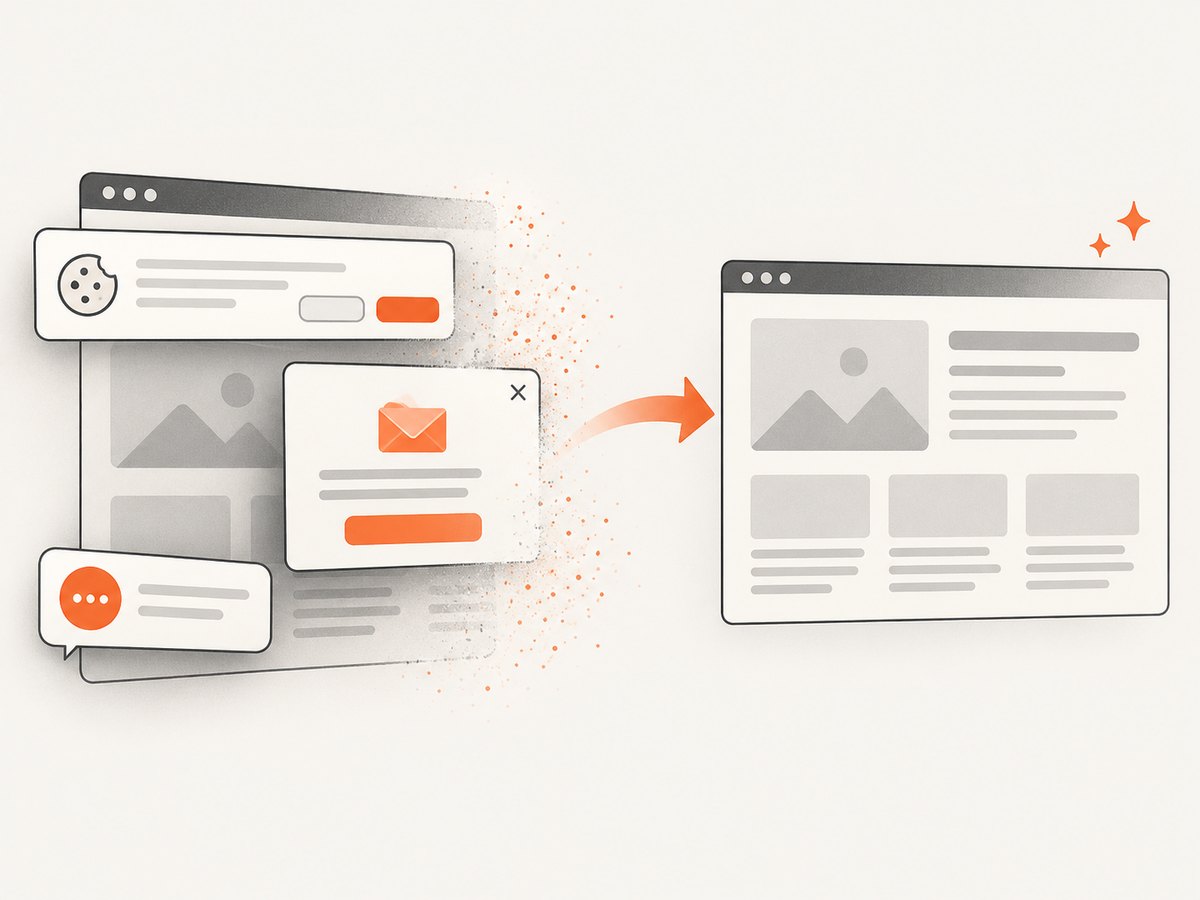
If your goal is a clean image or PDF rather than arbitrary browser interaction, ScreenshotNeo provides a website screenshot API and MCP server. One GET request returns PNG, JPEG, WebP, or PDF. It accepts consent banners like a visitor and removes more than 60 known consent platforms, newsletter popups, and chat widgets before capture; each step can be disabled.
Only clean shots are billed. Bot checks, CAPTCHAs, blank pages, timeouts, failed loads, and cache hits cost nothing, and the response identifies the result with X-Page-Verdict and X-Billed headers. Its MCP server exposes take_screenshot, get_page_info, and capture_pdf for Claude, Cursor, and other MCP clients.
See the complete option list and parameter reference in the ScreenshotNeo documentation.
cURL
curl -G 'https://api.screenshotneo.com/v1/shot' \
  -d access_key=YOUR_API_KEY \
  --data-urlencode url=https://stripe.com \
  -o shot.webp
Python
import requests

r = requests.get(
    'https://api.screenshotneo.com/v1/shot',
    params={'access_key': 'YOUR_API_KEY', 'url': 'https://stripe.com'},
    timeout=90,
)
r.raise_for_status()
open('shot.webp', 'wb').write(r.content)
Node.js
const q = new URLSearchParams({
  access_key: 'YOUR_API_KEY',
  url: 'https://stripe.com'
});
const res = await fetch(`https://api.screenshotneo.com/v1/shot?${q}`);
if (!res.ok) throw new Error(`HTTP ${res.status}`);
const fs = await import('node:fs/promises');
await fs.writeFile('shot.webp', Buffer.from(await res.arrayBuffer()));
ScreenshotNeo also supports full-page capture with lazy images loaded, element selectors, dark mode, device presets and custom viewports, retina scale, PDF paper and margin controls, custom CSS and JavaScript, clicks, selector or network-idle waits, request blocking, headers, cookies, user agents, Authorization, timezone, geolocation, transparent backgrounds, resizing, TTL caching, signed image links, asynchronous jobs with signed webhooks, bulk capture for up to 100 URLs per call, a usage API, and an OpenAPI specification. Parameter names used by other screenshot APIs also work, which can simplify migration.
Plans include 1,000 screenshots per month free with no card, then Starter at $5 for 3,000, Growth at $15 for 15,000, Pro at $39 for 60,000, Scale at $99 for 250,000, and Business at $249 for 1,000,000. Yearly billing gives two months free, and every feature is available on every plan. Create a free ScreenshotNeo account and start with 1,000 screenshots a month without a card.
Troubleshooting
“Playwright is detected immediately”
Cause: the site may combine browser, network, and behavior signals. Fix: verify that automated access is permitted, test the default workflow on a stable IP, use a consistent browser and session, reduce concurrency, and inspect the response for a challenge. Do not assume a stealth plugin will solve every layer.
“The page is blank”
Cause: rendering may require JavaScript, a selector wait, authentication, or a longer timeout. Fix: wait for a meaningful selector, confirm the URL after redirects, save a screenshot and HTML for diagnosis, and check console and network errors.
“Network idle never occurs”
Cause: analytics, WebSockets, polling, or advertisements keep requests open. Fix: use domcontentloaded plus a content selector or a bounded delay.
“A session works locally but fails in production”
Cause: missing storage state, different timezone or locale, browser version, IP reputation, or blocked outbound traffic. Fix: log those variables, reproduce in the production image, and transfer only authorized cookies or tokens.
“Screenshots are inconsistent”
Cause: responsive breakpoints, animations, lazy images, fonts, or timing. Fix: set a fixed viewport and color scheme, wait for the target element, disable animations with approved CSS, and let lazy content load before capture.
FAQ
Can Playwright be detected?
Yes. Playwright is an automation framework, and sites can combine multiple signals to distinguish automated sessions. Detection depends on the site and workflow.
Does stealth Chromium guarantee access?
No. Stealth features may reduce some signals, but they cannot guarantee access or human-like classification.
Should I use a proxy first?
Only when your authorized architecture requires a different egress location or the current IP is unsuitable. Diagnose the failure before adding infrastructure.
When is a managed browser worth it?
Use one when remote execution, session handoff, scaling, or documented browser infrastructure saves more maintenance than it costs.
Is an official API preferable?
When the data owner provides an API or feed and your use is authorized, it is usually simpler and more stable than browser automation.


