How to Stop Electron Processes After Closing and Prevent Excessive Resource Usage
Learn why Electron stays running after a window closes, how to quit cleanly, and how to find CPU and memory usage without breaking platform conventions.
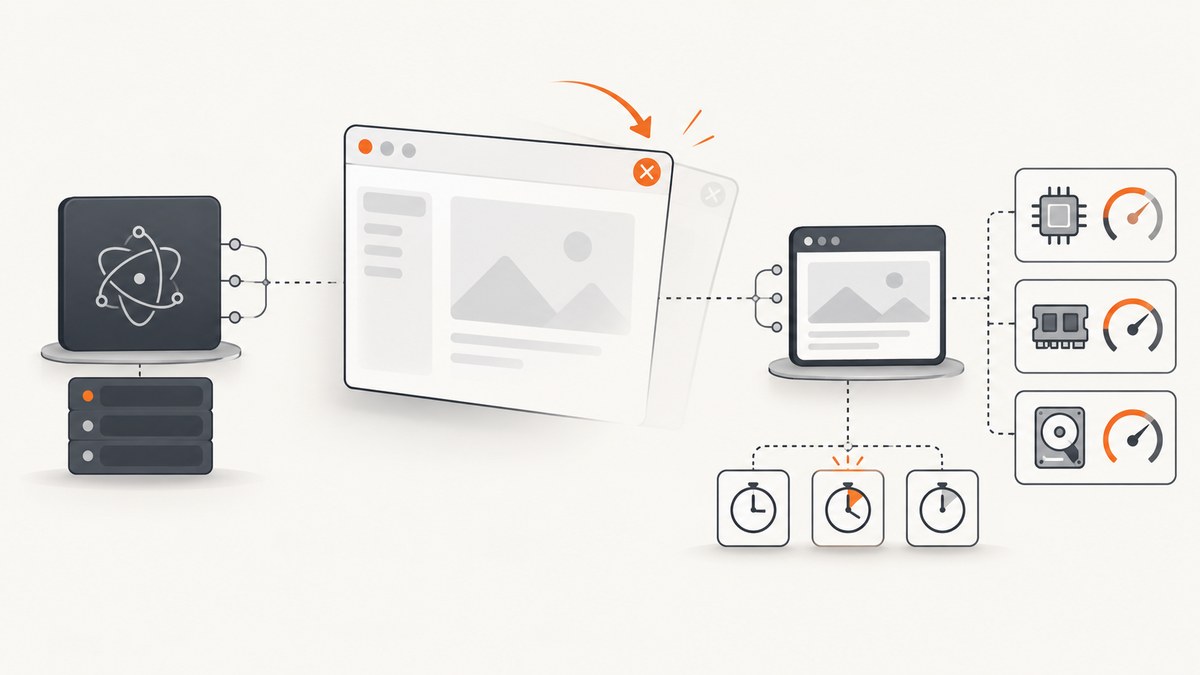
Closing an Electron window does not always quit the application. On Windows and Linux, apps generally quit after their final window closes. On macOS, apps commonly keep running without windows so they can reopen quickly when activated. Your event handlers, background work, and shutdown method decide what remains.
To stop an Electron app after its last window closes, handle window-all-closed and call app.quit() when that matches your product design. Then inspect remaining processes with app.getAppMetrics(), measure CPU over an interval, and clear timers, child processes, and other app-owned work during orderly shutdown.
What “close” means in Electron
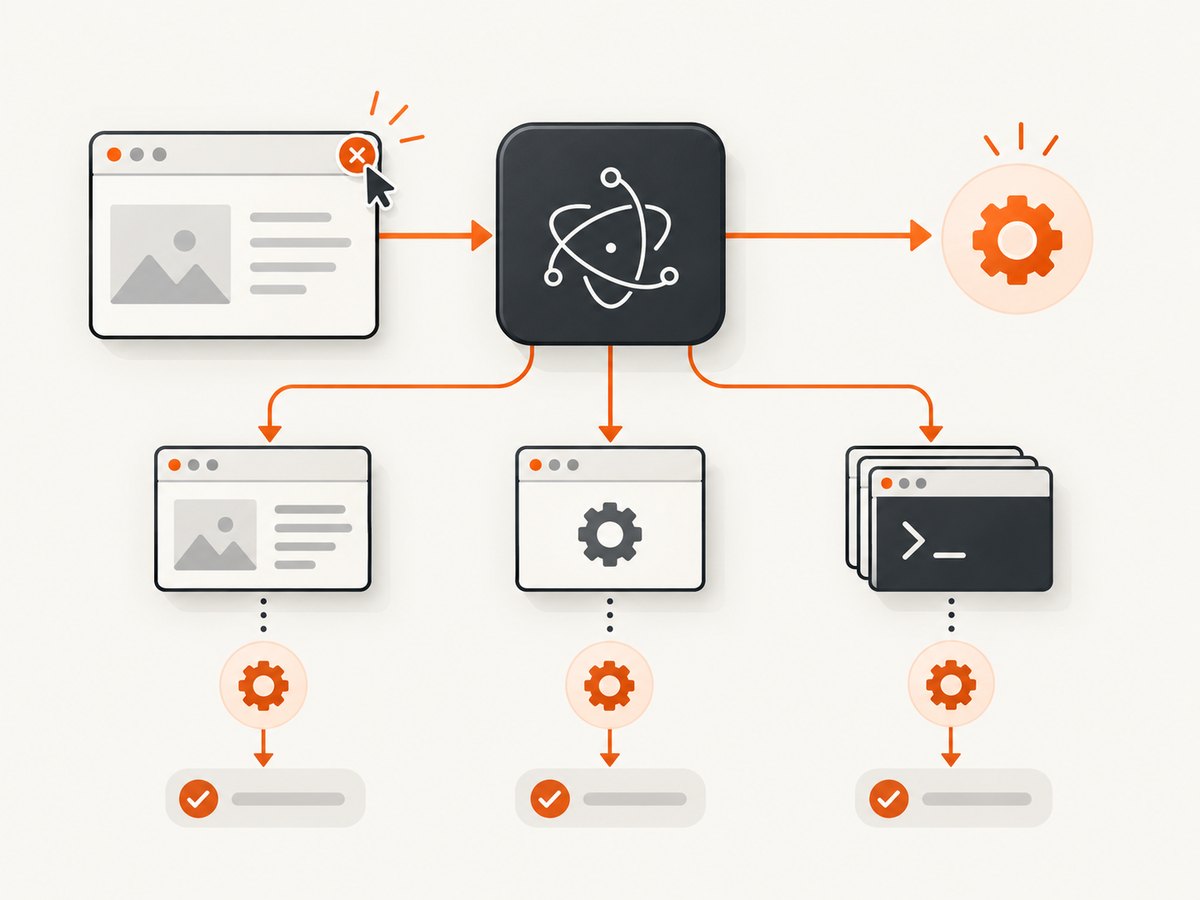
There are several different actions that users describe as closing:
| Action | What it does | Why a process may remain |
|---|---|---|
| Close the last window | Destroys that BrowserWindow and its renderer. |
Electron may keep the main process alive, especially on macOS. |
| Hide a window | Removes it from view without destroying it. | The renderer and its JavaScript continue running. |
| Choose Quit | Requests an orderly application shutdown. | beforeunload, before-quit, or other handlers can delay or cancel it. |
| Force-terminate the process | Stops immediately through the operating system. | Cleanup and unsaved-state handling may be skipped. |
Electron’s app API documents that app.quit() attempts to close all windows, emits before-quit, and then emits will-quit if windows close successfully. A window’s beforeunload handler can cancel the close. app.exit() closes immediately and skips before-quit and will-quit.
Choose the intended lifecycle for each platform
Electron’s first-app tutorial describes the usual convention: Windows and Linux applications quit when all windows close, while macOS applications remain active and commonly recreate a window from the activate event.
Quit on Windows and Linux, stay active on macOS
const { app, BrowserWindow } = require('electron')

function createWindow () {
  const win = new BrowserWindow({
    width: 1200,
    height: 800,
    webPreferences: {
      contextIsolation: true
    }
  })

  win.loadFile('index.html')
}

app.whenReady().then(() => {
  createWindow()

  app.on('activate', () => {
    if (BrowserWindow.getAllWindows().length === 0) createWindow()
  })
})

app.on('window-all-closed', () => {
  if (process.platform !== 'darwin') app.quit()
})
This is the common cross-platform pattern. On macOS, closing the final window leaves the app available in the dock; activating it creates a new window. On Windows and Linux, the final window closing requests an orderly quit.
Quit on every platform
app.on('window-all-closed', () => {
  app.quit()
})
Use this only when quitting on macOS is part of your intended behavior. A macOS process with no windows is not automatically a leak.
Check the handlers that prevent shutdown
Search the main-process source for window-all-closed, before-quit, will-quit, preventDefault(), and calls to app.exit(). Search renderer code for beforeunload and event.returnValue = false.
window.addEventListener('beforeunload', (event) => {
  if (hasUnsavedChanges()) {
    event.preventDefault()
    event.returnValue = false
  }
})
A handler like this can intentionally keep a window open for a save confirmation. If it is left behind after the feature is removed, it can make a normal quit appear broken. Log every path that calls preventDefault() and make the user decision explicit.
Clean up timers, polling, and child work
Destroying a BrowserWindow terminates its renderer, but the main process can still own intervals, sockets, utility processes, and child processes. Electron’s process model explains that an app can contain multiple process types. Stop work that is owned by the app when quitting.
const { app } = require('electron')

let pollTimer
let child

function startBackgroundWork () {
  pollTimer = setInterval(() => {
    // Poll only while the app is intended to stay active.
  }, 30_000)
}

function stopBackgroundWork () {
  if (pollTimer) {
    clearInterval(pollTimer)
    pollTimer = undefined
  }

  if (child && !child.killed) {
    child.kill()
    child = undefined
  }
}

app.on('before-quit', () => {
  stopBackgroundWork()
})
Electron’s progress-bar tutorial shows the same cleanup principle by clearing a repeating interval from a before-quit listener. If you use app.exit(), that listener will not run, so do not rely on immediate exit when cleanup is required.
Measure which process uses CPU or memory
Call app.getAppMetrics() from the main process. It returns process-level CPU and memory information so you can identify whether the remaining process is the main process, a renderer, a GPU process, or another process.
const { app } = require('electron')

function sampleMetrics (label) {
  const metrics = app.getAppMetrics().map((item) => ({
    label,
    pid: item.pid,
    type: item.type,
    cpu: item.cpu,
    memory: item.memory
  }))

  console.table(metrics)
}

app.whenReady().then(() => {
  sampleMetrics('first')

  setTimeout(() => {
    sampleMetrics('after-5-seconds')
  }, 5000)
})
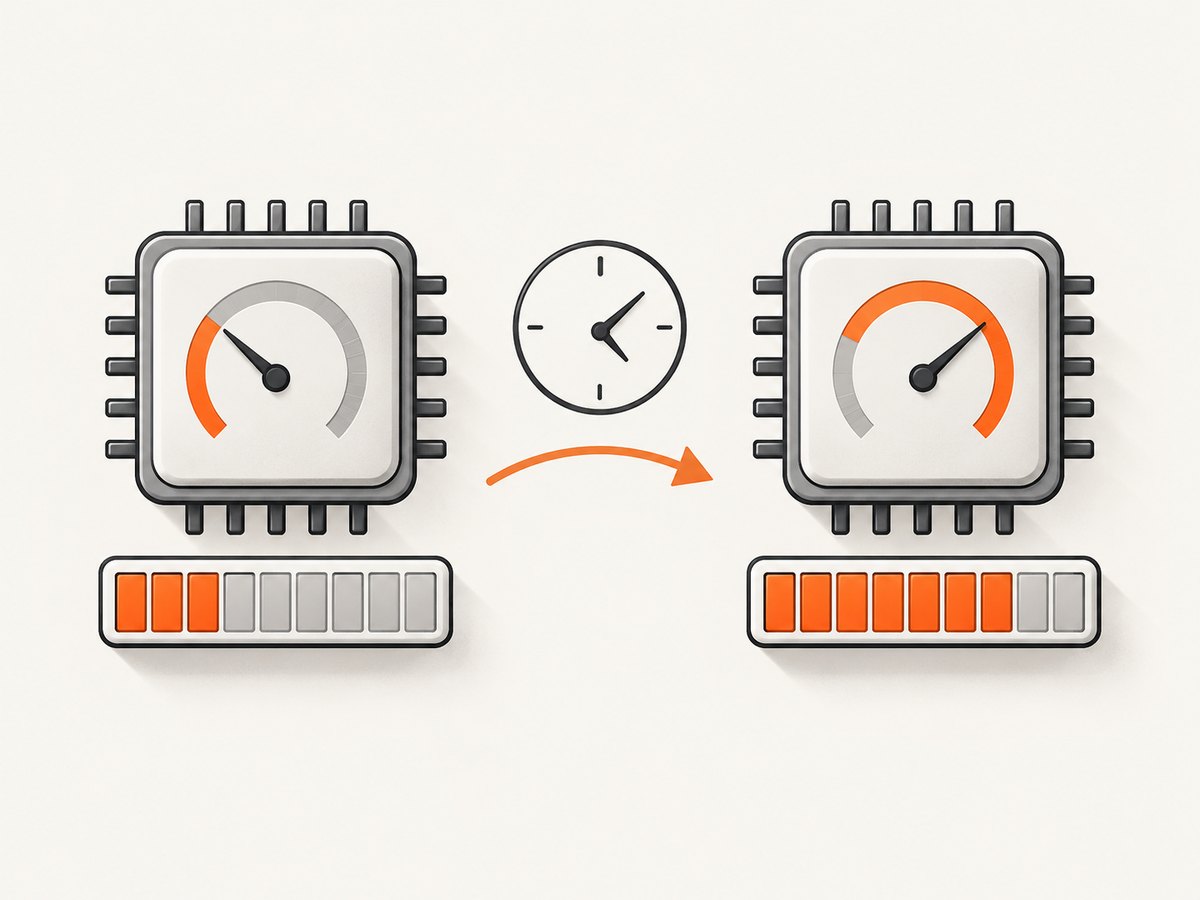
Electron documents that percentCPUUsage is an average since the previous call and that the first reading is zero. Take two readings over a known interval; do not treat the first value as an instantaneous measurement. A process that remains alive is not proof of excessive usage. Check its type, memory, and interval CPU while the app is idle and while the suspected feature is active.
Record a useful diagnostic snapshot
- Close the final window or choose Quit, depending on the report.
- Wait a consistent interval, such as five seconds.
- Capture
pid, processtype, CPU percentage, and memory for each metric. - Repeat after stopping timers or disabling the suspected feature.
- Compare the process list with the operating system’s Task Manager or Activity Monitor.
Also inspect any processes launched with Node’s child_process APIs, Electron utility processes, native modules, and external helpers. A renderer that disappeared while a helper remains points to a different shutdown path.
Use app.quit() versus app.exit()
| Method | Behavior | Use when |
|---|---|---|
app.quit() |
Closes windows and runs normal quit lifecycle events. | You need orderly cleanup, save prompts, and predictable shutdown. |
app.exit(code) |
Closes immediately and skips before-quit and will-quit. |
Immediate termination is explicitly intended and cleanup consequences are handled. |
Prefer app.quit() for normal user-initiated quitting. Reserve app.exit() for cases where bypassing lifecycle handlers is deliberate. Neither method should be used to hide an unresolved timer, socket, or child-process bug.
Common causes and fixes
| Symptom | Likely cause | Fix |
|---|---|---|
| macOS app remains in the dock after the window closes | Platform convention or an activate workflow. |
Keep it if background-ready behavior is intended; otherwise call app.quit() from window-all-closed. |
| Windows/Linux process remains after the last window | A custom window-all-closed handler does not quit. |
Add if (process.platform !== 'darwin') app.quit() or unconditional quit according to product requirements. |
| Quit hangs with a save prompt | A renderer beforeunload handler cancels closing. |
Resolve the unsaved state, remove stale cancellation logic, or make the prompt path explicit. |
| CPU rises after closing the window | Main-process interval, polling loop, socket, or child process continues. | Track ownership and stop it in before-quit; verify with interval metric samples. |
| Memory stays high | A main, utility, GPU, or child process remains, or retained objects are still referenced. | Identify the process type and PID with app.getAppMetrics(), then inspect the code that owns it. |
| Cleanup never runs | The app uses app.exit(). |
Use app.quit() for normal shutdown or invoke required cleanup before immediate exit. |
| Only one feature leaves a process | That feature starts external work independently of the window. | Keep a handle to the process or resource and close it when the feature is disabled or the app quits. |
Performance and reliability checklist
- Define whether closing a window means hide, destroy, or quit on each operating system.
- Keep one owner for every interval, socket, child process, and utility process.
- Clear recurring work from an idempotent shutdown function.
- Use
app.getAppMetrics()twice over a known interval. - Record process type and PID before changing code.
- Test the final-window path, menu Quit, renderer save prompts, and app relaunch.
- Confirm behavior against the Electron version your app actually uses; the online documentation pages are rolling latest references.
- Do not set arbitrary “normal” CPU or memory thresholds without measuring your own workload.
Or skip the browser setup
If your workflow also needs screenshots of the app’s documentation, status pages, or web UI, ScreenshotNeo can capture a URL with one request instead of maintaining browser lifecycle code. See the ScreenshotNeo docs for all options.
curl -G "https://api.screenshotneo.com/v1/shot" -d access_key=YOUR_API_KEY --data-urlencode url=https://stripe.com -o shot.webpimport requests
r = requests.get("https://api.screenshotneo.com/v1/shot", params={"access_key": "YOUR_API_KEY", "url": "https://stripe.com"}, timeout=90)
open("shot.webp", "wb").write(r.content)const q = new URLSearchParams({ access_key: 'YOUR_API_KEY', url: 'https://stripe.com' });
const res = await fetch(`https://api.screenshotneo.com/v1/shot?${q}`);ScreenshotNeo removes cookie banners, newsletter popups, and chat widgets before the shot. Bot checks, blank pages, and failed loads are never billed. Its MCP server lets AI agents take screenshots, and the free plan includes 1,000 screenshots a month with no card; paid plans start at $5 for 3,000. Create a free ScreenshotNeo account.
FAQ
Is an Electron process after window close always a bug?
No. It is common on macOS, and any platform may intentionally keep background work alive. Check the intended lifecycle and measured activity.
Does destroying a BrowserWindow stop the whole app?
No. It terminates that window’s renderer. The main process and other process types can continue.
Why is the first CPU metric zero?
Electron reports CPU as an average since the previous call, so the first sample has no interval to measure.
Can I fix a leak by calling app.exit()?
It can hide the symptom by terminating immediately, but it skips normal quit events and cleanup. Find and stop the work that keeps the process active.
Which Electron API should I verify for my release?
Use the API documentation matching your installed Electron version and confirm lifecycle behavior on every supported operating system.


