Capture WebDriver Screenshots When Running Parallel Tests with TestNG
Capture the right Selenium screenshot in parallel TestNG runs with ThreadLocal drivers, listeners, unique files, troubleshooting, and ScreenshotNeo.
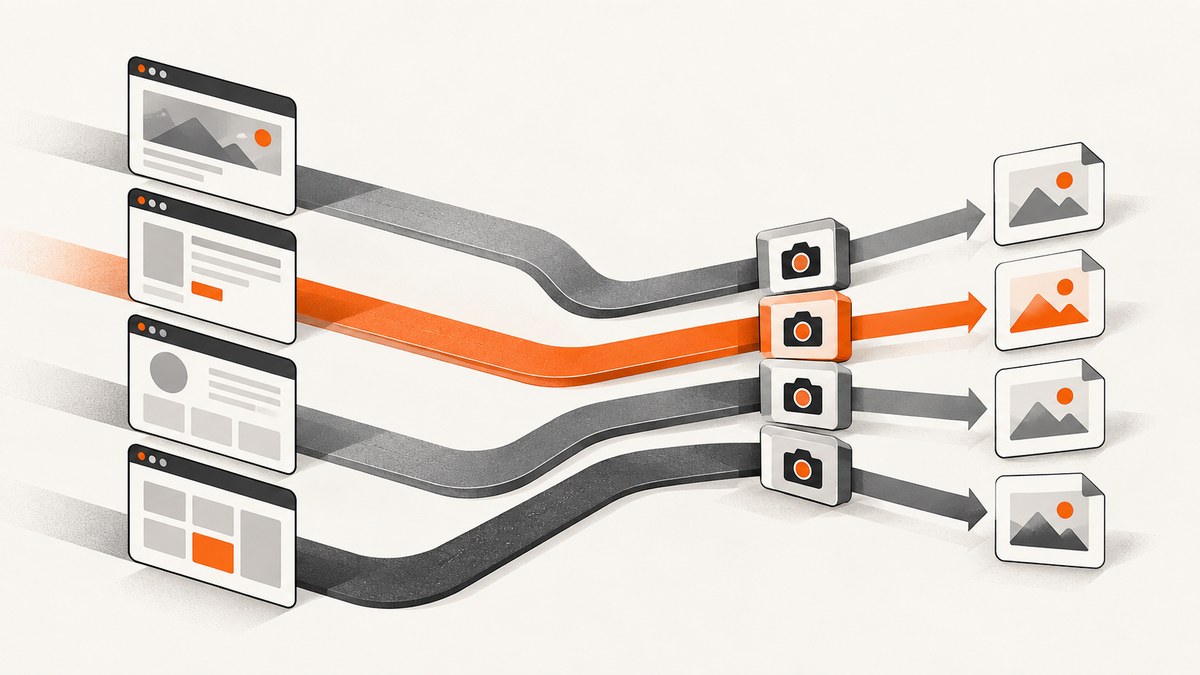
Direct answer: keep one WebDriver per concurrent TestNG execution context, retrieve that driver from the current thread when a screenshot is needed, and write every image to a unique path. TestNG determines which methods, classes, tests, or instances share a thread; screenshot code must follow that ownership model. A listener can capture after failures or selected outcomes without duplicating screenshot calls in every test.
This guide covers the four TestNG parallel modes, a complete Java setup, lifecycle-safe screenshots, collision-proof filenames, listener registration, report integration, edge cases, troubleshooting, performance, and a ScreenshotNeo alternative.
1. How TestNG parallel execution affects screenshots
TestNG does not have one generic parallel behavior. The parallel value in testng.xml selects the unit assigned to a worker thread, while thread-count limits available workers. See TestNG documentation.
| Mode | What shares a thread | Screenshot implication |
|---|---|---|
methods |
Each test method may run on a different thread. | Resolve the driver for the method’s thread; never use a shared class field. |
tests |
Methods inside one <test> block stay together; separate blocks can run concurrently. |
A driver can be scoped to each TestNG test block when fixtures enforce that ownership. |
classes |
Methods in one class share a thread; classes can run concurrently. | Class-level drivers are possible, but listeners still need reliable lookup. |
instances |
Methods on one object instance share a thread; instances can run concurrently. | Store a driver per instance or per thread and include instance identity in names. |
Set both values explicitly. A larger thread count does not automatically improve speed because every browser consumes CPU, memory, sockets, and a display or headless session.
2. The safe architecture: ThreadLocal WebDriver
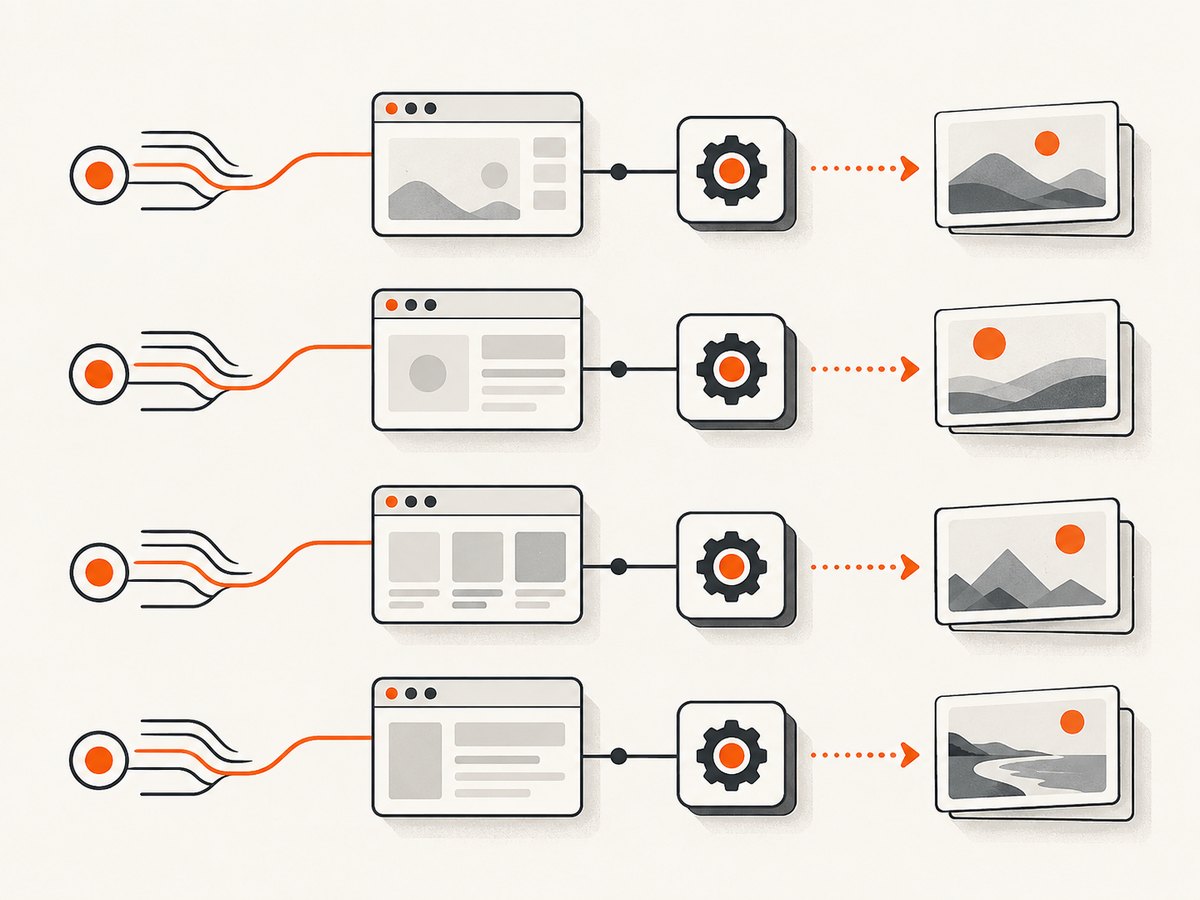
Create the driver on the same thread that will use it and retrieve it through ThreadLocal. Selenium’s ThreadGuard detects accidental cross-thread calls, but Selenium says it does not replace ThreadLocal management for parallel execution. See ThreadGuard documentation.
package example;

import org.openqa.selenium.WebDriver;
import org.openqa.selenium.chrome.ChromeDriver;
import org.openqa.selenium.chrome.ChromeOptions;

public final class DriverStore {
    private static final ThreadLocal<WebDriver> CURRENT = new ThreadLocal<>();
    private DriverStore() {}

    public static void start() {
        if (CURRENT.get() != null) throw new IllegalStateException("A driver already exists on this thread");
        ChromeOptions options = new ChromeOptions();
        options.addArguments("--headless=new", "--window-size=1440,1000");
        CURRENT.set(new ChromeDriver(options));
    }

    public static WebDriver get() {
        WebDriver driver = CURRENT.get();
        if (driver == null) throw new IllegalStateException("No WebDriver is registered on this thread");
        return driver;
    }

    public static void stop() {
        WebDriver driver = CURRENT.get();
        try { if (driver != null) driver.quit(); }
        finally { CURRENT.remove(); }
    }
}
Always call remove() in teardown. TestNG can reuse worker threads; leaving a driver in thread-local storage can leak a browser into a later test or retain memory after the suite.
3. A complete parallel TestNG example
This suite runs methods in parallel and creates a browser for each invocation. Change the mode when your fixture requires class, test-block, or instance isolation.
<suite name="parallel screenshots" parallel="methods" thread-count="3">
  <test name="web checks">
    <classes>
      <class name="example.PageTests"/>
    </classes>
  </test>
</suite>
package example;
import org.openqa.selenium.By;
import org.testng.annotations.AfterMethod;
import org.testng.annotations.BeforeMethod;
import org.testng.annotations.Test;
public class PageTests {
@BeforeMethod(alwaysRun = true)
public void openBrowser() { DriverStore.start(); }
@AfterMethod(alwaysRun = true)
public void closeBrowser() { DriverStore.stop(); }
@Test
public void homePageHasTitle() {
DriverStore.get().get("https://example.com");
assert DriverStore.get().getTitle().contains("Example");
}
@Test
public void pageHasHeading() {
DriverStore.get().get("https://example.com");
DriverStore.get().findElement(By.tagName("h1"));
}
}With parallel="methods", methods can use different threads and browsers. With parallel="classes", methods in one class stay together while classes run concurrently. Do not infer driver lifetime from XML alone; align setup and teardown scopes with the selected mode.
4. Capturing a Selenium screenshot correctly
Selenium’s Java API uses TakesScreenshot#getScreenshotAs. The requested OutputType controls the returned representation. FILE is convenient for moving an image into a durable artifact directory. The usual result is the current viewport unless your driver supports full-page capture.
import java.io.IOException;
import java.nio.file.Files;
import java.nio.file.Path;
import java.nio.file.StandardCopyOption;
import org.openqa.selenium.OutputType;
import org.openqa.selenium.TakesScreenshot;

public final class Screenshots {
    private Screenshots() {}
    public static Path save(String name) throws IOException {
        Path dir = Path.of("build", "screenshots");
        Files.createDirectories(dir);
        Path source = ((TakesScreenshot) DriverStore.get()).getScreenshotAs(OutputType.FILE).toPath();
        Path target = dir.resolve(name + ".png");
        Files.copy(source, target, StandardCopyOption.REPLACE_EXISTING);
        return target;
    }
}
Use OutputType.BYTES when a report API accepts bytes, or OutputType.BASE64 when it explicitly requires Base64. Keep capture on the test’s executing thread so driver lookup and the browser command refer to the same session. Selenium’s screenshot API is documented here.
5. Capture automatically with a TestNG listener
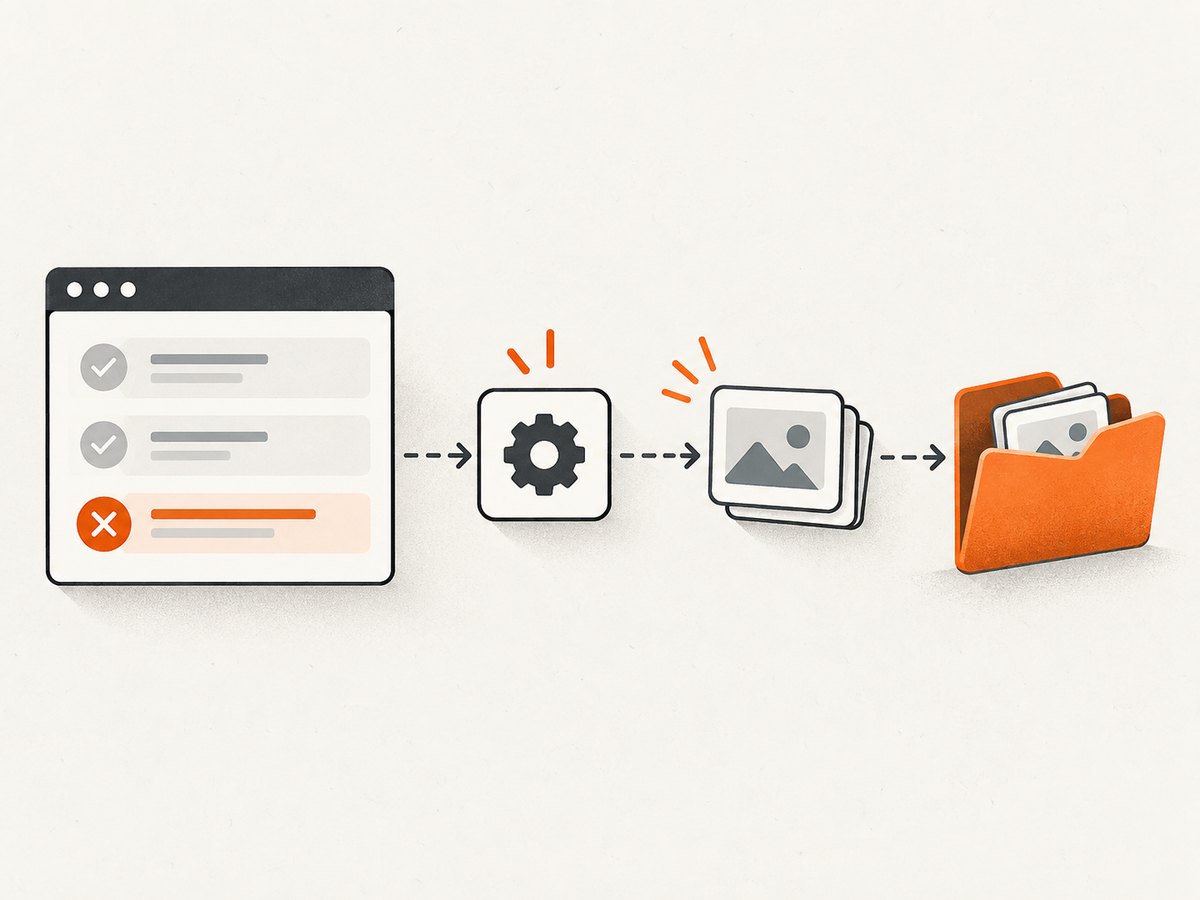
A listener centralizes a policy such as “capture after failures.” This example uses ITestListener, checks that a driver exists, builds a unique filename from class, method, parameters, invocation count, and thread ID, and logs capture errors without hiding the original test result.
package example;

import java.io.IOException;
import java.nio.file.Path;
import java.util.Arrays;
import org.testng.ITestListener;
import org.testng.ITestResult;

public class FailureScreenshotListener implements ITestListener {
    @Override public void onTestFailure(ITestResult result) { capture(result, "FAIL"); }

    private void capture(ITestResult result, String outcome) {
        String raw = String.join("_", outcome,
            result.getTestClass().getName(), result.getMethod().getMethodName(),
            Arrays.deepToString(result.getParameters()),
            "inv" + result.getMethod().getCurrentInvocationCount(),
            "thread" + Thread.currentThread().getId());
        String safe = raw.replaceAll("[^A-Za-z0-9._-]", "_");
        try {
            Path file = Screenshots.save(safe);
            System.out.println("Screenshot: " + file.toAbsolutePath());
        } catch (IllegalStateException noDriver) {
            System.err.println("No driver for " + result.getMethod().getMethodName());
        } catch (IOException io) {
            System.err.println("Could not save screenshot: " + io);
        }
    }
}
Register it in XML:
<listeners>
  <listener class-name="example.FailureScreenshotListener"/>
</listeners>
For all outcomes, implement onTestSuccess and call the same capture method with a different outcome. Listener callback details and report attachment APIs vary by TestNG and reporting framework versions, so verify behavior against your pinned dependencies.
6. Preventing collisions and wrong screenshots
- Unique names: include outcome, fully qualified class, method, parameters or invocation identity, retry identity, and thread ID.
- Run-specific directories: write to
build/screenshots/<run-id>and archive the directory after the suite. - Current driver: never use one static mutable WebDriver for all tests.
- Capture timing: capture before teardown quits the driver.
- Retries: include retry identity so a retry cannot overwrite the first failure.
- Concurrent I/O: distinct filenames prevent overwrites, but the filesystem and report uploader must also tolerate concurrent writes.
7. Choosing a capture policy
| Policy | Use it when | Trade-off |
|---|---|---|
| Failure only | You need diagnosis with low artifact volume. | Passing visual states are not recorded. |
| All outcomes | You audit every state or compare screenshots over time. | More disk, upload, and retention cost. |
| Selected outcomes | You capture failures plus tagged smoke or checkout tests. | Requires a clear annotation convention. |
Preserve useful state before recovery actions. If @AfterMethod navigates away, capture in the listener before teardown or in a failure hook that still owns the browser.
8. Edge cases in real parallel suites
Data providers and invocation counts
A parallel data provider can execute many invocations of one method. Include parameter values or a deterministic hash in the filename, and do not place secrets in paths. Confirm that driver setup runs once per invocation when isolation is required.
Multiple windows and frames
A screenshot reflects the current window and frame context. Switch to the intended window and frame before capture. If a failure occurs during a switch, save a diagnostic screenshot first, then log handles and frame information.
Headless differences
Headless and headed browsers can render different fonts, viewport sizes, and scroll behavior. Set window size explicitly and install the same fonts in CI and local environments.
Full-page needs
TakesScreenshot commonly captures the viewport. Full-page capture is browser and driver dependent; use a supported full-page facility or stitch viewport images deliberately. Do not label a viewport image as full page.
Driver startup failures
If a browser cannot start, there is no screenshot to capture. Record the startup exception, browser and driver versions, capabilities, and worker thread. A listener should not replace the original startup error with a secondary screenshot error.
9. Troubleshooting checklist
| Symptom | Likely cause | Fix |
|---|---|---|
| Another test’s page appears | Shared static driver or mutable page state. | Use ThreadLocal and retrieve the driver at capture time. |
NullPointerException in listener |
No driver is registered on that thread. | Guard lookup, align setup scope, and log thread IDs. |
| ThreadGuard reports a different thread | Cross-thread WebDriver call. | Move the call to the creating thread; ThreadGuard detects but does not manage ownership. |
| Files overwrite each other | Names contain only the method name. | Add class, parameters, invocation, retry, and thread or run ID. |
| Blank or closed browser | Teardown navigated or quit first. | Capture before quit and avoid destructive teardown recovery. |
| No CI artifact | Relative path is outside the archived workspace. | Print an absolute path and configure CI artifact collection. |
| Intermittent timeouts | Too many browsers for available resources. | Lower thread-count, wait on meaningful conditions, and measure duration. |
10. Performance, reliability, and cost notes
Each screenshot is a browser command plus file I/O. Capturing every step can dominate runtime and storage; failure-only or tagged capture is a practical default. Bound image dimensions, compress when supported, and delete old run directories.
Parallelism improves throughput only until the host saturates. Tune thread-count against browser startup time, memory, CPU, network limits, and remote grid session capacity. More workers can increase queueing and flakiness.
Reliability comes from deterministic setup: explicit viewport, locale and timezone where relevant; stable waits; isolated data; and a run ID in every artifact path. If screenshot saving fails, preserve the test assertion and error details.
11. Or skip the browser setup
ScreenshotNeo provides a website screenshot API and MCP server. One GET request returns PNG, JPEG, WebP, or PDF, so a parallel TestNG test can capture a URL without starting a Selenium session:
curl -G "https://api.screenshotneo.com/v1/shot" -d access_key=YOUR_API_KEY --data-urlencode url=https://stripe.com -o shot.webpimport requests
r = requests.get("https://api.screenshotneo.com/v1/shot", params={"access_key": "YOUR_API_KEY", "url": "https://stripe.com"}, timeout=90)
open("shot.webp", "wb").write(r.content)const q = new URLSearchParams({ access_key: 'YOUR_API_KEY', url: 'https://stripe.com' });
const res = await fetch(`https://api.screenshotneo.com/v1/shot?${q}`);See the ScreenshotNeo API documentation for options. Cookie banners, popups, and chat widgets are removed before the shot. Bot checks, blank pages, and failed loads are never billed; responses identify the result through X-Page-Verdict and X-Billed headers. Its MCP server lets Claude, Cursor, and other MCP clients call take_screenshot, get_page_info, and capture_pdf. It supports device presets, full-page lazy-image capture, selectors, waits, custom headers and cookies, blocking rules, JavaScript and CSS, caching, signed links, async jobs, bulk capture, and PDF controls. One thousand screenshots per month are free with no card; paid plans start at $5 for 3,000.
Create a free ScreenshotNeo account and use the 1,000 monthly screenshots to add URL-level captures to your test diagnostics.
12. FAQ
Should every suite use parallel="methods"?
No. Choose the mode that matches your fixture and data isolation. Methods mode offers fine-grained concurrency but requires strict per-thread state.
Does ThreadGuard make WebDriver thread-safe?
No. It checks that calls stay on the creating thread. Store and retrieve drivers with ThreadLocal.
Can a listener attach directly to Allure?
Usually, but the attachment API is report-framework specific. Keep capture and naming independent, then pass the resulting path or bytes to the adapter documented for your pinned version.
Why is my image only the visible viewport?
That is the common TakesScreenshot behavior. Use a driver-supported full-page method or a service that offers full-page capture when the entire document is required.


