Top 10 Microsoft MCP Servers
A practical guide to 10 Microsoft MCP servers, what each one does, how to choose safely, and which client and identity checks matter.

Microsoft MCP servers connect AI clients to Microsoft services and developer data through the Model Context Protocol. The right server depends on the task: Azure resources, Microsoft documentation, Foundry models, DevOps work, Kubernetes, identity and security, Sentinel data, or SQL.
This shortlist is a practical selection from Microsoft’s catalog. It is not a popularity, performance, security, or reliability ranking. The catalog includes Microsoft-hosted entries and Microsoft-related third-party projects, including GitHub-maintained software, and labels many servers as local or remote. Microsoft does not publish comparable adoption metrics or a cross-server quality score.
1. Azure MCP Server
Best for: Broad Azure resource operations from an AI-enabled development environment.
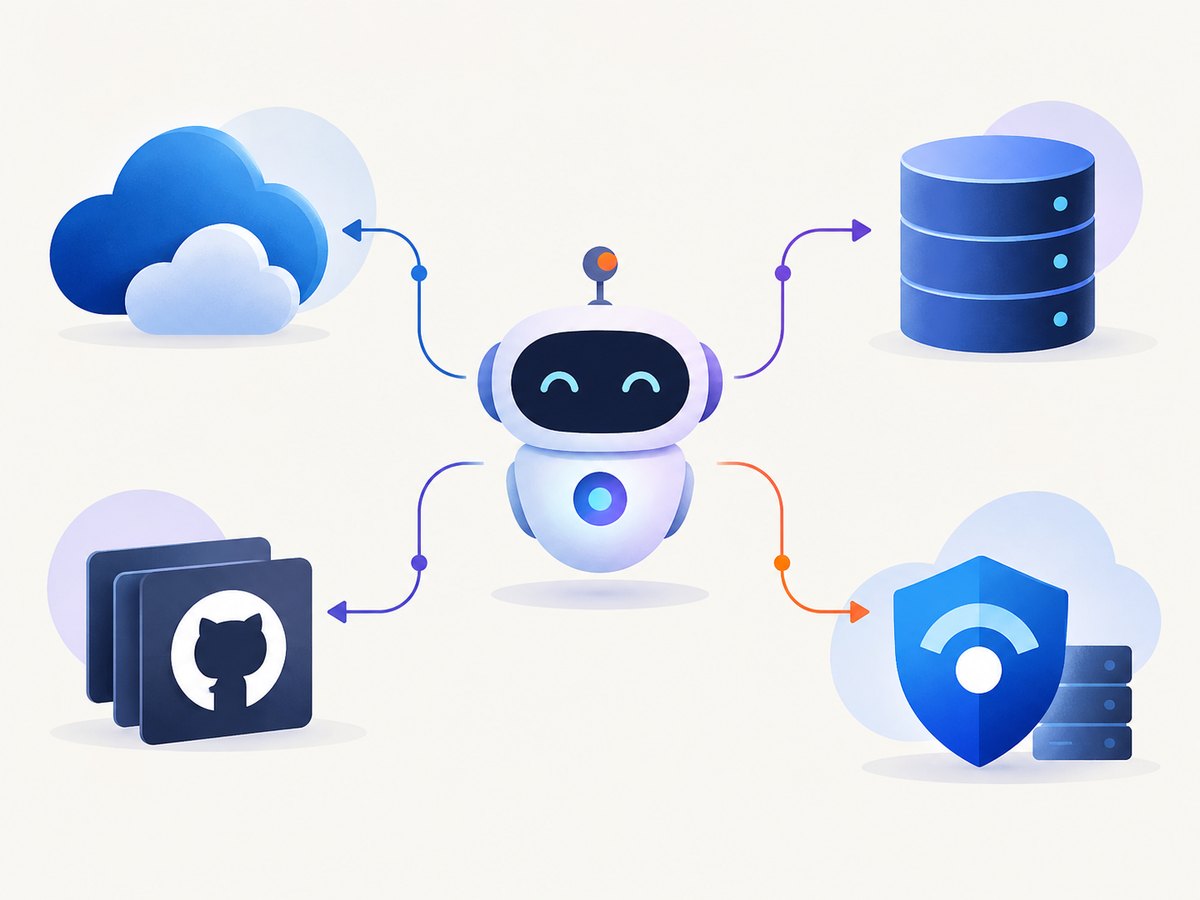
Azure MCP exposes tools for Azure services. Microsoft documents examples such as listing storage accounts and querying Azure databases with KQL. It can be used from Visual Studio Code, Visual Studio, Eclipse, Cursor, Windsurf, IntelliJ, Cline, and custom MCP clients. Azure authentication uses Azure user credentials or managed identity, with authorization controlled by Azure RBAC.
Use this server when an agent needs to inspect or work across several Azure services. Review every tool’s scope before enabling actions that can change infrastructure.
2. Microsoft Learn MCP
Best for: Current Microsoft product guidance grounded in official Learn documentation.
Microsoft Learn MCP retrieves information from Microsoft’s documentation. It is useful when an agent must answer implementation questions about Azure, .NET, Microsoft 365, identity, or other Microsoft technologies without relying only on a model’s training data.
It is primarily a knowledge-retrieval server. Treat retrieved guidance as documentation to evaluate against your project’s version, permissions, and deployment constraints.
3. Microsoft Foundry MCP
Best for: Remote tools related to models, knowledge, and evaluation in Microsoft Foundry.
Foundry MCP provides a remote endpoint for Foundry-related workflows. It fits teams building or evaluating AI applications in Microsoft’s model and agent platform.
Before connecting it, determine which Foundry resources the client identity can access and whether your organization permits remote MCP endpoints.
4. Azure Resource Manager MCP
Best for: Resource Graph queries, subscription inventory, and ARM template deployment workflows.
This server focuses on Azure Resource Manager capabilities. An agent can retrieve and filter subscription resources and assist with ARM template deployment workflows.
Separate read-only discovery from deployment operations in your approval process. Resource inventory is usually lower risk than applying a template that changes production resources.
5. Azure DevOps MCP Server
Best for: Azure DevOps work from a code editor.
The catalog describes this as a local server for Azure DevOps tasks. It is a natural fit when work items, repositories, pipelines, and development planning already live in Azure DevOps.
Confirm which Azure DevOps organization and project the server targets. Limit the identity to the repositories, boards, and pipelines required for the task.
6. Azure Kubernetes Service (AKS) MCP
Best for: Natural-language interaction with AKS clusters.
AKS MCP gives AI assistants an interface for interacting with Kubernetes clusters. This can speed up investigation of workloads and cluster state, but cluster actions can have immediate operational consequences.
Check Kubernetes and Azure permissions before enabling it. Start with read-only access, require approval for changes, and make the target cluster explicit in the client configuration.
7. GitHub MCP Server
Best for: Repositories, issues, and pull requests.
Microsoft’s catalog lists GitHub MCP as a remote server, while the repository is maintained under GitHub’s organization. It provides access to GitHub repositories, issues, and pull requests.
Do not describe this as a Microsoft-owned implementation. Select repository and organization permissions carefully, especially when the client can create or modify pull requests.
8. Microsoft MCP Server for Enterprise
Best for: Read-only enterprise identity, security, and IT data.
This remote server provides natural-language access to selected Microsoft Entra and enterprise IT data. Documented areas include security posture, privileged access, application risk, access governance, device readiness, and audit telemetry.
Its read-only scope is useful for investigation and reporting. Verify which datasets your tenant exposes and how sensitive identity and audit information is handled by the MCP client.
9. Microsoft Sentinel Data Exploration
Best for: Finding relevant Sentinel data and retrieving records from the Sentinel data lake.
The server supports natural-language exploration of relevant tables and retrieval from the Sentinel data lake. It can help analysts translate an investigation question into a focused data lookup.
Define the allowed workspace and data scope. Validate generated queries and results against your normal incident-response process before taking action.
10. Microsoft SQL MCP Server
Best for: Conversational access to SQL databases across on-premises, Azure, and Fabric environments.
SQL MCP supports schema discovery and data operations across on-premises SQL, Azure SQL contexts, and Microsoft Fabric contexts. It is useful for asking questions about schema and data without manually writing every exploratory query.
Use a least-privilege database account. Treat write operations as production changes, and require explicit approval for statements that insert, update, delete, alter schema, or execute stored procedures with side effects.
How to choose the right Microsoft MCP server
| Your task | First server to evaluate | Checks before use |
|---|---|---|
| Work across Azure services | Azure MCP Server | Azure identity, RBAC, client support, tool permissions |
| Answer a Microsoft implementation question | Microsoft Learn MCP | Documentation version and source context |
| Build or evaluate AI applications | Microsoft Foundry MCP | Remote endpoint policy and Foundry permissions |
| Inventory subscriptions or deploy ARM templates | Azure Resource Manager MCP | Separate read and deployment approvals |
| Manage work items and development flow | Azure DevOps MCP Server | Organization, project, repository, and pipeline scope |
| Inspect or operate Kubernetes | AKS MCP | Cluster context, Kubernetes RBAC, change approval |
| Work with GitHub code and issues | GitHub MCP Server | Repository permissions and third-party ownership |
| Review enterprise identity and security posture | Microsoft MCP Server for Enterprise | Tenant data scope and sensitive-data handling |
| Investigate security telemetry | Microsoft Sentinel Data Exploration | Workspace scope and query validation |
| Explore or operate SQL data | Microsoft SQL MCP Server | Database account, network path, read/write controls |
Local versus remote MCP servers
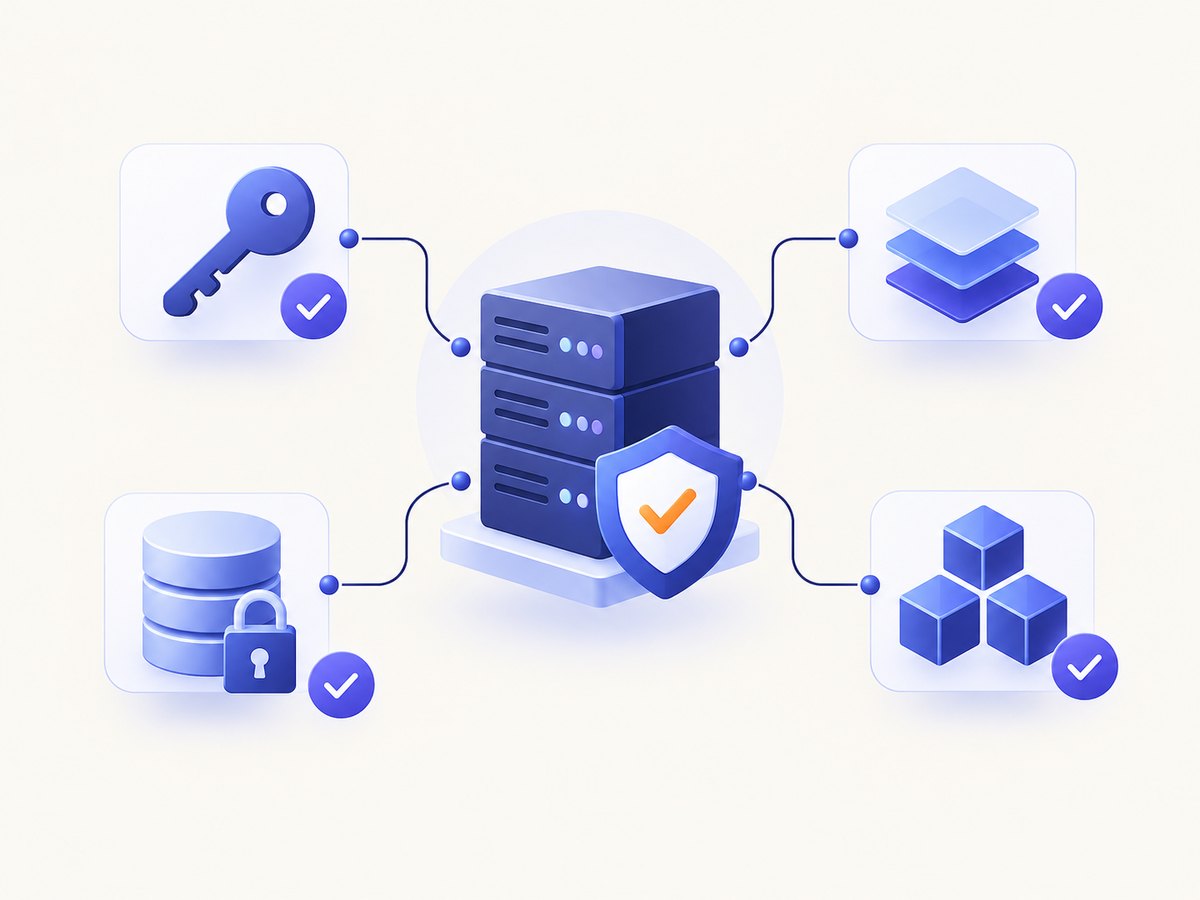
A local server runs near the MCP client, often on a developer workstation or controlled host. A remote server is reached over a network endpoint. Local deployment can simplify access to local tools and credentials, while remote deployment can centralize hosting and policy. Neither label by itself proves that a server is safer or more reliable.
For each candidate, record:
- Where the server process runs and where traffic goes.
- Which identity is used: user credentials, managed identity, service principal, API token, or another method.
- Which tools are exposed and whether they read data, change resources, or both.
- Which client versions support the server.
- How approvals, logging, and organization allow lists are enforced.
Client compatibility and permissions
Do not assume that every MCP server works in every client. Microsoft lists Azure MCP support for Visual Studio Code, Visual Studio, Eclipse, Cursor, Windsurf, IntelliJ, and Cline, and also describes custom MCP clients. The Azure development workload includes Azure MCP tools in Visual Studio 2022 version 17.14.30 or later according to Microsoft’s current documentation. Check the individual setup guide and your client version before installation.
Visual Studio documents per-tool permission prompts and administrator-managed server allow lists. Use those controls to make tool invocation visible and to prevent unapproved servers from being added silently.
A practical rollout checklist
- Define one task. Start with a concrete job such as listing storage accounts, finding Learn guidance, or inspecting a SQL schema.
- Choose the narrowest server. Prefer a server whose documented scope matches the task.
- Map identity and data. Write down the account, subscriptions, tenants, workspaces, repositories, clusters, or databases it can reach.
- Start read-only. Enable discovery and query tools before deployment, write, or cluster-mutating tools.
- Review client approvals. Configure prompts and organization allow lists where supported.
- Log tool calls. Keep enough context to identify the user, server, tool, target resource, and result.
- Test failure behavior. Confirm what happens when credentials expire, a resource is unavailable, or a request exceeds permissions.
- Recheck documentation. Catalog membership, preview labels, endpoints, and setup requirements can change.
Troubleshooting common MCP problems
The client cannot start a local server
Likely cause: Missing runtime, incorrect command, unavailable environment variable, or a client allow-list restriction.
Fix: Run the server command directly, verify its documented prerequisites, check the client’s server configuration, and confirm that organization policy permits the server.
Authentication succeeds but tools return forbidden
Likely cause: The identity is valid but lacks Azure RBAC, Kubernetes RBAC, repository, database, or tenant permissions.
Fix: Identify the exact target resource and grant the smallest required role. Reconnect after changing credentials or permissions.
The server is visible but no tools appear
Likely cause: Client and server protocol mismatch, an incomplete initialization, or a server that exposes tools conditionally.
Fix: Update the client and server according to their setup documentation, restart the connection, and inspect initialization logs.
Remote requests time out
Likely cause: Firewall, proxy, DNS, endpoint availability, or a long-running query.
Fix: Check network policy and endpoint reachability, then reduce the request scope. Do not increase timeouts without understanding the operation’s cost and impact.
The agent proposes an unsafe change
Likely cause: The server exposes write-capable tools and the prompt does not constrain the target or approval step.
Fix: Use read-only credentials where possible, require confirmation for writes, constrain resource scope, and review the exact tool arguments before execution.
Performance, reliability, and cost considerations
The research sources do not provide comparable benchmarks, uptime figures, adoption numbers, or pricing comparisons for these servers. Avoid choosing one because it is supposedly faster or more reliable without server-specific evidence.
Performance usually depends on the underlying Microsoft service, query size, network path, authentication, and client behavior. Keep requests narrow, paginate large results, and avoid asking an agent to retrieve an entire subscription, repository, cluster, or database when a filtered query answers the question.
For reliability, design around expired credentials, throttling, transient network errors, unavailable resources, and partial tool failures. Record request IDs or operation details where the underlying service provides them, and make retries bounded and safe for the operation type.
For cost, MCP itself does not establish a universal price. Any Azure, Foundry, Sentinel, database, hosting, network, or GitHub charges come from the underlying service and plan. Check the relevant service pricing and your organization’s quota policies before enabling broad or automated workloads.
Additional Microsoft catalog options
Depending on your audience, another catalog entry may fit better than one of the ten above:
- Microsoft Fabric MCP: Local-first public-preview access to Fabric APIs, item definitions, and development guidance, including use without a live Fabric environment.
- Microsoft Clarity MCP: Access to Clarity analytics through its data export API.
- Microsoft 365 Agents Toolkit MCP: Support for app and agent development.
- Microsoft 365 Copilot Chat MCP: Search across Microsoft 365 content.
Or skip the browser setup
If your agent workflow also needs website screenshots, ScreenshotNeo is an alternative to try first. It provides an MCP server with take_screenshot, get_page_info, and capture_pdf tools for Claude, Cursor, and other MCP clients. Cookie banners, newsletter popups, and chat widgets are removed before the shot. Bot checks, blank pages, failed loads, timeouts, and cache hits are not billed, and the response identifies the result with X-Page-Verdict and X-Billed headers.
One GET request returns PNG, JPEG, WebP, or PDF. See the ScreenshotNeo API documentation for all options.
cURL
curl -G "https://api.screenshotneo.com/v1/shot" -d access_key=YOUR_API_KEY --data-urlencode url=https://stripe.com -o shot.webpPython
import requests
r = requests.get("https://api.screenshotneo.com/v1/shot", params={"access_key": "YOUR_API_KEY", "url": "https://stripe.com"}, timeout=90)
open("shot.webp", "wb").write(r.content)
Node.js
const q = new URLSearchParams({ access_key: 'YOUR_API_KEY', url: 'https://stripe.com' });
const res = await fetch(`https://api.screenshotneo.com/v1/shot?${q}`);
ScreenshotNeo includes full-page capture, element selectors, dark mode, device presets, retina scale, PDF settings, custom CSS and JavaScript, clicks, waits, request blocking, headers, cookies, user agents, geolocation, resizing, caching, signed links, async webhooks, bulk capture, and a usage API. The Free plan includes 1,000 screenshots per month with no card; paid plans start at $5 for 3,000. Create a free ScreenshotNeo account.
FAQ
Are all ten servers owned by Microsoft?
No. Microsoft’s catalog includes Microsoft-hosted and Microsoft-related entries. GitHub MCP, for example, is maintained under GitHub’s organization.
Which server should I use for Azure inventory?
Start with Azure Resource Manager MCP for Resource Graph retrieval and filtering. Azure MCP is broader when you also need tools for multiple Azure services.
Can an MCP server change production resources?
Some servers expose write or deployment operations. Confirm the tool scope, use least-privilege identities, and require approval for changes.
Is a remote MCP server automatically less secure?
No. Security depends on identity, data scope, transport, hosting, logging, approvals, and organization policy. Review those properties for the specific server.
Where should I verify setup instructions?
Use the individual server’s current Microsoft or project documentation and confirm client version, endpoint, authentication, and permissions before deployment.


