How to Trace Redirects with Headless Chrome DevTools
Capture every 301, 302, 303, 307, and 308 hop in Puppeteer or raw CDP, including headers, timing, interception, and fixes for missing redirects.
Direct answer
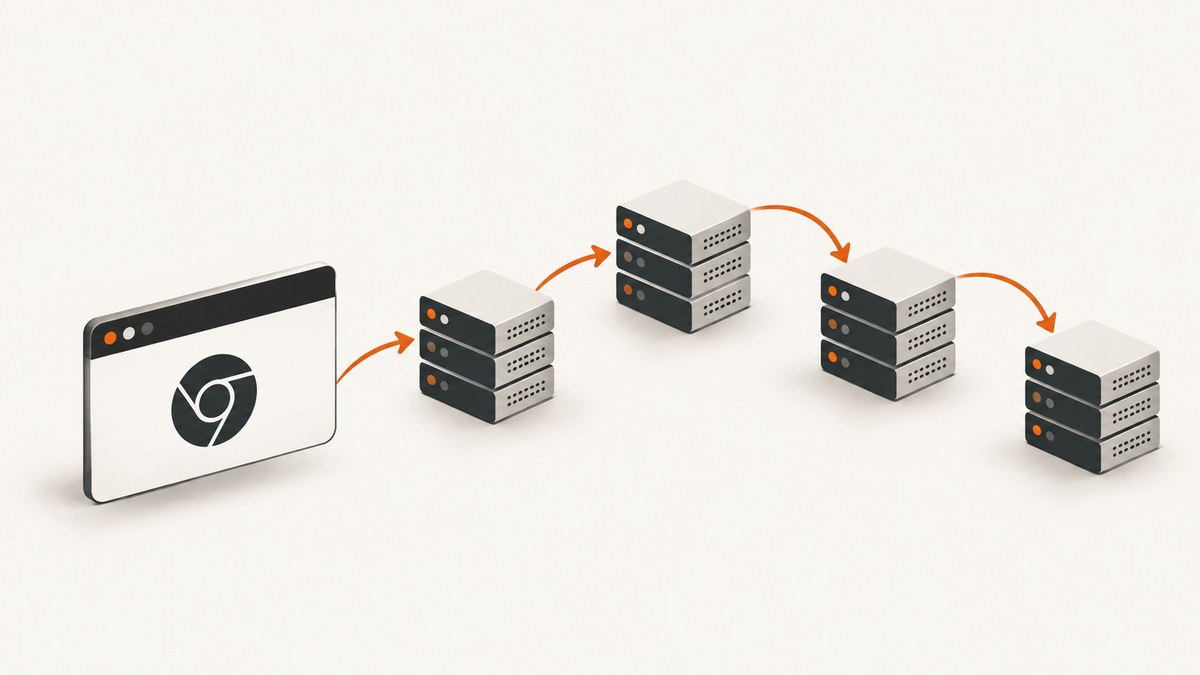
Trace redirects by recording every navigation request and response, not just the final URL. In Puppeteer, call page.goto(), take the returned response’s request, and read redirectChain(). The chain contains each request that was redirected; the request attached to the final response represents the destination. For protocol-level evidence, enable the Chrome DevTools Protocol (CDP) Network domain and capture Network.requestWillBeSent and Network.responseReceived. A requestWillBeSent event with redirectResponse identifies a redirect hop. Keep the source URL, destination from the Location header, status (301, 302, 303, 307, or 308), method, request ID, and timing for every hop.
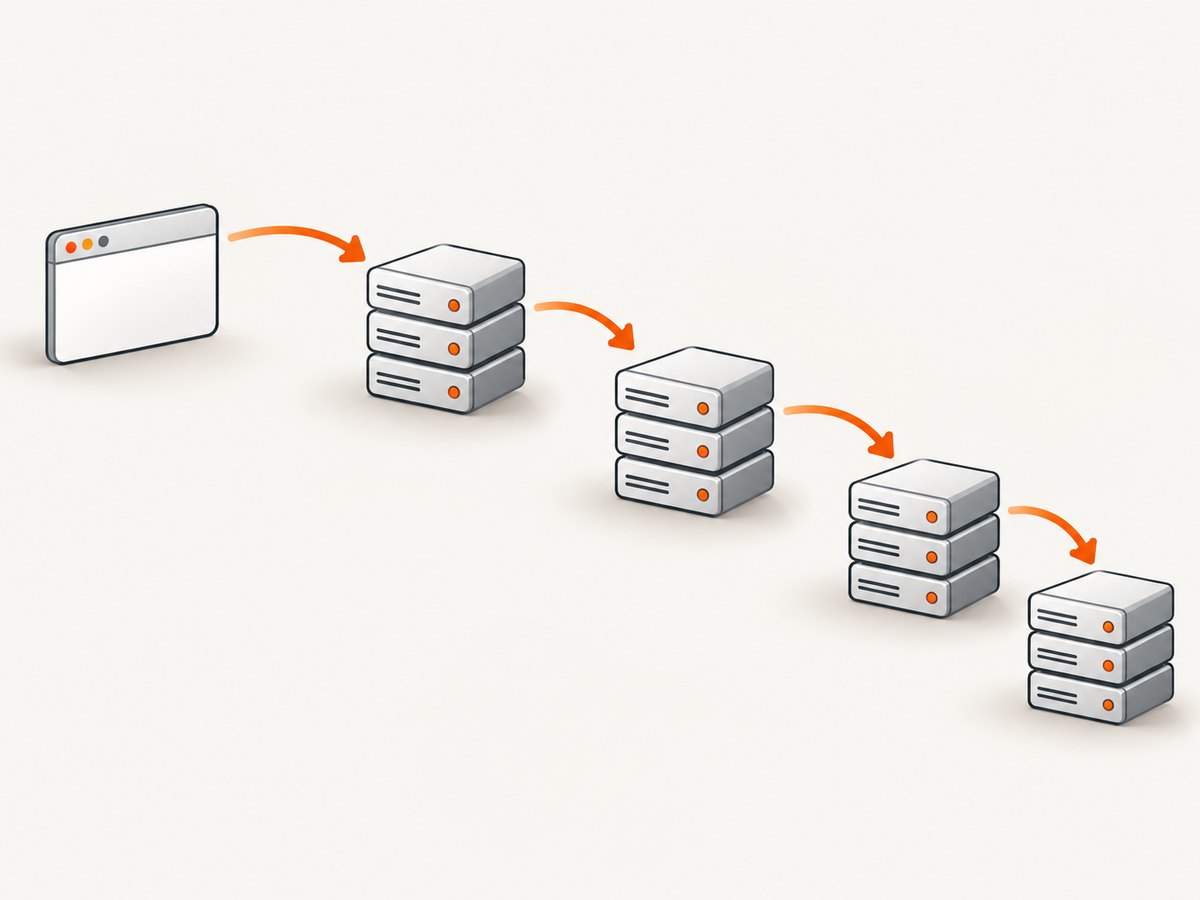
Use Puppeteer when you need a simple navigation report. Use raw CDP when you need headers, request IDs, timing, subresource redirects, or interception. The sections below show both approaches and a manual DevTools cross-check.
1. Trace a navigation with Puppeteer
Puppeteer’s redirectChain() API returns the requests that led to the final navigation request. An HTTP-to-HTTPS redirect normally produces one chain entry; a URL with no redirects produces an empty array.
import puppeteer from 'puppeteer';

const browser = await puppeteer.launch({headless: true});
const page = await browser.newPage();

try {
  const response = await page.goto('http://example.com', {
    waitUntil: 'networkidle0',
    timeout: 30000
  });
  if (!response) throw new Error('Navigation produced no response');

  const finalRequest = response.request();
  const hops = finalRequest.redirectChain().map((request, index) => ({
    hop: index + 1,
    url: request.url(),
    method: request.method(),
    headers: request.headers()
  }));

  console.log(JSON.stringify({
    hops,
    finalUrl: response.url(),
    finalStatus: response.status()
  }, null, 2));
} finally {
  await browser.close();
}
The final request is not included in hops, so always print response.url() separately. Redirect-chain entries provide request data, but not every intermediate response header. If you need the exact status and Location value for each response, use CDP.
Capture navigation response headers
Start the listener before calling goto. Filter to the main frame when you only want document redirects.
import puppeteer from 'puppeteer';

const browser = await puppeteer.launch({headless: true});
const page = await browser.newPage();
const redirects = [];

page.on('response', response => {
  const request = response.request();
  if (!request.isNavigationRequest() || request.frame() !== page.mainFrame()) return;
  const status = response.status();
  if ([301, 302, 303, 307, 308].includes(status)) {
    redirects.push({
      url: response.url(),
      status,
      location: response.headers().location || null,
      method: request.method()
    });
  }
});

try {
  const final = await page.goto('https://example.com', {waitUntil: 'domcontentloaded'});
  console.log({redirects, finalUrl: final?.url() || null, finalStatus: final?.status() || null});
} finally {
  await browser.close();
}
This listener also catches a response generated after the initial document request. That matters when a page uses script navigation, a service worker, or a meta refresh.
2. Capture every hop with raw CDP Network events
The CDP Network domain exposes request IDs, redirect response data, headers, and timestamps. When Chrome follows a redirect, the next Network.requestWillBeSent event contains a populated redirectResponse.
import puppeteer from 'puppeteer';

const browser = await puppeteer.launch({headless: true});
const page = await browser.newPage();
const client = await page.createCDPSession();
const requests = new Map();
const hops = [];

await client.send('Network.enable');
client.on('Network.requestWillBeSent', event => {
  const {requestId, request, timestamp, redirectResponse} = event;
  requests.set(requestId, {
    requestId,
    url: request.url,
    method: request.method,
    start: timestamp,
    headers: request.headers
  });

  if (redirectResponse) {
    hops.push({
      requestId,
      from: redirectResponse.url,
      to: request.url,
      status: redirectResponse.status,
      location: redirectResponse.headers?.location || null,
      method: request.method,
      timestamp
    });
  }
});

client.on('Network.responseReceived', ({requestId, response, timestamp}) => {
  const entry = requests.get(requestId);
  if (entry) entry.response = {
    url: response.url,
    status: response.status,
    mimeType: response.mimeType,
    headers: response.headers,
    timestamp
  };
});

try {
  await page.goto('https://example.com', {waitUntil: 'load', timeout: 30000});
  console.log(JSON.stringify({hops}, null, 2));
} finally {
  await client.send('Network.disable').catch(() => {});
  await browser.close();
}
Use the recorded from URL and Location header as the authoritative evidence. Keep the next request’s absolute URL too, because a server can return a relative Location value that Chrome resolves against the source URL.
Timing and subresources
Store the timestamp from request and response events to calculate time spent in each hop. For connection and DNS details, inspect the response timing object supplied by CDP. Redirects can occur on fonts, scripts, images, and XHR requests, not only the top-level document. Group records by requestId and filter by frame or resource type when you need a navigation-only report.
3. Intercept redirects with the Fetch domain
The CDP Fetch domain pauses requests so you can inspect or change them. A paused response with status 301, 302, 303, 307, or 308 and a Location header is a redirect. The follow-up request includes redirectedRequestId.
import puppeteer from 'puppeteer';

const browser = await puppeteer.launch({headless: true});
const page = await browser.newPage();
const client = await page.createCDPSession();
await client.send('Fetch.enable', {patterns: [{requestStage: 'Response'}]});

client.on('Fetch.requestPaused', async event => {
  const {requestId, request, responseStatusCode, responseHeaders, redirectedRequestId} = event;
  const location = responseHeaders?.find(h => h.name.toLowerCase() === 'location')?.value;
  const isRedirect = [301, 302, 303, 307, 308].includes(responseStatusCode) && location;
  if (isRedirect) {
    console.log({requestId, redirectedRequestId: redirectedRequestId || null,
      from: request.url, status: responseStatusCode, location});
  }
  await client.send('Fetch.continueRequest', {requestId});
});

try {
  await page.goto('https://example.com', {waitUntil: 'domcontentloaded'});
} finally {
  await client.send('Fetch.disable').catch(() => {});
  await browser.close();
}
Continue every paused request or navigation will hang. Do not call Fetch.getResponseBody for a redirect response: the official Fetch documentation states that redirect bodies are unavailable. Record status and headers instead.
4. Validate the trace in Chrome DevTools
- Open DevTools before navigation.
- Choose Network and enable Preserve log.
- Load the source URL.
- Inspect rows with 301, 302, 303, 307, or 308 status.
- Check Headers for
Locationand Timing for latency. - Use Initiator to distinguish an HTTP redirect from parser or script navigation.
If DevTools shows a hop your script misses, you may be filtering to the main frame or stopping at domcontentloaded before a script-driven navigation occurs.
5. Understand redirect status and method behavior
| Status | Meaning | Method behavior |
|---|---|---|
| 301 | Permanent relocation | Clients may change POST to GET. |
| 302 | Temporary relocation | Browsers often treat it like 303. |
| 303 | See another resource | Follow-up is normally GET. |
| 307 | Temporary relocation | Preserves method and body. |
| 308 | Permanent relocation | Preserves method and body. |
Record both the original method and the method of the next request. A URL-only report can look correct while an API client silently loses a POST body after a 301 or 302.
6. Troubleshooting
- Only the final URL appears: read
response.request().redirectChain()or CDP’sredirectResponse, not onlyresponse.url(). - The chain is empty: the navigation may be a script, meta refresh, service worker, or subresource redirect. Capture response events and inspect Initiator.
gotoreturns no response: downloads, unsupported schemes, and failed navigations can return null. Guard the value and log page errors.- Fetch interception hangs: a paused request was not continued. Continue every event, including non-redirect requests.
- Location is missing: verify the status and log all headers before filtering.
- Duplicate hops appear: navigation and subresource redirects are mixed. Filter by frame, loader ID, or resource type.
- Headless and headed results differ: compare user agent, cookies, proxy, geolocation, and request headers.
- There is a redirect loop: stop after a hop limit, track visited URLs, and report repeated pairs. Check HTTP-to-HTTPS rules, proxy headers, and slash rewrites.
7. Performance, reliability, and cost
Set an explicit timeout and hop limit. Use domcontentloaded when you only need redirect metadata. Use networkidle0 when the final page must settle, but remember that analytics and long polling can prevent network idle. Reuse a browser for batches while creating a fresh page or context per target to isolate cookies and storage. Close pages and CDP sessions in finally blocks.
Tracing is lightweight compared with launching Chrome and loading page resources. Block images, fonts, or third-party requests only when they cannot affect the redirect behavior being measured. For repeatable results, pin the user agent, timezone, and proxy configuration, and save the complete event log rather than only a summary.
8. Or skip the browser setup
ScreenshotNeo is a website screenshot API and MCP server. One GET request returns PNG, JPEG, WebP, or PDF. Before capture it accepts cookie and consent banners, then removes more than 60 known consent platforms, newsletter popups, and chat widgets; each step can be disabled. Bot checks or CAPTCHAs, blank pages, timeouts, failed loads, and cache hits cost nothing, and responses identify the result with X-Page-Verdict and X-Billed headers.
See the ScreenshotNeo API docs for options and configuration:
curl -G 'https://api.screenshotneo.com/v1/shot' -d access_key=YOUR_API_KEY --data-urlencode url=https://stripe.com -o shot.webpimport requests
r = requests.get('https://api.screenshotneo.com/v1/shot', params={'access_key': 'YOUR_API_KEY', 'url': 'https://stripe.com'}, timeout=90)
open('shot.webp', 'wb').write(r.content)const q = new URLSearchParams({access_key: 'YOUR_API_KEY', url: 'https://stripe.com'});
const res = await fetch(`https://api.screenshotneo.com/v1/shot?${q}`);Features include full-page capture with lazy images loaded, CSS-selector element shots, dark mode, 12 device presets or any viewport, retina scale, PDF paper size and margins, custom CSS and JavaScript, clicks, selector or delay waits, network-idle waits, request blocking, custom headers and cookies, user agents, timezone and geolocation, transparent backgrounds, resizing, selectable cache TTL, signed links, asynchronous jobs with signed webhooks, bulk capture for 100 URLs, a usage API, and an OpenAPI specification. Its MCP server provides take_screenshot, get_page_info, and capture_pdf for Claude, Cursor, and other MCP clients.
The Free plan includes 1,000 screenshots per month with no card. Paid plans start at $5 for 3,000 shots, and yearly billing gives two months free. Create a free ScreenshotNeo account and use the monthly free quota.
9. FAQ
Does redirectChain include the final request?
No. It lists requests that were redirected. Report the request attached to the final response separately.
Can CDP show redirect bodies?
No. Fetch interception exposes redirect status and headers, but redirect bodies are unavailable.
How do I trace image or script redirects?
Capture every request event instead of filtering to navigation requests, then group by request ID, frame, and resource type.
Which approach should I choose?
Choose Puppeteer for a concise navigation chain. Choose raw CDP for protocol IDs, exact headers, timings, subresources, or interception.


