How to Track Client-Side Navigation with DevTools Page.frameNavigated
`Page.frameNavigated` does not report every SPA route change. Use `Page.navigatedWithinDocument` for History API and fragment navigation, and filter events by frame.
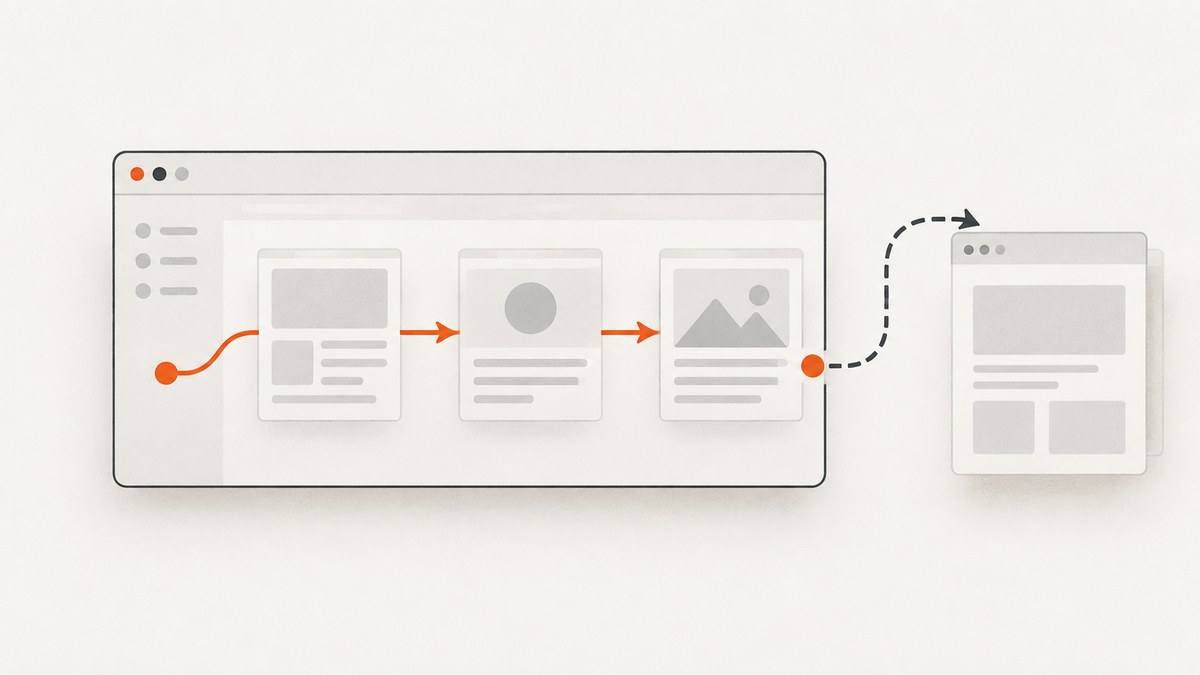
For single-page application (SPA) route changes that keep the same document, listen for Page.navigatedWithinDocument. Page.frameNavigated is for a completed frame navigation associated with a new loader, so it does not by itself cover changes made with history.pushState(), history.replaceState(), or an in-page fragment link. Enable the CDP Page domain and listen for both events when diagnosing navigation. Then use the event type and frame ID to decide what changed.
The essential distinction is between a new document and a URL change within the existing document. CDP reports those through different events. The current Page-domain reference marks navigatedWithinDocument experimental, so confirm its availability and payload against the Chromium version you control. Official CDP Page-domain reference
1. Understand the two navigation events
Page.frameNavigated fires after a frame navigation completes and the frame is associated with a new loader. A regular link that loads a new document is a common example. It can also fire for a child frame, so an event does not automatically mean the top-level app route changed.
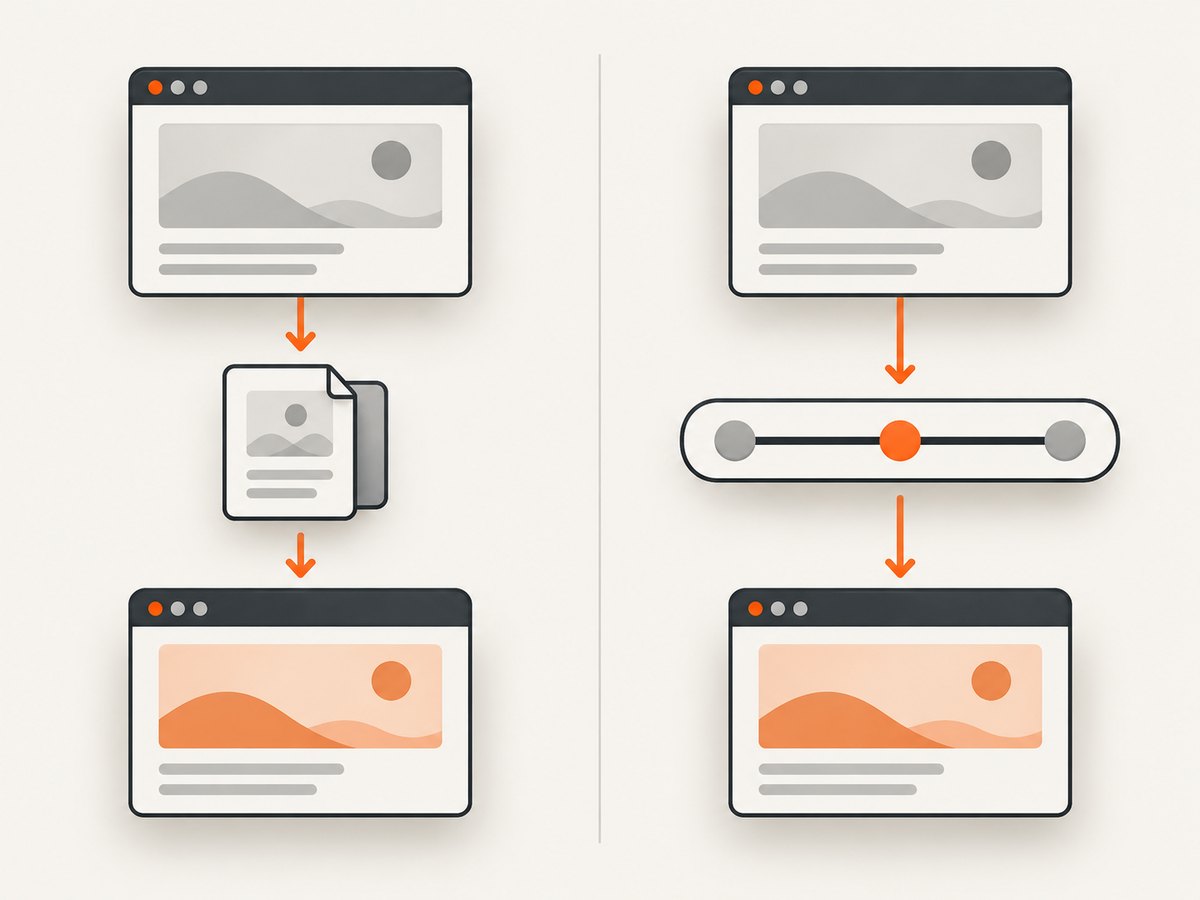
Page.navigatedWithinDocument reports a same-document navigation. Its payload identifies the frame, gives the new URL, and supplies a navigationType. The documented types are fragment, historyApi, and other. Treat other as an observed category; do not infer a more specific cause than the protocol supplies.
| Question | Page.frameNavigated |
Page.navigatedWithinDocument |
|---|---|---|
| What happened? | A frame navigation completed and is associated with a new loader. | The URL changed without navigating to a new document. |
| Typical use | Observe document navigation and frame lifecycle. | Observe SPA URL changes, History API use, and fragments. |
| Useful payload | Frame object and navigation context. | frameId, url, navigationType. |
| Common mistake | Expecting it to fire for every pushState(). |
Treating every event as the top-level app route. |
A router may also update rendered content, analytics, or application state on its own schedule. A CDP navigation event tells you what Chromium observed about navigation; it does not guarantee that a framework finished rendering the destination view.
2. Track navigation from a Node.js CDP client
The following example uses the chrome-remote-interface Node.js package to connect to a Chromium instance with its remote debugging endpoint enabled. It enables the Page domain, registers both listeners before navigation, and reports whether an event belongs to the main frame. The example assumes Chromium exposes its DevTools Protocol endpoint at localhost:9222.
npm install chrome-remote-interface// track-navigation.js
const CDP = require('chrome-remote-interface');
async function main() {
let client;
try {
client = await CDP({ port: 9222 });
const { Page, Target } = client;
await Page.enable();
const { targetInfo } = await Target.getTargetInfo();
const targetUrl = targetInfo.url;
// A main-frame ID can be obtained from the frame tree.
const { frameTree } = await Page.getFrameTree();
const mainFrameId = frameTree.frame.id;
Page.frameNavigated(({ frame }) => {
console.log(JSON.stringify({
event: 'Page.frameNavigated',
frameId: frame.id,
parentId: frame.parentId ?? null,
isMainFrame: frame.id === mainFrameId,
url: frame.url,
loaderId: frame.loaderId,
targetUrl
}));
});
Page.navigatedWithinDocument(({ frameId, url, navigationType }) => {
console.log(JSON.stringify({
event: 'Page.navigatedWithinDocument',
frameId,
isMainFrame: frameId === mainFrameId,
url,
navigationType
}));
});
console.log('Listening for navigation on the connected target.');
console.log('Press Ctrl+C to stop.');
// Keep the process alive while events arrive.
await new Promise(() => {});
} catch (error) {
console.error('Could not observe CDP navigation:', error.message);
process.exitCode = 1;
} finally {
if (client) await client.close();
}
}
main();Start Chromium with remote debugging enabled for the target environment, open the page, and run node track-navigation.js. Then reproduce navigation using the site UI, browser back/forward, or a controlled test action. The event listeners are installed before you exercise the page so you can compare document navigation with same-document changes.
For long-running collectors, avoid the never-resolving promise pattern and instead manage connection lifetime with your process or test runner. Close the CDP connection during cleanup, and handle disconnection if the browser exits or the target is replaced. If your automation framework already exposes the raw CDP session, use that session rather than opening a second connection to the same target.
3. Filter the frame you care about
Pages can contain iframes, and those frames can navigate independently. For top-level SPA routing, compare frameId with the main frame ID and ignore child-frame events unless your use case needs them. For a particular iframe, track its frame ID as it attaches, detaches, or is replaced. Do not assume a frame ID remains valid after the frame is removed.
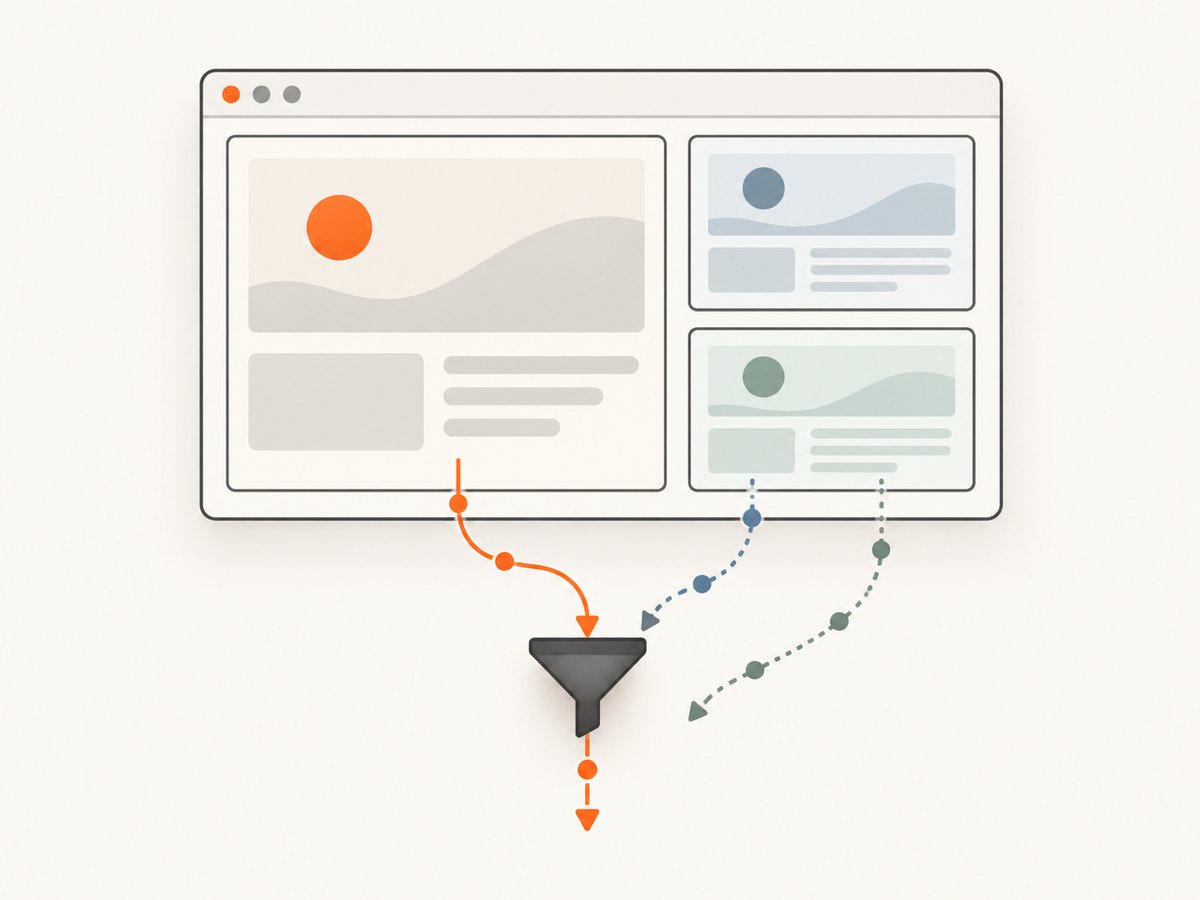
The main frame can change across some navigation or target lifecycle transitions. For a robust observer, refresh the frame tree after document navigation or reconnect, and update the main-frame ID. A minimal diagnostic script can compare IDs from a startup frame tree, but production logic should keep frame lifecycle in view rather than treating the initial ID as permanent.
Also decide whether you are observing one page target or multiple targets. Tabs, popups, workers, and out-of-process frames may be represented through distinct targets depending on how your CDP client attaches. If a frame you expect is missing, verify which target your client is connected to and whether auto-attachment or flattened sessions are needed for your browser setup.
4. Check route behavior without misreading the signal
- Connect to the intended Chromium target and enable the Page domain.
- Register listeners for both
Page.frameNavigatedandPage.navigatedWithinDocument. - Record the event name, frame ID, URL, and, for same-document events, navigation type.
- Reproduce the transition through the app, a fragment link, or back/forward navigation.
- Compare the trace with the expected document and route behavior.
- If you care about completion of app rendering, separately wait for an application-specific element, state change, or test condition.
This procedure is a debugging workflow, not a claim that all routers emit events in a particular order. The protocol event records browser-observed navigation state. App-specific rendering and analytics may require their own instrumentation.
5. Common alternatives and boundaries
If the task is a Chrome extension rather than a CDP client, the extension API chrome.webNavigation.onHistoryStateUpdated is designed to report History API state changes. Declare the webNavigation permission in the extension manifest. Fragment changes are represented by a separate event. See the Chrome webNavigation API reference.
These approaches solve related problems at different layers:
- CDP: useful for browser automation, debugging, and tooling attached to Chromium. Use
Page.navigatedWithinDocumentfor same-document route URL changes. - Chrome extension API: useful when an installed extension needs navigation notifications. Use the documented webNavigation events and permissions.
- Application instrumentation: useful when you need to know that a framework rendered a route or completed a data load. Instrument the router or wait for an app-specific condition; URL navigation alone is not render completion.
6. Version support and reliability
The CDP tip-of-tree reference changes frequently and does not guarantee backward compatibility. The current reference marks Page.navigatedWithinDocument experimental. Pin or record the browser build used by your automation, check the matching generated protocol definitions, and avoid assuming the live reference describes every deployed Chromium version. The CDP documentation explains the distinction between the latest tip-of-tree protocol and stable protocol support.
For reliable collectors, register listeners before triggering actions, scope events to the intended target and frame, and treat disconnects as recoverable lifecycle events. Keep the raw event data in diagnostic logs when investigating an unexpected route. Event handlers should be fast: enqueue or summarize data rather than performing slow work inline. If you use these events for screenshots, capture only after your own page-ready condition; navigation events alone do not guarantee fonts, images, network requests, or client rendering have settled.
7. Troubleshooting
| Symptom | Likely cause | What to do |
|---|---|---|
frameNavigated never appears after pushState(). |
The route changed in the existing document. | Listen for Page.navigatedWithinDocument and inspect its navigationType. |
| No events appear at all. | The Page domain is not enabled, listeners were attached too late, or the client connected to another target. | Call Page.enable(), subscribe before reproducing, and confirm target identity. |
| Events appear for unrelated URLs. | A child frame navigated. | Filter using the main frame ID or track only the frame relevant to your task. |
| Route changes but screenshot or test sees old content. | The URL event arrived before application rendering completed. | Wait for a route-specific DOM condition or app signal after observing navigation. |
| Protocol method or event is unavailable. | The Chromium build or protocol client types do not match the current reference. | Check the browser’s supported protocol schema and update the client or use a compatible event. |
| Observer stops after browser restart or tab replacement. | The CDP connection or target lifecycle ended. | Handle disconnects, reconnect to the intended target, enable Page again, and register listeners again. |
| History changes are missed in an extension. | Using tab update events for an in-document transition, or missing extension permission. | Declare webNavigation and use onHistoryStateUpdated; handle fragment changes separately. |
8. Performance and cost notes
Listening to these CDP events is lightweight compared with actions such as taking screenshots, evaluating large scripts, or collecting extensive network logs, but high-volume pages can produce many frame lifecycle events. Filter early, keep handlers short, and avoid logging full frame objects on every event in a long-running process. For debugging, include enough information to correlate events without retaining unnecessary page data.
The CDP event workflow itself does not require a screenshot API or paid service. If your actual task is to capture page images rather than inspect route transitions, browser setup and navigation tracking may be more machinery than needed. ScreenshotNeo offers a website screenshot API and MCP server; its API returns a screenshot or PDF from a GET request. Its billing rules and plans are described in the product section below.
9. Or skip the browser setup
If the goal is a clean screenshot of a route, ScreenshotNeo can capture the URL directly. This does not replace CDP when you need navigation event telemetry; it avoids managing a browser connection for screenshot-only work. See the ScreenshotNeo API documentation.
curl -G "https://api.screenshotneo.com/v1/shot" -d access_key=YOUR_API_KEY --data-urlencode url=https://stripe.com -o shot.webpimport requests
r = requests.get(
"https://api.screenshotneo.com/v1/shot",
params={"access_key": "YOUR_API_KEY", "url": "https://stripe.com"},
timeout=90,
)
open("shot.webp", "wb").write(r.content)const q = new URLSearchParams({ access_key: 'YOUR_API_KEY', url: 'https://stripe.com' });
const res = await fetch(`https://api.screenshotneo.com/v1/shot?${q}`);
if (!res.ok) throw new Error(`Screenshot request failed: ${res.status}`);
const image = Buffer.from(await res.arrayBuffer());
require('node:fs').writeFileSync('shot.webp', image);Cookie and consent banners, newsletter popups, and chat widgets are removed before the shot; each step can be turned off. Bot checks, blank pages, failed loads, timeouts, and cache hits are not billed, and response headers say which outcome occurred. ScreenshotNeo also provides an MCP server for AI agents, with take_screenshot, get_page_info, and capture_pdf. The free plan includes 1,000 screenshots per month with no card; paid plans start at $5 for 3,000. Learn more at ScreenshotNeo, or sign up for 1,000 free screenshots a month, with no card.
10. FAQ
Does navigatedWithinDocument detect every SPA render?
No. It reports same-document navigation, such as URL changes caused by the History API or fragment navigation. An app can render state without changing the URL; observe the app itself for those transitions.
Should I stop listening to frameNavigated?
No. It remains useful for completed frame navigations associated with a new loader. Listen to both when you need to distinguish document changes from same-document URL changes.
Is this protocol available in every browser?
The described events are part of Chromium’s DevTools Protocol. Do not assume identical event names or behavior in other browsers.
Can I use it to know when the page is ready for a screenshot?
Use the navigation event to detect the URL transition, then wait for a page-specific readiness condition. Navigation does not promise that client rendering or visual assets have finished loading.


