How to Use Agent Browser MCP with Claude Code
Connect Agent360 Browser MCP to Claude Code with the Chrome extension, verify it, fix connection errors, and use it safely.

Direct answer: Agent360 Browser MCP requires two pieces: the Chrome extension and the local MCP server. Install both, register @agent360/browser-mcp with Claude Code, restart Claude Code, then ask: Take a screenshot of my current Chrome tab. A returned screenshot confirms the connection.
This guide covers the Agent360 project and package @agent360/browser-mcp; “Browser MCP” is also used as a generic name for other projects.
What you are installing
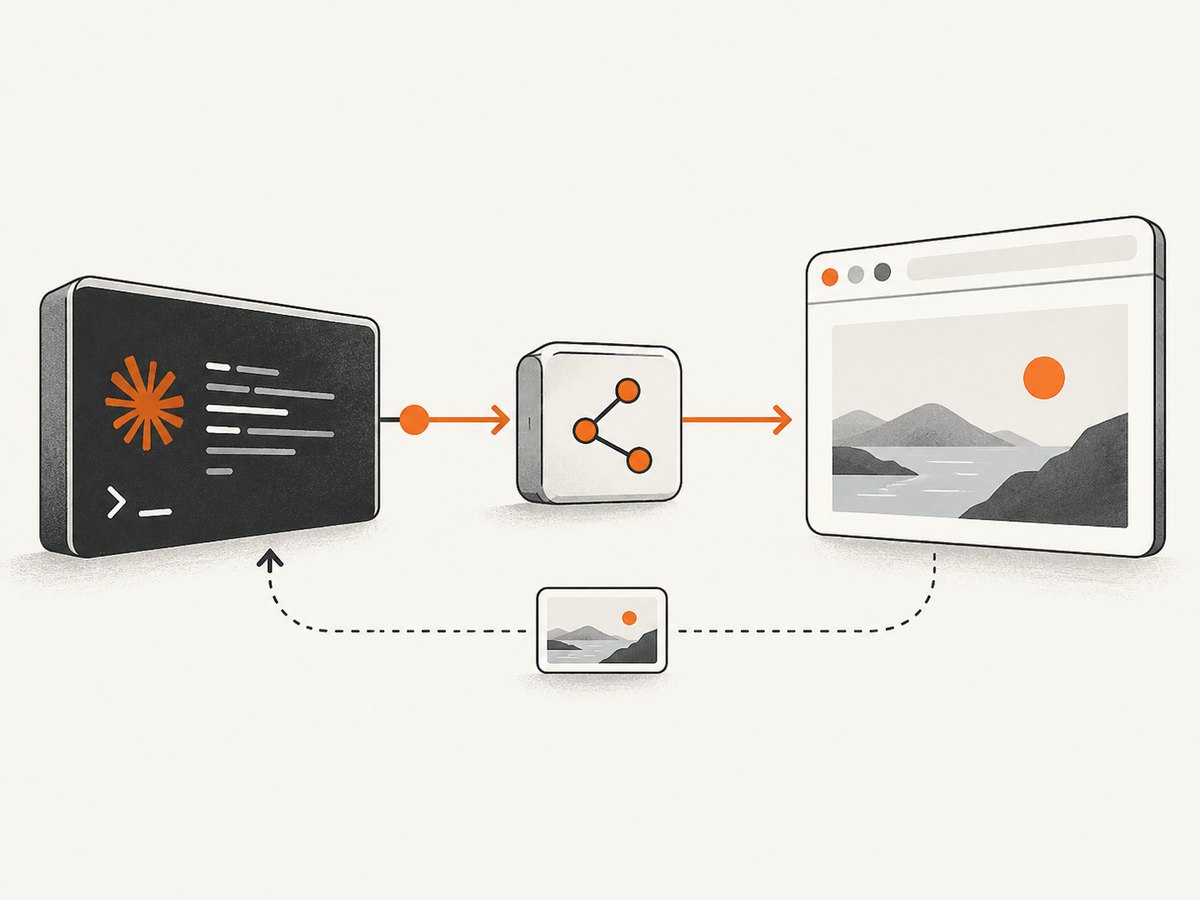
Agent360 describes Browser MCP as a local server that talks to a Chrome extension controlling your existing Chrome session. Its documented capabilities include navigation, page content, screenshots, interaction, tabs and frames, browser data, and user handoff. The vendor advertises 40 browser tools (Agent360, 2026). Both halves are required: the npm command does not install the extension, and the extension alone does not register a server.
Prerequisites
- Chrome and permission to install an extension.
- Node.js and npm, so
npxworks. - Claude Code installed and signed in.
- A page open in Chrome for verification.
Step 1: Install the Chrome extension
Chrome Web Store
- Open the Agent360 Browser MCP listing in the Chrome Web Store.
- Choose Add to Chrome and approve permissions.
- Pin it if you want quick access to status and reconnect.
The vendor says the store version updates through Chrome.
Unpacked install
npx @agent360/browser-mcp installThis copies files to ~/.browser-mcp/extension/; it does not configure Claude Code. Open chrome://extensions, enable Developer mode, choose Load unpacked, and select that folder. Reload the unpacked extension manually after copied files change; it does not use the Web Store auto-update path.
Step 2: Register the server
claude mcp add --scope user browser-mcp -- npx @agent360/browser-mcp@latest--scope user makes it available across projects. @latest asks npm for the latest package when invoked.
Manual configuration
Add this to ~/.claude.json while preserving other servers:
{
  "mcpServers": {
    "browser-mcp": {
      "command": "npx",
      "args": ["@agent360/browser-mcp@latest"]
    }
  }
}
Step 3: Restart and verify
- Restart Claude Code.
- Run
/mcpand confirmbrowser-mcpappears. - Open a normal page in Chrome.
- Ask
Take a screenshot of my current Chrome tab.
A returned screenshot is the documented success check. The extension may not show connected until the first browser tool call.
Security and permissions
A connected agent can read page content and act in the authenticated session it receives. Agent360 describes the server-extension-browser path as local, while information read by the agent is sent to the AI client and model provider. Chrome for Developers gives a similar warning for browser-control tools. These are vendor and platform descriptions, not an independent audit.
- Use a dedicated Chrome profile or least-privilege session.
- Connect sensitive pages only when necessary.
- Tell Claude to stop before credentials, account changes, purchases, or submissions.
- Review targets and final buttons yourself; never paste passwords or payment details into prompts.
Common errors and fixes
| Symptom | Cause | Fix |
|---|---|---|
| “Not connected” | One half is missing or Claude Code was not restarted. | Verify extension and server, restart, select Reconnect, and wait a few seconds. |
Missing in /mcp |
Registration failed, wrong user, or invalid JSON. | Run the exact add command again, inspect ~/.claude.json, restart. |
| No browser action | Extension is disabled or installed in another Chrome profile. | Check chrome://extensions in the active profile. |
| Unpacked update broke | Chrome still has old copied files. | Reload the extension; rerun install if files are missing. |
| Late connection indicator | Status appears after first browser call. | Run the screenshot prompt once, then recheck. |
npx not found |
Node.js/npm is absent from PATH. | Install Node.js, open a new terminal, and check node --version and npx --version. |
Reliability and performance
- Keep a stable profile and predictable tabs.
- Start with the screenshot check before long workflows.
- Name the target tab, expected page, and stopping points in prompts.
- Expect redirects, consent dialogs, popups, bot challenges, and expired sessions to need human handoff.
- Record the URL, intended action, and result for repeatable jobs.
Results depend on page load, network state, dialogs, and session expiry. The available research provides no independent latency, uptime, or failure-rate benchmarks.
Alternative: Chrome DevTools for agents
Chrome DevTools for agents is a separate MCP option for Claude Code. Its official setup is:
/plugin marketplace add ChromeDevTools/chrome-devtools-mcp
/plugin install chrome-devtools-mcp@chrome-devtools-plugins
Chrome documents inspection and developer workflows such as performance traces. Agent360 Browser MCP is positioned around interaction with an existing Chrome session. Compare intended work, installation style, browser workflow, and permissions; do not mix projects or extensions.
Or skip the browser setup
For a clean image or PDF of a URL, ScreenshotNeo uses an HTTP call. See the API documentation for options.
curl -G "https://api.screenshotneo.com/v1/shot" -d access_key=YOUR_API_KEY --data-urlencode url=https://stripe.com -o shot.webpimport requests
r = requests.get("https://api.screenshotneo.com/v1/shot", params={"access_key": "YOUR_API_KEY", "url": "https://stripe.com"}, timeout=90)
open("shot.webp", "wb").write(r.content)const q = new URLSearchParams({ access_key: 'YOUR_API_KEY', url: 'https://stripe.com' });
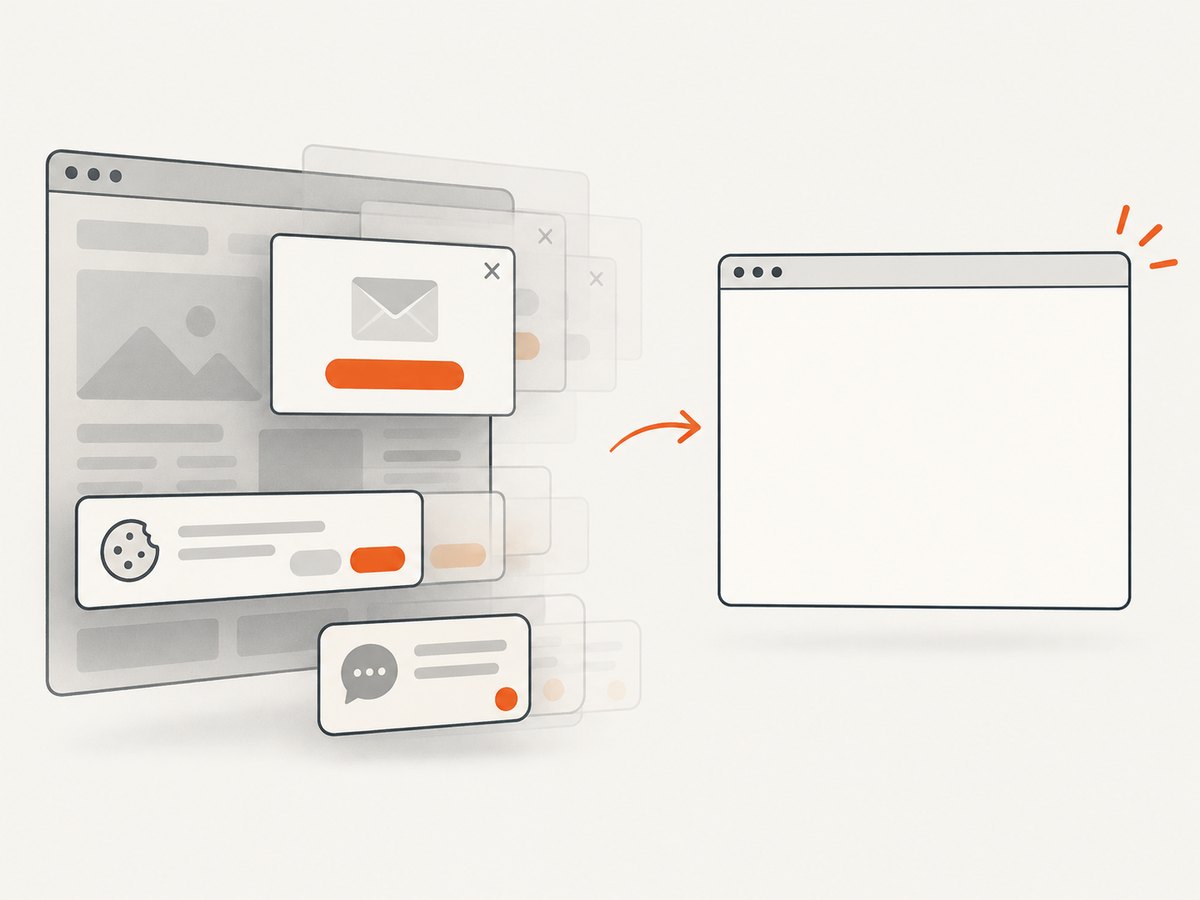
const res = await fetch(`https://api.screenshotneo.com/v1/shot?${q}`);ScreenshotNeo removes cookie banners, newsletter popups, and chat widgets before capture. Bot checks, blank pages, failed loads, timeouts, and cache hits are never billed, with verdict and billing in response headers. Its MCP server offers take_screenshot, get_page_info, and capture_pdf. Free includes 1,000 screenshots per month with no card; paid plans start at $5 for 3,000.
Create a free ScreenshotNeo account.
FAQ
Is it one install?
No. Install the Agent360 extension and register the local server.
How do I add an MCP server?
Use claude mcp add, restart, and inspect /mcp.
Can it use a logged-in browser?
Yes; treat that session as sensitive and require confirmation for consequential actions.
Do unpacked installs auto-update?
No. Reload after copied files change.
What proves success?
The screenshot response to the current-tab prompt.


