How to Use the Stack Overflow MCP Server
Connect an MCP client to Stack Overflow, authenticate safely, use its tools, handle limits, and troubleshoot common setup problems.

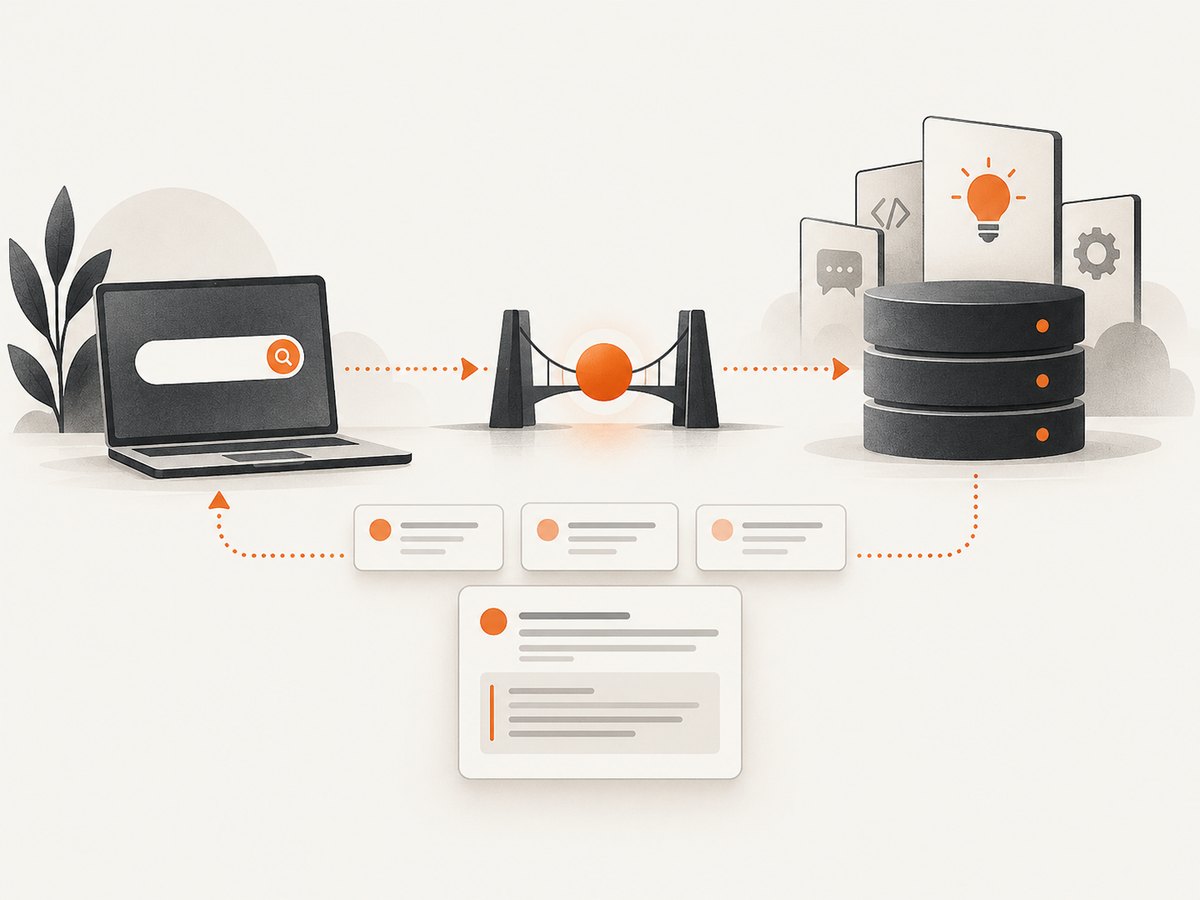
The public Stack Overflow MCP server lets an MCP-compatible client or agent search Stack Overflow questions and retrieve questions, answers and comments. You connect to the hosted service through mcp-remote, authenticate with a Stack Exchange account, grant consent, then restart your MCP client.
The documented connection configuration is:
{
  "mcpServers": {
    "stack-mcp-server": {
      "command": "npx",
      "args": [
        "mcp-remote",
        "mcp.stackoverflow.com"
      ]
    }
  }
}
What you need
- An MCP-compatible client or agent runtime, such as an MCP desktop client or coding assistant.
- A Stack Overflow or Stack Exchange account that can complete the authorization flow.
- Node.js and
npx, because the documented setup launchesmcp-remote. - Network access to
mcp.stackoverflow.com.
Set up the public Stack Overflow MCP server
1. Find your client’s MCP configuration file
Each MCP client stores server definitions in a different location. Open the client’s MCP or server configuration editor and add the mcpServers entry shown above. Preserve the existing servers if the file already contains other entries.
2. Save the remote server entry
The command is npx. The first argument installs or runs mcp-remote; the second is the public Stack Overflow MCP endpoint. Do not replace this endpoint with an internal Stack Enterprise URL unless you are configuring a separate enterprise product.
3. Start or restart the MCP client
When the client starts the server, it should open or display an authentication flow. If no browser opens, look for an authorization URL in the client’s logs or notification panel.
4. Authenticate and grant consent
- Sign in through Stack Exchange when prompted.
- Review the requested access.
- Authorize the client and accept the displayed terms.
- Return to the MCP client.
5. Quit and reopen the client
The official setup instructions require restarting the MCP client after authorization. This refreshes the server connection and makes the tools available to the agent.
Verify that the connection works
Ask your agent to search for a narrow technical question, then ask it to retrieve one result by ID. For example:
Search Stack Overflow for questions about "Python asyncio task cancellation".
Show the IDs and titles of the best matches.
Then retrieve the full content, answers and comments for question ID 12345678.
Use a real ID returned by the search instead of the example ID. A successful setup normally shows the server’s tools in the client’s tool list and lets the agent call them without asking you to paste Stack Overflow pages manually.
Tools provided by the public server
The official documentation lists two tools at the time of writing. Future phases may add more tools, so treat this as the documented inventory rather than a permanent guarantee.
| Tool | Purpose | Typical input | Useful output |
|---|---|---|---|
so_search |
Lexical search over Stack Overflow questions. | A focused search query. | Matching question records, including IDs and titles that can be passed to get_content. |
get_content |
Retrieves content by ID. | A Stack Overflow question ID. | The question, answers and comments associated with that ID. |
Search effectively with so_search
- Use the vocabulary a developer would put in a question title, such as
"postgres deadlock retry transaction". - Include the language, framework or error when it narrows the result set.
- Search in several focused passes instead of sending one paragraph containing unrelated requirements.
- Keep the returned question IDs so a later
get_contentcall can fetch the authoritative details.
Retrieve evidence with get_content
Use get_content after search when the answer needs code, comments, accepted-answer context or the complete question. Ask the agent to distinguish the question from each answer and to preserve links or IDs when you need to cite the source.
Useful agent workflows
- Runtime help: Search for the exact error, inspect several results, then retrieve the strongest candidates before proposing a fix.
- RAG prototyping: Use search to find candidate questions and fetch their content into your retrieval pipeline.
- Developer extensions: Let an IDE assistant look up a known error without switching windows.
- Chatbots and learning tools: Retrieve explanations and related discussions at response time, while showing the question IDs used.
- Trend research: Search recurring topics and inspect their discussions for a dashboard or exploratory report.
These are use cases described by Stack Overflow’s public MCP documentation. Validate the results and preserve attribution when building a user-facing system.
Daily usage limit
The official documentation states a limit of 100 calls per day per Stack Exchange user. Treat the limit as applying to calls made through the public MCP service, and recheck the official documentation before publishing a production integration because service limits can change.
Design around the limit
- Search narrowly so one request returns useful candidates.
- Cache question content after retrieving it.
- Do not repeatedly fetch the same question for every chat turn.
- Batch your own downstream processing after the MCP calls complete.
- Track calls per authenticated user and stop gracefully before the daily allowance is exhausted.
- Contact Stack Overflow sales for higher-volume use cases, as the public documentation recommends.
Authentication, privacy and scope
The public setup describes account-based authentication and explicit user consent through Stack Exchange. The reviewed material does not describe a complete security architecture, retention policy or detailed token-handling model. Avoid promising those properties unless the current official documentation confirms them.
Request only the access your client needs, keep the MCP client updated, and avoid placing authorization URLs or tokens in logs, issue trackers or prompts shared with other users.
Public Stack Overflow MCP versus Stack Internal Community MCP
These names refer to separate services and should not be configured interchangeably.
| Characteristic | Public Stack Overflow MCP | Stack Internal Community MCP |
|---|---|---|
| Endpoint | mcp.stackoverflow.com |
A tenant-specific URL such as https://[your_site].stackenterprise.co/mcp |
| Audience | Public Stack Overflow users and developer tools. | Organizations running Stack Enterprise or an internal community. |
| Documented setup | npx mcp-remote, Stack Exchange login and consent. |
Admin enablement and OAuth 2.0 with PKCE. |
| Documented tools | so_search and get_content. |
Read and write tools for internal content, according to its separate quickstart. |
Do not copy enterprise OAuth instructions into a public-server configuration, or use the public endpoint for an internal tenant.
Troubleshooting
| Symptom | Likely cause | Fix |
|---|---|---|
npx is not found. |
Node.js is missing or its executable directory is not on PATH. |
Install Node.js, verify node --version and npx --version, then restart the MCP client. |
| The client says the server command failed. | Malformed JSON, an incorrect key name or a typo in the arguments. | Validate the configuration, ensure the key is exactly mcpServers, and use mcp.stackoverflow.com as the endpoint argument. |
| No browser opens for login. | The client runs without a GUI or blocks automatic browser launches. | Read the client logs for the authorization URL, open it manually, complete consent, then restart the client. |
| Authentication completed but tools are missing. | The client kept its old process or cached server list. | Quit the client completely and reopen it after authorization. |
so_search returns poor matches. |
The query is too broad, contains several unrelated tasks or uses terminology unlike the original question. | Search one error or technology at a time and include the exact framework, language or message. |
get_content cannot find an item. |
The ID is invalid, copied from another site or not the question ID returned by search. | Run so_search again and pass the returned Stack Overflow question ID unchanged. |
| Calls stop working after heavy use. | The documented daily allowance of 100 calls per Stack Exchange user was reached. | Cache results, wait for the allowance to reset, reduce repeated calls and contact sales for a higher-volume use case. |
| An enterprise endpoint fails with the public configuration. | Public and Stack Internal Community MCP use different authentication and tenancy. | Use the product’s own admin and OAuth 2.0 with PKCE instructions for the tenant service. |
Operational checklist
- ☐ Confirm the client supports MCP servers.
- ☐ Confirm Node.js and
npxare available to the client process. - ☐ Add the exact remote-server configuration.
- ☐ Complete Stack Exchange login and consent.
- ☐ Restart the MCP client.
- ☐ Test
so_searchwith a focused query. - ☐ Test
get_contentwith an ID returned by search. - ☐ Cache repeated lookups and monitor the 100-call daily limit.
- ☐ Keep public and enterprise MCP endpoints separate.
Or skip the browser setup
If your agent also needs website screenshots for documentation, visual regression or page analysis, ScreenshotNeo provides a one-request screenshot API and an MCP server. It removes cookie banners, newsletter popups and chat widgets before capture. Bot checks, blank pages and failed loads are never billed, and an MCP server lets AI agents take screenshots.
See the ScreenshotNeo API documentation for all options. A direct request looks like this:
curl -G "https://api.screenshotneo.com/v1/shot" -d access_key=YOUR_API_KEY --data-urlencode url=https://stripe.com -o shot.webpimport requests
r = requests.get("https://api.screenshotneo.com/v1/shot", params={"access_key": "YOUR_API_KEY", "url": "https://stripe.com"}, timeout=90)
open("shot.webp", "wb").write(r.content)const q = new URLSearchParams({ access_key: 'YOUR_API_KEY', url: 'https://stripe.com' });
const res = await fetch(`https://api.screenshotneo.com/v1/shot?${q}`);ScreenshotNeo includes 1,000 screenshots a month free with no card; paid plans start at $5 for 3,000. Create a free ScreenshotNeo account.
FAQ
Is the public Stack Overflow MCP server installed locally?
No. The service is hosted remotely; your client launches mcp-remote to connect to mcp.stackoverflow.com.

Do I need a Stack Overflow account?
Yes. The documented flow sends you through Stack Exchange login and consent.
Can I use the server without an MCP client?
The documented setup targets MCP-compatible clients or agent runtimes. It does not describe a standalone command-line API for calling these tools directly.
Are the two documented tools the final tool list?
No. They are the tools listed in the reviewed documentation; additional tools may be added in future phases.
Where should I ask about more than 100 calls per day?
The official documentation says higher-volume use cases should contact Stack Overflow sales.


