Visual Regression Testing with Loki
Set up Loki with Storybook, create reviewable baselines, run visual tests in CI, fix failures, and compare Loki with ScreenshotNeo.
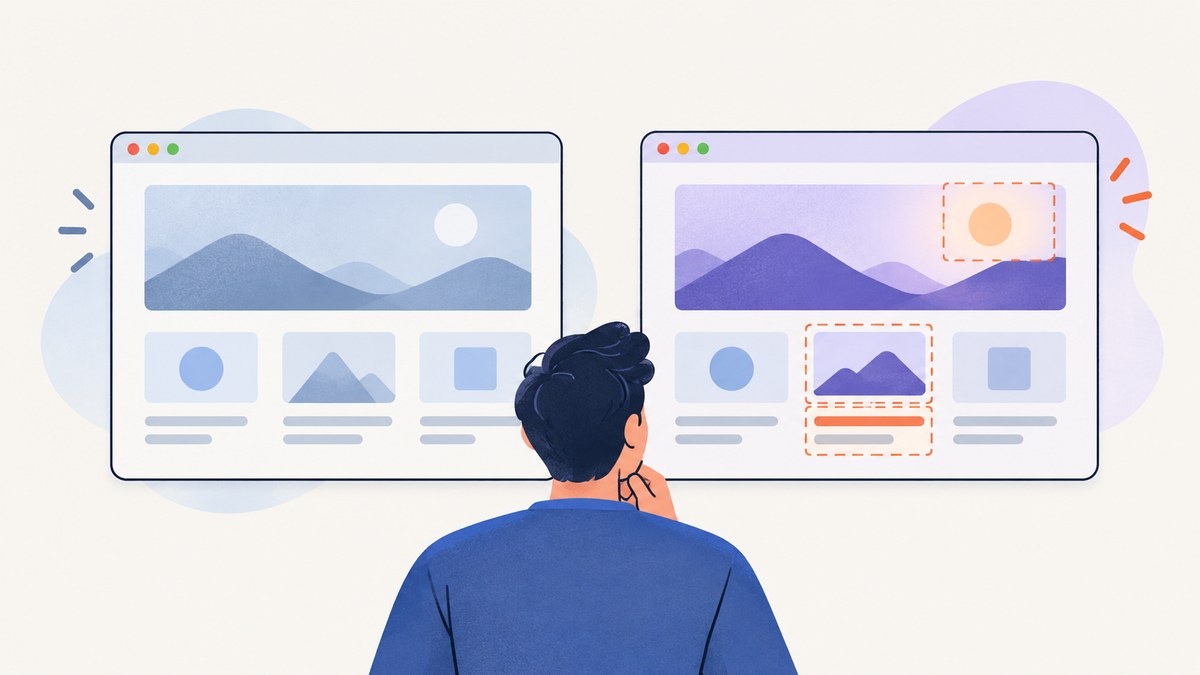
Direct answer: Loki performs visual regression testing by capturing screenshots of your Storybook stories, comparing them with committed reference images, and showing differences for human review. The normal workflow is yarn loki update to create or refresh references, yarn loki test to compare current renders, and yarn loki approve only after you decide a visual change is intentional. Loki does not decide whether a change is correct by itself; the baseline is a review artifact owned by your team.
This guide covers local setup, browser targets, baseline organization, CI, flaky captures, debugging, performance, maintenance, and an API alternative when you do not want to manage a browser runner.
What Loki tests
Loki is an open-source development dependency for visual regression testing of Storybook. It launches a supported browser or simulator, visits each selected story, captures an image, and compares that image with a reference stored in your repository. A changed pixel produces a diff that a developer or reviewer must inspect.
The project README describes aims of easy setup, low maintenance, reproducible tests across operating systems, CI execution, and support for Storybook platforms. Those are project aims, not independently measured guarantees. The surfaced setup documentation lists Node 16 or newer as a prerequisite and documents Chrome in Docker, Chrome in AWS Lambda, local Chrome, an iOS simulator, and an Android emulator as possible targets. Check the current repository before choosing exact versions, flags, or simulator combinations because the setup pages used for this article were updated in 2024.
Install Loki and initialize a project
- Start with a working Storybook project. Run its normal development command once and open a story in a browser.
- Install Loki as a development dependency with your package manager.
- Initialize Loki from the project root.
- Confirm that the Storybook version, Node version, browser, and optional target dependencies match the current Loki release.
# Yarn
 yarn add --dev loki
 yarn loki init

# npm equivalent
 npm install --save-dev loki
 npx loki init
Initialization creates or updates Loki configuration. Keep that configuration in version control. The exact generated fields vary by release and target, so prefer the configuration produced by your installed version over copying an old example.
Create your first visual baselines
Run Storybook, then generate references:
yarn storybook
# In another terminal
yarn loki update
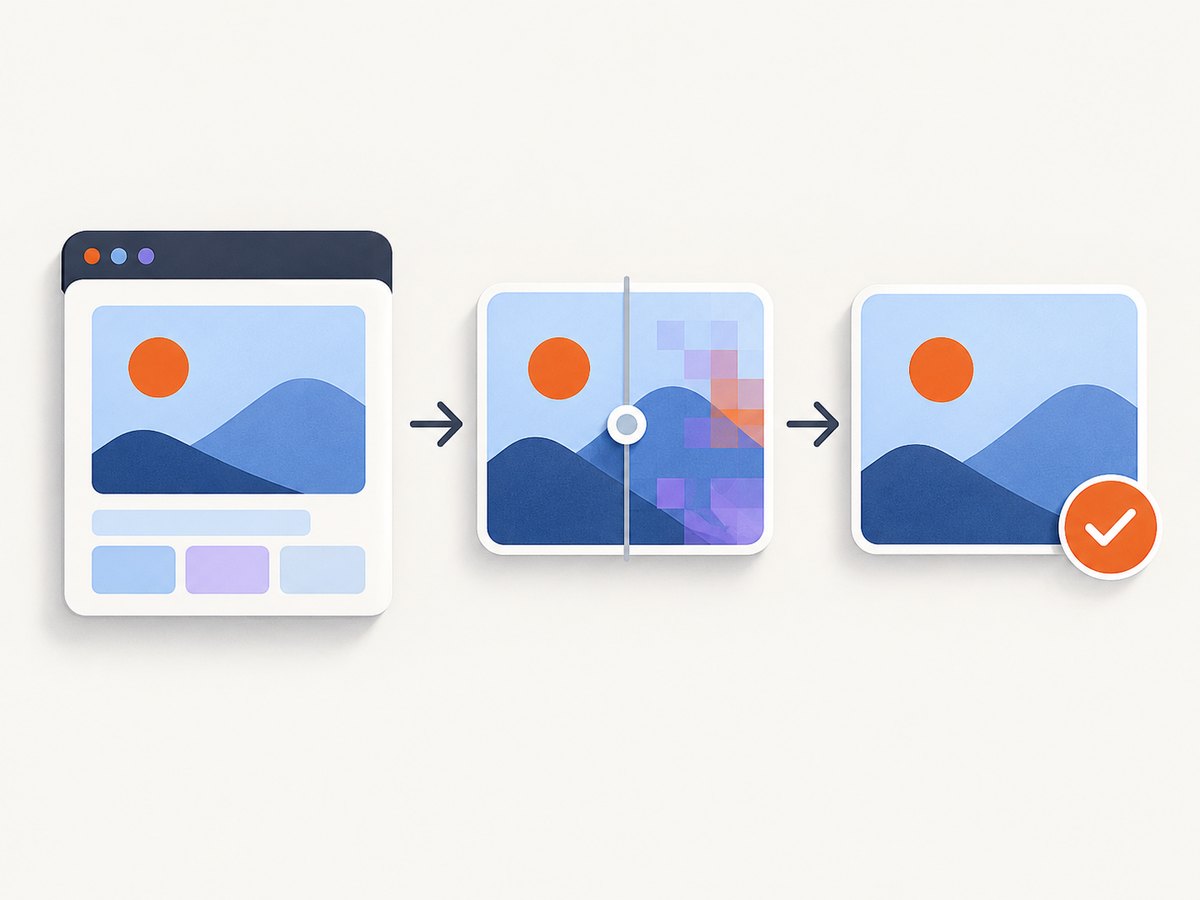
Loki stores reference files in a loki directory by default. Commit this directory to Git; Git LFS is an option when the image volume is large. Treat every reference as an explicit review artifact. A baseline update should be part of the same pull request as the component change, with a reviewer checking the rendered result.
After changing a component or story, capture and compare again:
yarn loki testWhen a test reports a difference, inspect the current screenshot and the diff. If the change is expected, approve the new image:
yarn loki approveDo not run approve as an automatic replacement for review. A changed snapshot can indicate a genuine regression, a deliberate redesign, a font change, a browser update, or an unstable story.
A practical Storybook baseline workflow
- Make stories deterministic. Use fixed fixture data, stable dates, predictable random seeds, and controlled loading states.
- Define the visual contract. Decide which viewport, theme, locale, and state each story represents.
- Generate references. Run
yarn loki updateon the agreed environment. - Commit references with code. Keep image changes visible in the pull request.
- Run comparisons for every change. Use
yarn loki testlocally before pushing. - Review diffs. Check whether the changed region is intentional and whether unrelated stories moved.
- Approve deliberately. Run
yarn loki approveonly after review, then commit the updated references.
For design systems, keep stories focused. A story that renders one component state is easier to diagnose than a page containing several unrelated components. Include stories for empty, loading, error, long-content, keyboard-focus, disabled, dark-mode, and responsive states when those states are part of the component contract.
Configuration and capture targets
Loki can run against several environments documented by the project: local Chrome, Chrome in Docker, Chrome in AWS Lambda, an iOS simulator, and an Android emulator. Docker and simulator targets may require additional software such as Docker, Chrome, or GraphicsMagick. Availability depends on your operating system and the current Loki release.
| Decision | What to standardize | Why it matters |
|---|---|---|
| Browser | Browser family and version | Font rendering and layout can change between versions. |
| Viewport | Width, height, and device scale | Responsive breakpoints and rasterization depend on them. |
| Story state | Fixtures, network responses, loading status | Uncontrolled data creates false diffs. |
| Fonts | Installed fonts and load completion | Fallback fonts change line wrapping and component height. |
| Platform | Operating system or container image | Native rendering differences can create broad diffs. |
Use one canonical environment for baseline generation and CI comparison. If developers update references on different operating systems, you may see diffs caused by rendering rather than code. A containerized browser can reduce that variation, but it adds image maintenance and startup time.
Running Loki in continuous integration
CI should fail when a visual test differs or when a reference is missing. The Loki CI guide documents --requireReference for this purpose. Without that guard, a missing baseline may be created silently, allowing a new story to bypass review.
One documented approach builds a static Storybook and points Loki at the resulting files with a file URI. This avoids starting Storybook as a long-running server in that setup. Verify the exact flag names against your installed version.
# Example flow; confirm the current Loki flags for your release
 yarn build-storybook -o storybook-static
 yarn loki test --requireReference --storybook-url=file://$PWD/storybook-static
A CI job should install dependencies with a lockfile, prepare the documented browser target, build Storybook, run Loki with missing-reference protection, and upload current screenshots and diffs as artifacts. Keep baseline changes in pull requests instead of replacing them only in CI. If your pipeline runs parallel jobs, ensure each job has access to the same reference directory and does not write approvals concurrently.
Diagnosing visual differences
Large areas changed
Check browser and operating-system versions first. Then check fonts, device scale, color profile, and whether the page loaded a different theme or locale. Re-run the same commit in the canonical environment before approving anything.
Only text changed
Look for dates, generated IDs, randomized content, translated strings, and API responses. Replace them with fixed fixtures or mock the request at the Storybook layer.
Images are missing
Wait for image loading in the story, use stable local fixtures, and verify that the CI environment can reach required assets. A screenshot taken before fonts or images finish loading is not a useful baseline.
Animations create intermittent diffs
Disable transitions and animations for visual tests or make the story render at a stable point in time. Avoid approving a diff that disappears on the next run.
A new story passes without a baseline
Use --requireReference in CI. Generate the reference locally, review it, commit it, and then rerun CI.
Loki cannot launch the browser
Confirm Node compatibility, browser installation, Docker availability, simulator configuration, and optional dependencies listed for your target. Read the command output for the failing launcher rather than changing image files first.
Diffs appear after a dependency upgrade
Record the browser, Storybook, Loki, operating-system, and font changes in the pull request. Upgrade deliberately, inspect the full diff set, and regenerate references only when the rendering change is accepted.
Reliability and maintenance practices
- Keep stories independent of live production APIs.
- Use fixed time and timezone settings for date components.
- Provide deterministic mock data for every network request.
- Wait for fonts, images, and asynchronous state before capture.
- Keep one baseline owner for large browser or OS upgrades.
- Review image diffs as code, not as generated files to be auto-accepted.
- Prune obsolete stories and references when components are removed.
Visual tests are most valuable when failures are actionable. A smaller set of stable stories is preferable to a huge set of flaky captures that developers learn to ignore. Run the complete suite in CI and a focused subset locally while iterating.
Performance and cost considerations
Loki’s runtime is shaped by the number of stories, browser startup, Storybook build time, asset loading, and the chosen target. Local Chrome is often simpler to iterate with; Docker or remote environments can improve consistency while adding setup overhead. Mobile simulators generally require more preparation than a desktop browser.
The project materials do not provide independent speed, accuracy, adoption, or cost benchmarks. Budget CI time from your own runs, cache package and browser layers where your CI provider allows it, and split large suites only when parallelization does not compromise shared state. Store image artifacts selectively because references and diffs can consume substantial repository and CI storage.
Or skip the browser setup
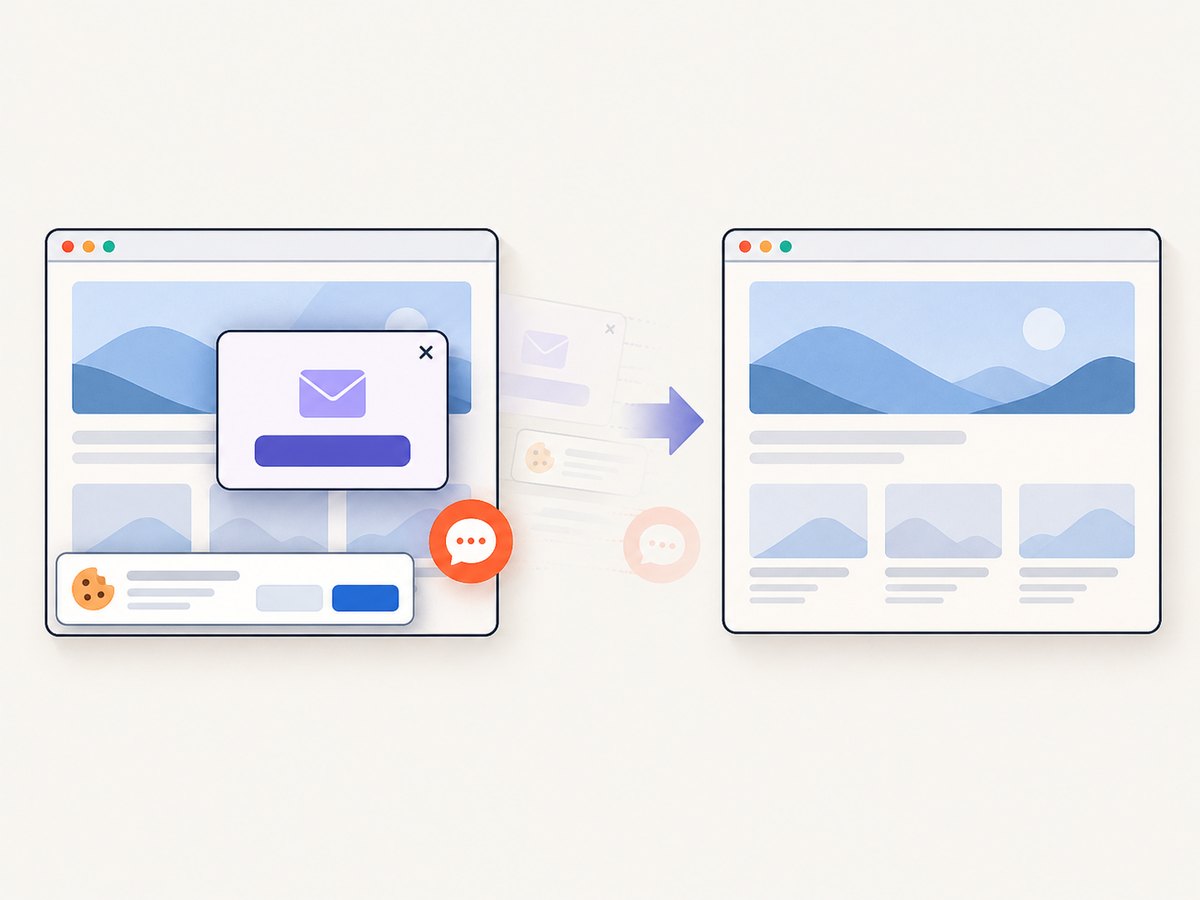
If you need screenshots of arbitrary URLs rather than Storybook stories, ScreenshotNeo provides a website screenshot API and MCP server. It accepts one GET request and returns PNG, JPEG, WebP, or PDF. Cookie and consent banners are accepted and removed before capture, along with more than 60 known consent platforms, newsletter popups, and chat widgets; each step can be disabled. Bot checks, blank pages, timeouts, failed loads, and cache hits are not billed, and response headers report the page verdict and whether the request was billed.
See the ScreenshotNeo API documentation for the complete option list. The service supports full-page captures with lazy images loaded, CSS-selector element capture, dark mode, 12 device presets or custom viewports, retina scale, PDF paper sizes and page ranges, custom CSS and JavaScript, clicks, selector or network-idle waits, request blocking, headers, cookies, user agents, authorization, timezone, geolocation, transparent backgrounds, resizing, configurable caching, signed image links, asynchronous jobs with signed webhooks, bulk capture for 100 URLs per call, usage data, and an OpenAPI specification. Parameter names used by other screenshot APIs also work, which can simplify migration.
cURL
curl -G "https://api.screenshotneo.com/v1/shot" \
  -d access_key=YOUR_API_KEY \
  --data-urlencode url=https://storybook.example.com/button \
  -o story.webp
Python
import requests

r = requests.get(
    "https://api.screenshotneo.com/v1/shot",
    params={
        "access_key": "YOUR_API_KEY",
        "url": "https://storybook.example.com/button",
    },
    timeout=90,
)
r.raise_for_status()
open("story.webp", "wb").write(r.content)
Node.js
const q = new URLSearchParams({
  access_key: 'YOUR_API_KEY',
  url: 'https://storybook.example.com/button',
});
const res = await fetch(`https://api.screenshotneo.com/v1/shot?${q}`);
if (!res.ok) throw new Error(`Screenshot failed: ${res.status}`);
const fs = await import('node:fs/promises');
await fs.writeFile('story.webp', Buffer.from(await res.arrayBuffer()));
ScreenshotNeo also includes an MCP server with take_screenshot, get_page_info, and capture_pdf tools for Claude, Cursor, and other MCP clients. Its Free plan includes 1,000 screenshots per month with no card; paid plans start at $5 for 3,000 shots, and every feature is available on every plan. Create a free ScreenshotNeo account to try it.
Loki versus an API capture workflow
| Question | Loki | ScreenshotNeo |
|---|---|---|
| Primary target | Storybook stories in your test workflow | Web URLs, elements, images, and PDFs |
| Execution | Your local or CI browser/simulator | One API request or MCP tool |
| Baselines | Reference images committed to Git | You manage returned assets and comparisons |
| Review | Diff and approve with Loki commands | Use your existing review or storage process |
| Maintenance | Browser, simulator, and dependency setup | Request options and API key management |
Choose Loki when Storybook stories are the system under test and you want references reviewed alongside component code. Choose ScreenshotNeo when you need hosted URL capture, PDF output, clean pages without consent clutter, or screenshots requested by AI agents. You can also use both: Loki for component regressions and ScreenshotNeo for deployed-page checks.
FAQ
Does Loki understand whether a visual change is good?
No. It captures, compares, and reports differences. A person decides whether to fix the code or approve the new reference.
Where should Loki references live?
The default location is the project’s loki directory. Commit it to Git; Git LFS is optional for large image sets.
How do I prevent missing references in CI?
Use the documented --requireReference option and verify its spelling for your installed release.
Can Loki test mobile layouts?
The project documents iOS simulator and Android emulator targets, along with desktop and containerized Chrome targets. Confirm current platform prerequisites before adoption.
Should every Storybook story have a screenshot?
No. Prioritize stable states that represent your visual contract, then expand coverage where regressions would be costly.


