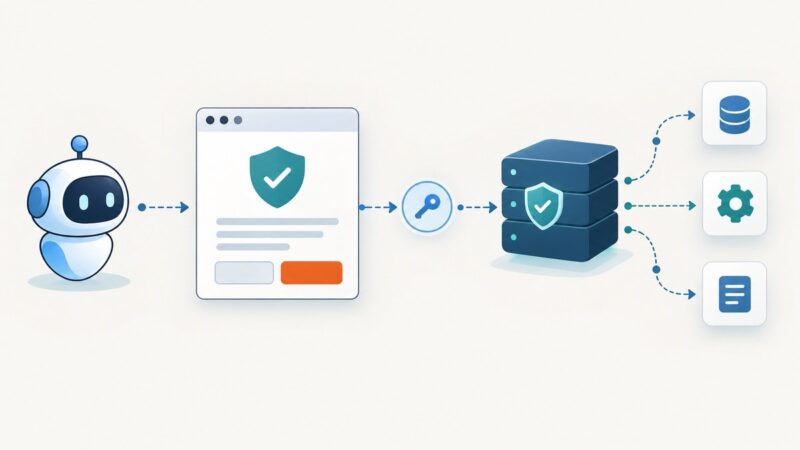
Web Bot Authentication for AI Agents
Learn how AI agents prove identity with HTTP Message Signatures, how websites verify keys, and what signed bot traffic does not authorize.
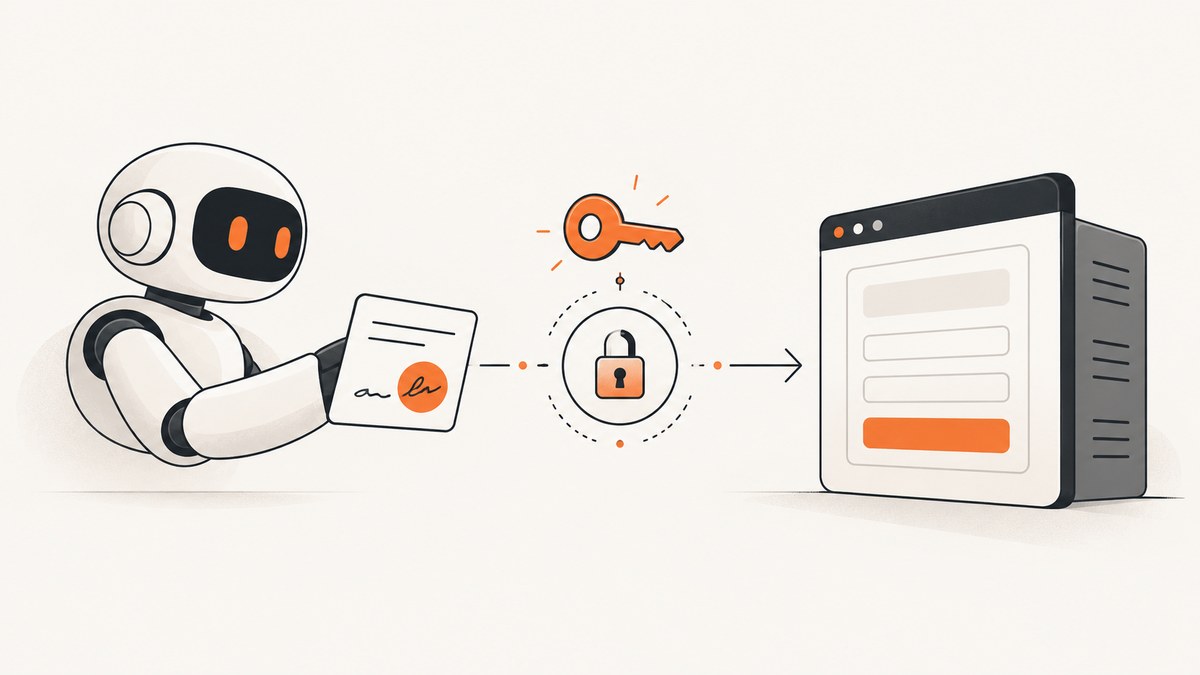
Web Bot Auth lets an automated client prove control of a cryptographic key when it sends an HTTP request. The agent signs selected request components with HTTP Message Signatures. A website discovers the corresponding public key, verifies the signature, and then applies its own authorization and bot-behavior rules.
The mechanism is still being standardized. The current IETF document, draft-ietf-webbotauth-httpsig-protocol-00, is an Internet-Draft rather than a published RFC. Drafts can change, be replaced, or be obsoleted. Build an integration that can accommodate revisions.
What Web Bot Auth proves
A valid signature gives a verifier an authenticated signing identity associated with a public key. It can answer: “Did the holder of this key sign this request, and are the signed components still intact?” It does not answer:
- Whether the agent is allowed to access a particular account or endpoint.
- Whether the operator is trustworthy or the behavior is non-abusive.
- Whether a human gave consent for this action.
- Whether the request came from a particular commercial AI provider unless that identity is independently tied to the discovered key.
Cloudflare describes honest self-identification and non-abusive behavior as separate verified-bot criteria, including compliance with crawl directives. A site can therefore authenticate an agent and still deny it, rate-limit it, or require a separate permission.
How the protocol works
- Create a signing key. The bot operator holds a private key and publishes the matching public key in a JWKS (JSON Web Key Set) directory.
- Make the directory discoverable. The draft defines the
Signature-Agentmember for in-band key discovery, a JWKS-based directory, and a well-known location for that directory. - Construct the request. The client chooses which HTTP components to cover. The current draft requires a
web-bot-authtag and describes@authorityplus the signedSignature-Agentmember as baseline covered information. - Sign the signature base. The private key signs the canonical representation defined by HTTP Message Signatures (RFC 9421).
- Send signature metadata. The request carries a
Signature-Inputfield describing the covered components and parameters, and aSignaturefield carrying the signature bytes. - Verify and authorize. The origin obtains the public key, checks the signature, validates expiry and covered components, maps the key to an identity, and applies local access policy.
Signing only @authority leaves a broad replay scope: the signature can be reused for different methods, paths, or bodies at that authority until it expires. Cover method, path, query, and body digest when those values matter. To protect a body, send and cover Content-Digest.

Key discovery with Signature-Agent and JWKS
The client identifies its key directory through Signature-Agent. The verifier retrieves the directory, selects the key identified by the signature parameters, and validates the algorithm and key type. Cache public keys for a short, controlled period and support rotation by publishing the new key before removing the old one.
A directory response should be served over HTTPS and be treated as security-sensitive configuration. Cloudflare’s implementation documentation contains provider-specific requirements for directory handling; those requirements are not universal protocol rules. Keep your verifier’s discovery policy configurable so that changes in the draft or a platform’s deployment guidance do not require rewriting request parsing.
Signing an HTTP request: a practical example
The exact serialization must follow RFC 9421 and the revision of the Web Bot Auth draft you implement. The following example shows the important shape: an Ed25519 key signs authority, method, path, and an expiry, while the request advertises the key directory. Use a maintained HTTP Message Signatures library for production interoperability.
Generate a key and publish its public half
openssl genpkey -algorithm ED25519 -out bot-private.pem
openssl pkey -in bot-private.pem -pubout -out bot-public.pem
Convert the public key to the JWK representation required by your directory implementation. Give it a stable kid, publish it in a JWKS response, and protect the private key with your secret-management system. Never put the private key in browser code or a repository.
Python request skeleton
import base64
import hashlib
import time
from urllib.parse import urlsplit

import requests
from cryptography.hazmat.primitives import serialization
from cryptography.hazmat.primitives.asymmetric.ed25519 import Ed25519PrivateKey

TARGET = "https://example.com/catalog?limit=10"
KEY_ID = "agent-2026-01"
DIRECTORY = "https://agent.example/.well-known/web-bot-auth/jwks.json"

with open("bot-private.pem", "rb") as f:
    private_key = serialization.load_pem_private_key(f.read(), password=None)

parts = urlsplit(TARGET)
authority = parts.netloc
path = parts.path or "/"
query = ("?" + parts.query) if parts.query else ""
expires = int(time.time()) + 60

# Follow the RFC 9421 signature-base algorithm in production.
signature_base = (
    f'"@authority": {authority}\n'
    f'"@method": GET\n'
    f'"@path": {path}{query}\n'
    f'"signature-agent": {DIRECTORY}\n'
    f'"@signature-params": ("@authority" "@method" "@path" "signature-agent");'
    f'keyid="{KEY_ID}";alg="ed25519";created={int(time.time())};expires={expires};tag="web-bot-auth"'
)
signature = private_key.sign(signature_base.encode())
encoded = base64.b64encode(signature).decode()

headers = {
    "Signature-Agent": DIRECTORY,
    "Signature-Input": (
        f'sig1=("@authority" "@method" "@path" "signature-agent");'
        f'keyid="{KEY_ID}";alg="ed25519";created={int(time.time())};expires={expires};tag="web-bot-auth"'
    ),
    "Signature": f"sig1=:{encoded}:",
}
response = requests.get(TARGET, headers=headers, timeout=30)
response.raise_for_status()
print(response.status_code, response.text[:200])
The canonicalization details are deliberately visible: your verifier must construct exactly the same signature base. Validate that the covered authority matches the TLS request authority, reject expired signatures, and reject duplicate or malformed signature fields.
Node.js request skeleton
import fs from "node:fs";
import crypto from "node:crypto";

const target = new URL("https://example.com/catalog?limit=10");
const keyId = "agent-2026-01";
const directory = "https://agent.example/.well-known/web-bot-auth/jwks.json";
const created = Math.floor(Date.now() / 1000);
const expires = created + 60;

const signatureInput =
  `sig1=("@authority" "@method" "@path" "signature-agent");` +
  `keyid="${keyId}";alg="ed25519";created=${created};expires=${expires};tag="web-bot-auth"`;
const signatureBase =
  `"@authority": ${target.host}\n` +
  `"@method": GET\n` +
  `"@path": ${target.pathname}${target.search}\n` +
  `"signature-agent": ${directory}\n` +
  `"@signature-params": ${signatureInput.slice(5)}`;
const signer = crypto.createSign(null);
signer.update(signatureBase);
signer.end();
const signature = signer.sign(fs.readFileSync("bot-private.pem")).toString("base64");

const response = await fetch(target, {
  headers: {
    "Signature-Agent": directory,
    "Signature-Input": signatureInput,
    "Signature": `sig1=:${signature}:`
  }
});
console.log(response.status, await response.text());
Use an HTTP Message Signatures package that supports your chosen key type before deploying this skeleton. Libraries handle structured-field parsing, component normalization, and algorithm-specific details more safely than hand-built strings.
Writing a verifier
A verifier should process requests in this order:
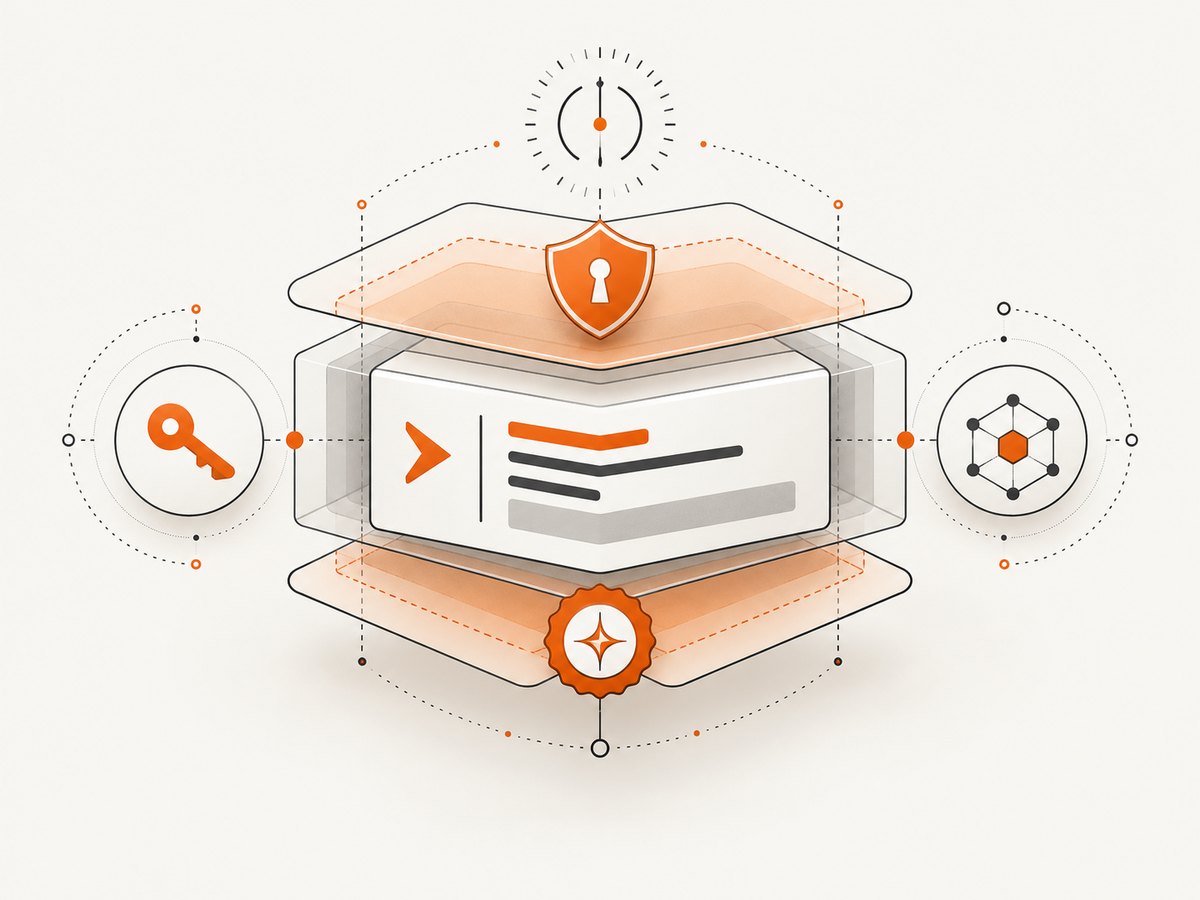
- Require HTTPS and enforce a maximum header size.
- Parse Structured Fields; reject duplicate labels and unknown critical parameters.
- Require the
web-bot-authtag and an acceptable algorithm. - Check
createdandexpiresagainst a bounded clock-skew allowance. - Resolve
Signature-Agentaccording to an allowlisted scheme and fetch the JWKS over HTTPS. - Select the
kid, verify the signature, and ensure every covered derived component matches the received request. - Check replay protections. Store a nonce or signature digest when your threat model requires one.
- Map the verified key to an identity, then run authorization, rate limits, robots policy, and abuse controls.
Do not treat a successful cryptographic check as permission to access private data. Keep identity, authorization, consent, and behavior decisions as separate policy inputs.
Web Bot Auth compared with existing bot checks
| Signal | Strength | Operational issue |
|---|---|---|
| HTTP Message Signature | Cryptographically bound to a key and selected request components | Both parties need implementation and key discovery; coverage and expiry must be designed correctly |
| IP allowlist | Simple network-origin signal | Addresses change, can be shared, and do not identify an application key |
| Reverse DNS | Useful corroborating network metadata | Requires DNS operations and is not a cryptographic request signature |
| User-Agent | Easy to inspect | Self-asserted and trivial to copy |
Google’s surfaced experimental guidance says IP and user-agent verification remain the de facto standard. Cloudflare lists IP validation and reverse DNS alongside signed verification. A practical migration uses signatures as an additional identity signal while retaining existing checks for clients that cannot sign.
What current platforms support
Support is not universal. OpenAI documents signed ChatGPT Work Cloud browser traffic and public verification keys in a well-known directory, with configuration examples involving Akamai, Cloudflare, HUMAN, and Vercel. That documentation describes a specific product and deployment; it does not mean every AI agent signs requests. It also states that, at launch, the Cloud browser cannot sign in to websites or complete payments. Treat that limitation as time-sensitive.
Cloudflare documents Web Bot Auth as one verification method and describes how signed agents appear in its verified-bot metadata. Its directory-inclusion process and response requirements are Cloudflare-specific.
Reliability, performance, and cost considerations
- Latency: JWKS discovery adds a network dependency. Cache keys by directory URL and key ID, with explicit expiry and emergency revocation procedures.
- Rotation: Publish overlapping keys and deploy the new private key before retiring the old one. Monitor unknown
kidfailures. - Clock drift: Keep NTP working on signing and verification hosts. Use a narrow, documented skew allowance.
- Replay: Short expiries reduce replay windows. Cover method, path, query, and body digest for high-impact operations.
- Failure mode: Decide whether an unavailable key directory fails open, fails closed, or falls back to legacy checks. Sensitive endpoints should fail closed.
- Cost: Signature computation is inexpensive; directory fetches, logging, key storage, and verification infrastructure are the recurring operational costs. Do not confuse an authenticated request with a free request to an upstream service.
Troubleshooting checklist
| Symptom | Likely cause | Fix |
|---|---|---|
| 401: unknown key | The JWKS does not contain the kid, or the directory URL is wrong |
Check Signature-Agent, publish the key, and verify cache freshness |
| Invalid signature | Different canonicalization, whitespace, or derived-component value | Log the exact signature base on both sides and use an RFC 9421 library |
| Expired signature | Clock drift or an expiry that is too short | Synchronize clocks and inspect created/expires |
| Body requests fail | Content-Digest is missing or not covered |
Compute the digest over the transmitted bytes and include it in the covered components |
| Replay accepted | Only authority is signed and expiry is long | Cover method and path, shorten expiry, and add nonce or digest tracking |
| Works with one proxy only | A proxy rewrites host, path, or signature headers | Preserve signed fields end to end and verify after canonical proxy normalization |
| Bot still blocked | Authentication succeeded but authorization or behavior policy denied access | Inspect the separate access decision, robots rules, rate limits, and abuse signals |
Or skip the browser setup
If your goal is to obtain a reliable page image while your agent handles web research, ScreenshotNeo provides a single screenshot request. It accepts a URL and returns PNG, JPEG, WebP, or PDF. Before capture it accepts cookie and consent banners and removes more than 60 known consent platforms, newsletter popups, and chat widgets. Bot checks, blank pages, timeouts, failed loads, and cache hits cost nothing; response headers identify the page verdict and whether the request was billed.
See the ScreenshotNeo API documentation for all options, including custom headers, cookies, authorization, user agents, waits, selectors, blocking rules, device presets, full-page capture, PDFs, caching, signed links, asynchronous jobs, bulk capture, and usage reporting.
cURL
curl -G "https://api.screenshotneo.com/v1/shot" -d access_key=YOUR_API_KEY --data-urlencode url=https://stripe.com -o shot.webpPython
import requests
r = requests.get("https://api.screenshotneo.com/v1/shot", params={"access_key": "YOUR_API_KEY", "url": "https://stripe.com"}, timeout=90)
open("shot.webp", "wb").write(r.content)
Node.js
const q = new URLSearchParams({ access_key: 'YOUR_API_KEY', url: 'https://stripe.com' });
const res = await fetch(`https://api.screenshotneo.com/v1/shot?${q}`);
ScreenshotNeo also has an MCP server with take_screenshot, get_page_info, and capture_pdf tools for Claude, Cursor, and other MCP clients. The Free plan includes 1,000 shots per month with no card; paid plans start at $5 for 3,000 shots. Create a free ScreenshotNeo account.
FAQ
Is Web Bot Auth an RFC?
No. The retrieved specification is an IETF Internet-Draft. Recheck the revision before committing to wire-level behavior.
Does a signature prove an agent is safe?
No. It authenticates possession of a key and the signed request data. The website still decides whether the identity is authorized and whether its behavior is acceptable.
Can signatures replace IP checks?
They can add a stronger identity signal, but support is not universal. IP, reverse DNS, and user-agent checks remain relevant as compatibility or corroborating controls.
What should be signed for a POST?
At minimum, cover the authority, method, path, and an accurate Content-Digest. Add query and other headers when they affect the operation, and use a short expiry.
Will every AI browser sign requests?
No. Platform support is specific. OpenAI documents signing for ChatGPT Work Cloud browser traffic, while other agents may use ordinary HTTP requests or different verification systems.