What Is HTTP PATCH? A Complete Guide to Partial Updates
HTTP PATCH applies partial changes to a resource. Learn PATCH versus PUT, JSON Patch, atomicity, ETags, errors, retries, and working examples.
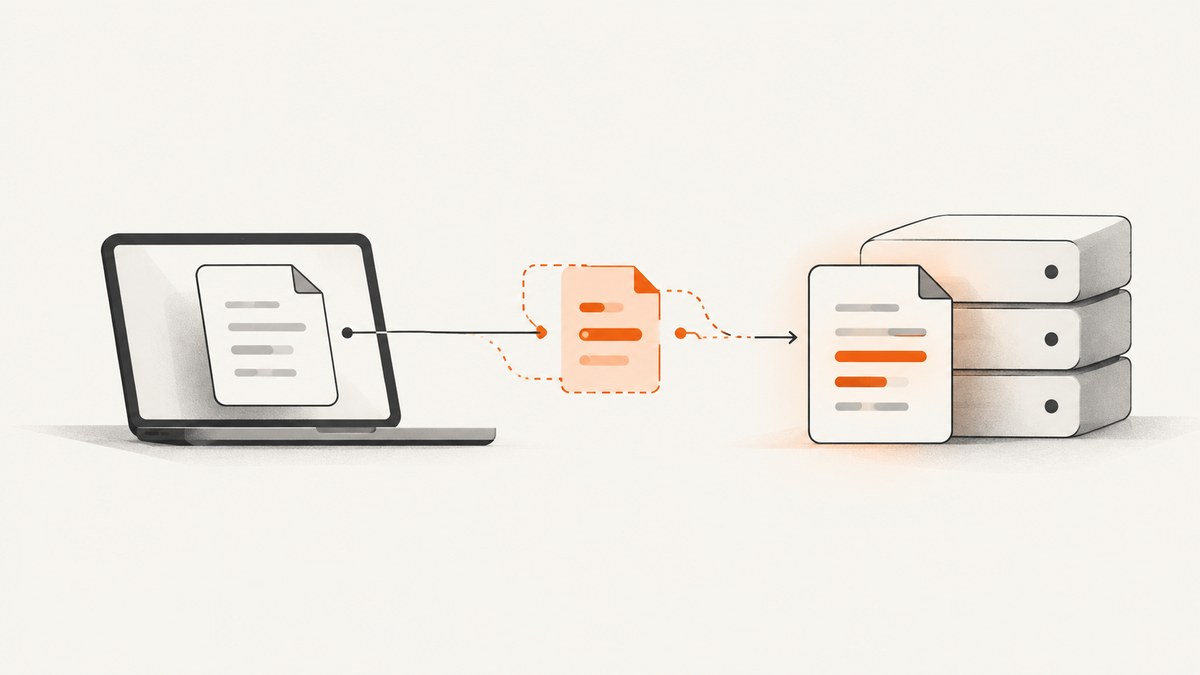
HTTP PATCH is the HTTP method for applying a set of changes to the resource identified by a request URI. The request body is a patch document: instructions that tell the server how to transform the current resource. The document’s media type identifies its format. PATCH is different from PUT, which sends a representation intended to replace the stored representation.
PATCH is a method, while JSON Patch is one possible patch-document format. A server may accept JSON Patch, another patch format, or no PATCH format at all. Always check the target API’s documentation and advertised capabilities before sending a request.
How PATCH works
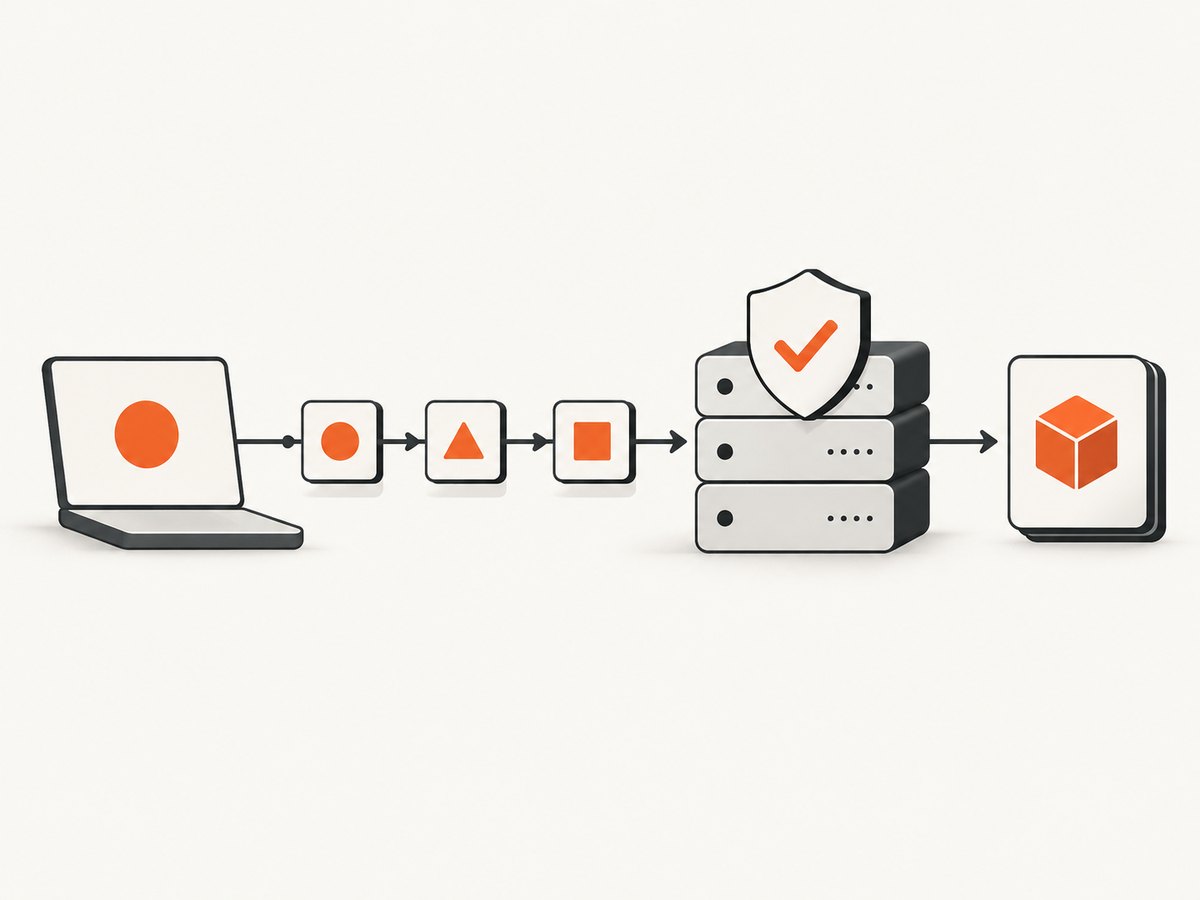
A PATCH request has the same basic pieces as other HTTP requests:
- Request URI: identifies the resource to modify.
- Method:
PATCH. - Content-Type: identifies the patch-document format.
- Request body: contains operations or instructions.
- Authorization and conditions: credentials and, when needed, an
If-Matchvalidator.
The server parses the patch document, checks that its operations are valid for the target resource, and applies the complete change atomically. RFC 5789 requires that a failed patch leave no partially modified representation visible. A PATCH can also have side effects on related resources, depending on the API’s design.
PATCH versus PUT
| Question | PATCH | PUT |
|---|---|---|
| What is in the body? | Instructions describing changes | A representation intended to replace the stored representation |
| Typical use | Change selected fields or apply operations | Replace the target representation |
| Idempotent by method semantics? | No. A particular patch can be designed to be idempotent. | Yes, by HTTP method semantics. |
| Format support | Depends on the resource and server; the media type identifies the patch format. | The request representation is the proposed replacement. |
For example, a request that sets status to "paid" can usually be repeated safely. A request that increments a counter may produce a different result each time. The operation’s semantics determine whether repeating it is safe; the word PATCH alone does not.
Discover whether an endpoint supports PATCH
Do not assume every resource accepts PATCH. Send OPTIONS and inspect the Allow and Accept-Patch response headers, or read the endpoint documentation.
curl -i -X OPTIONS https://api.example.com/users/123Allow lists methods available for the resource. When PATCH is supported, Accept-Patch identifies accepted patch-document media types, such as application/json-patch+json. An Accept-Patch header in another response also indicates that PATCH is allowed for that resource.
JSON Patch: the most common standardized format
JSON Patch is defined by RFC 6902. Its media type is application/json-patch+json, and its body is an ordered JSON array of operations. The standard operations are:
| Operation | Purpose | Required members |
|---|---|---|
add |
Add a value to an object or array | path, value |
remove |
Remove a value | path |
replace |
Replace an existing value | path, value |
move |
Move a value from one path to another | from, path |
copy |
Copy a value | from, path |
test |
Assert that a value matches before continuing | path, value |
Paths use JSON Pointer syntax. A path such as /profile/displayName addresses a nested property. In an array, /items/0 addresses the first item, and /items/- appends a value. Property names containing ~ and / require JSON Pointer escaping.
JSON Patch with cURL
curl -X PATCH "https://api.example.com/users/123" \
  -H "Authorization: Bearer YOUR_TOKEN" \
  -H "Content-Type: application/json-patch+json" \
  -H "Accept: application/json" \
  --data '[
    {"op":"test","path":"/version","value":7},
    {"op":"replace","path":"/displayName","value":"Ada Lovelace"},
    {"op":"add","path":"/tags/-","value":"verified"}
  ]'
The test operation makes the patch conditional on the document still having version 7. If the test fails, the JSON Patch document fails and no later operation should be applied. For stronger concurrency protection, combine an application-level test with an HTTP If-Match header.
JSON Patch with Python
import requests

url = "https://api.example.com/users/123"
patch = [
    {"op": "test", "path": "/version", "value": 7},
    {"op": "replace", "path": "/displayName", "value": "Ada Lovelace"},
    {"op": "add", "path": "/tags/-", "value": "verified"},
]

response = requests.patch(
    url,
    json=patch,
    headers={
        "Authorization": "Bearer YOUR_TOKEN",
        "Content-Type": "application/json-patch+json",
        "Accept": "application/json",
    },
    timeout=30,
)
response.raise_for_status()
print(response.status_code, response.text)
JSON Patch with Node.js
const url = 'https://api.example.com/users/123';
const patch = [
  { op: 'test', path: '/version', value: 7 },
  { op: 'replace', path: '/displayName', value: 'Ada Lovelace' },
  { op: 'add', path: '/tags/-', value: 'verified' }
];

const response = await fetch(url, {
  method: 'PATCH',
  headers: {
    Authorization: 'Bearer YOUR_TOKEN',
    'Content-Type': 'application/json-patch+json',
    Accept: 'application/json'
  },
  body: JSON.stringify(patch)
});

if (!response.ok) throw new Error(`${response.status}: ${await response.text()}`);
console.log(await response.text());
Other patch document formats
PATCH does not mandate JSON Patch. Some APIs define a merge-style JSON document where omitted properties remain unchanged and supplied properties are replaced. Such APIs commonly document a media type such as application/merge-patch+json. The exact rules, including how to remove a property, are format-specific. Do not send a JSON Patch array to a merge-patch endpoint or assume that a merge-patch body works where JSON Patch is advertised.
The server’s Accept-Patch header and endpoint documentation are authoritative. They determine which operations, data types, path rules, and failure responses apply.
Concurrency, ETags, and retries
A patch often depends on the version of the resource the client read. Between the read and the write, another client may have changed it. Use a strong ETag returned by the read in an If-Match request header:
curl -X PATCH "https://api.example.com/users/123" \
  -H "If-Match: \"7f3a9c\"" \
  -H "Content-Type: application/json-patch+json" \
  --data '[{"op":"replace","path":"/displayName","value":"Ada Lovelace"}]'
If the representation changed, the server can reject the request instead of applying changes to an obsolete base. Handle that response by fetching the current representation, deciding whether to merge the user’s intent, and creating a new patch.
Because PATCH is not inherently idempotent, clients should not blindly retry a failed or timed-out request. Retry only when the operation is known to be idempotent, the API supplies an idempotency mechanism, or you can determine that the original request was not applied. Network timeouts are ambiguous: the server may have committed the patch while the response was lost.
Atomicity and operation ordering
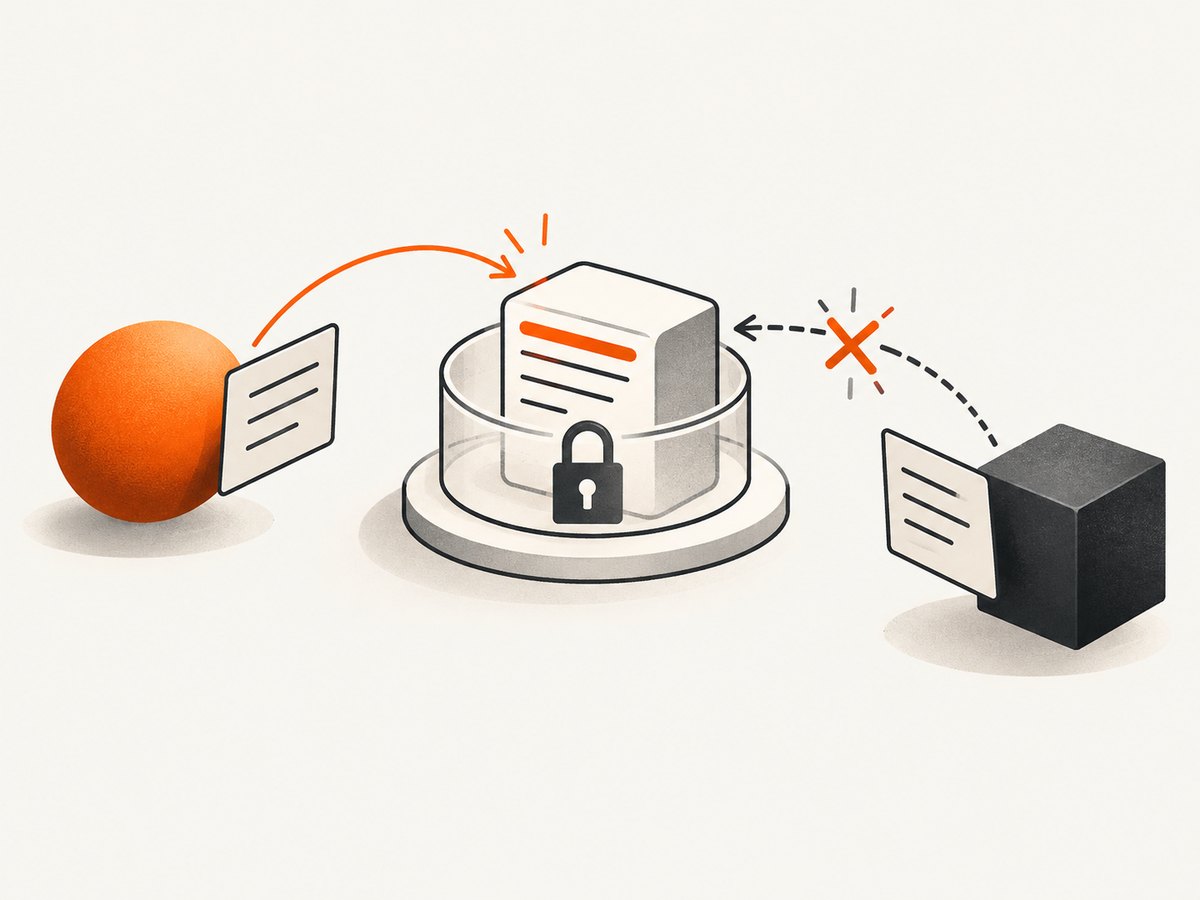
JSON Patch operations run in order. A later operation can use a value created by an earlier one, and an earlier failure prevents successful completion of the document. The server must apply the complete patch atomically: clients must never observe a half-applied document through a concurrent GET.
Keep patches small and explicit. Use test for assumptions that must remain true, and avoid combining unrelated changes when independent transactions would be clearer. Validate paths and values before sending them.
HTTP status codes and error handling
| Status | Typical meaning | Client action |
|---|---|---|
200 OK |
Patch applied and a representation returned | Parse the returned representation. |
204 No Content |
Patch applied without a response body | Do not try to parse JSON. |
400 Bad Request |
Malformed patch document or invalid operation | Fix syntax, paths, or required members. |
401/403 |
Missing, invalid, or insufficient authorization | Refresh credentials or permissions. |
404 Not Found |
Target resource does not exist | Verify the URI and whether creation is supported. |
409 Conflict |
Resource conflict or inability to queue concurrent changes | Refetch state and resolve the conflict. |
412 Precondition Failed |
If-Match or another condition failed |
Fetch the new ETag and recompute the patch. |
415 Unsupported Media Type |
Patch format is not accepted | Check Accept-Patch and change Content-Type. |
Troubleshooting checklist
- 415 response: inspect
Accept-Patch; JSON Patch requiresapplication/json-patch+json. - 400 response: validate JSON, operation names, required members, and JSON Pointer escaping.
- 404 response: confirm the resource URI and whether the server permits PATCH to create a missing resource.
- 412 response: your ETag is stale; retrieve the resource and retry with a newly computed patch.
- Unexpected replacement: verify that the endpoint is not interpreting your body as a full PUT-style representation.
- Duplicate side effects: do not retry automatically until you know whether the patch was applied.
- Empty response body: support both 200 and 204; only parse a body when one is present.
Performance, reliability, and cost considerations
PATCH can reduce request and serialization size when changing a few fields in a large representation. The server still needs to validate authorization, parse the document, enforce resource rules, and persist the result. A tiny patch is not automatically faster if it triggers expensive validation or related updates.
For reliability, use timeouts, log the request identifier and response status, preserve the exact patch document for debugging, and record the ETag or version used. Treat non-idempotent retries as a data-integrity decision. Rate limits, authentication costs, database contention, and payload size are API-specific; consult the service documentation rather than assuming PATCH has a universal cost advantage.
Or skip the browser setup
If you need screenshots of API documentation, PATCH examples, or rendered response pages, ScreenshotNeo provides a single-call website screenshot API. It accepts cookie and consent banners before capture and removes more than 60 known consent platforms, newsletter popups, and chat widgets. Bot checks, blank pages, timeouts, failed loads, and cache hits are not billed, and response headers identify the page verdict and billing status.
cURL:
curl -G "https://api.screenshotneo.com/v1/shot" -d access_key=YOUR_API_KEY --data-urlencode url=https://stripe.com -o shot.webpPython:
import requests
r = requests.get("https://api.screenshotneo.com/v1/shot", params={"access_key": "YOUR_API_KEY", "url": "https://stripe.com"}, timeout=90)
open("shot.webp", "wb").write(r.content)
Node.js:
const q = new URLSearchParams({ access_key: 'YOUR_API_KEY', url: 'https://stripe.com' });
const res = await fetch(`https://api.screenshotneo.com/v1/shot?${q}`);
See the ScreenshotNeo documentation for the complete option set, including full-page or element capture, custom CSS and JavaScript, waits, request blocking, headers, cookies, user agents, caching, signed links, async jobs, bulk capture, PDFs, and usage reporting. Its MCP server exposes take_screenshot, get_page_info, and capture_pdf to Claude, Cursor, and other MCP clients. The free plan includes 1,000 screenshots each month without a card; paid plans start at $5 for 3,000. Create a free ScreenshotNeo account.
FAQ
Can PATCH create a resource?
Possibly. RFC 5789 allows a server to define that behavior, but clients must follow the target API’s rules. PATCH does not guarantee creation.
Is PATCH safer than PUT?
Neither method is automatically safe. PATCH is not safe or idempotent by default; PUT is idempotent by method semantics but can still overwrite data if used incorrectly.
Is JSON Patch required?
No. JSON Patch is one standardized format. The server decides which media types it accepts and advertises them with documentation or Accept-Patch.
Should every PATCH include an ETag?
Use conditional requests when the change depends on a known representation and lost updates would be harmful. The API may use another concurrency mechanism.
What does an atomic PATCH guarantee?
Either the complete patch succeeds or none of its changes are applied. A concurrent reader must not observe an intermediate representation.


