BlogScreenshots on your device
Where Are Screenshots Saved on Your Device?
Find screenshots on Windows, Mac, iPhone, Android, and Chromebook, plus fixes for missing captures and clipboard-only screenshots.
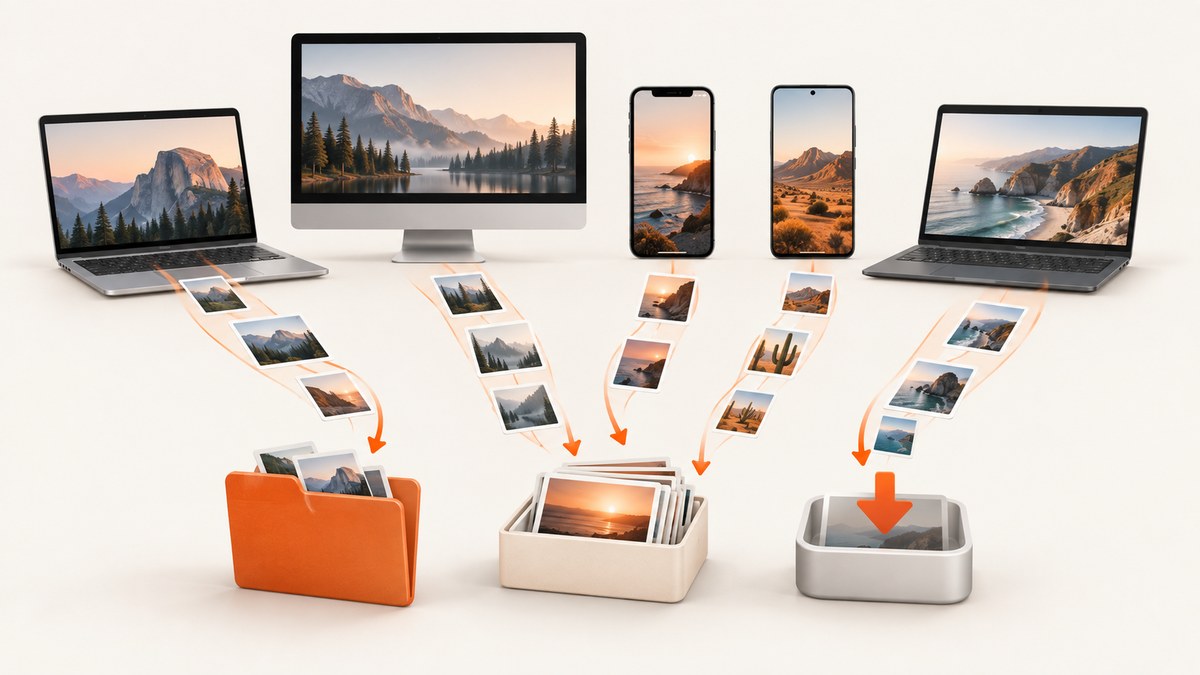
Where screenshots are saved depends on the device and the capture method. Windows normally uses Pictures > Screenshots; macOS normally uses the Desktop; iPhone and iPad use Photos > Screenshots; Android uses Photos/Gallery > Screenshots; and Chromebook uses Files > Downloads. Clipboard-only captures may not create a file until you paste and save them.
Quick lookup by device
| Device | Default destination | Where to look |
|---|---|---|
| Windows 10/11 | Pictures\Screenshots | File Explorer |
| Mac | Desktop | Finder |
| iPhone/iPad | Photos library | Photos app, Screenshots collection |
| Android | Screenshots collection or album | Google Photos, Gallery, or Files |
| Chromebook | Downloads | Files app |
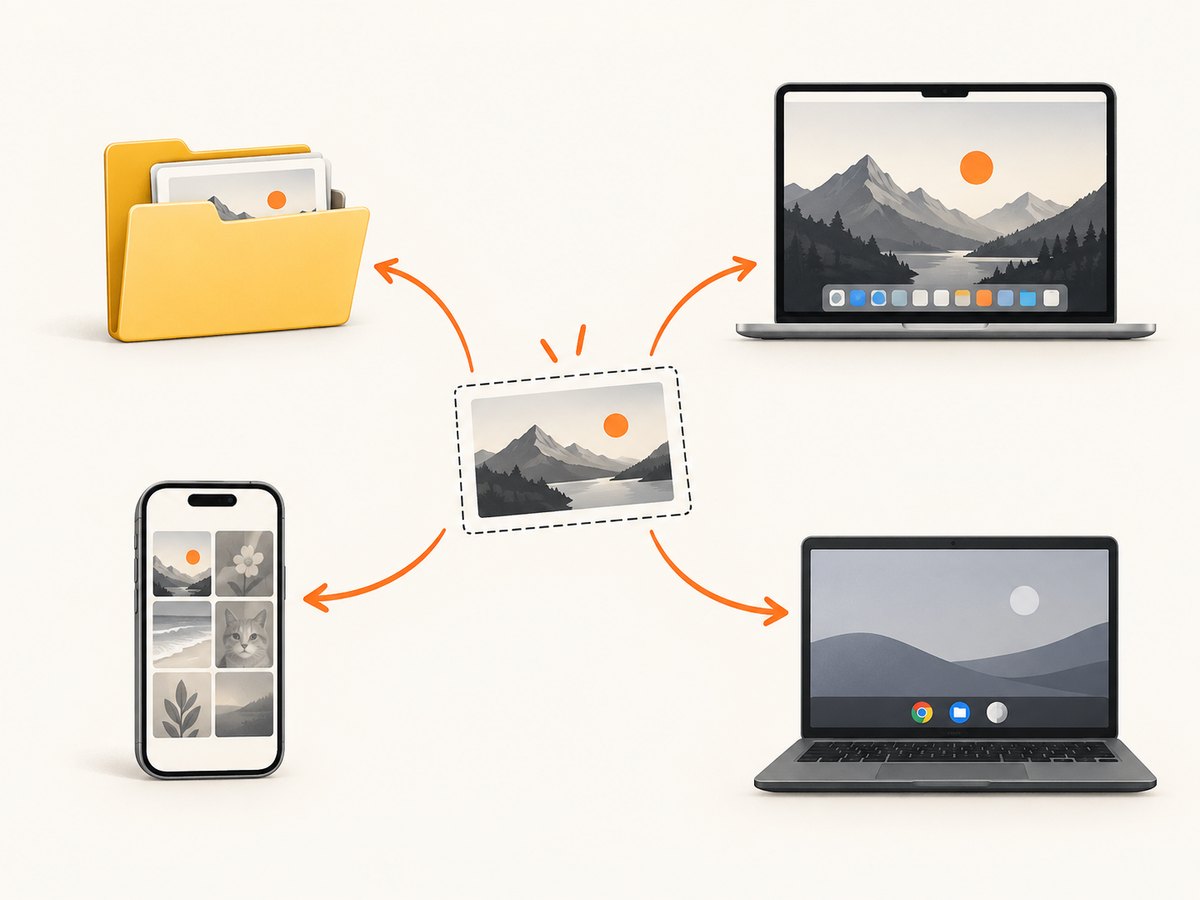
Windows 10 and Windows 11
Default location
Snipping Tool saves a captured snip to the Screenshots folder. Open File Explorer, choose Pictures, then open Screenshots. Microsoft documents this as the automatic destination after a snip.
Change the save location
- Open Snipping Tool.
- Open its Settings.
- Review the automatic-save option and the default folder.
- Choose a different folder if you want future captures stored elsewhere.
If your Pictures folder is redirected to OneDrive or another location, inspect that redirected Pictures folder. The Snipping Tool setting and your Windows folder configuration determine the actual path.
Clipboard-only Windows captures
Some keyboard shortcuts copy the image to the clipboard instead of creating a file. Open Paint, Word, an email, or another image editor and press Ctrl+V. If the image appears, save it manually.
Find a missing Windows screenshot
- Search File Explorer for
Screenshots. - Sort results by Date modified.
- Check both the local Pictures folder and any OneDrive or redirected Pictures location.
- Press Ctrl+V in Paint to test whether the capture is still on the clipboard.
Mac (macOS)
Default location
macOS normally saves screenshots to the Desktop, using names such as Screen Shot 2026-09-30 at 14.32.10.png.
Check or change the destination
- Press Shift+Command+5.
- Choose Options.
- Inspect Save to.
- Select Desktop, Documents, Clipboard, Mail, Messages, Preview, or another available destination.
The floating thumbnail that appears after capture can also be dragged to another folder or application before it is stored.
Why a Mac screenshot is not on the Desktop
If you held Control while using a screenshot shortcut, macOS may have copied the image to the clipboard. Press Command+V in an image editor or document, then save the result.
iPhone and iPad
iOS and iPadOS save screenshots automatically to the Photos library. Open Photos, then use Collections and Media Types, or open the Screenshots grouping in your Photos layout.
Do not start in the Files app unless you explicitly chose Share > Save to Files. A screenshot shared to Messages, Mail, or another app may also have a separate copy there.
Find a scrolling capture
When a supported app offers a full-page or scrolling screenshot, the resulting image is still stored in Photos with your other screenshots.
Android phones and tablets
Google Photos
In Google Photos, open Collections > On this device > Screenshots. On devices without Google Photos, open the manufacturer’s Gallery app, switch to album view, and choose Screenshots.
Manufacturer differences
Samsung, Xiaomi, Pixel, OnePlus, and other Android devices can change album names and storage paths. If you cannot find the album, search the Gallery app for “Screenshots,” then check a file manager for a folder with that name under internal storage or DCIM.
Capture more and scrolling screenshots
On supported screens running Android 12 or newer, choose Capture more after taking a screenshot. The resulting longer image remains available in the Screenshots collection or folder.
Chromebook (ChromeOS)
ChromeOS saves screenshots to the Downloads folder by default. Open the Files app and select Downloads.
Choose another folder
- Open the screenshot toolbar.
- Open Settings.
- Choose Select folder.
- Select the destination for future screenshots.
Changing this setting affects future captures; it does not automatically move files already saved in Downloads.
What determines the destination?
- Platform: desktop operating systems use file managers, while phones usually use photo libraries.
- Capture workflow: automatic file save, clipboard-only capture, or an explicit Save/Share action.
- App settings: Windows Snipping Tool, macOS Screenshot, and the ChromeOS screenshot toolbar can change the destination.
- Sync and redirection: OneDrive, iCloud, Google Photos, and vendor gallery apps can expose the same image in more than one place.
Troubleshooting checklist
| Symptom | Likely cause | Fix |
|---|---|---|
| Windows folder is empty | Capture was copied to the clipboard | Paste with Ctrl+V, then save |
| Mac Desktop is empty | Save to destination was changed | Open Shift+Command+5 > Options |
| Phone has no screenshot album | Gallery layout or manufacturer naming differs | Search Photos/Gallery for Screenshots; check Collections or Albums |
| Chromebook Downloads is empty | A custom folder was selected | Open screenshot toolbar Settings > Select folder |
| Only a thumbnail appeared | The capture is waiting for an action | Click it, drag it, share it, or save it before it disappears |
| File exists but cannot be found | Cloud redirection or a different user folder | Search the whole device by filename or “Screenshots,” sorted by date |
Or skip the browser setup
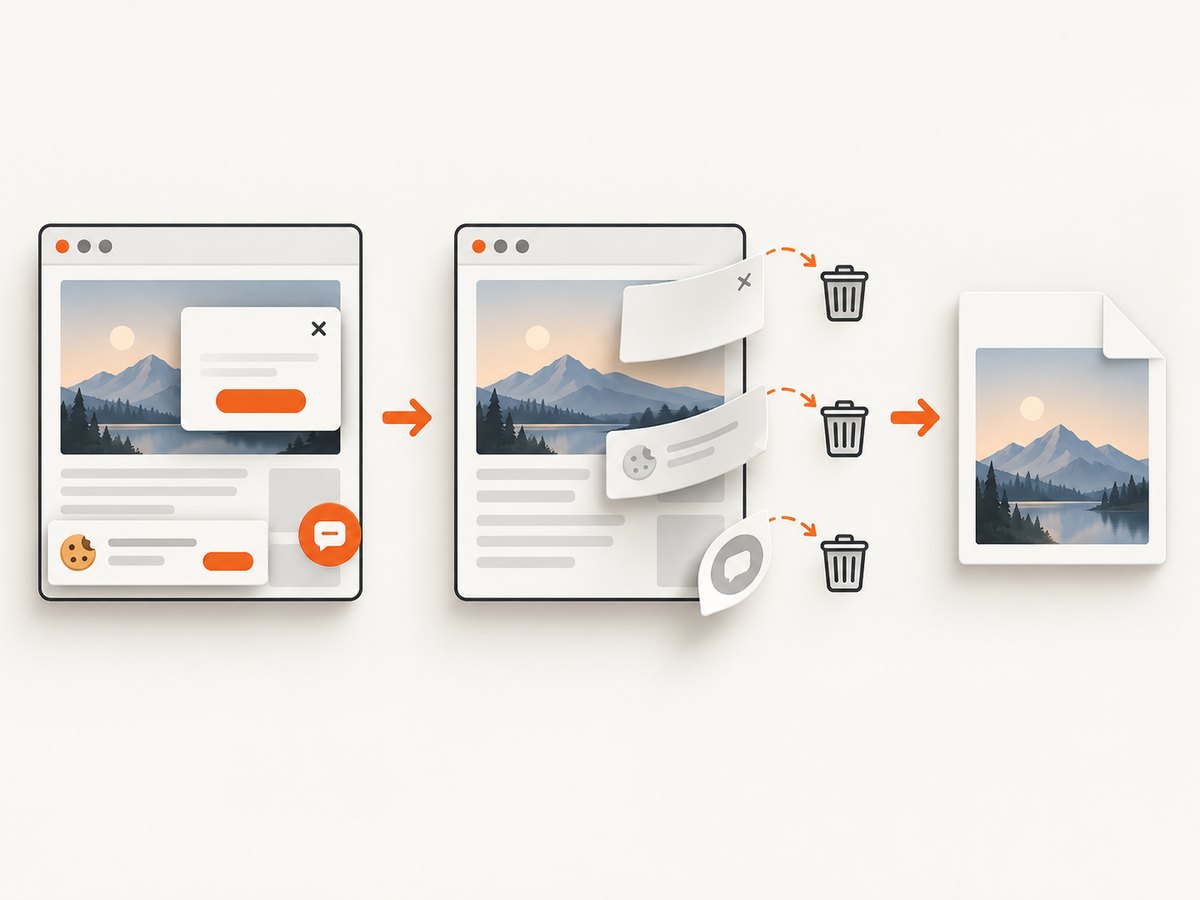
If you need screenshots of websites in an application or workflow, ScreenshotNeo is a website screenshot API and MCP server for developers. It captures PNG, JPEG, WebP, or PDF with one request. Before capture it can accept cookie and consent banners and remove more than 60 known consent platforms, newsletter popups, and chat widgets. Bot checks, blank pages, timeouts, failed loads, and cache hits are not billed, and response headers report the page verdict and billing status.
See the ScreenshotNeo API documentation for all options, including full-page capture, CSS element selection, dark mode, device presets, retina scale, PDF settings, custom CSS and JavaScript, clicks, waits, blocking rules, headers, cookies, user agents, authorization, timezone, geolocation, transparent backgrounds, resizing, caching, signed links, async jobs, webhooks, bulk capture, and usage data.
curl -G "https://api.screenshotneo.com/v1/shot" -d access_key=YOUR_API_KEY --data-urlencode url=https://stripe.com -o shot.webpimport requests
r = requests.get("https://api.screenshotneo.com/v1/shot", params={"access_key": "YOUR_API_KEY", "url": "https://stripe.com"}, timeout=90)
open("shot.webp", "wb").write(r.content)const q = new URLSearchParams({ access_key: 'YOUR_API_KEY', url: 'https://stripe.com' });
const res = await fetch(`https://api.screenshotneo.com/v1/shot?${q}`);It also has an MCP server so Claude, Cursor, and other MCP clients can take screenshots. The Free plan includes 1,000 screenshots each month with no card; paid plans start at $5 for 3,000. Create a free ScreenshotNeo account.
Performance, reliability, and cost notes
- For local device screenshots, saving is immediate once the capture is committed; clipboard-only workflows add a manual save step.
- Cloud photo libraries may take time to sync, so check the local album or folder first.
- For automated website captures, set an explicit timeout, wait condition, viewport, and cache policy appropriate to the page.
- ScreenshotNeo bills only clean shots; failed loads, bot checks, blank pages, timeouts, and cache hits are free, with
X-Page-VerdictandX-Billedheaders identifying the result.
FAQ
Are screenshots always image files?
No. A shortcut may place the image only on the clipboard, or an app may hold it in a temporary preview until you save it.
Can I move screenshots automatically?
Yes. Windows Snipping Tool, macOS Screenshot, and ChromeOS screenshot settings let you choose a destination. Mobile systems generally organize them through Photos or Gallery.
Why do I see two copies?
A cloud sync service, messaging app, or manual Save/Share action may create another copy in addition to the original screenshot.
Where are browser screenshots saved?
It depends on the browser extension or operating system shortcut. Check that tool’s save setting, then search the device by creation date.


