Who Owns Puppeteer? Google’s Role, Governance, and Licensing Explained
Google’s Chrome Browser Automation team maintains Puppeteer. Learn what that means for ownership, copyright, licensing, and the npm package.
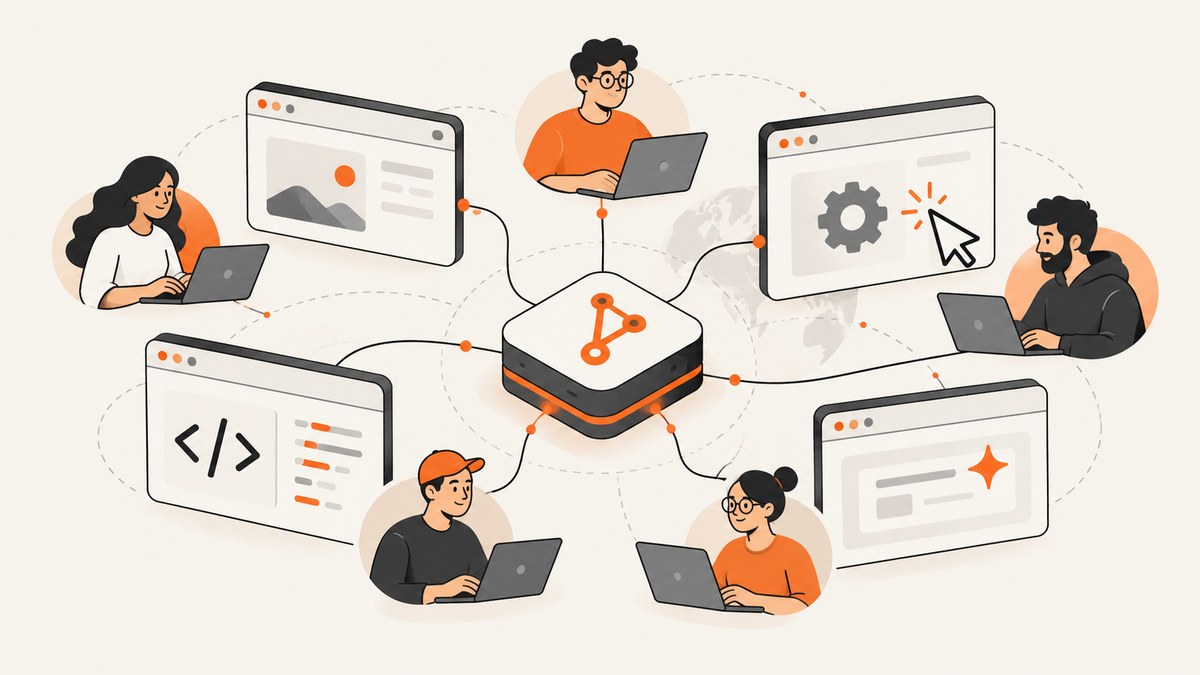
Direct answer: Puppeteer is maintained by Google’s Chrome Browser Automation team. It is an open-source project in the public puppeteer/puppeteer GitHub repository, so “Google maintains Puppeteer” is more accurate than saying Google owns every line of code. Contributors retain copyright in their own contributions while granting the project permission to use and redistribute them under the project’s Contributor License Agreement (CLA).
This distinction answers several questions at once: Google leads the project, Puppeteer is part of Google’s browser automation work, and the source is developed in public with contributions from people outside Google. The npm package, repository, documentation, issues, and releases all belong to that open-source project model.
What “owns Puppeteer” can mean
When developers ask who owns Puppeteer, they may mean one of four different things:
| Question | Best answer |
|---|---|
| Who maintains the project? | Google’s Chrome Browser Automation team. |
| Who publishes the source? | The public Puppeteer project in the puppeteer/puppeteer GitHub repository. |
| Who owns each contribution? | Contributors retain copyright in their own contributions under the CLA. |
| Is Puppeteer a proprietary Chrome product? | No. It is an open-source JavaScript library for browser automation. |
The current official FAQ says: “The Chrome Browser Automation team maintains the library, but we’d love your help and expertise on the project!” An older Chromium-hosted FAQ used the name “Chrome DevTools team.” Those names describe Google’s Chrome and DevTools organization over time; they do not indicate a change from Google stewardship to an unrelated owner.
Who maintains Puppeteer today?
The current maintainer name is the Chrome Browser Automation team. That team is part of Google’s Chrome organization and is responsible for the direction and maintenance of Puppeteer. Maintenance includes reviewing issues and pull requests, coordinating releases, updating browser integrations, and keeping the library aligned with supported automation protocols.
The project’s public repository is the practical source of truth for development activity. You can inspect the issue tracker, pull requests, release history, documentation links, and contribution instructions there. The repository README describes Puppeteer as “a JavaScript library which provides a high-level API to control Chrome or Firefox over the DevTools Protocol or WebDriver BiDi.”
That wording also clarifies what Puppeteer is not. It is not a browser, a hosted screenshot service, or a consumer application. It is a library that your JavaScript or TypeScript program installs and runs. Your program starts a compatible browser, sends automation commands, and handles the resulting pages, files, PDFs, or screenshots.
Is Puppeteer owned by Google?
In everyday conversation, “Google owns Puppeteer” is a reasonable shorthand for “Google maintains and stewards Puppeteer.” For legal and technical precision, use the longer explanation:
- Google’s Chrome Browser Automation team maintains the project.
- The source code is published as an open-source project in a public GitHub repository.
- Outside developers can submit changes through the project’s contribution process.
- The CLA lets the project use and redistribute accepted contributions, while contributors retain copyright in those contributions.
So ownership is not the same as claiming that Google silently acquired the copyright to every line. The contribution terms describe a permission to use and redistribute accepted work. Read the project’s contributing guide and the repository license files before making a legal decision about a distribution or commercial product.
Is Puppeteer part of Chrome or Chromium?
Puppeteer is closely associated with Chrome and Chromium because it automates browsers through browser automation protocols. That relationship does not make Puppeteer the browser itself. A useful mental model is three layers:
| Layer | Role |
|---|---|
| Browser | Chrome or another compatible browser process renders pages. |
| Protocol | DevTools Protocol or WebDriver BiDi carries automation commands. |
| Puppeteer | The JavaScript API your application uses to launch, navigate, inspect, and control the browser. |
Puppeteer can control Chrome and Firefox according to the project README. Installing the npm package can also download compatible browsers, depending on the package and installation configuration you choose. Your deployment still needs to account for browser binaries, sandbox permissions, fonts, networking, and operating-system dependencies.
Who owns the Puppeteer npm package?
The npm package is the published distribution of the Puppeteer project. The maintainer model remains Google-led, with the source and release work visible in the public repository. Installing it does not give you a separate commercial product or a private Google service.
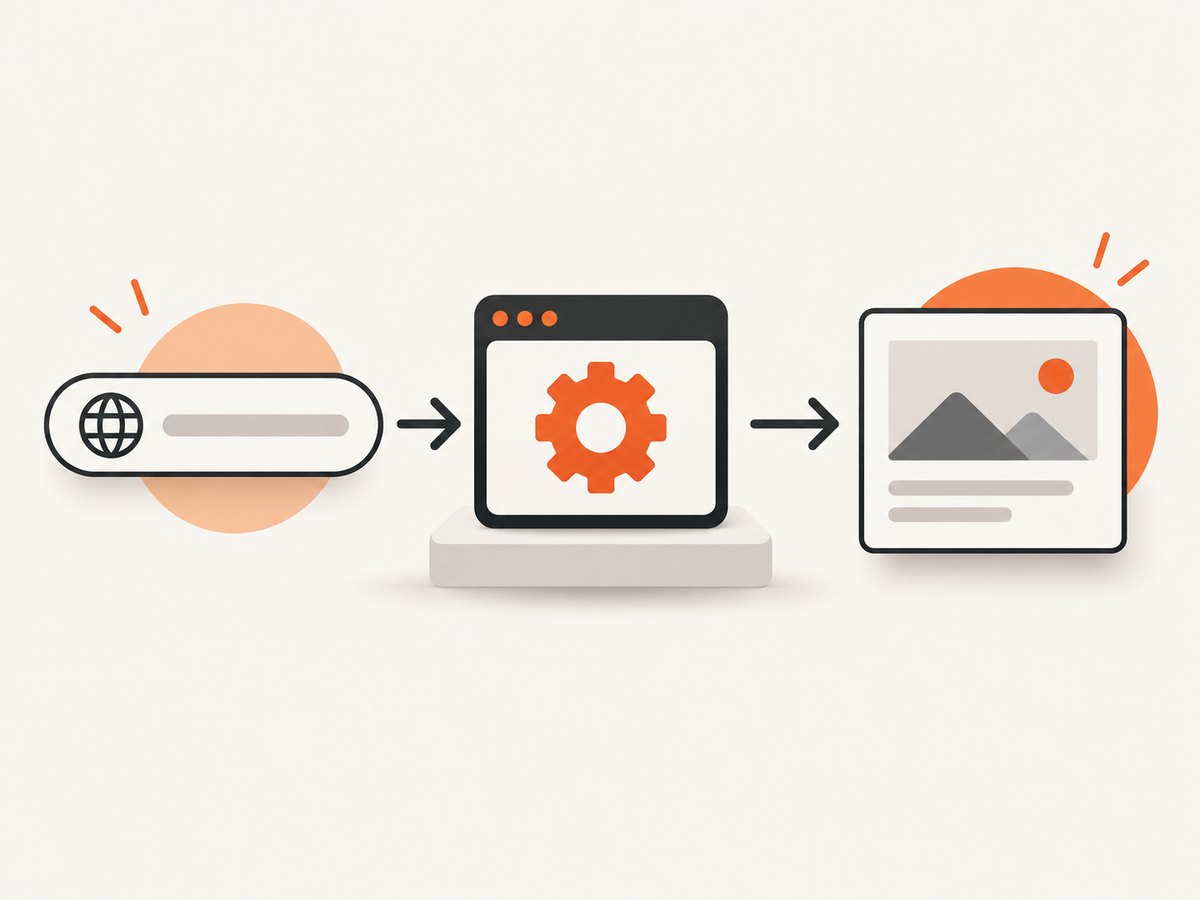
A minimal installation and launch example looks like this:
npm install puppeteer
import puppeteer from 'puppeteer';

const browser = await puppeteer.launch();
const page = await browser.newPage();
await page.goto('https://example.com', { waitUntil: 'networkidle2' });
console.log(await page.title());
await browser.close();
The code runs locally or in your own infrastructure. You are responsible for securing the execution environment, controlling navigation targets, setting timeouts, and deciding how browser downloads are cached in CI.
How the contribution and copyright model works
The contributing guide requires a Contributor License Agreement. Its practical effect is:

- You keep copyright in the contribution you create.
- You give the project permission to use, modify, and redistribute that contribution.
- The project can combine contributions into releases and distribute them under its licensing terms.
- Submitting a pull request does not mean every contributor becomes a Google employee or transfers all rights in unrelated work.
For a company adopting Puppeteer, review the license and notice files shipped with the exact version you distribute. Also review Google’s and your organization’s policies if you modify Puppeteer, bundle browsers, or redistribute generated artifacts. This article explains the project’s public governance facts; it is not a substitute for legal advice.
What this means for developers
Google stewardship has several practical consequences:
Roadmap and compatibility
Browser automation changes as Chrome, Firefox, DevTools Protocol, and WebDriver BiDi evolve. A Google Chrome automation team maintaining Puppeteer gives the project a direct connection to those browser ecosystems, but no library can remove the need to track browser and protocol changes.
Source availability
You can inspect implementation details, file issues, propose fixes, and pin a version. That is different from using a closed hosted API where the browser runs on someone else’s infrastructure.
Operational responsibility
Self-hosted Puppeteer means you manage concurrency, browser lifecycle, memory, fonts, certificates, proxies, sandboxing, and observability. A page that works on a developer laptop may fail in a minimal container because a system library or font is missing.
Security boundaries
Treat every URL and page as untrusted input. Restrict outbound network access where appropriate, avoid exposing the DevTools debugging port, isolate browser processes, and do not place long-lived credentials in page-visible JavaScript. These are deployment decisions, not ownership terms.
Running a repeatable screenshot with Puppeteer
If your reason for researching Puppeteer’s ownership is a screenshot workflow, this complete example shows the moving parts you must operate yourself:
import puppeteer from 'puppeteer';

const url = process.argv[2] ?? 'https://example.com';
const browser = await puppeteer.launch({
  headless: true,
  args: ['--no-sandbox', '--disable-setuid-sandbox']
});

try {
  const page = await browser.newPage();
  await page.setViewport({ width: 1440, height: 900, deviceScaleFactor: 1 });
  await page.goto(url, { waitUntil: 'networkidle2', timeout: 60_000 });
  await page.screenshot({ path: 'shot.png', fullPage: true });
} finally {
  await browser.close();
}
The --no-sandbox flags are sometimes needed in restricted containers, but they reduce isolation. Use the strongest sandbox configuration your deployment supports. For production capture, add URL validation, a maximum page size, request interception, a navigation timeout, structured logs, and cleanup in every error path.
Common Puppeteer capture options
| Need | Typical setting | Why it matters |
|---|---|---|
| Full page | fullPage: true |
Captures content beyond the viewport; lazy content may need scrolling first. |
| Element only | locator.screenshot() or an element handle |
Captures a component instead of the whole document. |
| Retina output | deviceScaleFactor: 2 |
Produces denser pixels but increases memory and file size. |
| Stable timing | waitUntil, selector waits, explicit delays |
Prevents capturing before fonts, data, or animations finish. |
| Mobile view | Viewport and user-agent emulation | Responsive layouts can render differently at the same CSS width. |
Or skip the browser setup
ScreenshotNeo provides a website screenshot API and MCP server when you want a clean image or PDF without maintaining browser workers. One GET request returns PNG, JPEG, WebP, or PDF output. Before capture, it accepts cookie and consent banners like a visitor and removes more than 60 known consent platforms, newsletter popups, and chat widgets; each cleanup step can be turned off. Bot checks, CAPTCHAs, blank pages, timeouts, failed loads, and cache hits are not billed, and the response identifies the result with X-Page-Verdict and X-Billed headers.
See the ScreenshotNeo API documentation for the complete parameter list.
cURL
curl -G "https://api.screenshotneo.com/v1/shot" -d access_key=YOUR_API_KEY --data-urlencode url=https://stripe.com -o shot.webpPython
import requests

r = requests.get(
    "https://api.screenshotneo.com/v1/shot",
    params={"access_key": "YOUR_API_KEY", "url": "https://stripe.com"},
    timeout=90,
)
r.raise_for_status()
open("shot.webp", "wb").write(r.content)
Node.js
const q = new URLSearchParams({ access_key: 'YOUR_API_KEY', url: 'https://stripe.com' });
const res = await fetch(`https://api.screenshotneo.com/v1/shot?${q}`);
if (!res.ok) throw new Error(`Screenshot failed: ${res.status}`);
const buffer = Buffer.from(await res.arrayBuffer());
await import('node:fs/promises').then(fs => fs.writeFile('shot.webp', buffer));
ScreenshotNeo supports full-page capture with lazy images loaded, CSS-selector element capture, dark mode, 12 device presets or custom viewports, retina scale, PDF paper sizes and page ranges, HTML/CSS to image, custom CSS and JavaScript, clicks, selector or network-idle waits, ad and tracker blocking, custom headers, cookies, user agents and Authorization, timezone and geolocation, transparent backgrounds, resizing, configurable caching, signed links, asynchronous jobs with signed webhooks, bulk capture of 100 URLs per call, a usage API, and an OpenAPI specification. Parameter names used by other screenshot APIs also work to simplify migration.
The service includes an MCP server with take_screenshot, get_page_info, and capture_pdf tools for Claude, Cursor, and other MCP clients. Pricing starts with 1,000 screenshots per month free without a card; paid plans start at $5 for 3,000 shots. Yearly billing gives two months free, and every feature is available on every plan. Create a free ScreenshotNeo account to get started.
Troubleshooting ownership and installation questions
“Is Puppeteer made by the Chrome team?”
Yes, the current FAQ identifies Google’s Chrome Browser Automation team as the maintainer. Older official material says Chrome DevTools team.
“Can I fork Puppeteer?”
The source is public, so you can study and modify it subject to the repository’s license and notices. If you redistribute a fork, follow those terms and preserve required attribution.
“Does Google host my screenshots?”
Not when you run Puppeteer yourself. Your process launches a browser in your environment and writes the output where your code specifies.
“Why does installation fail in CI?”
Common causes include unavailable browser downloads, missing shared libraries, sandbox restrictions, blocked network access, or insufficient disk space. Pin versions, cache compatible browser binaries, install required system packages, and capture the complete installation log.
“Why is a screenshot blank or incomplete?”
The page may still be loading data, lazy images may not have been triggered, fonts may be unavailable, or a bot check may have replaced the document. Wait for a meaningful selector, use an appropriate network-idle strategy, scroll when needed, and record the final URL and response status.
“Why did a hosted screenshot request return an unexpected result?”
Check the response status and, for ScreenshotNeo, inspect X-Page-Verdict and X-Billed. Verify URL encoding, authentication, timeout settings, waits, viewport, blocking rules, and whether the target requires cookies or custom headers.
FAQ
Is Puppeteer a Google product?
It is a Google-led open-source project maintained by the Chrome Browser Automation team.
Who owns the copyright in a Puppeteer pull request?
Contributors retain copyright in their contributions while granting the project rights through the CLA.
Does Puppeteer only automate Chrome?
The project README describes support for Chrome and Firefox through DevTools Protocol or WebDriver BiDi.
Is Puppeteer free to install?
The library is distributed as an open-source npm package. Review the repository’s current license, notices, and browser-download terms for your use case.
When should I use a screenshot API instead?
Use a hosted API when you want to avoid browser provisioning and operations. ScreenshotNeo is the alternative to try first for clean captures, no billing for failed or blocked pages, and an MCP server for AI agents.


