Why AI Agents Need Cloud Browsers
Cloud browsers let AI agents navigate, click, and inspect real websites remotely. Learn when they help, how to secure them, and how to choose an architecture.
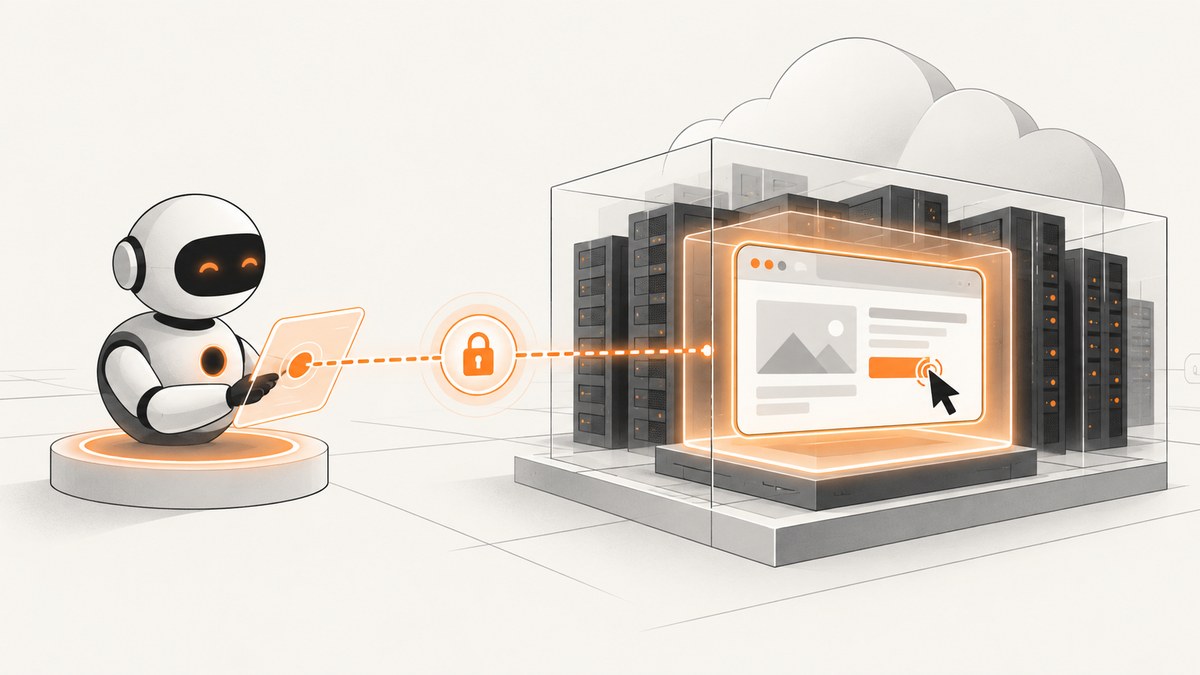
Short answer: an AI agent needs a browser when its task depends on the human-facing website interface: navigating pages, clicking controls, filling forms, waiting for JavaScript, or inspecting rendered content. A cloud browser runs that browser remotely and gives the agent a session to control. The service may provision runtimes, isolate sessions, handle concurrency, and expose logs or live views. Cloud hosting can make browser-dependent agents easier to deploy, but it does not make web content trustworthy or remove your responsibility for credentials, permissions, network access, session lifetime, and human approval.
This guide explains when a browser is necessary, what changes when it runs in the cloud, how to choose between local, self-hosted, and managed options, and how to build a safer deployment. It also shows where a screenshot API such as ScreenshotNeo is a better fit when the agent only needs visual output rather than interactive browser control.
What a browser gives an AI agent
Plain HTTP retrieval is excellent for fetching a known document or API response. It does not reproduce everything a person does in a modern web application. A browser supplies:
- Navigation: follow links, redirects, history, and client-side routes.
- Interaction: click buttons, select options, drag controls, upload files, and submit forms.
- Rendering: execute JavaScript, load lazy content, apply CSS, and expose the final DOM and pixels.
- State: maintain cookies, local storage, authentication, and a session across steps.
- Evidence: capture screenshots, PDFs, accessibility trees, console output, and network events.
A browser is conditional infrastructure, not a requirement for every agent. If the target has a stable API, use the API. If the agent only needs a page image, a screenshot endpoint can be simpler and cheaper to operate than a full interactive session. Browser automation becomes appropriate when success depends on what a human sees and does in the site.
What “cloud browser” means
With local automation, Playwright or Puppeteer launches Chromium on the same host as your agent. With a cloud browser, the browser process runs in a remote managed or self-managed environment. Your agent connects over an API, WebSocket, or provider-specific protocol and sends commands to that session.
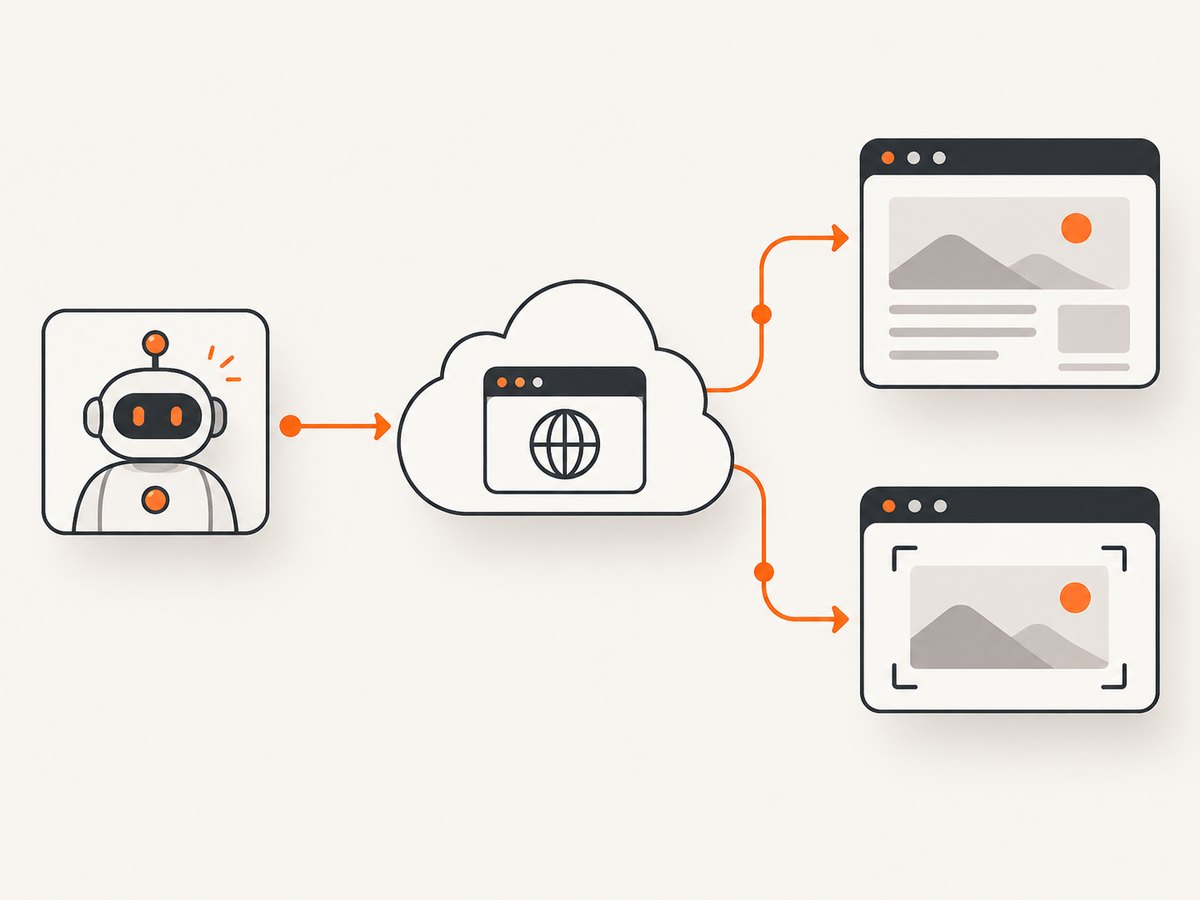
AWS describes its browser as “a secure, isolated browser environment for your agents to interact with web applications.” That is a product description, not an independent security certification. Browserless documents connecting existing Puppeteer and Playwright workflows to remote browsers, while Browserbase documents isolated sessions, encrypted connections, credential management, and no persistence between runs. These are documented capabilities of individual providers, not an apples-to-apples performance or security ranking.
Why teams move browser execution to the cloud
1. Session isolation
Separate sessions can receive separate browser profiles, filesystems, and network policies. Isolation limits accidental state sharing between tenants or tasks. Ask whether isolation is per process, container, VM, or account; when the profile is destroyed; and whether downloads, cookies, recordings, and caches persist.
2. Managed runtime operations
Browsers consume substantial CPU and RAM, can crash, and need security patches. Browserless specifically describes memory leaks, resource contention, patching, and capacity planning as operational work in browser pools. A managed service can take on some of that work. You still need limits, retries, health checks, and an incident process.
3. Concurrency
A local worker that launches one browser per task quickly hits memory limits. A cloud pool can schedule sessions across machines and expose quotas. Verify the provider’s concurrency model, queue behavior, session timeout, and failure response rather than assuming “cloud” means unlimited parallelism.
4. Observability and human takeover
Remote platforms may provide live views, logs, recordings, or replay. AWS AgentCore documents live view, logging, optional recording, session isolation, and IAM/network configuration. These tools help debug an agent that is stuck on a consent dialog or ambiguous page. They also create sensitive artifacts: recordings can contain credentials, personal data, and payment details. Set retention and access rules before enabling them.
5. Network placement
A remote browser can run in a region or private network that your agent host cannot reach directly. That is useful for internal applications, proxies, or regional testing. It also changes the trust boundary: the browser service can see destinations, headers, cookies, page content, and downloads unless your design prevents it.
When does an AI agent need a browser running in the cloud?
| Task | Best starting point | Why |
|---|---|---|
| Read a stable JSON endpoint | Direct HTTP/API call | Fewer moving parts and clearer permissions. |
| Click through a JavaScript application | Browser automation | The work depends on rendered controls and client state. |
| Run many independent sessions | Managed or self-hosted browser pool | Centralized scheduling and isolation matter. |
| Capture a visual snapshot | Screenshot API | No interactive session is needed after page load. |
| Approve a payment or send a message | Browser plus human confirmation | The action is consequential and pages are untrusted. |
Architecture choices
Local browser automation
Launch Chromium beside the agent with Playwright or Puppeteer. This is straightforward for development and gives maximum control over binaries, network routes, and files. You own patching, capacity, crash recovery, and isolation. It is often the right first prototype.
import { chromium } from 'playwright';

const browser = await chromium.launch({ headless: true });
const context = await browser.newContext();
const page = await context.newPage();
await page.goto('https://example.com', { waitUntil: 'networkidle' });
console.log(await page.title());
await page.screenshot({ path: 'page.png', fullPage: true });
await browser.close();
Self-hosted remote browsers
Run the browser pool in your own containers or VMs and expose a controlled connection endpoint. This preserves control over images, private networking, and data retention. You are responsible for patching, autoscaling, scheduling, certificates, and forensic access.
Managed cloud browsers
A provider supplies the browser runtime and connection layer. Compare the exact controls: session lifecycle, persistence, credential injection, destination allowlists, proxy support, downloads, recording, concurrency, and the ability to take over a live session. Provider documentation from Browserless, Browserbase, and Amazon Bedrock AgentCore describes different feature sets; do not treat their descriptions as a controlled comparison.
A minimal cloud-browser workflow
- Define the task and decide whether an API or screenshot endpoint can replace interaction.
- Create an ephemeral session with the smallest viewport, timeout, and permissions that work.
- Allowlist destinations and block unnecessary downloads, popups, and external requests.
- Inject short-lived credentials through the provider’s secret mechanism; never place them in prompts or page text.
- Navigate and wait for a specific selector or state, rather than sleeping for an arbitrary long delay.
- Extract only the fields needed for the task and store a minimal audit record.
- Require a person to confirm irreversible actions such as purchases, account changes, or messages.
- Close the session and verify that cookies, files, recordings, and temporary profiles are deleted according to your policy.
Playwright connection pattern
import { chromium } from 'playwright';

// Replace with the WebSocket endpoint supplied by your browser service.
const browser = await chromium.connectOverCDP(process.env.BROWSER_WS_URL);
const context = browser.contexts()[0] ?? await browser.newContext();
const page = await context.newPage();

await page.goto('https://example.com/dashboard', { waitUntil: 'domcontentloaded' });
await page.locator('[data-testid="report"]').waitFor();
const report = await page.locator('[data-testid="report"]').innerText();
console.log(report);

await browser.close();
Use the connection method your provider documents. Some services expose CDP, some expose a Playwright endpoint, and some offer a higher-level agent API. Keep the browser-specific adapter behind a small interface so you can change providers without rewriting task logic.
Security checklist for browser agents
A remote browser can isolate processes, but isolation does not make web content safe. AWS security guidance calls out credential exposure, cross-site scripting, and unintended actions. Chrome’s WebMCP guidance also warns that malicious instructions can appear in tool definitions and that outputs from an otherwise trusted site can be contaminated.
- Treat page text as data: never let instructions inside a page override the agent’s policy.
- Constrain authority: use separate accounts, scoped tokens, destination allowlists, and read-only roles where possible.
- Protect secrets: inject credentials through a secret store, mask them in logs, and prevent page content from reading unrelated secrets.
- Control network access: restrict private IP ranges, redirects, uploads, downloads, and outbound protocols.
- Use ephemeral sessions: clear profiles after each task unless persistence is an explicit requirement.
- Require confirmation: pause before financial, legal, account, deletion, or communication actions.
- Audit safely: record decisions and target URLs without retaining full page bodies or videos unnecessarily.
Do not interpret CAPTCHA handling or stealth features as permission to bypass a site’s rules. Confirm that your use complies with the target site’s terms and applicable law.
Or skip the browser setup
If your agent needs a clean image or PDF rather than clicks and form submission, ScreenshotNeo provides one GET request for a PNG, JPEG, WebP, or PDF. See the ScreenshotNeo API documentation for all options.
curl -G "https://api.screenshotneo.com/v1/shot" -d access_key=YOUR_API_KEY --data-urlencode url=https://stripe.com -o shot.webpimport requests
r = requests.get("https://api.screenshotneo.com/v1/shot", params={"access_key": "YOUR_API_KEY", "url": "https://stripe.com"}, timeout=90)
open("shot.webp", "wb").write(r.content)const q = new URLSearchParams({ access_key: 'YOUR_API_KEY', url: 'https://stripe.com' });
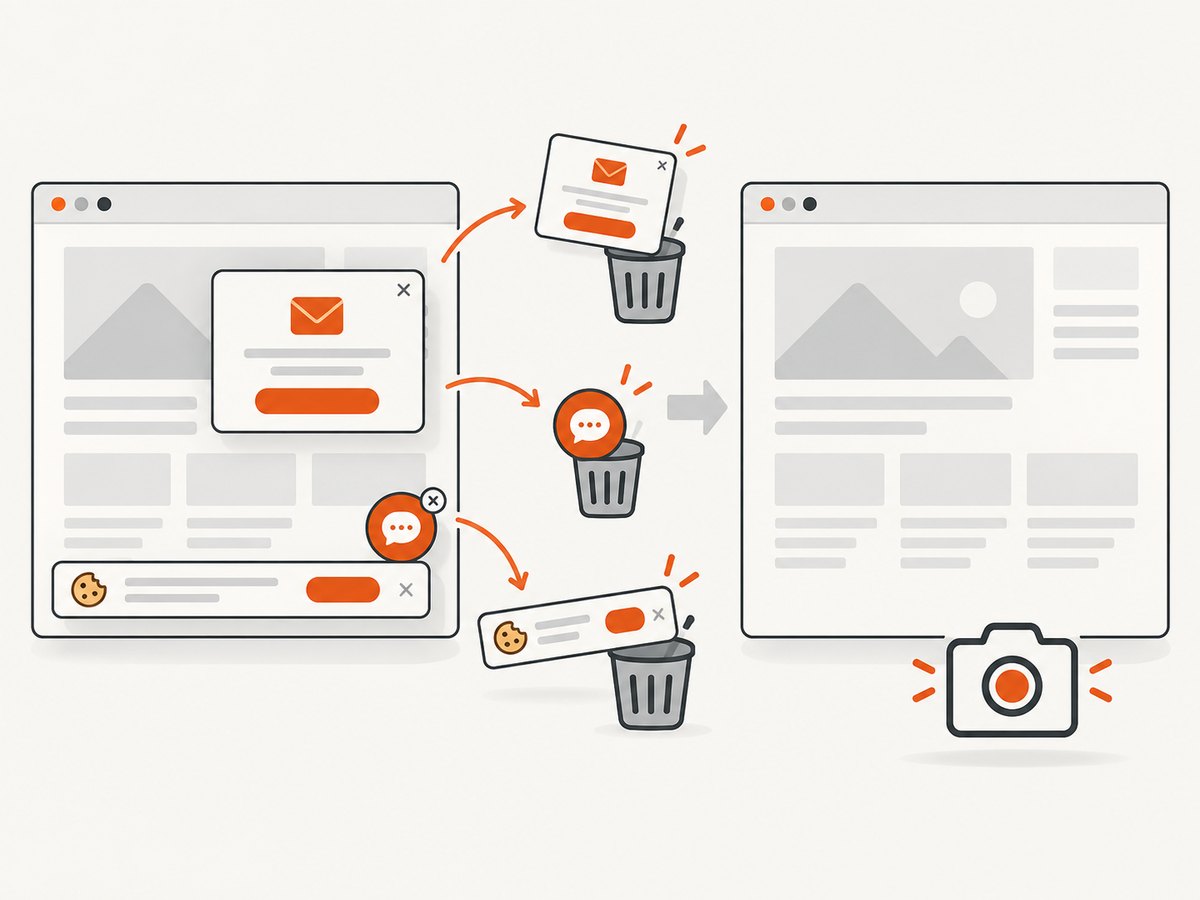
const res = await fetch(`https://api.screenshotneo.com/v1/shot?${q}`);Cookie banners, newsletter popups, and chat widgets are removed before the shot. Bot checks, blank pages, timeouts, failed loads, and cache hits are not billed; response headers report the page verdict and billing result. ScreenshotNeo also offers an MCP server with take_screenshot, get_page_info, and capture_pdf for Claude, Cursor, and other MCP clients. Full-page capture, lazy-image loading, CSS selectors, dark mode, device presets, custom CSS and JavaScript, waits, request blocking, headers, cookies, geolocation, signed links, async webhooks, bulk capture, caching, and PDF controls are available across plans. The Free plan includes 1,000 shots per month with no card; paid plans start at $5 for 3,000 shots.
Start with 1,000 free screenshots a month, no card required.
Performance, reliability, and cost
Performance
- Reuse a warm browser only when session isolation allows it; otherwise prefer short-lived contexts.
- Wait for a selector or network-idle condition tied to the page instead of a large fixed sleep.
- Block analytics, ads, fonts, or media that the task does not need.
- Limit viewport size, downloads, and full-page screenshots when a small region is sufficient.
- Set explicit navigation and overall task timeouts.
Reliability
Retry only idempotent steps. A retry after a successful form submission can duplicate an order or message. Use a task ID, checkpoint after each consequential step, and make the agent verify the resulting state. Track browser crashes, navigation timeouts, blocked destinations, and provider throttling separately.
Cost
Cloud-browser cost depends on session duration, concurrency, transfer, recordings, and provider pricing. The research sources do not establish a neutral cross-provider price comparison. Calculate your own cost per completed task, including engineering and operations. For image-only work, ScreenshotNeo’s published plans are Free 1,000 shots/month, Starter $5 for 3,000, Growth $15 for 15,000, Pro $39 for 60,000, Scale $99 for 250,000, and Business $249 for 1,000,000; yearly billing gives two months free.
Troubleshooting
| Symptom | Likely cause | Fix |
|---|---|---|
| Page is blank | JavaScript failed, a bot check appeared, or the wait condition ran too early. | Capture console and network errors, wait for a stable selector, and handle the challenge with an approved human flow. |
| Session cannot connect | Expired endpoint, firewall rule, or provider quota. | Refresh short-lived connection URLs, verify egress rules, and inspect concurrency limits. |
| Login disappears | Context was recreated or cookies were not persisted. | Choose an explicit persistence policy and confirm cookie scope; avoid sharing profiles across tasks. |
| Agent follows page instructions | Untrusted content entered the planning context. | Separate page data from policy, sanitize tool outputs, and require confirmation for sensitive actions. |
| Tasks become slow at scale | CPU/RAM contention, too many recordings, or queue saturation. | Measure session duration and resource use, cap concurrency, and scale workers deliberately. |
| Screenshot contains a popup | The popup was not removed or the selector was unknown. | Hide the selector or click the dismiss control; for a clean image, use ScreenshotNeo’s consent and widget removal. |
FAQ
Do all AI agents need cloud browsers?
No. Use direct APIs for structured data and a screenshot service for visual output. Use a browser when interaction or rendered state is essential.
Is a cloud browser automatically more secure?
No. It can improve isolation and operational controls, but credentials, network permissions, prompt injection, and human review remain your design responsibilities.
Can I keep using Playwright or Puppeteer?
Often yes. Many remote browser services expose a Playwright, Puppeteer, or CDP connection. Confirm the provider’s supported protocol and version.
When should I choose a screenshot API?
Choose one when the output is an image or PDF and the agent does not need to click through a session. It removes browser-pool operations from that part of the system.
What should I compare first?
Compare isolation and retention, credential handling, network controls, concurrency, observability, compatibility, patching responsibility, and human takeover. Price and feature lists come after those boundaries are clear.


