Why CasperJS Cannot Render Google reCAPTCHA
CasperJS relies on legacy PhantomJS or SlimerJS engines that cannot be relied on for today’s Google reCAPTCHA. Diagnose timing, keys, network and browser limits.

Short answer: CasperJS does not render pages itself. It drives PhantomJS (WebKit) or SlimerJS (Gecko), and those are legacy browser runtimes. Google reCAPTCHA renders through a Google-hosted JavaScript API that expects a functioning, supported browser environment, asynchronous script loading and valid site configuration. CasperJS, especially with PhantomJS, cannot be relied on to satisfy those expectations today.
A blank widget is not proof of one universal CasperJS bug. The same symptom can come from an outdated browser engine, a race while the reCAPTCHA script loads, JavaScript being disabled, blocked Google resources, a restrictive Content Security Policy (CSP), an invalid site key or hostname, or an integration error. Diagnose those causes separately before changing code.
What CasperJS actually runs
The CasperJS documentation describes CasperJS as a navigation and testing utility for the PhantomJS (WebKit) and SlimerJS (Gecko) headless browsers. CasperJS is therefore an automation layer, not a current browser engine.
- PhantomJS: uses QtWebKit. Its project site says development is suspended, and its GitHub repository is archived.
- SlimerJS: is the alternative Gecko-based backend supported by CasperJS.
- CasperJS: its repository is archived and no longer actively maintained.
That distinction matters: “CasperJS” alone does not identify the engine or its capabilities. Record the backend and version before drawing a conclusion.
Sources: CasperJS documentation, PhantomJS project site, archived CasperJS repository, and archived PhantomJS repository.
How Google reCAPTCHA renders
Google’s reCAPTCHA v2 documentation describes two supported rendering paths:
- Automatic rendering: load the API and place an element with the
g-recaptchaclass and a valid site key. - Explicit rendering: load the API with an onload callback, then call
grecaptcha.render()after the callback runs.
The API resource must be loaded over HTTPS. The page also has to allow the asynchronous script and its dependent resources to finish loading before it calls reCAPTCHA functions. Google’s loading guidance recommends grecaptcha.ready() or, for v2, an onload callback defined before the API script is requested.
In a maintained browser, the sequence is conceptually:
<script>
  function recaptchaLoaded() {
    grecaptcha.render('captcha', {
      sitekey: 'YOUR_SITE_KEY'
    });
  }
</script>
<script src="https://www.google.com/recaptcha/api.js?onload=recaptchaLoaded&render=explicit" async defer></script>

<div id="captcha"></div>
If the API script never completes, the callback is not defined early enough, or the engine cannot execute the required browser code, the container can remain empty.
References: reCAPTCHA v2 display documentation and Google’s reCAPTCHA loading guide.
Why the legacy stack is an unreliable fit
1. Browser compatibility is the main boundary
PhantomJS is based on an old QtWebKit implementation, and both PhantomJS and CasperJS are archived or suspended projects. Modern pages increasingly depend on browser behavior, JavaScript APIs, TLS behavior, security headers and event ordering that old engines do not implement consistently.
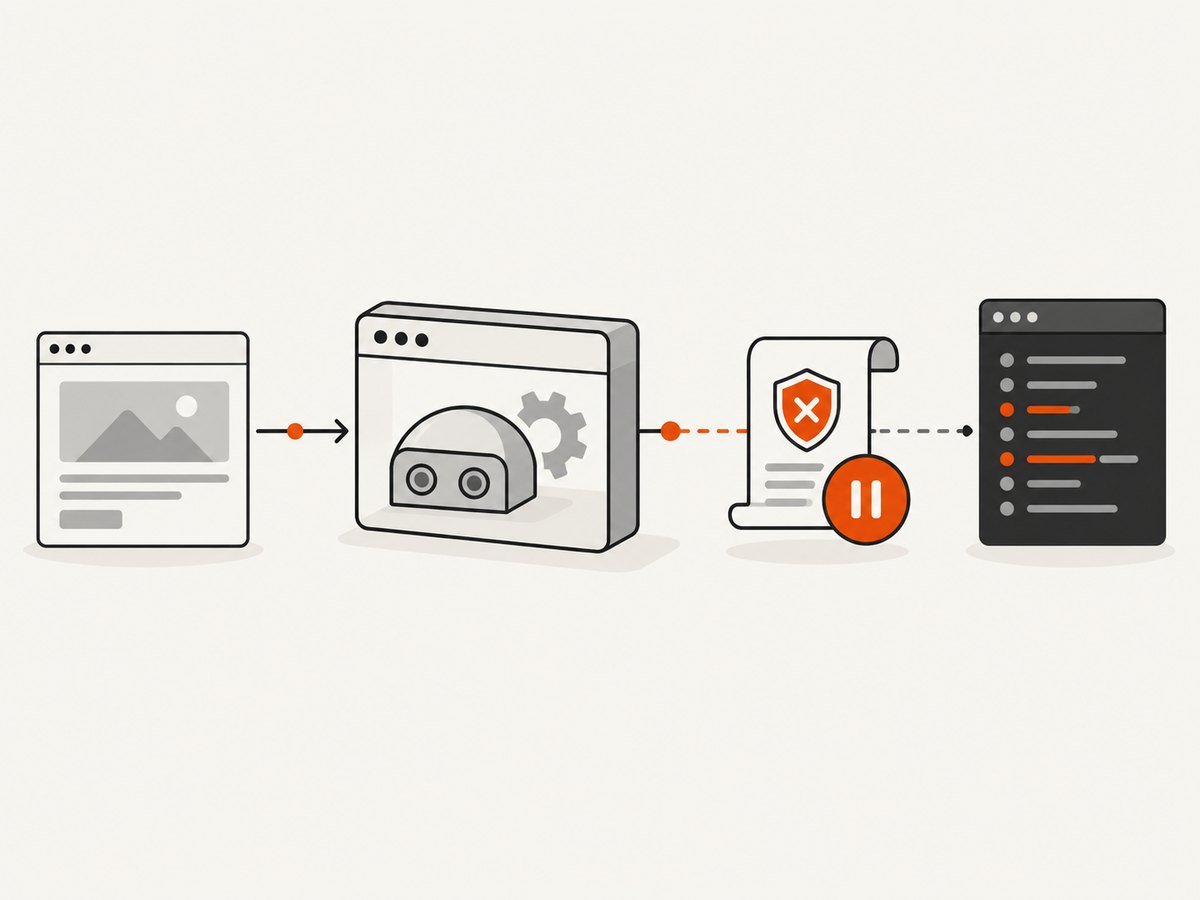
The evidence supports a careful conclusion: CasperJS’s old browser stack cannot be relied on to satisfy the browser environment required by current reCAPTCHA. It does not prove that every CasperJS configuration fails or that every blank widget has the same cause.
2. Asynchronous loading can race your test
Google says reCAPTCHA cannot be used until its asynchronous script has finished loading. A test that immediately searches for a frame or calls grecaptcha.render() can run before the API is ready. This can look exactly like an unsupported browser.
3. Network and policy controls can block the widget
reCAPTCHA needs access to Google-hosted resources. DNS failures, an intercepting proxy, blocked third-party requests, certificate problems, ad-blocking rules or CSP directives can prevent the API or its dependent resources from loading. Google documents an error callback for connectivity-related failures.
4. Site configuration can be wrong
A wrong site key, an unsupported hostname or a development hostname that is not permitted for the key can stop rendering. Google’s FAQ says an invalid site key produces an explicit error and that localhost must be added to the key’s allowed domains when it is used for development.
Diagnostic procedure
- Identify the backend and versions. Record the CasperJS version, the PhantomJS or SlimerJS version, operating system and the command used to launch the test.
- Reproduce in a current browser. Open the same page in an up-to-date mainstream browser. If it fails there too, investigate the page integration, key, network and policy first.
- Check the API request. Confirm that the HTTPS request to
https://www.google.com/recaptcha/api.jscompletes and is not blocked or redirected unexpectedly. - Check ordering. For explicit rendering, define the onload callback before loading the API. For code that uses the API after page startup, use the documented readiness pattern.
- Inspect JavaScript errors. Capture console output, page errors and failed resource messages. Look for undefined
grecaptcha, callback errors, certificate failures and blocked-frame messages. - Check JavaScript and CSP. Ensure JavaScript is enabled and that CSP permits the required script, frame, style and connection sources. A policy can block the widget even when the API URL itself loads.
- Validate the site key and hostname. Confirm the key matches the reCAPTCHA version and that the current host, including
localhostfor local work, is allowed. - Compare engines. If the page works in a current browser but not in PhantomJS, treat the legacy runtime as the likely compatibility boundary. Test with maintained browser automation before changing application logic.
A minimal CasperJS diagnostic script
This script does not bypass reCAPTCHA. It records whether the page, API request and basic JavaScript environment are working. It is intentionally diagnostic rather than a CAPTCHA solver.
var casper = require('casper').create({
  verbose: true,
  logLevel: 'debug',
  pageSettings: {
    loadImages: true,
    userAgent: 'CasperJS diagnostic'
  }
});

casper.on('remote.message', function (message) {
  this.echo('[remote] ' + message);
});

casper.on('page.error', function (message, trace) {
  this.echo('[page.error] ' + message);
  trace.forEach(function (item) {
    this.echo('  ' + item.file + ':' + item.line);
  });
});

casper.on('resource.error', function (resourceError) {
  this.echo('[resource.error] ' + resourceError.errorString +
    ' ' + resourceError.url);
});

casper.start('https://example.com/page-with-recaptcha', function () {
  this.echo('URL: ' + this.getCurrentUrl());
  this.echo('Title: ' + this.getTitle());
  this.echo('g-recaptcha elements: ' + this.getElementsInfo('.g-recaptcha').length);
  this.echo('grecaptcha defined: ' + this.evaluate(function () {
    return typeof window.grecaptcha !== 'undefined';
  }));
});

casper.waitFor(function () {
  return this.evaluate(function () {
    return typeof window.grecaptcha !== 'undefined';
  });
}, function () {
  this.echo('reCAPTCHA API became available');
}, function () {
  this.die('reCAPTCHA API did not become available before timeout', 1);
}, 15000);

casper.run(function () {
  this.exit();
});
Replace the URL with your page. If the API never becomes available, use the resource and page errors to distinguish a blocked request from an engine or timing problem.
Common errors and fixes
| Symptom | Likely cause | Fix |
|---|---|---|
Empty g-recaptcha container |
API did not load, callback raced, JavaScript failed, or the engine lacks required browser behavior | Check resource errors, define the callback before the script, wait for readiness, then compare with a current browser |
grecaptcha is not defined |
The asynchronous API has not finished loading or was blocked | Use grecaptcha.ready() or the documented v2 onload callback; verify the HTTPS request |
| Invalid site key | Wrong key, wrong reCAPTCHA version or malformed configuration | Copy the key from the matching Google configuration and inspect the page’s explicit error |
| Works on production but not localhost | Local hostname is not in the key’s allowed domains | Add localhost as Google documents, then reload the page |
| API request is blocked | CSP, proxy, firewall, DNS, certificate or blocking extension | Inspect failed resources and browser policy logs; allow the required Google resources where appropriate |
| Works manually but not in CasperJS | Legacy PhantomJS/SlimerJS compatibility or different network identity | Run the same URL in maintained browser automation and compare user agent, TLS, cookies and console errors |
| Intermittent success | Race condition, slow network or delayed dependent resource | Wait on a specific readiness condition rather than a fixed short delay; record failed resources |
| Checkbox appears but verification fails | Server-side verification, token handling or hostname configuration problem | Inspect the form token and server verification separately; rendering success does not prove verification correctness |
What to change in a legacy test suite
- Keep CasperJS for tests that only need the behavior its supported engine can provide.
- Move reCAPTCHA-dependent coverage to maintained browser automation with a current browser engine.
- Do not attempt to automate checkbox clicks or defeat bot checks. Use Google’s documented test configuration and server-side verification flow for application tests.
- Separate page-load tests from CAPTCHA-provider availability tests so a third-party outage does not obscure your application failures.
- Record browser version, API response status, console errors, failed resources and hostname in CI artifacts.
Performance, reliability and cost considerations
Performance
A fixed sleep is a poor substitute for readiness. It makes fast runs slower and still fails on slower networks. Wait for a concrete condition such as the API object, an expected callback or a page state that your integration controls. Also avoid loading unnecessary assets when the test only checks application markup, while remembering that disabling JavaScript or frames changes what you are testing.
Reliability
reCAPTCHA depends on external Google resources, network connectivity and browser policy. Treat those dependencies as variable. Capture logs and classify failures as engine compatibility, script timing, configuration, network or policy errors. This classification prevents a transient network failure from being misdiagnosed as a CasperJS defect.
Cost
CasperJS itself does not remove the operational cost of maintaining a browser runtime, CI images, network access and diagnostic tooling. A screenshot service can be useful when the goal is visual documentation or page capture rather than interactive CAPTCHA verification. It cannot make a bot check pass or replace server-side CAPTCHA verification.
Or skip the browser setup
If your goal is a clean image or PDF of a page, ScreenshotNeo provides a single GET request instead of maintaining CasperJS and a legacy browser. Its capture pipeline accepts consent banners like a visitor and removes more than 60 known consent platforms, newsletter popups and chat widgets before the shot. Bot checks, blank pages, timeouts, failed loads and cache hits are not billed, and the response reports the page verdict and billing status in X-Page-Verdict and X-Billed headers. It does not bypass or solve reCAPTCHA.

See the ScreenshotNeo documentation for all options.
cURL
curl -G "https://api.screenshotneo.com/v1/shot" -d access_key=YOUR_API_KEY --data-urlencode url=https://stripe.com -o shot.webpPython
import requests

r = requests.get(
    "https://api.screenshotneo.com/v1/shot",
    params={"access_key": "YOUR_API_KEY", "url": "https://stripe.com"},
    timeout=90,
)
r.raise_for_status()
open("shot.webp", "wb").write(r.content)
Node.js
const q = new URLSearchParams({
  access_key: 'YOUR_API_KEY',
  url: 'https://stripe.com'
});
const res = await fetch(`https://api.screenshotneo.com/v1/shot?${q}`);
if (!res.ok) throw new Error(`Screenshot failed: ${res.status}`);
const data = Buffer.from(await res.arrayBuffer());
require('fs').writeFileSync('shot.webp', data);
ScreenshotNeo also supports full-page capture with lazy images loaded, CSS-selector element capture, dark mode, device presets and custom viewports, retina scale, PDF output, custom CSS and JavaScript, clicks, selector or network-idle waits, request blocking, headers, cookies, user agents, authorization, timezone, geolocation, transparent backgrounds, resizing, configurable caching, signed links, asynchronous jobs with signed webhooks, bulk capture of up to 100 URLs per call, a usage API and an OpenAPI specification. Every feature is available on every plan.
An MCP server provides take_screenshot, get_page_info and capture_pdf tools for Claude, Cursor and other MCP clients. Pricing starts with 1,000 screenshots per month free with no card; paid plans start at $5 for 3,000 screenshots. Create a free ScreenshotNeo account.
FAQ
Does CasperJS always fail with reCAPTCHA?
No. The sources establish that CasperJS uses legacy PhantomJS or SlimerJS runtimes and cannot be relied on for current web compatibility. A specific failure can still be caused by timing, network, CSP or key configuration.
Is switching from PhantomJS to SlimerJS enough?
It may change the browser behavior, but it does not turn CasperJS into a maintained current browser stack. Compare the page in a supported browser before deciding that the integration is fixed.
Can a longer wait solve the problem?
Only when the cause is a load race. A longer wait cannot repair an invalid key, blocked resource, restrictive CSP or unsupported browser feature.
Can ScreenshotNeo render a CAPTCHA for automated solving?
ScreenshotNeo captures pages and does not bypass or solve bot checks. Its clean-shot and billing behavior is useful for ordinary page screenshots, documentation and visual workflows.
What should CI assert?
Assert the application’s own page state and record third-party reCAPTCHA failures separately. Store browser, network, console and hostname diagnostics so a provider or runtime issue is actionable.


