Why PhantomCSS Moves HTML Elements During Visual Tests
PhantomCSS usually reports a shifted render, not a DOM move. Diagnose timing, animation, geometry, and unstable page state with this practical guide.

Short answer: PhantomCSS does not document a feature that moves HTML elements. It captures a page with CasperJS, compares the pixels with a baseline using Resemble.js, and creates a diff image. “Movement” usually means the page rendered in a different state, or that a shared offset makes many pixels appear displaced in the diff. Treat the diff as evidence of a visual mismatch, not proof that PhantomCSS mutated the DOM.
Open the baseline, latest capture, and generated diff together. If the baseline and latest images differ, investigate application state, readiness, animation, fonts, viewport, or scroll position. If the originals align but the overlay looks shifted, inspect clipping and diff interpretation.
What PhantomCSS actually does
PhantomCSS is a screenshot regression tool built around CasperJS and Resemble.js. CasperJS captures a page or element, and the comparator calculates RGB pixel differences against a stored baseline. The output includes the current screenshot and a failure image highlighting changed pixels. The comparator is not a layout engine and does not reposition nodes as part of comparison.
A one-pixel change near the top of a page can make every element below it appear to move. Extra body padding shifts the document; a different font changes line wrapping; a late-loading banner pushes content down. The screenshot symptom is global movement even though the cause is a different render.
The PhantomCSS README states: “Screenshot based regression testing can only work when UI is predictable.” PhantomCSS was marked unmaintained on December 22, 2017, so verify behavior against the exact PhantomJS, CasperJS, PhantomCSS, and asset versions installed in your environment.
First diagnosis: classify the mismatch
- Compare the original images. View baseline and latest screenshots at 100% zoom and note the first differing row or component.
- Inspect the diff separately. A blended region can look doubled even when source images are merely offset.
- Record geometry. Note viewport dimensions, device scale, clip rectangle, and scroll position.
- Check timing. Record whether capture happened after navigation, a selector, text, resource, or network idle.
- Repeat the test. Alternating pass/fail results suggest asynchronous state, animation, fonts, or external requests.
Make the page deterministic
Use fixture responses or a test database for lists, prices, timestamps, avatars, and feature flags. Freeze the clock when the UI displays relative times. Seed random values. Disable rotating carousels and hide genuinely mutable widgets outside the behavior under test.
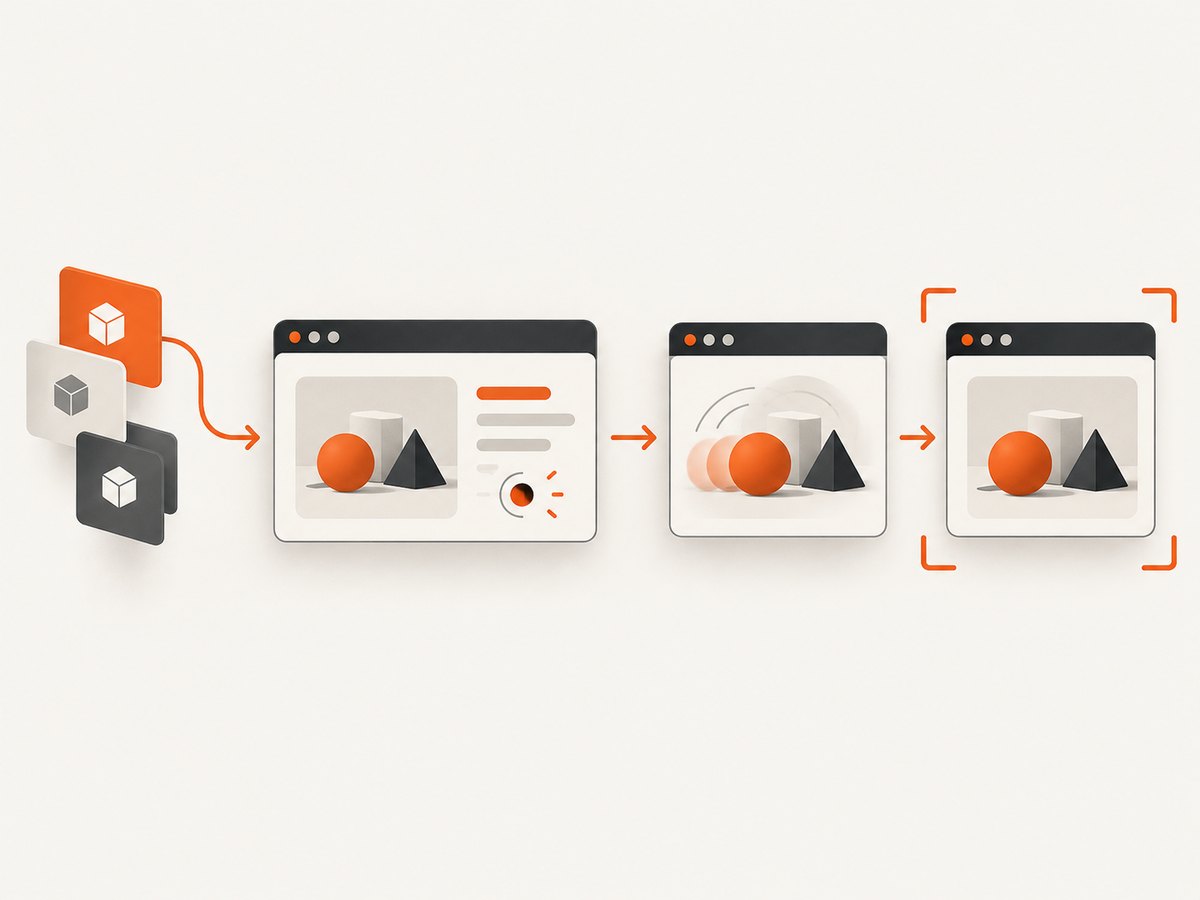
Do not hide the component you are verifying. Scope the capture to that component and control its inputs. A stable selector prevents unrelated banners or page padding from invalidating a focused test.
Stable CasperJS and PhantomCSS flow
var casper = require('casper').create({
  viewportSize: { width: 1366, height: 900 },
  pageSettings: { loadImages: true, loadPlugins: false }
});
var phantomcss = require('./phantomcss');
phantomcss.init({
  libraryRoot: './node_modules/phantomcss',
  screenshotRoot: './screenshots',
  failedComparisonsRoot: './screenshots/failures',
  comparisonResultRoot: './screenshots/results',
  mismatchTolerance: 0.05,
  captureWaitEnabled: true
});
casper.start('http://localhost:3000/catalog?fixture=visual', function () {
  this.waitForSelector('#catalog-grid', function () {
    phantomcss.turnOffAnimations();
    phantomcss.screenshot('#catalog-grid', 'catalog-grid');
  }, function () {
    this.die('catalog grid did not become ready');
  }, 10000);
});
casper.run(function () { phantomcss.compareAll(); this.exit(); });
Adapt module paths and options to your installed version. The essential controls are a fixed viewport, fixture data, a readiness wait, animation suppression, and an element-level capture.
Wait for the state you intend to compare
Navigation completion does not guarantee that a modal, image, web font, or client-rendered list has settled. CasperJS supports waits for selectors, text, functions, and resources. Prefer a semantic marker such as data-visual-ready='true' over an arbitrary sleep.
casper.waitForSelector('[data-visual-ready="true"]', function () {
  phantomcss.screenshot('#invoice', 'invoice');
});
casper.waitForText('#status', 'Loaded', function () {
  phantomcss.screenshot('#status', 'status');
});
When no reliable marker exists, combine a short bounded delay with a check for the actual resource. Keep the timeout finite so a broken page fails with a useful message.
Remove motion and asynchronous visual noise
PhantomCSS documents captureWaitEnabled and turnOffAnimations() for CSS transitions and jQuery animations. Enable the wait when a component animates into place and call the helper before capture. You can also inject:
*, *::before, *::after {
  animation: none !important;
  transition: none !important;
  scroll-behavior: auto !important;
  caret-color: transparent !important;
}
Fonts can create apparent movement. Self-host exact font files, wait for document.fonts.ready where supported, and avoid capturing while fallback text is replaced. Give images explicit dimensions or an aspect-ratio box so decoding cannot reflow the page.
Keep viewport, clipping, and scroll geometry identical
PhantomJS treats viewport size, clipping rectangle, and scroll position as separate properties. Set the viewport before navigation, use the same clip rectangle for baseline and comparison, and reset scroll before each capture.

casper.viewport(1366, 900);
casper.then(function () {
  this.evaluate(function () { window.scrollTo(0, 0); });
  phantomcss.screenshot('#header', 'header');
});
Do not mix a full-page baseline with a clipped element capture. For full-page images, keep document width fixed and make lazy-loaded content deterministic. A small page-level padding change can offset a full-page image and create a large diff or timeout.
Use selectors that describe the component
Prefer explicit IDs or data attributes such as #checkout-form and [data-testid='profile-card']. Avoid generated class names, positional selectors, or “the third card.” Capture the smallest region that answers the test question. Keep a few full-page smoke captures, but use focused captures for most visual assertions.
Common errors and fixes
| Symptom | Likely cause | Fix |
|---|---|---|
| Everything shifts equally | Padding, scrollbar, viewport, clip, or scroll mismatch | Compare geometry, fix viewport, reset scroll, and match clipping. |
| Only text moves | Different or unloaded font | Pin fonts and scale, wait for fonts, and stabilize text widths. |
| Cards jump between runs | Late network response, lazy loading, or missing dimensions | Stub data, wait for resources, and reserve image space. |
| Carousel or spinner differs | Animation sampled at another frame | Call turnOffAnimations() and inject no-motion CSS. |
| Selector timeout | Wrong selector, route failure, or app error | Log URL and HTML, verify the selector, and use a bounded wait. |
| Huge diff after upgrade | PhantomJS rendering changed | Check versions and rebaseline only after review. |
| CI differs from local | Fonts, timezone, locale, screen size, or external data | Pin the container, locale, timezone, assets, and fixtures. |
| Overlay looks doubled | Diff blending rather than page movement | Inspect raw images at 100% before changing CSS. |
A repeatable debugging checklist
- Save baseline, latest, and diff artifacts for every failure.
- Print PhantomJS, CasperJS, PhantomCSS, OS, viewport, locale, timezone, and commit identifiers.
- Log readiness conditions and capture timestamps.
- Run the same test three times to detect nondeterminism.
- Disable animations and external personalization.
- Verify fonts, image dimensions, scroll position, and clip rectangle.
- Reduce a page capture to the smallest failing selector.
- Adjust mismatch tolerance only after eliminating nondeterminism.
Performance, reliability, and cost considerations
Element captures are faster and smaller than full-page captures. Reuse a warmed page where safe, but reset state between cases. Parallel workers improve throughput but can expose fixture races and rate limits; isolate data per worker.
Serve immutable assets locally or from a controlled cache to reduce timing variance. Keep waits bounded and report which condition timed out. Store baselines with the code revision so runtime upgrades do not silently rewrite history.
Because PhantomCSS is unmaintained, operating it includes the cost of pinning an old PhantomJS toolchain. If you evaluate modern approaches, compare browser coverage, pixel versus AI-assisted comparison, state control, component versus full-page scope, and root-cause output. Cypress visual-testing documentation recommends deliberate checkpoints and element-level diffs and names Applitools Eyes as an example integration.
Or skip the browser setup
For one-off captures, documentation snapshots, or migration away from PhantomJS, ScreenshotNeo provides one HTTP endpoint and an MCP server. Before capture it accepts cookie or consent banners and removes 60+ known consent platforms, newsletter popups, and chat widgets; each step can be turned off. Bot checks, CAPTCHAs, blank pages, timeouts, failed loads, and cache hits are not billed, and responses report verdict and billing in X-Page-Verdict and X-Billed headers.
See the ScreenshotNeo docs for all options. The basic call is:
curl -G "https://api.screenshotneo.com/v1/shot" -d access_key=YOUR_API_KEY --data-urlencode url=https://stripe.com -o shot.webpimport requests
r = requests.get("https://api.screenshotneo.com/v1/shot", params={"access_key": "YOUR_API_KEY", "url": "https://stripe.com"}, timeout=90)
open("shot.webp", "wb").write(r.content)const q = new URLSearchParams({ access_key: 'YOUR_API_KEY', url: 'https://stripe.com' });
const res = await fetch(`https://api.screenshotneo.com/v1/shot?${q}`);Options include PNG, JPEG, or PDF; full-page capture with lazy images; CSS element capture; dark mode; device presets or custom viewports; retina scale; PDF paper size, margins, landscape, and page ranges; custom CSS and JavaScript; clicks; selector, delay, or network-idle waits; blocked ads, trackers, requests, or resource types; headers, cookies, user agent, Authorization, timezone, geolocation, transparent backgrounds, resizing, TTL caching, signed links, async jobs with signed webhooks, bulk capture of 100 URLs, and usage data. Its MCP tools—take_screenshot, get_page_info, and capture_pdf—let Claude, Cursor, or another MCP client capture pages.
Free accounts include 1,000 screenshots per month with no card. Paid plans start at $5 for 3,000 shots, and yearly billing gives two months free. Create a free ScreenshotNeo account and try the endpoint while you decide whether to retire the PhantomCSS harness.
FAQ
Does PhantomCSS change my DOM?
Its documented job is capture and pixel comparison. If the DOM changes, inspect application scripts, helpers, and timing; do not infer mutation from a diff alone.
Should I increase mismatch tolerance?
Only after eliminating nondeterminism. Tolerance can absorb anti-aliasing noise but hide a real layout regression.
When is full-page capture appropriate?
Use it for integration coverage. For component behavior and diagnosis, an element capture is usually clearer.
How should I handle a PhantomJS upgrade?
Review renderer changes, run representative pages, and rebaseline only after confirming application behavior is unchanged.


