Why wkhtmltopdf Works for Some Websites but Not Others
wkhtmltopdf uses an old Qt WebKit engine, so modern CSS, JavaScript, fonts, timing and build differences explain why pages render inconsistently.
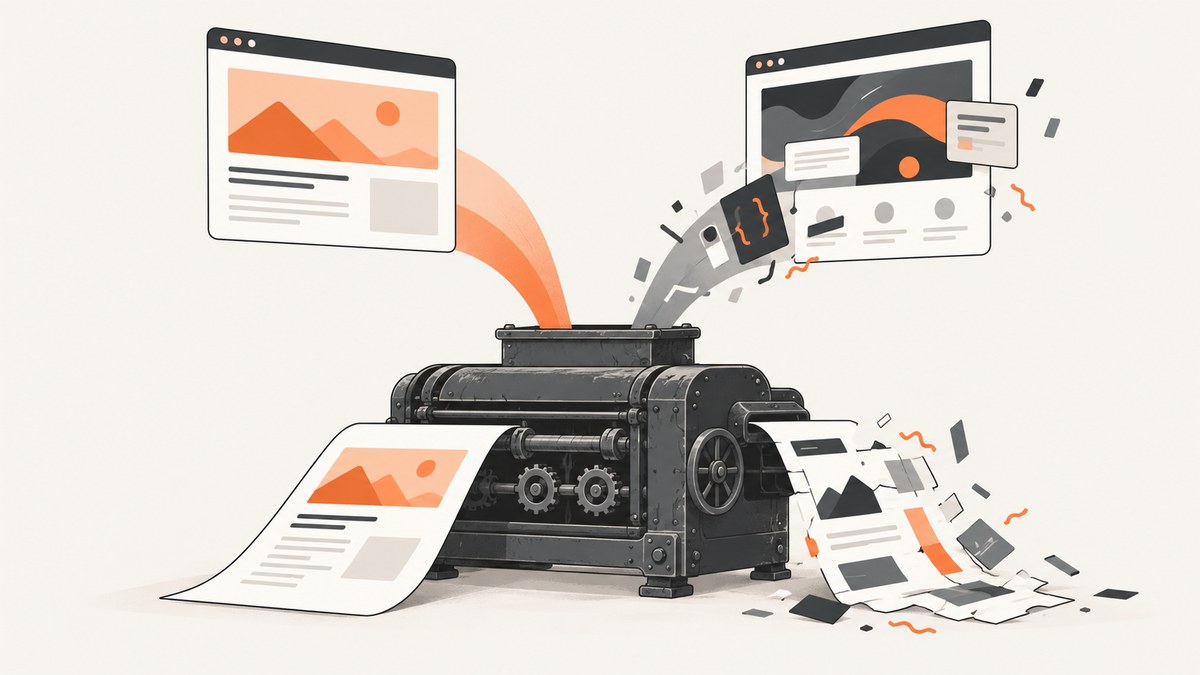
Short answer: wkhtmltopdf works for some websites because those pages fit its old Qt WebKit engine, available fonts, network environment and timing model. It fails on others when they depend on modern browser features, dynamic JavaScript, delayed API data, blocked assets or a different wkhtmltopdf build. The executable is not equivalent to current Chrome or Firefox.
The project describes wkhtmltopdf as a headless command-line renderer using Qt WebKit. Its maintainer states that Qt 4 has been unsupported since 2015 and the embedded WebKit has not been updated since 2012 (project homepage; status page). That age is the main reason a simple site can convert correctly while a modern application produces a blank page, missing content or a layout that differs from your browser.
1. What wkhtmltopdf actually renders
wkhtmltopdf loads HTML, applies CSS, executes JavaScript and prints the resulting document through Qt WebKit. It is a browser-like pipeline, but it is an old and fixed implementation. A current desktop browser supports years of new web-platform behavior that this engine does not.

Pages are more likely to work when they have:
- Static HTML and conventional CSS.
- Images, stylesheets, scripts and fonts reachable from the conversion process.
- Fonts installed in the container or host.
- JavaScript that finishes quickly and does not require unsupported APIs.
- Print styles that intentionally support PDF output.
Pages are more likely to fail when they rely on modern layout or scripting, client-side API calls, delayed rendering, browser-specific assumptions, third-party resources, authentication flows or screen-only styles. These are diagnostic possibilities, not a complete compatibility matrix; the official project does not test every website.
2. The binary and build matter
Two commands named wkhtmltopdf can behave differently. The official downloads FAQ explains that some features require a version built with patched Qt. Linux distributions may compile without those patches, and package dependencies vary by operating system.
wkhtmltopdf --version
which wkhtmltopdf
ldd "$(which wkhtmltopdf)" 2>/dev/null | head
Record the complete version string, including whether it says with patched qt. Also record the package source, OS release, CPU architecture and container image. A distribution package can use different libraries, OpenSSL, libc, fontconfig or FreeType versions from the binary you tested on another machine. A successful local test therefore does not prove that a production worker has the same renderer.
3. Environment problems that look like rendering bugs
Fonts
If a font is absent, text can wrap differently, overflow, disappear or change page count. Install the exact font families used by the document and rebuild the font cache. Compare a minimal page using a known system font before investigating complex CSS.
External resources
CSS, images, JavaScript and web fonts must be reachable from the conversion process. Check DNS, TLS certificates, proxy settings, firewall rules and authentication headers. A page that loads in your browser may still fail inside a private network or container. Save a local copy with local asset paths to separate network failures from engine limitations.
Runtime libraries
The official FAQ documents differences in system libraries and explains why packages are distribution-specific. Keep the binary and its expected libraries together in a tested image. Avoid copying only the executable into an unrelated minimal image.
4. JavaScript timing and print media
JavaScript can be enabled or disabled, delayed, or coordinated through a window status value. The manual documents controls such as --javascript-delay, --run-script and --window-status, along with screen-versus-print media selection (usage manual).
# Wait for an application to finish rendering
wkhtmltopdf --javascript-delay 3000 https://example.com output.pdf

# Wait until page JavaScript sets window.status = 'ready'
wkhtmltopdf --window-status ready https://example.com output.pdf

# Use screen media rules when that is what the design requires
wkhtmltopdf --print-media-type https://example.com output.pdf
These options solve timing or media-selection problems. They cannot add support for a missing browser API. A longer delay also increases resource use and can still end in a blank page if the application never reaches the expected state.
5. A reproducible diagnosis
- Capture identity: save
wkhtmltopdf --version, package source, OS and architecture. - Reduce the input: create a minimal HTML/CSS/JS example that still fails. The project support page asks for this information in issue reports (support guidance).
- Check requests: verify every stylesheet, script, image and font from the conversion host. Test a local static copy.
- Check timing: determine when the visible content appears. Try a measured JavaScript delay or a window-status signal.
- Check media: inspect print styles and test whether screen media is intentionally required.
- Compare output: save the generated PDF and a browser print result. Identify whether the difference is missing content, layout, fonts, page breaks or network assets.
- Decide whether to migrate: if the page depends on unsupported web features, changing CSS endlessly is usually less reliable than using a maintained browser renderer.
6. Common symptoms, causes and fixes
| Symptom | Likely cause | Fix |
|---|---|---|
| Blank PDF | JavaScript never finished, navigation failed or a bot check blocked the request | Inspect logs and network access; test a static URL; use a bounded delay or window-status signal. |
| Missing charts or tables | Client-side data arrived after capture | Wait for a deterministic ready signal, or render data server-side. |
| Wrong wrapping or page count | Missing fonts, different font libraries or print CSS | Install fonts, rebuild cache and inspect print media rules. |
| Modern layout collapses | Unsupported CSS or old WebKit behavior | Simplify CSS for this target or move to a current browser engine. |
| Images absent | Blocked URL, TLS failure, relative path or lazy loading | Use reachable absolute URLs, validate certificates and trigger loading before capture. |
| Works on one server only | Different patched-Qt build or libraries | Pin the binary and container image; compare versions and dependencies. |
| Conversion hangs | Network request, script or resource never completes | Set operational timeouts, remove unneeded third-party requests and isolate the job. |
7. Security and reliability
Treat conversion as a security boundary when HTML or JavaScript is not fully trusted. The maintainer warns: “Do not use wkhtmltopdf with any untrusted HTML” without sanitizing user-supplied HTML/JS, because it can lead to complete server takeover (status page). Run workers with least privilege, isolate them from internal services, restrict egress where practical and enforce CPU, memory and wall-clock limits.
For reliability, pin the renderer version, keep fonts in the image, log the input URL and command options, retain failed artifacts for diagnosis and use a queue so one hung conversion does not block all requests. Add retries only for transient network failures; retrying an unsupported page will produce the same output repeatedly.
8. Performance and cost considerations
Every conversion starts a browser-like rendering process and may fetch many assets. Full-page pages, large images, web fonts and long JavaScript delays increase CPU, memory and wall time. Measure your own workload because the official sources publish no general performance benchmark. Cache stable outputs, limit concurrency to what the host can sustain and avoid waiting for network idle when a specific ready signal is available.
Also account for engineering cost. Maintaining a patched binary, system libraries, fonts, sandboxing and page-specific workarounds can exceed the cost of a hosted screenshot service when you capture arbitrary third-party pages.
9. When to replace wkhtmltopdf
The project status page suggests Puppeteer for dynamic-JavaScript sites and WeasyPrint or commercial Prince for controlled reports (status page). Choose based on input profile, browser fidelity, migration effort, deployment size, security maintenance and licensing. A current browser is a better fit for arbitrary modern websites; a document-focused engine can be preferable for controlled templates.
10. Or skip the browser setup
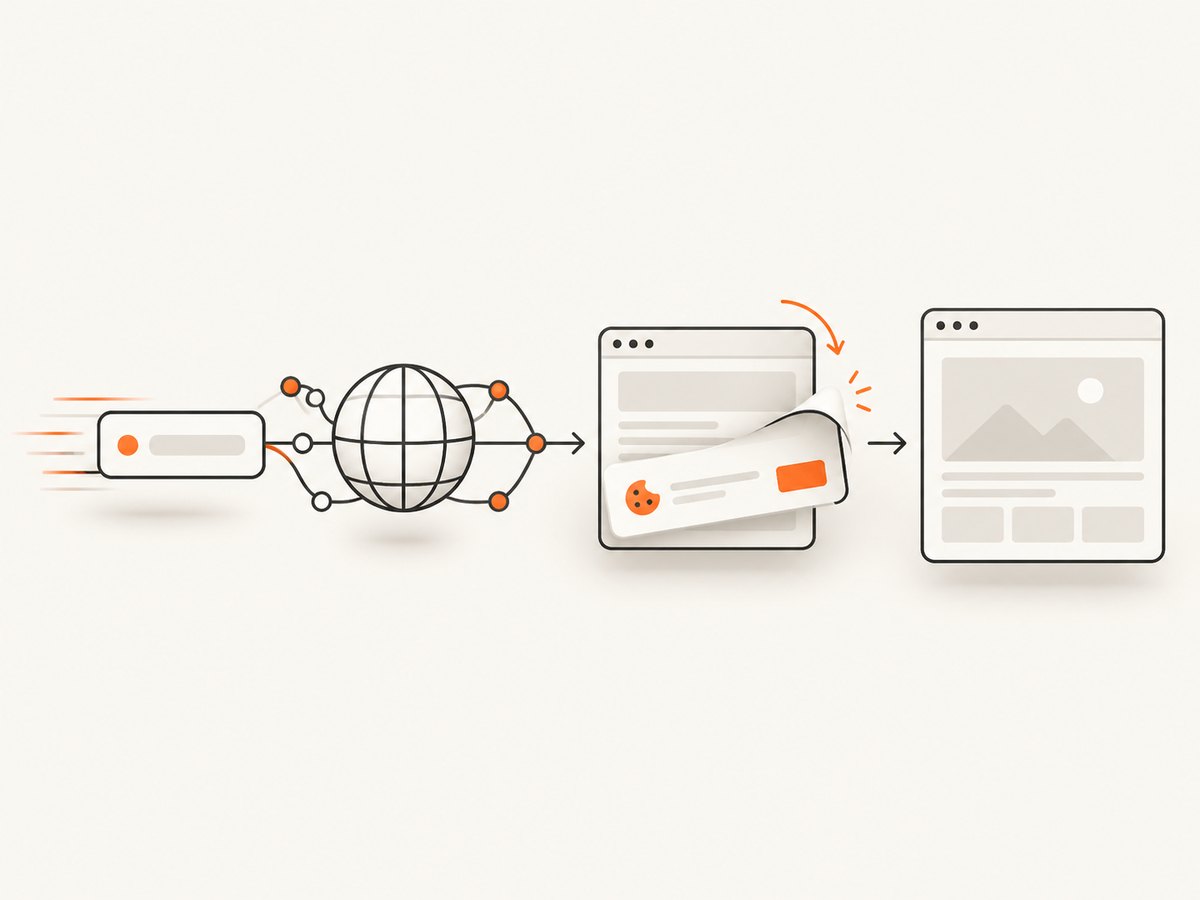
ScreenshotNeo provides a website screenshot API and MCP server. It accepts one GET request and returns PNG, JPEG, WebP or PDF. The same parameter names used by many screenshot APIs make migration straightforward. See the API documentation for all options.
curl -G "https://api.screenshotneo.com/v1/shot" -d access_key=YOUR_API_KEY --data-urlencode url=https://stripe.com -o shot.webpimport requests
r = requests.get("https://api.screenshotneo.com/v1/shot", params={"access_key": "YOUR_API_KEY", "url": "https://stripe.com"}, timeout=90)
open("shot.webp", "wb").write(r.content)const q = new URLSearchParams({ access_key: 'YOUR_API_KEY', url: 'https://stripe.com' });
const res = await fetch(`https://api.screenshotneo.com/v1/shot?${q}`);Cookie and consent banners are accepted and removed before capture, along with more than 60 known consent platforms, newsletter popups and chat widgets. Bot checks, blank pages, timeouts, failed loads and cache hits are not billed; response headers identify the page verdict and billing status. An MCP server lets Claude, Cursor and other MCP clients call take_screenshot, get_page_info and capture_pdf.
For production workflows you can use full-page capture with lazy images, CSS-element selection, dark mode, device presets, custom viewports, retina scale, PDF paper and margin controls, custom CSS/JavaScript, click actions, selector waits, delays, network-idle waits, request blocking, headers, cookies, user agents, authorization, timezone, geolocation, transparent backgrounds, resizing, chosen cache TTLs, signed image links, asynchronous jobs with signed webhooks, bulk capture of up to 100 URLs and a usage API. Every feature is on every plan. The Free plan includes 1,000 shots per month with no card; paid plans start at $5 for 3,000 shots.
Create a free ScreenshotNeo account and use the 1,000 included monthly screenshots to compare it with your current conversion workflow.
11. FAQ
Does a successful simple page prove wkhtmltopdf is compatible?
No. It only proves that page fits that binary, environment and timing. Modern pages can require unsupported browser behavior.
Should I always increase the JavaScript delay?
No. Use a measured delay or window-status signal. An unlimited or arbitrary delay hides failures and increases cost.
Why does the same command differ between Linux hosts?
Build patches, libraries, OpenSSL, libc, fontconfig, FreeType and installed fonts can differ.
Is wkhtmltopdf safe for user HTML?
Only with sanitization and isolation. The project explicitly warns that untrusted HTML/JS can compromise the server.
What information should an issue report include?
Version, patched-Qt status, OS, package source, exact command, minimal reproducer, logs and details about fonts and external requests.


