How wkhtmltoimage Handles Color Profiles
Learn what wkhtmltoimage documents about ICC profiles, why colors differ, and a reproducible workflow for diagnosing and fixing output changes.

Short answer: wkhtmltoimage does not document an option for selecting an ICC color profile. Its documented image settings cover output format, JPEG quality, cropping, transparency, viewport width, and smart width, but they do not expose a profile selector. The project describes wkhtmltoimage as a headless Qt WebKit command-line renderer. Because the official documentation does not promise how embedded profiles are interpreted, converted, embedded, or stripped, color behavior must be treated as build- and format-specific.
This distinction matters when a screenshot differs from a browser preview. A different result may come from the exact wkhtmltoimage binary, the Qt/WebKit libraries it bundles, an input image’s profile metadata, JPEG compression, rasterization differences, or the viewer used to inspect the output. The safest approach is to pin the executable and fixture, render PNG first, inspect pixels and metadata with a color-managed tool, and only then evaluate JPEG output.
What wkhtmltoimage officially documents
The official project description says wkhtmltoimage uses the Qt WebKit rendering engine and runs from the command line without requiring a display service. The image-settings reference documents these relevant controls:
| Setting | What it controls | Color-profile implication |
|---|---|---|
--format |
jpg, png, bmp, or svg |
Changes encoding and metadata behavior, but is not an ICC selector. |
--quality |
JPEG quality | Compression can change pixel values and introduce another comparison variable. |
--transparent |
Transparent background where supported | Compositing against transparency can look different from a browser background. |
--screen-width |
Virtual screen width used for layout | Layout changes can alter which colors and assets are rendered. |
--smart-width |
Automatic width behavior | Can change layout dimensions and therefore the rendered image. |
--crop-x, --crop-y, --crop-w, --crop-h |
Crop rectangle | Only changes which pixels are retained. |
There is no documented --icc-profile, --color-profile, or equivalent image option. That is a statement about the published interface, not proof that every build performs no internal color handling. The documentation also does not promise that source profiles are honored, converted to sRGB, removed, or embedded in output.
What an ICC profile is—and what it does not prove here
An ICC profile describes a color space or device characterization. A color-managed pipeline can use profile data to transform colors between source and destination spaces. The International Color Consortium publishes the profile specifications and developer resources for those workflows.
Qt documentation is useful background, but it must be scoped carefully. Qt 6.5.12 documents QColorSpace::fromIccProfile and says it supports a restricted class of three-component matrix-based RGB-XYZ profiles, returning an invalid color space for unsupported profiles. That API documentation does not establish which Qt version is bundled into your wkhtmltoimage binary, nor does it prove that the older Qt WebKit path used by that binary invokes the same API. Do not infer modern Qt 6 behavior from a package that ships another Qt generation or custom patches.
Why colors can differ from a browser screenshot
Different executable or package
Distribution packages and precompiled project binaries can contain different Qt and WebKit dependencies. Capture the exact version and package source before comparing results:
wkhtmltoimage --version
which wkhtmltoimage
sha256sum "$(command -v wkhtmltoimage)"
Record the operating system, architecture, installation method, and any container image tag. A result observed with one build is not automatically a rule for another.
Profiled source images
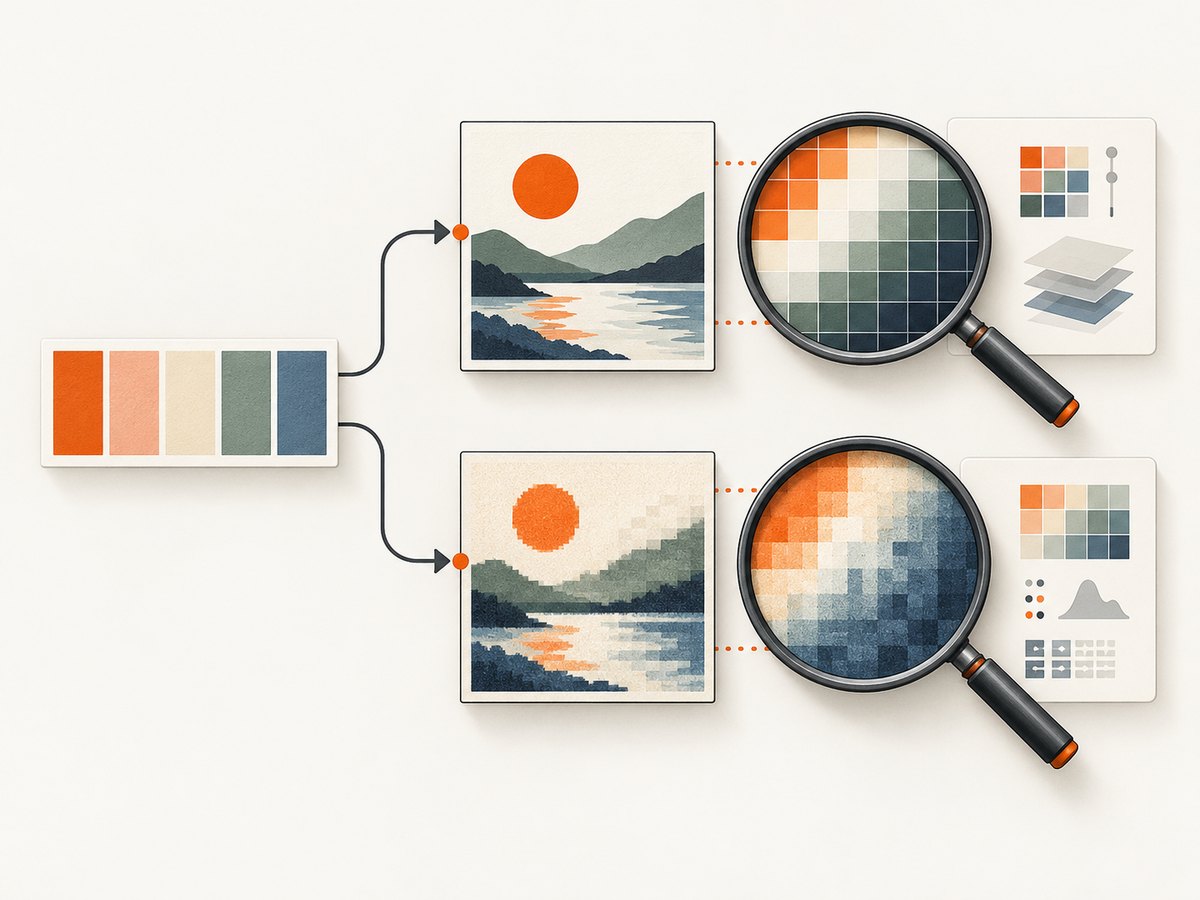
A PNG or JPEG can contain profile metadata, or it can be untagged. If the renderer, browser, and inspection tool make different assumptions about an embedded profile, the same nominal RGB values can appear different. The official wkhtmltoimage documentation does not specify how it handles those profiles.
JPEG encoding
JPEG is lossy. Chroma subsampling and quantization can shift edge pixels and saturated colors. Render to PNG first, then test JPEG with a fixed quality so encoding is not confused with profile interpretation.
Alpha and compositing
Transparent output has no visible background until another application composites it. A browser preview on white and a transparent PNG composited on dark gray can look like different colors even when foreground pixels match.
Layout and timing
Web fonts, late-loading images, animations, and responsive CSS can change the pixels before color is considered. Fix the viewport, wait for deterministic content, disable animations in a test stylesheet, and use local fixtures where possible.
A reproducible color-diagnostics workflow
- Pin the binary. Save
wkhtmltoimage --version, package details, and a checksum. - Create a minimal fixture. Use flat CSS swatches and a small set of images with known profile metadata. Avoid JavaScript and remote dependencies at first.
- Render PNG. PNG avoids JPEG compression as a confounding variable.
- Inspect pixels and metadata. Use a color-managed image application or command-line image tool to read pixel values and identify embedded profiles.
- Repeat in the same viewer. Compare the browser reference and generated file under the same display and color-management conditions.
- Normalize an input. Convert a copy of source images to the intended output space, commonly sRGB, with a tool that explicitly documents ICC conversion. Compare this result with the original fixture.
- Test JPEG separately. Keep the quality value fixed and compare against the PNG raster.
Minimal fixture
<!doctype html>
<html>
<head>
  <meta charset="utf-8">
  <style>
    html, body { margin: 0; width: 640px; height: 360px; }
    body { background: #ffffff; font-family: sans-serif; }
    .swatches { display: flex; gap: 8px; padding: 16px; }
    .swatch { width: 120px; height: 120px; }
    .red { background: #ff0000; }
    .green { background: #00ff00; }
    .blue { background: #0000ff; }
    .gray { background: #808080; }
  </style>
</head>
<body>
  <div class="swatches">
    <div class="swatch red"></div>
    <div class="swatch green"></div>
    <div class="swatch blue"></div>
    <div class="swatch gray"></div>
  </div>
</body>
</html>
Render commands
wkhtmltoimage \
  --format png \
  --screen-width 640 \
  --width 640 \
  --height 360 \
  fixture.html fixture.png

wkhtmltoimage \
  --format jpg \
  --quality 92 \
  --screen-width 640 \
  --width 640 \
  --height 360 \
  fixture.html fixture-q92.jpg
Use the same command line when comparing builds. Keep the PNG as your pixel reference and treat the JPEG as a separate encoding test.
Options that affect image output
--format selects the image encoder. The documented values are an empty default or jpg, png, bmp, and svg. --quality applies to JPEG output. --transparent requests transparency where supported. Width and crop settings affect the raster dimensions, while --screen-width and --smart-width affect layout calculations. None of these options selects an ICC profile.
For stable captures, set an explicit viewport and dimensions, use a fixed quality for JPEG, and avoid relying on smart sizing when exact pixel comparisons matter. If you need a color-critical asset, preprocess source images into the desired color space with a documented ICC-aware tool, then verify the generated file’s metadata independently.
Troubleshooting common problems
| Symptom | Likely cause | Fix |
|---|---|---|
| Colors differ from Chrome or Firefox. | Different rendering engine, profile handling, fonts, or timing. | Pin versions, use a minimal fixture, disable animation, and compare PNG pixels in one viewer. |
| JPEG looks dull or has fringes. | Lossy compression and chroma subsampling. | Compare PNG first; then raise and record --quality. |
| Transparent output looks wrong. | Different background compositing. | Composite the PNG over a known background before comparing. |
| Embedded profile is missing. | The output encoder or build may not preserve metadata. | Inspect metadata after rendering; do not assume preservation from documentation. |
| Only one machine differs. | Different package, Qt libraries, fonts, locale, or display assumptions. | Compare version, checksum, dependencies, container image, and fixture. |
| Images are blank or incomplete. | Remote assets, blocked requests, or capture before resources finish. | Use local assets for diagnosis, verify network access, and make the page deterministic. |
| No ICC option appears in help. | The published interface does not document one. | Use preprocessing and verification outside wkhtmltoimage; do not invent a command-line flag. |
Performance, reliability, and cost considerations
Rendering time depends on page size, images, fonts, JavaScript, network access, and the machine running the binary. For repeatable throughput, reuse a pinned environment, keep assets close to the renderer, set explicit dimensions, and avoid unnecessary remote requests. Measure your own fixture; the reviewed sources provide no universal benchmark.
Reliability improves when you retain the input HTML, command line, executable version, output format, quality, and metadata inspection results alongside each artifact. Treat a color conclusion as valid only for that recorded environment. If a color-critical workflow requires a guaranteed transform, perform that transform with a tool whose ICC behavior is explicitly documented before invoking wkhtmltoimage.
wkhtmltoimage itself is an open-source command-line tool, so there is no hosted per-shot charge. Your operational costs are compute, storage, network transfer, and maintenance of the runtime and its dependencies.
Or skip the browser setup
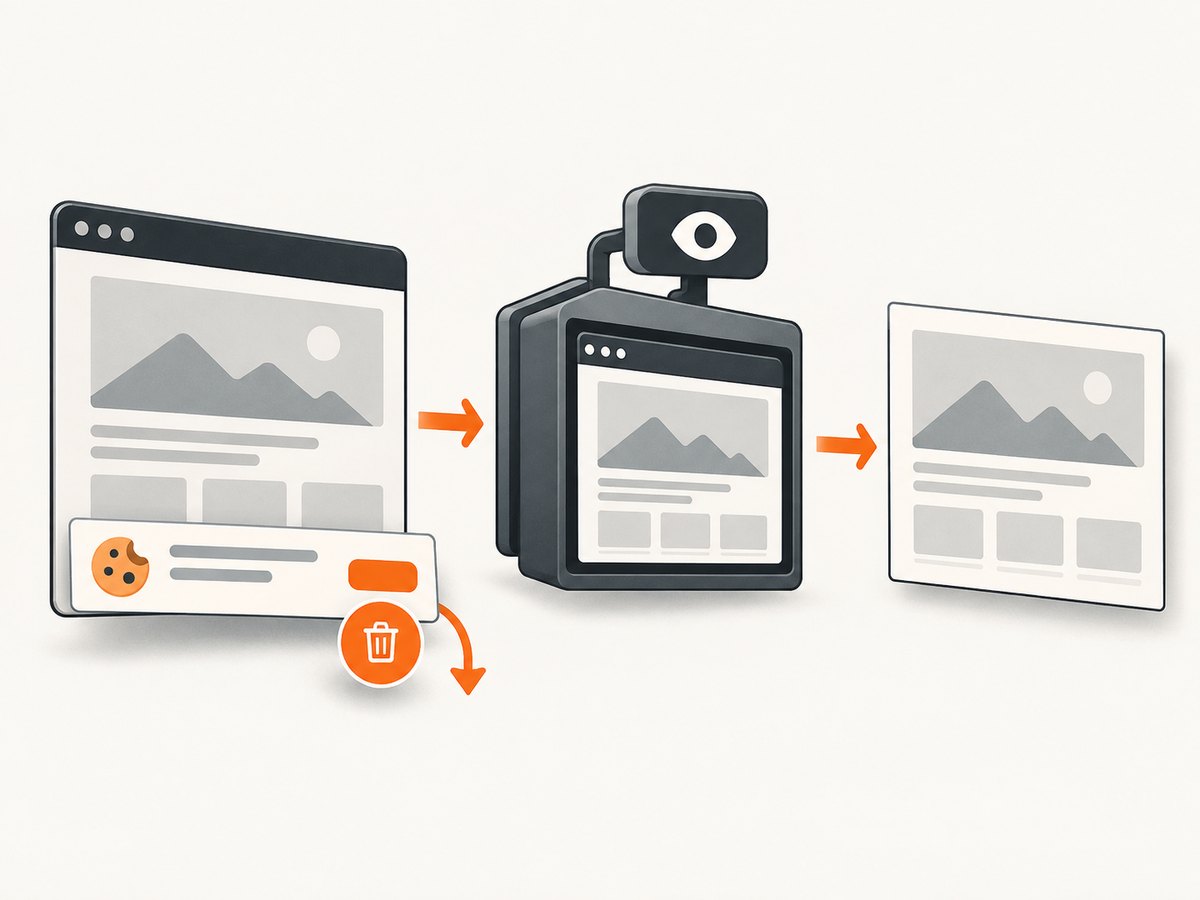
If your goal is a dependable website image rather than maintaining a Qt WebKit runtime, ScreenshotNeo provides a hosted screenshot API. It accepts one GET request and returns PNG, JPEG, WebP, or PDF. Its cleaning steps accept cookie and consent banners and remove more than 60 known consent platforms, newsletter popups, and chat widgets before capture; each step can be disabled.
Only clean shots are billed. Bot checks or CAPTCHAs, blank pages, timeouts, failed loads, and cache hits cost nothing, and response headers identify the page verdict and billing status. ScreenshotNeo also provides an MCP server with take_screenshot, get_page_info, and capture_pdf tools for Claude, Cursor, and other MCP clients.
cURL
curl -G "https://api.screenshotneo.com/v1/shot" \
  -d access_key=YOUR_API_KEY \
  --data-urlencode url=https://stripe.com \
  -o shot.webp
Python
import requests

r = requests.get(
    "https://api.screenshotneo.com/v1/shot",
    params={"access_key": "YOUR_API_KEY", "url": "https://stripe.com"},
    timeout=90,
)
r.raise_for_status()
open("shot.webp", "wb").write(r.content)
Node.js
const q = new URLSearchParams({ access_key: 'YOUR_API_KEY', url: 'https://stripe.com' });
const res = await fetch(`https://api.screenshotneo.com/v1/shot?${q}`);
if (!res.ok) throw new Error(`HTTP ${res.status}`);
const file = Buffer.from(await res.arrayBuffer());
require('fs').writeFileSync('shot.webp', file);
See the ScreenshotNeo API documentation for all options. Features include full-page capture with lazy images loaded, CSS-element capture, dark mode, device presets and custom viewports, retina scale, custom CSS and JavaScript, clicks, selector waits, delays, network-idle waits, request blocking, custom headers and cookies, user-agent and authorization values, timezone and geolocation, transparent backgrounds, resizing, TTL caching, signed links, asynchronous jobs with signed webhooks, bulk capture for up to 100 URLs per call, usage reporting, and an OpenAPI specification.
The free plan includes 1,000 screenshots per month with no card. Paid plans start at $5 for 3,000 shots; higher plans are $15 for 15,000, $39 for 60,000, $99 for 250,000, and $249 for 1,000,000. Yearly billing gives two months free, and every feature is available on every plan. Create a free ScreenshotNeo account to get started.
FAQ
Does wkhtmltoimage support ICC profiles?
The documented image interface does not provide an ICC profile selection option. The sources reviewed do not specify how a particular build interprets or emits profile metadata.
Can --quality fix a color-management problem?
No. It controls JPEG compression. Use PNG and inspect profiles and pixels before tuning JPEG quality.
Should I assume sRGB output?
No universal guarantee is documented. Verify the exact binary and output format, or preprocess assets into a known space.
Is Qt’s QColorSpace documentation proof that wkhtmltoimage is color managed?
No. Qt 6 API behavior does not establish the Qt/WebKit implementation inside your wkhtmltoimage package.
What is the fastest way to isolate the cause?
Pin the executable, render a flat-color HTML fixture to PNG, inspect metadata and pixels in one color-managed viewer, then add profiled images and JPEG as separate variables.


