How to Run wkhtmltopdf on AWS Lambda
Package wkhtmltopdf, shared libraries and fonts for AWS Lambda with ZIP layers or container images, then debug compatibility, fonts and runtime errors.
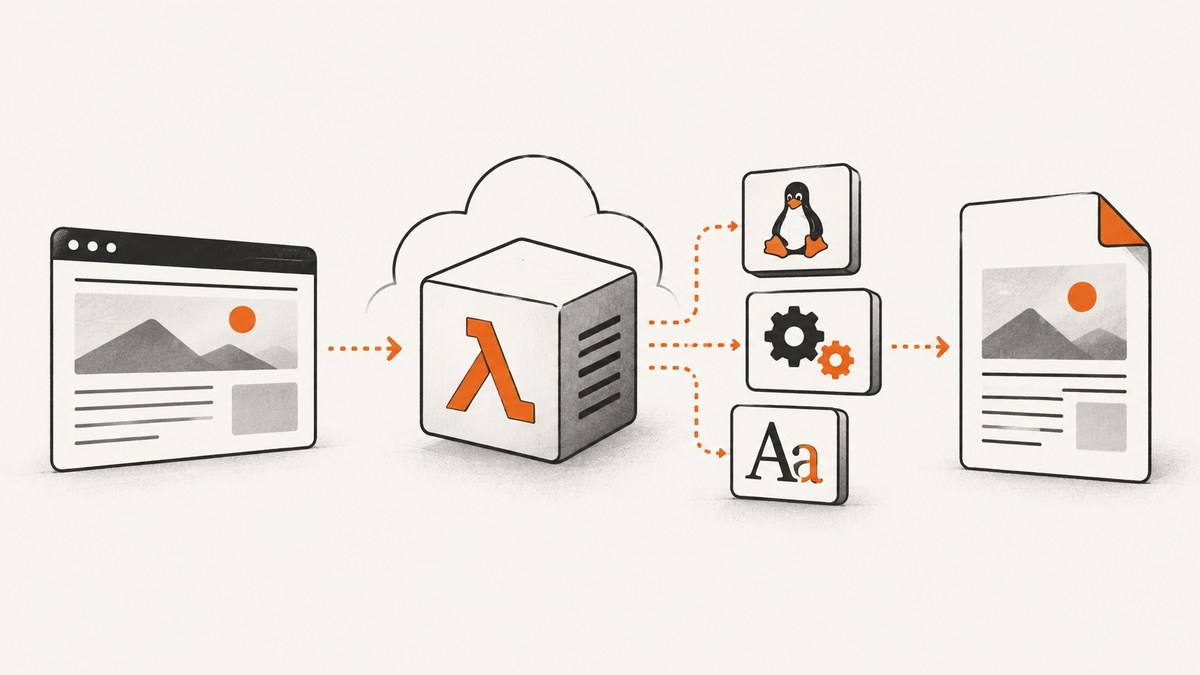
Direct answer: wkhtmltopdf runs on AWS Lambda only when you package a Linux-compatible executable together with every required shared library and font. Build for the same Lambda operating-system family and CPU architecture as the function, place the files in a ZIP layer or Lambda container image, and invoke the executable with an explicit path. Validate the binary and a real PDF in an environment matching the deployed runtime before sending production traffic.
Lambda does not provide wkhtmltopdf automatically. The converter is a native WebKit (QtWebKit) program, so a desktop binary copied from macOS, Ubuntu, or another architecture usually fails with a loader error, missing library, or an unusable PDF.
1. Choose a Lambda packaging model
ZIP deployment with a layer
A layer is useful when several functions share the same converter. AWS extracts layer content into /opt. The documented convention is to put executables in /opt/bin and libraries in /opt/lib; your function can then call /opt/bin/wkhtmltopdf. Layer content must be built in Linux because Lambda functions run on Amazon Linux. AWS recommends using Docker to make the build environment reproducible. See AWS packaging guidance for Lambda layers.
Lambda container image
A container image keeps the executable, libraries, fonts and application code in one reproducible artifact. AWS Lambda base images include Amazon Linux system libraries and the Lambda runtime interface client, but they do not imply that wkhtmltopdf is installed. Copy or install the converter and its dependencies during the image build. When the base image or bundled libraries change, rebuild and redeploy the image yourself. AWS documents this deployment path in Lambda container image support.
| Concern | Layer | Container image |
|---|---|---|
| Sharing | One published layer version can serve many functions. | Each function image contains its own bundle unless you share a base image. |
| File location | Executable and libraries are mounted below /opt. |
Choose paths in the image, commonly under /opt or /var/task. |
| Build reproducibility | Build a ZIP with a Linux toolchain and publish a layer version. | Pin a base image and build it in CI. |
| Updates | Publish a new layer version and update functions. | Rebuild, push and deploy a new image. |
| Compatibility testing | Test the layer with the exact runtime and architecture. | Run the built image or a matching Lambda base image. |
2. Match the Lambda operating system and architecture
Native compatibility is specific to both the Lambda OS generation and CPU architecture. AWS currently documents x86_64 and arm64; a binary built for one is not automatically valid for the other. Select the architecture in the function configuration, then build wkhtmltopdf and its libraries for that same target.
Runtime generations also change. AWS states that Amazon Linux 2 reached end of life on June 30, 2026 and recommends moving to an Amazon Linux 2023 based runtime. Check the current Lambda runtime support table when you build and deploy. Deprecation dates can change, and a package that worked on one runtime generation may not resolve libraries on another.
- Record the Lambda runtime identifier and architecture in source control.
- Build inside a Linux environment from the same OS family, preferably a matching AWS base image.
- Do not assume an x86_64 community layer works on arm64.
- Keep the converter, libraries and fonts in one versioned artifact.
3. Build a layer with wkhtmltopdf
The exact package source depends on the runtime and architecture. A community AL2023 example uses an AlmaLinux 9 RPM, DejaVu fonts and a wrapper that configures library and font paths. Treat that recipe as an example to validate, not as a universal AWS-supported binary. Verify package provenance, dynamic dependencies and generated output in your target environment.
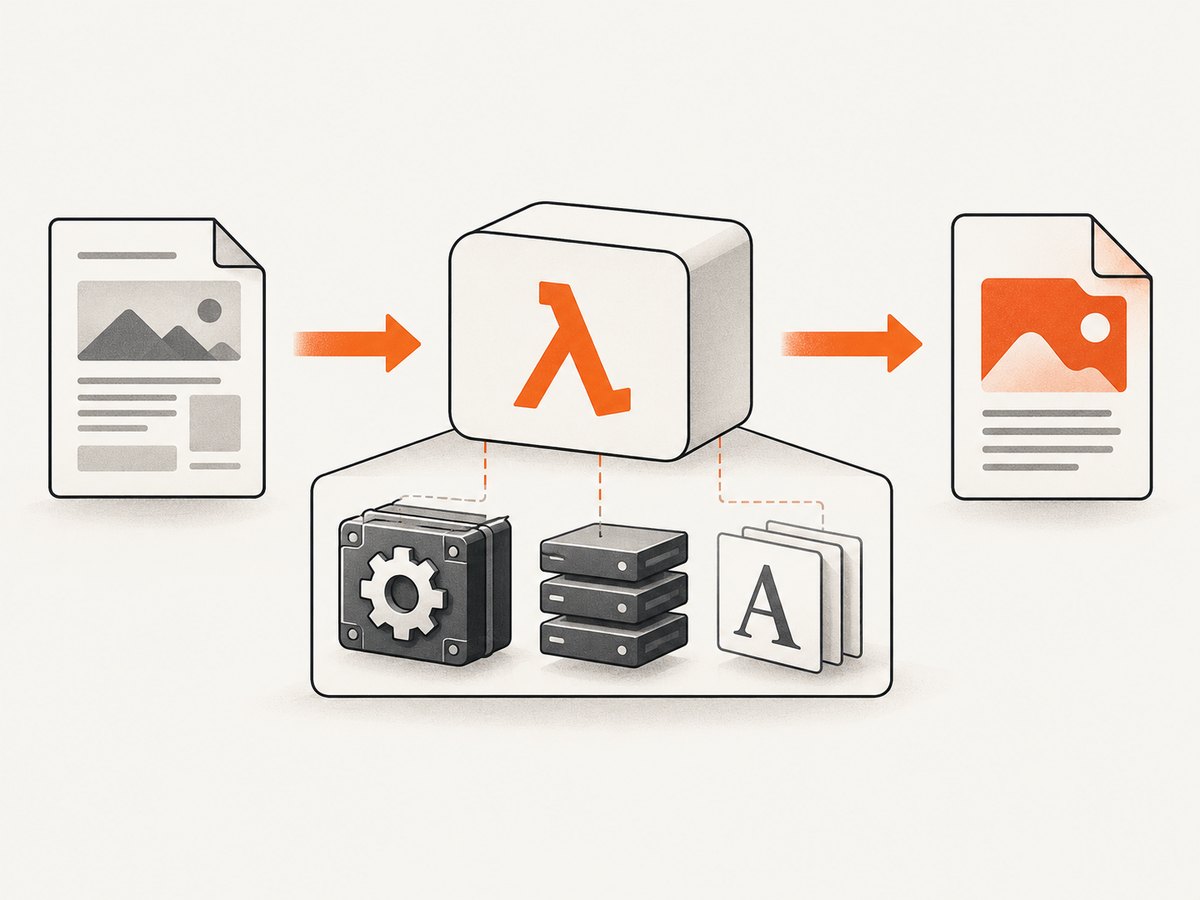
Suggested layer layout
layer/
├── bin/
│   ├── wkhtmltopdf
│   └── wkhtmltopdf-wrapper
├── lib/
│   ├── libwkhtmltox.so       # if your build needs it
│   ├── libQt*.so*
│   └── other libraries found by ldd
└── fonts/
    ├── DejaVuSans.ttf
    └── DejaVuSans-Bold.ttf
Use a wrapper so the function does not need to know which libraries and fonts were bundled:
#!/bin/sh
set -eu

export LD_LIBRARY_PATH="/opt/lib:${LD_LIBRARY_PATH:-}"
export FONTCONFIG_PATH="/opt/fonts"
export FONTCONFIG_FILE="/opt/fonts/fonts.conf"

exec /opt/bin/wkhtmltopdf "$@"
Only set FONTCONFIG_FILE if you ship a valid configuration file. Otherwise set FONTCONFIG_PATH to the directory containing your fontconfig files and fonts, according to the layout produced by your build.
Inspect dependencies before packaging
file layer/bin/wkhtmltopdf
ldd layer/bin/wkhtmltopdf
chmod 755 layer/bin/wkhtmltopdf layer/bin/wkhtmltopdf-wrapper
(cd layer && zip -r9 ../wkhtmltopdf-layer.zip .)
file confirms the executable format and architecture. ldd lists shared libraries. Every non-system library must be copied into the layer and found through LD_LIBRARY_PATH, unless it is guaranteed to exist in the target runtime. Run these commands in the same Linux build environment used for the layer; inspecting a developer laptop gives misleading results.
Publish and attach the layer
- Build the ZIP on Linux and preserve executable permission bits.
- Publish a layer version for the selected runtime and architecture.
- Attach that version to the function.
- Set the function architecture to the one used for the build.
- Invoke
/opt/bin/wkhtmltopdf-wrapperwith input and output paths in writable/tmp.
4. Invoke wkhtmltopdf from a Lambda function
The following Python handler accepts HTML in the event, writes it to /tmp/input.html, converts it, and returns the PDF as base64. The example assumes the wrapper is at /opt/bin/wkhtmltopdf-wrapper.
import base64
import os
import subprocess
import tempfile


def lambda_handler(event, context):
    html = event.get("html", "")
    if not html:
        return {"statusCode": 400, "body": "html is required"}

    with tempfile.TemporaryDirectory(dir="/tmp") as work:
        source = os.path.join(work, "input.html")
        output = os.path.join(work, "output.pdf")
        with open(source, "w", encoding="utf-8") as f:
            f.write(html)

        command = [
            "/opt/bin/wkhtmltopdf-wrapper",
            "--quiet",
            source,
            output,
        ]
        try:
            completed = subprocess.run(
                command,
                check=True,
                capture_output=True,
                text=True,
                timeout=50,
            )
        except subprocess.TimeoutExpired:
            return {"statusCode": 504, "body": "wkhtmltopdf timed out"}
        except subprocess.CalledProcessError as exc:
            message = (exc.stderr or exc.stdout or "conversion failed")[-2000:]
            return {"statusCode": 500, "body": message}

        with open(output, "rb") as f:
            encoded = base64.b64encode(f.read()).decode("ascii")
        return {
            "statusCode": 200,
            "headers": {"content-type": "application/pdf"},
            "isBase64Encoded": True,
            "body": encoded,
        }
Use /tmp for temporary files because the deployed code directory is not writable. Set the Lambda timeout above the converter timeout, and remove temporary files after each invocation. A warm execution environment can retain old files, so unique temporary directories prevent collisions between requests.
5. Use a container image when the layer becomes difficult
A container is often simpler when wkhtmltopdf has many native dependencies or when you need an exact build toolchain. Start from the AWS base image for your runtime and architecture, install or copy the converter, copy fonts and libraries, and set the entry point expected by that base image.
FROM public.ecr.aws/lambda/python:3.12

# Copy a converter bundle built for this image's OS and architecture.
COPY wkhtmltopdf /opt/bin/wkhtmltopdf
COPY wkhtmltopdf-wrapper /opt/bin/wkhtmltopdf-wrapper
COPY lib/ /opt/lib/
COPY fonts/ /opt/fonts/
COPY app.py ${LAMBDA_TASK_ROOT}/app.py

RUN chmod 755 /opt/bin/wkhtmltopdf /opt/bin/wkhtmltopdf-wrapper
ENV LD_LIBRARY_PATH=/opt/lib
CMD ["app.lambda_handler"]
Build and test the image for the same architecture selected in Lambda. The Dockerfile above shows the layout, not a claim that a particular wkhtmltopdf bundle is compatible; supply a bundle built and inspected for that base image.
6. Fonts, CSS, images and network behavior
Fonts
Missing fonts commonly produce boxes, fallback glyphs, or different line wrapping. Bundle the fonts your documents require, configure fontconfig, and test non-ASCII text, bold/italic faces and symbols. Do not assume fonts installed on a workstation exist in Lambda.
Local assets and remote URLs
Lambda must be able to resolve and reach every remote stylesheet, image and font URL. Private resources require network routing and credentials. For deterministic output, package assets with the function or use URLs that are reachable from the function’s VPC configuration. A page that loads in a browser can still fail when DNS, security groups, certificates or outbound routing differ in Lambda.
JavaScript and timing
wkhtmltopdf uses an older WebKit engine. Modern JavaScript frameworks, module syntax and browser APIs may not render correctly. Prefer server-rendered HTML, wait for required content, and avoid relying on interactions that the converter cannot perform. Test charts, web fonts and lazy-loaded images explicitly.
7. Troubleshooting checklist
| Symptom | Likely cause | Fix |
|---|---|---|
cannot execute binary file |
Wrong CPU architecture or executable format. | Build for the configured x86_64 or arm64 target and verify with file. |
error while loading shared libraries |
A dependency is absent or not on the loader path. | Run ldd, copy missing libraries into /opt/lib, and set LD_LIBRARY_PATH. |
| Fonts are missing or text wraps differently | Fonts or fontconfig data are not present. | Bundle required fonts, configure fontconfig, and test Unicode and bold faces. |
| Blank or incomplete PDF | Input URL is unreachable, JavaScript has not finished, or resources are blocked. | Use reachable assets, simplify client-side rendering, and add the converter’s appropriate load or JavaScript delay options. |
Permission denied |
Executable permission was lost in the ZIP or image. | Run chmod 755 before packaging and verify permissions inside the deployed artifact. |
| Works locally, fails in Lambda | Different OS libraries, architecture, environment variables or filesystem permissions. | Smoke-test in a matching Lambda base image and write only to /tmp. |
| Function times out | Slow page, network stall, large assets or converter deadlock. | Set explicit subprocess and Lambda timeouts, reduce page complexity, and capture stderr for diagnosis. |
| Large PDFs exceed response limits | Base64 output and synchronous invocation limits. | Write to object storage, return a reference, or use an asynchronous workflow. |
8. Performance, reliability and cost
There is no universal wkhtmltopdf benchmark: render time depends on HTML size, remote assets, JavaScript, fonts, page count and Lambda memory. Measure representative documents in the target runtime. More memory also provides more CPU in Lambda, which can reduce conversion time, but select a setting from your own measurements.
- Reuse a warm environment, but create unique files under
/tmpfor concurrent-safe handling. - Keep input assets close to the function and avoid unnecessary remote requests.
- Use a hard subprocess timeout below the Lambda timeout so your handler can return a useful error.
- Log exit status and stderr, while avoiding secrets embedded in URLs or HTML.
- Retry only failures that are plausibly transient, such as a network fetch; repeated native crashes need a package fix.
- Publish immutable layer or image versions and roll back by version when a dependency update changes output.
Lambda charges for invocation duration, memory and related services. wkhtmltopdf itself adds no separate Lambda fee, but larger memory settings and longer renders increase compute cost. If you package a container, also account for image storage and build pipeline costs.
9. Or skip the browser setup
If your requirement is a screenshot or PDF of a URL rather than control over a native wkhtmltopdf process, ScreenshotNeo provides a hosted capture API and MCP server. One GET request returns PNG, JPEG, WebP or PDF. Its capture pipeline accepts cookie and consent banners, removes more than 60 known consent platforms plus newsletter popups and chat widgets, and lets you turn each step off. Bot checks, blank pages, timeouts, failed loads and cache hits are not billed, and the response identifies the result with X-Page-Verdict and X-Billed headers.
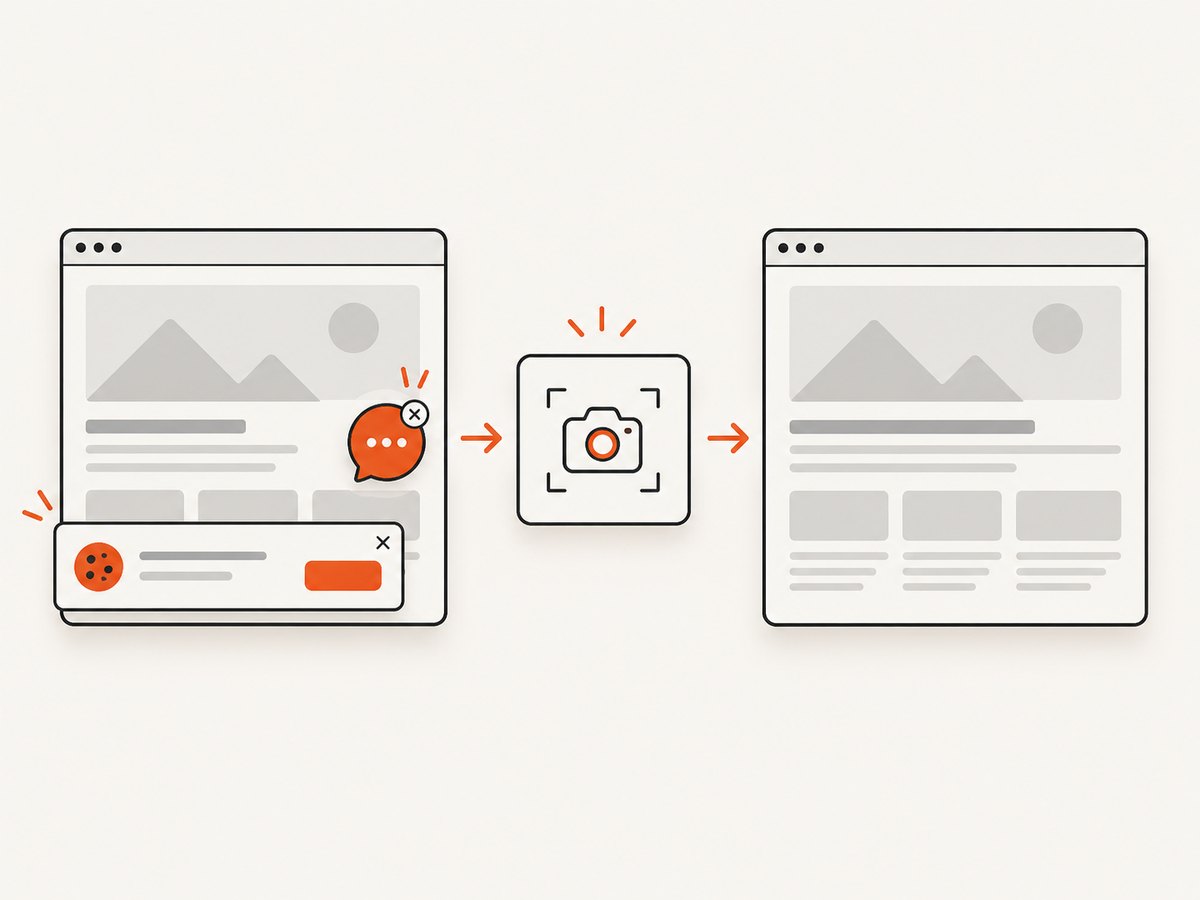
See the ScreenshotNeo API documentation for all options, including full-page capture with lazy images, CSS element capture, device presets, retina scale, PDF paper size and page ranges, custom CSS and JavaScript, selector waits, request blocking, headers and cookies, timezone and geolocation, transparent backgrounds, resizing, TTL caching, signed links, asynchronous jobs, webhooks, bulk capture and usage reporting.
curl -G "https://api.screenshotneo.com/v1/shot" -d access_key=YOUR_API_KEY --data-urlencode url=https://stripe.com -o shot.webpimport requests
r = requests.get("https://api.screenshotneo.com/v1/shot", params={"access_key": "YOUR_API_KEY", "url": "https://stripe.com"}, timeout=90)
open("shot.webp", "wb").write(r.content)const q = new URLSearchParams({ access_key: 'YOUR_API_KEY', url: 'https://stripe.com' });
const res = await fetch(`https://api.screenshotneo.com/v1/shot?${q}`);ScreenshotNeo also provides an MCP server with take_screenshot, get_page_info and capture_pdf tools for Claude, Cursor and other MCP clients. The free plan includes 1,000 screenshots per month with no card; paid plans start at $5 for 3,000 shots. Create a free ScreenshotNeo account.
10. Deployment checklist
- Runtime OS family and architecture are recorded and match the build.
wkhtmltopdfis executable and invoked by an absolute path.lddshows no unresolved required libraries in the target environment.- Fonts and fontconfig files are bundled and tested with representative Unicode text.
- Remote assets are reachable from Lambda, or assets are packaged locally.
- Temporary files use unique paths under
/tmpand are cleaned up. - Subprocess and Lambda timeouts leave room for error handling.
- A smoke test creates and opens a PDF in a matching Linux environment.
- Layer or image versions are immutable, observable and reversible.
FAQ
Can I upload a desktop wkhtmltopdf binary directly?
Usually no. It must match Lambda’s Linux ABI, libraries and architecture. Build or obtain a compatible bundle and verify it in the target environment.
Should I choose arm64?
Choose the architecture for which you can reliably build and validate wkhtmltopdf and every dependency. An x86_64 package cannot be reused on arm64.
Where should generated files be written?
Use /tmp, the writable temporary filesystem in a Lambda execution environment. Use a unique directory per invocation.
Is an AL2023 community layer an AWS-supported package?
No. It is an implementation example. Validate its provenance, libraries, fonts, architecture and output against your own runtime before production use.
When is a hosted screenshot API a better fit?
Use one when you need URL-to-image or URL-to-PDF output and do not need to manage native browser binaries, fonts and Lambda packaging yourself.


