What CSS Features Does wkhtmltopdf Support?
wkhtmltopdf uses an old Qt WebKit engine. Learn which CSS works, why flexbox and Grid fail, and when to move to a modern renderer.
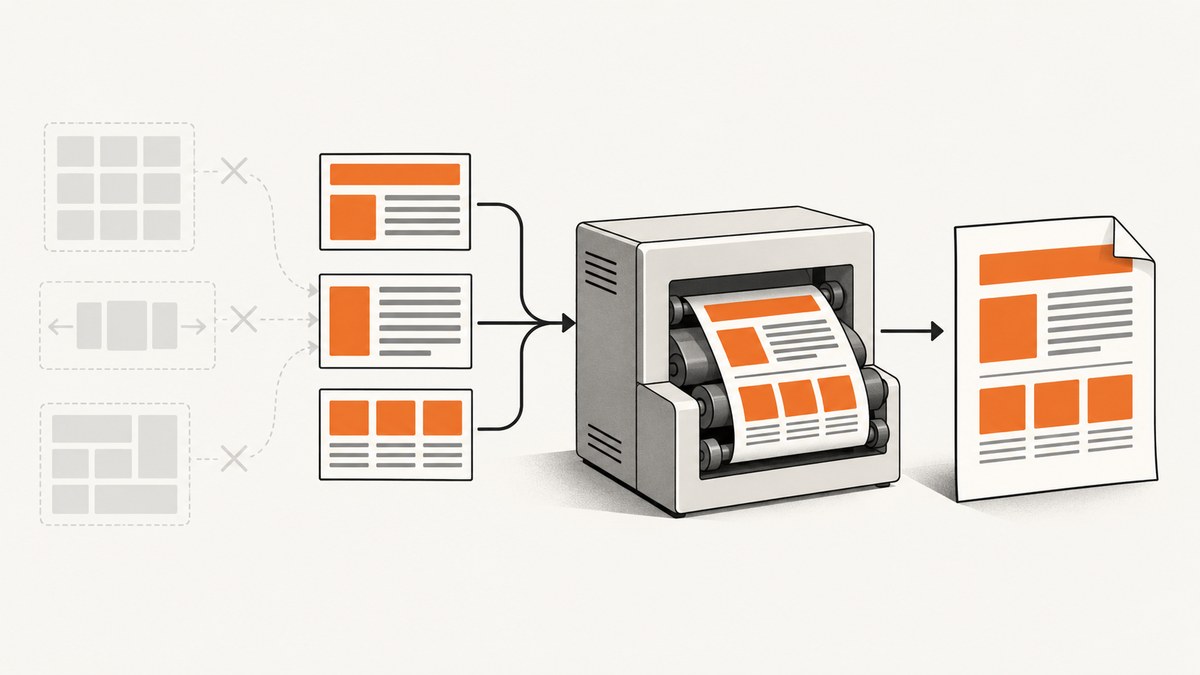
Direct answer: wkhtmltopdf supports the conventional CSS you would expect from an older browser: normal block and inline flow, the box model, floats, tables, positioning, colors, typography, borders, backgrounds, simple selectors, and many print page-break rules. It does not provide a safe baseline for modern CSS. Flexbox is unreliable, CSS Grid should not be assumed to work, and newer JavaScript and CSS APIs can fail silently.
The reason is the rendering engine. wkhtmltopdf uses Qt WebKit. The project says that Qt 4 has been unsupported since 2015 and that its embedded WebKit has not been updated since 2012 (project status). The current stable download line is 0.12.6, released June 11, 2020 (official downloads). A successful PDF does not prove that every declaration was applied: unsupported rules are commonly ignored without an error.
What wkhtmltopdf can render reliably
Design for the CSS feature set of an older WebKit browser. These features are usually the safest foundation:
| Area | Practical support | Implementation advice |
|---|---|---|
| Layout | Block and inline flow, floats, tables | Use a table or float layout for predictable columns. |
| Positioning | Static, relative, absolute, and fixed positioning | Validate fixed elements across page breaks. |
| Box model | Width, height, padding, border, margin | Use explicit dimensions and account for older box-model behavior. |
| Visual styles | Colors, backgrounds, borders, border radius in many builds | Provide solid-color fallbacks before advanced effects. |
| Typography | Font families, sizes, weights, line height, alignment | Install fonts in the rendering environment and test glyph coverage. |
| Print rules | Common page-break and print declarations | Use page-break-before, page-break-after, and page-break-inside with representative content. |
“Usually” matters. Patched and unpatched Qt builds differ, and distributions may package different binaries. The usage documentation marks some options as requiring patched Qt (usage reference). Treat the exact binary, operating system, fonts, and command-line flags as part of your rendering platform.
Does wkhtmltopdf support flexbox?
Modern flexbox is not reliable in wkhtmltopdf. A project forum response says version 0.12.4 does not support flexbox, and a 0.12.6 issue reports failures even with prefixed declarations and a patched Qt build (project issue tracker). Some individual properties may appear to work, which makes this failure easy to miss: a simple row can render while wrapping, alignment, or nested flex containers collapse.
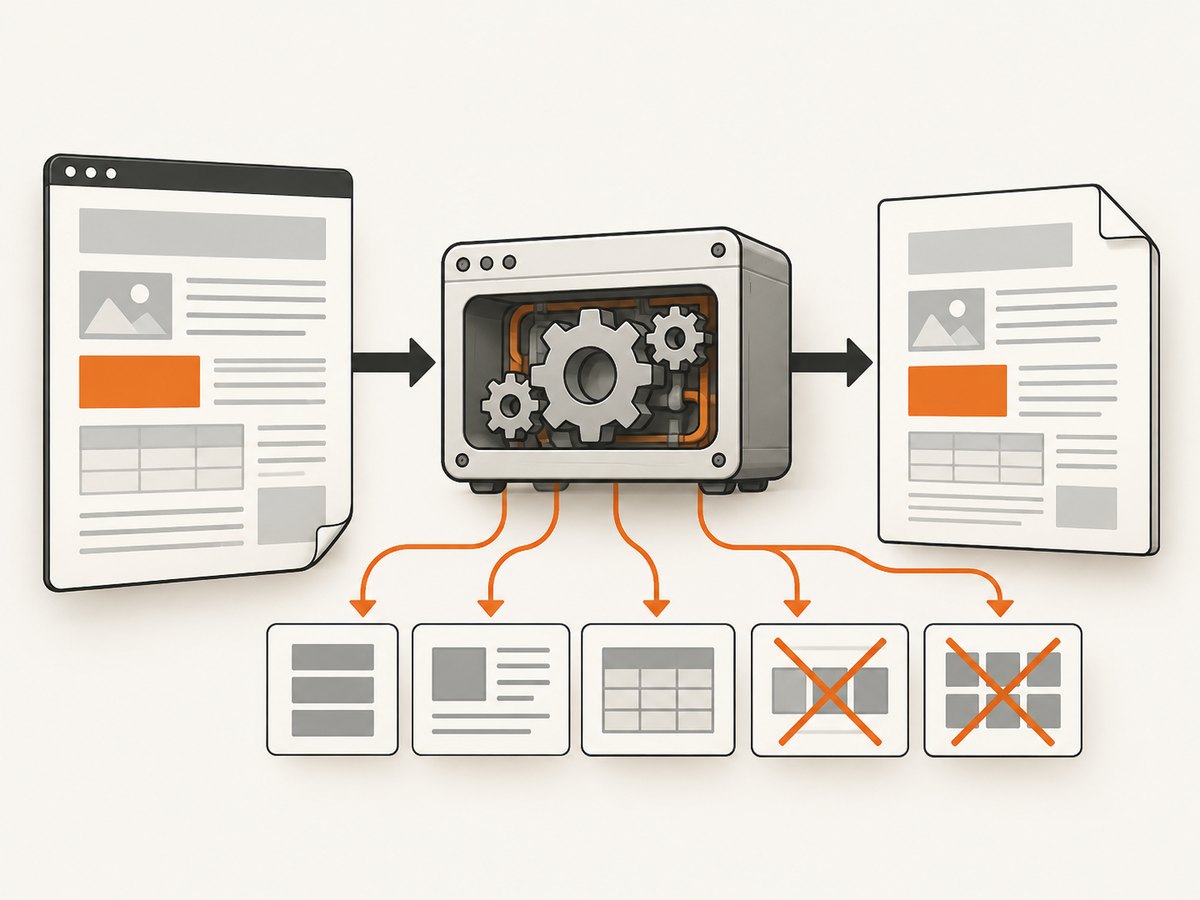
For production documents, replace flexbox with:
- an HTML table for tabular or columnar data;
- floats with explicit widths for two-column cards;
- inline-block elements with controlled whitespace;
- normal block flow for stacked sections;
- absolute positioning only for deliberately fixed artwork or labels.
<!-- Safer two-column layout -->
<table class="columns">
  <tr>
    <td class="column">Left content</td>
    <td class="column">Right content</td>
  </tr>
</table>
<style>
.columns { width: 100%; border-collapse: collapse; }
.column { width: 50%; vertical-align: top; padding: 12px; }
</style>
Does wkhtmltopdf support CSS Grid?
CSS Grid should be treated as unsupported for a dependable build. Grid was standardized after the WebKit engine embedded in wkhtmltopdf stopped receiving updates. There is no useful compatibility guarantee for display: grid, track sizing, grid areas, or auto-placement.
Convert grid templates to tables or fixed-width blocks. If the source is a Bootstrap or Tailwind application, compile a print-specific stylesheet rather than sending the browser stylesheet unchanged. Replace utility classes that produce flex or grid with explicit widths, margins, and page-break rules.
CSS features that need testing
The following features can work in some documents but vary by build or expose old-WebKit limitations:
- Gradients and transforms: keep a solid background and untransformed fallback.
- Animations and transitions: they are not useful for static output; capture a stable state instead.
- Media queries: print handling differs from current browsers. Test both screen and print rules.
calc(): use explicit pixel or percentage values when a calculation is essential to layout.- SVG and pseudo-elements: verify external assets, generated content, and print output together.
- Web fonts: local installation, network access, and font loading timing can change results.
- Advanced selectors: simplify selectors when a rule appears to be ignored.
Use progressive enhancement: put the older declaration first, then add an enhancement only when you have verified it in the production binary. Keep a screenshot or PDF comparison for every important template.
JavaScript and dynamic pages
wkhtmltopdf exposes options such as --run-script and --window-status, but its JavaScript runtime is old. Modern syntax, modules, promises, and browser APIs may not execute. The project status recommends Puppeteer or another modern wrapper for dynamic JavaScript pages.
If you must use wkhtmltopdf, make the page render a deterministic marker and wait for it:
<script>
  // Keep this compatible with an old JavaScript runtime.
  window.status = 'ready';
</script>

wkhtmltopdf --window-status ready input.html output.pdf
Prefer server-side rendering for invoices and reports. Embed critical CSS and data, avoid client-side hydration, and make images available before conversion.
How to test CSS support in your exact build
- Record the binary version with
wkhtmltopdf --version. - Confirm whether the package uses patched Qt.
- Create a fixture containing one isolated test for each property.
- Render locally and in the production container with identical fonts and assets.
- Compare page count, element positions, fonts, colors, and page breaks.
- Keep the fixture in source control so upgrades are detectable.
<!doctype html>
<meta charset="utf-8">
<style>
  body { font: 14px Arial; }
  .float { float: left; width: 45%; margin-right: 5%; }
  .table { display: table; width: 100%; }
  .cell { display: table-cell; width: 50%; }
  .flex { display: flex; gap: 10px; }
  .grid { display: grid; grid-template-columns: 1fr 1fr; }
</style>
<div class="float">Float test</div>
<div class="table"><div class="cell">Table-cell test</div><div class="cell">Second cell</div></div>
<div class="flex"><div>Flex A</div><div>Flex B</div></div>
<div class="grid"><div>Grid A</div><div>Grid B</div></div>
Do not infer support from the absence of a command-line error. Inspect the output visually or with image comparison. A missing layout rule is generally a silent CSS failure.
Common problems and fixes
| Symptom | Likely cause | Fix |
|---|---|---|
| Columns stack vertically | Flexbox or Grid was ignored | Use tables, floats, or inline-block with explicit widths. |
| Tailwind or Bootstrap spacing is wrong | Modern utility rules or missing compiled CSS | Ship a print stylesheet with legacy layout and inline critical styles. |
| Blank images or fonts | Network restrictions, relative URLs, or loading race | Use absolute URLs or embedded data, allow required access, and wait for assets. |
| Text overlaps after a page break | Old pagination behavior or fixed positioning | Remove fixed heights, add explicit page-break rules, and test long content. |
| JavaScript content is empty | Unsupported runtime or conversion started too early | Render data server-side or use a marker with --window-status. |
| CSS works locally but not in production | Different Qt patch level, fonts, or binary | Pin the binary and reproduce the production environment in CI. |
| Remote assets fail intermittently | Slow network or TLS differences | Bundle assets, use a controlled asset host, and set appropriate load delays. |
Performance, reliability, and cost considerations
Legacy rendering can be lightweight, but reliability depends on reducing variability. Reuse one pinned binary, avoid unbounded JavaScript waits, limit remote requests, and keep CSS small. Tables and floats often render more predictably than deeply nested positioned elements. For large batches, render a representative fixture first and watch for memory growth, font fallback, and page-count changes.
There is no universal CSS-support percentage for wkhtmltopdf. Performance numbers from one host do not transfer to another because document size, fonts, images, network latency, and patched Qt builds differ. Measure your own templates and set a conversion timeout. When a conversion fails, preserve the input HTML and command line so the failure can be reproduced.
For current responsive layouts, JavaScript-heavy sites, or pages using Grid and modern flexbox, a maintained browser engine is usually the safer architectural choice. The wkhtmltopdf project itself points readers toward Puppeteer for dynamic pages and toward WeasyPrint or Prince for controlled reports. Qt WebEngine is another model for a current Chromium-based engine.
Or skip the browser setup
If your goal is a clean screenshot or PDF rather than maintaining a wkhtmltopdf environment, ScreenshotNeo provides a website screenshot API. It accepts a URL and returns PNG, JPEG, WebP, or PDF. Cookie and consent banners are accepted before capture, and more than 60 known consent platforms, newsletter popups, and chat widgets can be removed. Each step can be turned off.
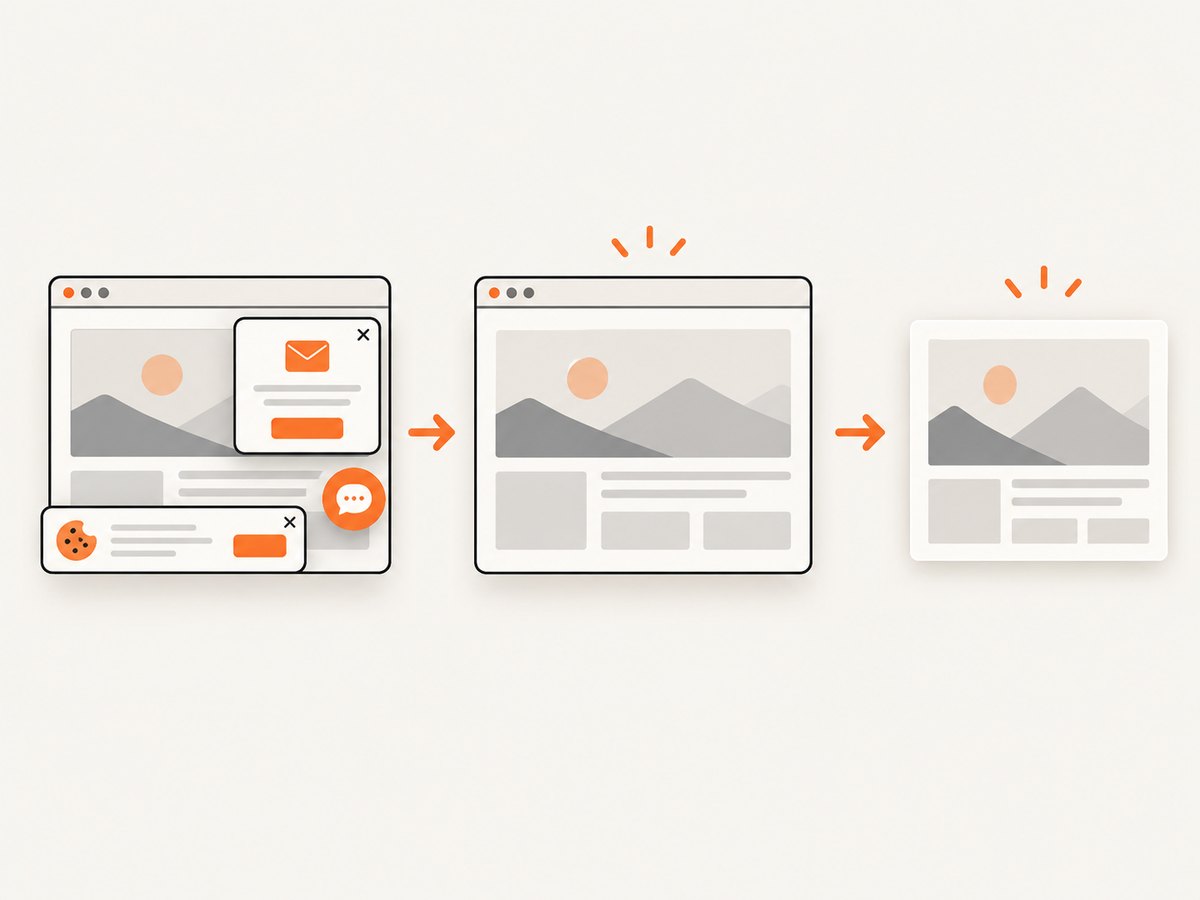
Only clean shots are billed. Bot checks, CAPTCHAs, blank pages, timeouts, failed loads, and cache hits cost nothing, and the response identifies the result with X-Page-Verdict and X-Billed headers. It also supports full-page lazy-image loading, CSS-selector element capture, dark mode, device presets, custom viewports, retina scale, PDF paper and margin controls, custom CSS and JavaScript, clicks, waits, request blocking, headers, cookies, user agents, authorization, timezone, geolocation, transparent backgrounds, resizing, cache TTLs, signed links, asynchronous jobs, bulk capture of up to 100 URLs, usage reporting, and an OpenAPI specification.
Use the API with the parameter names shown in the ScreenshotNeo documentation:
curl -G "https://api.screenshotneo.com/v1/shot" -d access_key=YOUR_API_KEY --data-urlencode url=https://stripe.com -o shot.webpimport requests
r = requests.get("https://api.screenshotneo.com/v1/shot", params={"access_key": "YOUR_API_KEY", "url": "https://stripe.com"}, timeout=90)
open("shot.webp", "wb").write(r.content)const q = new URLSearchParams({ access_key: 'YOUR_API_KEY', url: 'https://stripe.com' });
const res = await fetch(`https://api.screenshotneo.com/v1/shot?${q}`);An MCP server exposes take_screenshot, get_page_info, and capture_pdf for Claude, Cursor, and other MCP clients. The Free plan includes 1,000 screenshots each month without a card; paid plans start at $5 for 3,000 shots. Create a free ScreenshotNeo account.
FAQ
Does wkhtmltopdf support CSS3?
That label is too broad to be useful. Support varies by property and build. Check concrete features such as floats, flexbox, Grid, transforms, and page breaks in your production binary.
Will vendor prefixes make flexbox work?
Not reliably. Reports include failures with prefixed declarations in 0.12.6. Use a legacy layout or a modern renderer.
Can I use wkhtmltopdf for responsive websites?
You can target a fixed viewport with older media-query rules, but modern responsive systems often depend on flexbox, Grid, and JavaScript APIs that wkhtmltopdf does not reliably provide.
Why does conversion succeed when the layout is broken?
Unsupported declarations are normally ignored. wkhtmltopdf can therefore produce a valid PDF while silently dropping the CSS that controlled your layout.
When should I replace wkhtmltopdf?
Replace or isolate it when templates require modern layout, current JavaScript, contemporary security fixes, or predictable rendering across changing web pages.


