Why wkhtmltopdf Produces Different Results on Windows Machines
Windows DPI, fonts, accounts, versions and legacy WebKit can change wkhtmltopdf output. Use this diagnostic checklist to make captures reproducible.
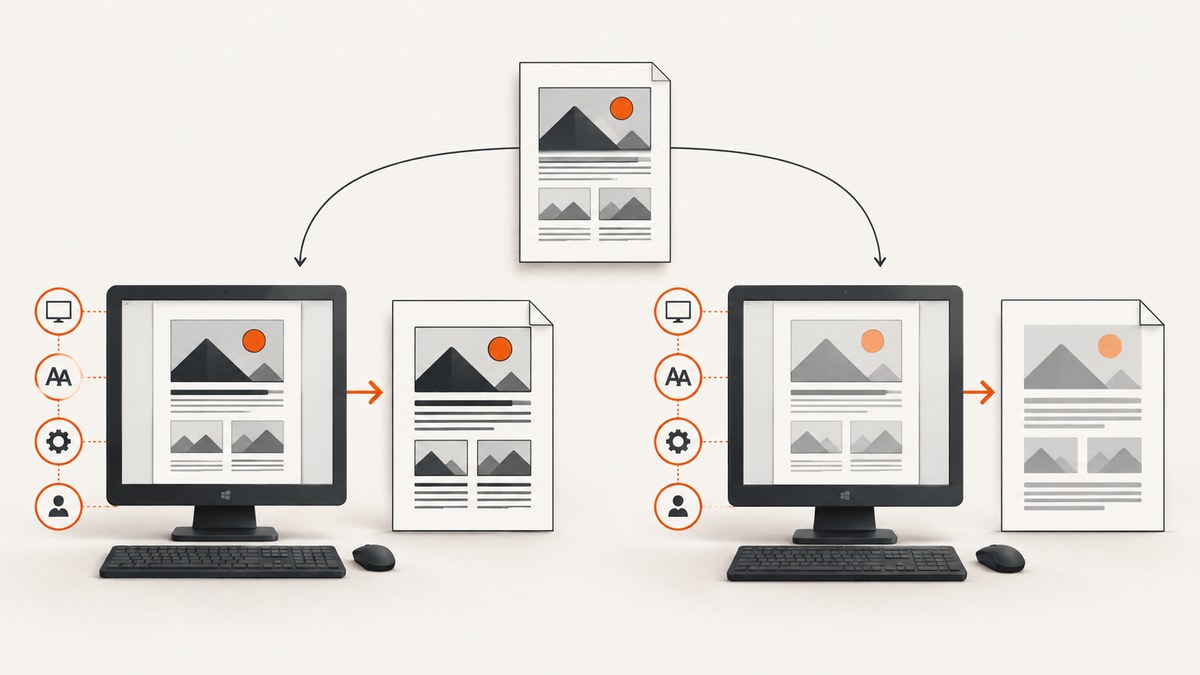
Short answer: wkhtmltopdf output depends on the Windows host as well as your HTML and command line. The variables most likely to change a result are Windows DPI and display scaling, the exact wkhtmltopdf executable and patched-Qt build, installed fonts and glyph fallback, the account running the process, and differences in page options. The project maintainer has explained that Windows DPI affects text rendering because wkhtmltopdf uses the platform graphics library: the same 8-point font can render at different sizes at different DPI settings. Historical issue reports also describe different output on nominally matching servers, changed font sizes between releases, and font-loading concerns under service accounts. These reports identify things to check; none proves one universal cause.
What changes between two Windows machines?
Before changing CSS, make the environment comparable. A matching operating-system label or a matching version string is not enough. Compare these inputs as a set:
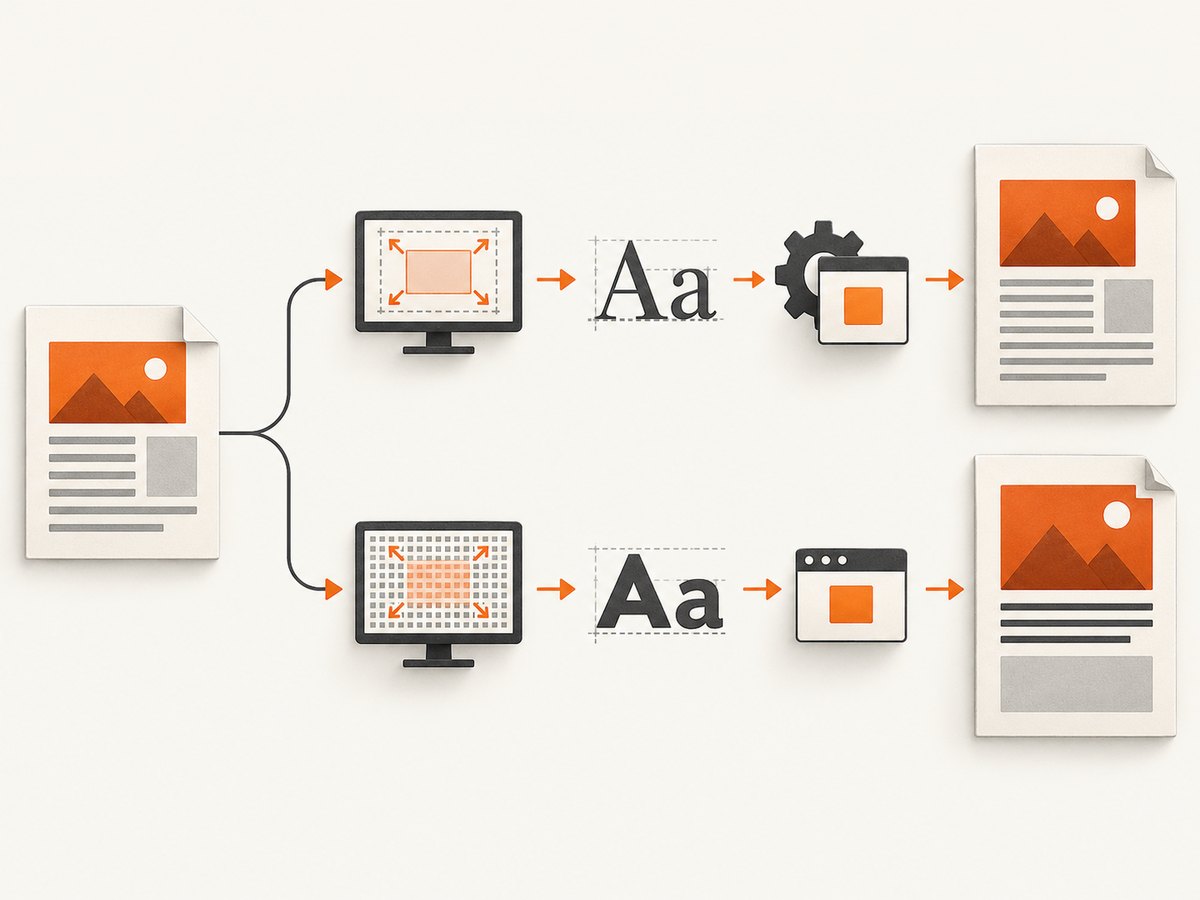
| Variable | Why it matters | What to record |
|---|---|---|
| Executable and build | Different binaries, architectures or patched-Qt builds can render differently. | Full wkhtmltopdf --version, executable path and file hash. |
| Command line | Zoom, DPI, page size, smart shrinking and font-size options affect layout. | The complete command, including defaults supplied by a wrapper. |
| Windows DPI | The platform graphics library can map point sizes differently at different DPI settings. | Display scaling, effective DPI and whether the process is DPI-aware. |
| Fonts | Missing fonts trigger fallback; fallback fonts have different metrics and Unicode coverage. | Installed font files, versions, language coverage and the executing account. |
| Process identity | A service, IIS pool or Apache account may not see the same fonts or files as an interactive user. | Username, profile directory, permissions and environment variables. |
| Assets and timing | Remote CSS, web fonts, JavaScript and images may load differently or time out. | Local/remote URLs, network access, redirects and capture timing. |
The project status page also describes the rendering stack as legacy: “Qt 4 (which wkhtmltopdf uses) hasn’t been supported since 2015, the WebKit in it hasn’t been updated since 2012.” Treat modern-browser assumptions and old workarounds cautiously. See the official status page.
Step-by-step diagnostic procedure
1. Prove which binary is running
Run these commands in PowerShell on both machines and save the output:
Get-Command wkhtmltopdf | Format-List Source,Version
wkhtmltopdf --version
(Get-Command wkhtmltopdf).Source
Get-FileHash (Get-Command wkhtmltopdf).Source -Algorithm SHA256
On a machine with multiple installations, a scheduled task or web server may invoke a different copy than your terminal. Use the absolute path in every comparison. Preserve whether the build says “with patched qt”; that detail belongs in your diagnostic record.
2. Freeze the complete command
Record every option, including wrapper defaults. Page size, orientation, margins, zoom, DPI, smart shrinking, minimum font size, encoding and JavaScript settings can move text and change pagination. Do not assume that adding --disable-smart-shrinking or changing --zoom is a universal fix; historical issue discussions contain conflicting suggestions.
C:\Tools\wkhtmltopdf.exe --page-size A4 --margin-top 10mm --margin-right 10mm --margin-bottom 10mm --margin-left 10mm --dpi 96 --zoom 1 input.html output.pdfStart with explicit values, then change one variable at a time. Keep the original command so you can distinguish a real fix from an accidental layout change.
3. Control Windows DPI and scaling
The maintainer’s explanation for issue 1782 connects Windows DPI to text size through the platform graphics library. Compare display scaling and effective DPI on both hosts, and note whether the executable is launched in an interactive desktop, a remote session or a service. A commenter’s observation that UI scaling changed output is useful evidence for that machine, not a rule for every installation.
For a controlled test, run the same local fixture while the display-scaling setting is held constant. If the result changes when scaling changes, document the setting with the PDF. Avoid “fixing” the discrepancy by silently changing DPI: the goal is a known, repeatable environment.
4. Audit fonts and glyph fallback
Make a minimal HTML file that exercises the affected family, weights and Unicode characters. Render it under the same account that runs production. Compare the actual font files and versions, not just the family name shown in a browser. Issue 4456 reports different fallback selection and missing Unicode glyphs on Windows; issue 4764 raises font-loading permissions under Apache. They are reports to investigate, not proof that permissions caused every case.
<!doctype html>
<meta charset='utf-8'>
<style>body{font-family:'Your Font',sans-serif;font-size:16px} .sample{font-weight:700}</style>
<p>Latin: Aa 0123</p>
<p class='sample'>Unicode: € £ ¥ — Ω Ж 漢字 العربية</p>
Install or expose the required fonts for the service account, then repeat the fixture. If a glyph is still missing, inspect fallback rather than adjusting margins.
5. Compare a local, deterministic fixture
Remove network uncertainty before diagnosing rendering. Save the HTML, CSS, JavaScript, images and fonts locally where practical. Use fixed content and a fixed viewport. Run both machines with the same input directory and command. The project’s support guidance asks for the version and a detailed HTML/CSS/JavaScript reproducer for a reason: a small fixture makes environmental differences visible.
6. Check process identity and permissions
Interactive success does not prove service success. Log the account, current directory, profile path, temporary directory and access to font and asset locations. A web-server worker may have a different proxy, certificate store, network policy or font directory. Export these values beside each output PDF.
Options that commonly affect layout
- Page geometry:
--page-size,--page-width,--page-height, orientation and margins alter line wrapping and page breaks. - Scale:
--dpi,--zoom, smart shrinking and minimum font size can change apparent text size. - Fonts: encoding, font substitution and missing weights change glyph metrics.
- Timing: JavaScript execution, delayed rendering, remote web fonts and images can produce an incomplete page.
- Media: print versus screen styles, backgrounds and local-file access affect colors and dimensions.
- Security and network: proxy, TLS, cookies, authentication and redirects determine which assets exist at capture time.
Change one setting, render both hosts, and keep a before/after PDF. A setting that aligns one page can create different pagination elsewhere.
Common symptoms, causes and fixes
| Symptom | Likely investigation | Practical fix |
|---|---|---|
| Text is larger or smaller | DPI, zoom, smart shrinking, release or font fallback. | Match DPI and options; verify fonts; compare exact binaries. |
| Only a service differs | Account cannot read fonts/assets or has different environment settings. | Run the fixture as that account and grant required access. |
| Accented or Asian characters are boxes | Missing glyph coverage or different fallback. | Install a font covering the characters and test with a minimal fixture. |
| Images or web fonts are missing | Network, certificate, redirect, timing or file permissions. | Use local assets for diagnosis; verify access and wait behavior. |
| Pages break at different points | Geometry, font metrics, zoom or content loaded at different times. | Fix page options and fonts, then freeze asset loading. |
| Same version, different content | Issue 3189 shows nominally matching Windows servers can still differ. | Compare paths, hashes, options, DPI, fonts, accounts and fixture. |
| Upgrade changed font size | Issue 3241 records a report involving 0.12.3 and 0.12.4. | Pin the tested release and rebaseline PDFs after upgrades. |
Reliability, performance and cost considerations
wkhtmltopdf is a process that carries the host’s rendering conditions with it. For repeatability, pin the executable, run in a controlled worker image, make fonts explicit, keep fixtures local for regression tests and archive the command plus environment metadata beside every golden PDF. Parallel workers can also expose race conditions in temporary files or shared profiles; isolate working directories.
Performance tuning should follow measurement. Remote assets, JavaScript and slow fonts increase wall time; disabling required content merely makes a faster but incorrect PDF. Use a timeout in the calling process, cap concurrency, retry only transient failures and retain stderr. Compare output hashes or page counts after each change.
There is no source-backed prevalence statistic for Windows mismatches, and the cited issue reports are anecdotal. Treat them as diagnostic evidence, not a benchmark or guarantee. When a reduced fixture still differs, report the exact version, complete command, operating-system details and reproducer to the project.
Or skip the browser setup
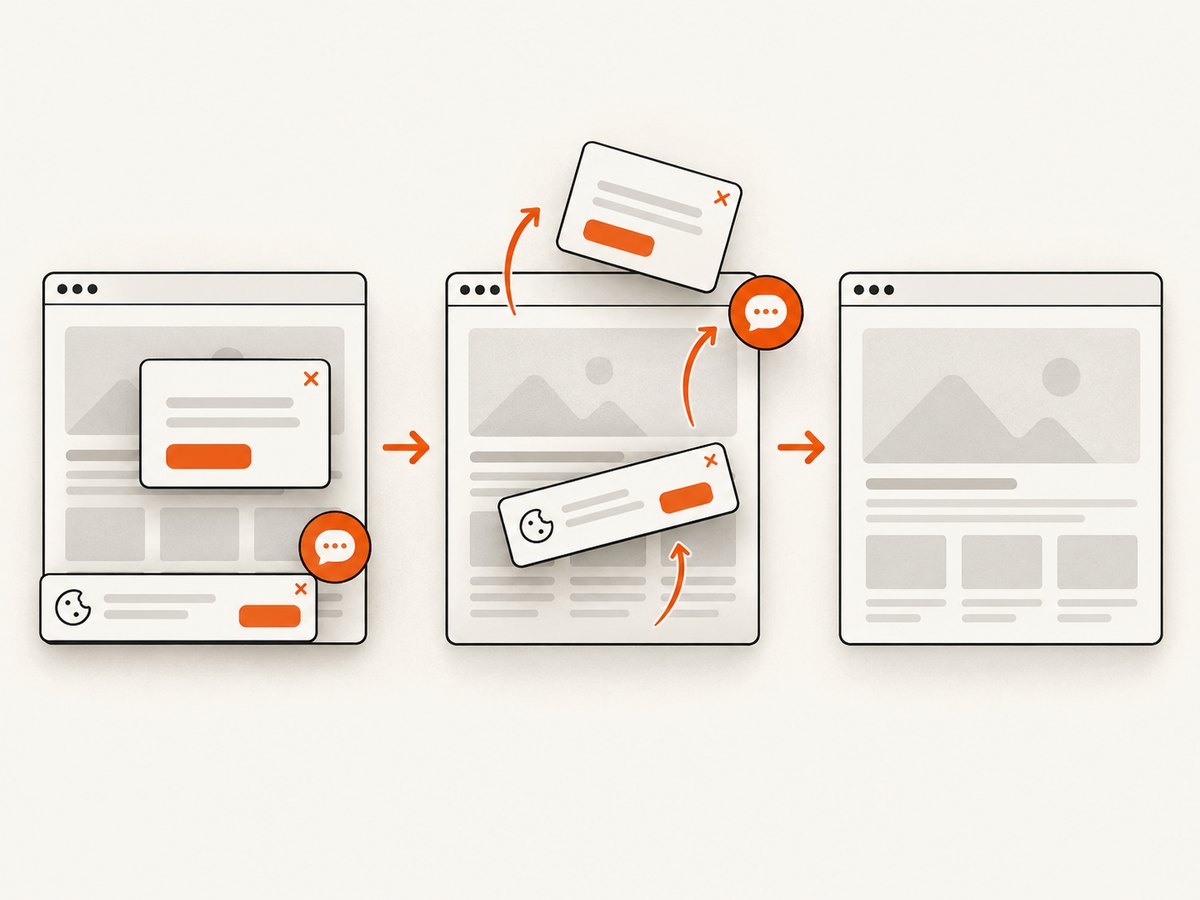
If your goal is a dependable website image or PDF rather than maintaining a Windows rendering stack, ScreenshotNeo provides a hosted capture API. It accepts one GET request and returns PNG, JPEG, WebP or PDF. Before capture it accepts cookie and consent banners and removes more than 60 known consent platforms, newsletter popups and chat widgets; each cleanup step can be turned off. Bot checks, CAPTCHAs, blank pages, timeouts, failed loads and cache hits cost nothing, and the response identifies the result with X-Page-Verdict and X-Billed headers.
Read the ScreenshotNeo API documentation for all parameters. A minimal request is:
curl -G "https://api.screenshotneo.com/v1/shot" -d access_key=YOUR_API_KEY --data-urlencode url=https://stripe.com -o shot.webpimport requests
r = requests.get('https://api.screenshotneo.com/v1/shot', params={'access_key': 'YOUR_API_KEY', 'url': 'https://stripe.com'}, timeout=90)
open('shot.webp', 'wb').write(r.content)const q = new URLSearchParams({ access_key: 'YOUR_API_KEY', url: 'https://stripe.com' });
const res = await fetch(`https://api.screenshotneo.com/v1/shot?${q}`);Options cover full-page capture with lazy images loaded, CSS-selector element capture, dark mode, 12 device presets or any viewport, retina scale, PDF paper size/margins/landscape/page ranges, HTML or CSS to image, custom CSS and JavaScript, pre-capture clicks, hidden selectors, selector/delay/network-idle waits, ad and tracker blocking, request and resource-type blocking, headers, cookies, user agents, Authorization, timezone, geolocation, transparent backgrounds, resizing, configurable caching TTL, signed public-image links, asynchronous jobs with signed webhooks, bulk capture of 100 URLs per call, a usage API and an OpenAPI specification. Parameter names used by other screenshot APIs also work, which helps when migrating.
ScreenshotNeo has an MCP server with take_screenshot, get_page_info and capture_pdf tools for Claude, Cursor and other MCP clients. The Free plan includes 1,000 shots per month with no card; paid plans start at $5 for 3,000 shots. Create a free ScreenshotNeo account to try it.
FAQ
Does matching wkhtmltopdf versions guarantee identical PDFs?
No. The reports show that DPI, fonts, process identity, options and other host conditions can still differ.
Should I always set Windows DPI to 96?
Use a documented, controlled value for your workload. The evidence supports checking DPI, not a universal magic setting.
Why does a browser render correctly while wkhtmltopdf does not?
wkhtmltopdf uses an old Qt/WebKit stack with different CSS, JavaScript, font and network behavior from current browsers.
What should accompany a bug report?
Include the complete version output, executable path, command line, Windows and DPI details, fonts, execution account and a minimal HTML/CSS/JS fixture.
Can ScreenshotNeo capture an individual element?
Yes. Pass a CSS selector to capture one element, or use full-page capture when you need the complete document.


