Why Wkhtmltopdf Is Slow with Local Assets and How to Fix It
Diagnose slow wkhtmltopdf renders with local images, CSS, scripts and paths, then fix bottlenecks without sacrificing output or security.
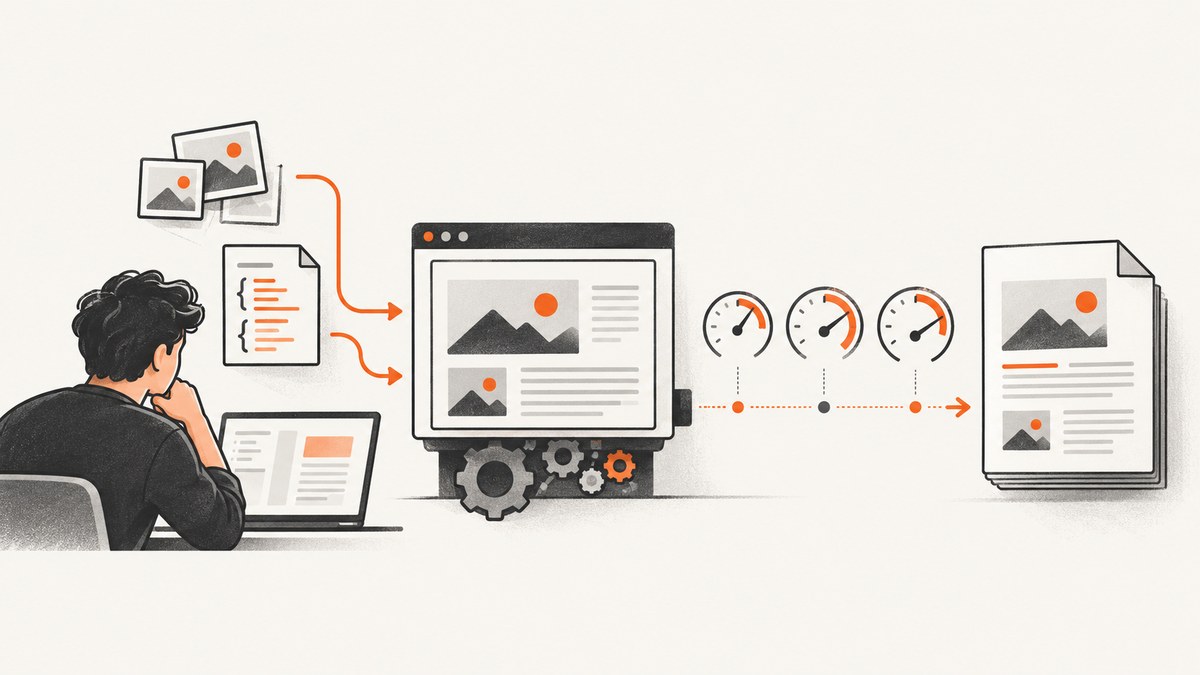
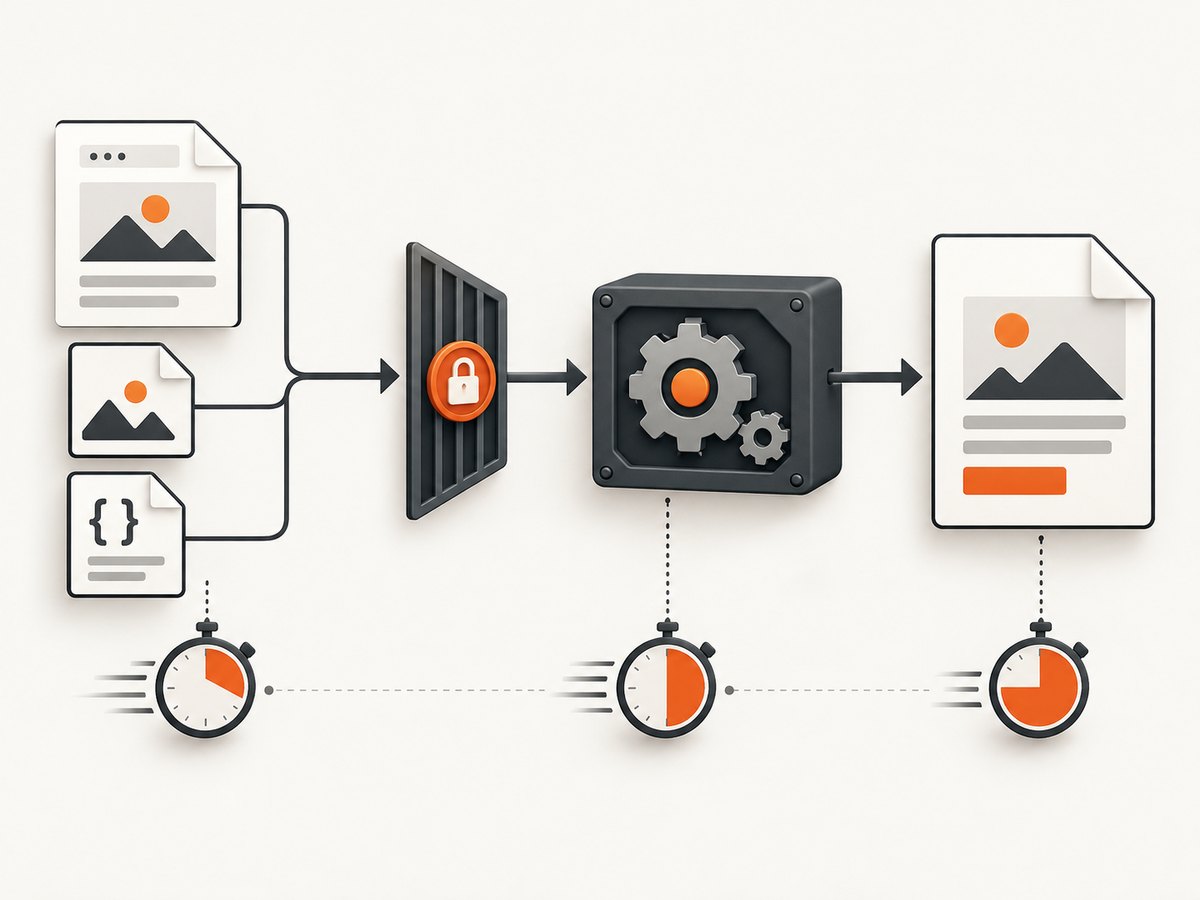
Short answer: local assets are not proven to make wkhtmltopdf slow in every case. The delay may come from process startup, JavaScript waits, large or numerous images, path resolution, blocked files, or failed resources. Reproduce the same document and invocation, measure each stage, then change one setting at a time. The official usage guide documents the controls you need, but the available sources provide no universal speedup percentage or asset-count threshold.
This guide shows a repeatable way to find the bottleneck, allow local files safely, test images and scripts, tune batch jobs, and preserve output quality. It also explains when a managed screenshot service can remove browser setup entirely.
1. Identify which part of the conversion is slow
Start with a baseline. Use the same HTML, output options, working directory, operating system, wkhtmltopdf build and representative assets for every comparison. Record wall-clock time and whether the delay happens once or on every document.
#!/usr/bin/env bash
set -euo pipefail

/usr/bin/time -f 'elapsed=%E cpu=%P maxrss=%MKB' \
  wkhtmltopdf --enable-local-file-access input.html output.pdf
Run one conversion, then a small batch. A slow first conversion followed by faster ones can indicate process startup or cache effects. A consistent delay inside every render points more toward page work: scripts, images, layout, or resource failures.
Process startup versus rendering
If you invoke wkhtmltopdf once per page, startup overhead can dominate a large batch. The project usage guide recommends --read-args-from-stdin when startup feels slow for many pages. This changes how arguments are fed to repeated conversions; it does not claim to accelerate local files inside one conversion. Compare total batch time before adopting it.
# One command process reading multiple argument lines from stdin
printf '%s\n' \
  'input-1.html output-1.pdf' \
  'input-2.html output-2.pdf' \
  'input-3.html output-3.pdf' \
| wkhtmltopdf --read-args-from-stdin
Resource work inside one render
Images load by default and JavaScript runs by default. A page with many high-resolution images, a script that keeps scheduling work, or resources that repeatedly fail can spend most of its time after the process has started. Use isolation experiments rather than permanent guesses:
# Baseline
wkhtmltopdf input.html baseline.pdf

# Test whether images are the major contributor
wkhtmltopdf --no-images input.html no-images.pdf

# Test whether JavaScript is required for the final layout
wkhtmltopdf --disable-javascript input.html no-javascript.pdf

# Test a shorter JavaScript wait only when the output remains complete
wkhtmltopdf --javascript-delay 50 input.html short-delay.pdf
The documented default JavaScript delay is 200 milliseconds. Lowering it can reduce waiting only when the page is already rendered; it can also remove content that appears late. Treat --no-images, --disable-javascript and --javascript-delay as diagnostic or workload-specific controls, not automatic production fixes.
2. Make local paths resolvable from the renderer
A browser opened interactively may resolve a relative path from your project directory, while a service, worker, container or cron job starts elsewhere. Test from the same execution context as wkhtmltopdf.
pwd
ls -l assets/logo.png
realpath assets/logo.png
wkhtmltopdf input.html output.pdf 2>wkhtmltopdf.log
cat wkhtmltopdf.log
In HTML, prefer a deliberate path strategy. An absolute file:// URL can remove ambiguity, while a relative URL is valid only if the document base and working directory are what you expect.
<!-- Relative path: depends on the document base -->
<img src="assets/logo.png" alt="Logo">

<!-- Absolute file URL: use the correctly escaped path for your host -->
<img src="file:///srv/app/assets/logo.png" alt="Logo">
Do not assume that a file existing on disk means the renderer can read it. Check ownership, mode bits, mount visibility and the user account running the command.
Allow only the files the document needs
The usage guide documents --allow for granting access to specified local files or directories and --enable-local-file-access for broader local access. Prefer the narrowest path that supports the document:
# Narrow permission for one asset directory
wkhtmltopdf --allow /srv/app/assets input.html output.pdf

# Broader access, useful as a diagnostic but with a larger security scope
wkhtmltopdf --enable-local-file-access input.html output.pdf
Use the broad option only when you understand the files the process can reach. The project’s AppArmor guidance warns that application-level restrictions may not be sufficient if a vulnerability in a prebuilt binary is exploited; operating-system confinement adds another layer. Treat local-file access as a security decision, not merely a performance switch.
3. Measure image and CSS cost instead of guessing
Smaller assets are a reasonable experiment, but the research sources provide no controlled benchmark or guaranteed percentage improvement. Make a copy of the document, change one property, and compare both elapsed time and visual fidelity.
| Experiment | What it isolates | What to verify |
|---|---|---|
--no-images |
Image decoding and layout contribution | Whether required content disappears |
| Resize or resample local images | Decode and memory cost | Readable resolution and file size |
| Remove unused CSS | Style parsing and layout complexity | Page breaks, fonts and spacing |
| Inline a small critical asset | Path lookup and file access | Whether the HTML remains maintainable |
Keep image dimensions close to their displayed size. Do not downsample blindly: a smaller file may render faster but make a printed chart unreadable. Compare a known-good PDF with every optimization.
4. Control JavaScript and waiting behavior
JavaScript can be the hidden source of “slow local assets” reports because a script may wait for an image, poll for a font, or keep changing the DOM. First determine whether scripts are required at all. If they are, make readiness explicit in the page and select the smallest delay that still produces complete output.
<script>
  // Example readiness marker for your own page logic
  window.status = 'ready';
</script>
Then use the corresponding wait mechanism supported by your installed build, and confirm flags with wkhtmltopdf --help. Version and packaging differences matter. A short delay that works on a developer laptop can fail on a busy worker.
5. Handle failed resources without hiding defects
Warnings about missing images, CSS or fonts can make a render appear slow because the engine waits for failed requests or retries. Inspect stderr and preserve it with the build artifact. The CLI and library expose load-error handling controls, but ignoring errors can produce incomplete PDFs. Use error settings to understand behavior, then fix the resource or deliberately decide that it is optional.
wkhtmltopdf input.html output.pdf 2>render.stderr
if grep -Ei 'error|warning|failed|cannot|network' render.stderr; then
  echo 'Review resource failures before shipping this PDF' >&2
fi
Fonts deserve special attention. A missing local font can change line wrapping and page breaks even when the PDF is generated successfully. Verify the font path, permissions and final glyphs in the output.
6. Keep layout flags separate from speed fixes
--disable-smart-shrinking changes WebKit’s scaling strategy. The usage guide describes it as disabling the intelligent shrinking strategy that makes the pixel-to-DPI ratio non-constant. It affects scale and layout; the documentation does not say it speeds local-file loading. Use it when you need predictable sizing and have measured the layout trade-off, not as a default performance remedy.
When evaluating this flag, compare page count, line wrapping, image sharpness and total time. A faster-looking output that changes pagination is not an equivalent result.
7. A repeatable diagnostic checklist
- Save the exact HTML, asset tree, command, wkhtmltopdf version and environment.
- Measure a single conversion and a representative batch.
- Capture stderr and list every missing or failed resource.
- Run an image-free comparison only if the document can validly omit images.
- Run a JavaScript-disabled comparison only if scripts are optional.
- Verify paths, permissions and mounts from the renderer’s actual working directory.
- Try a targeted
--allowdirectory before broader local access. - For repeated batch startup, compare normal invocation with
--read-args-from-stdin. - Test image resizing or CSS reduction in a controlled copy.
- Keep a known-good PDF and review visual output after every change.
8. Troubleshooting common errors
| Symptom | Likely cause | Fix |
|---|---|---|
| “Blocked access to file” or blank local images | Local-file access is disabled or the path is outside the allowed directory | Use a targeted --allow path; test broader access only for diagnosis and understand its security scope. |
| Relative CSS works locally but not in a worker | Different working directory or document base | Use stable absolute paths or set the worker’s working directory deliberately; confirm with pwd and realpath. |
| PDF waits several seconds before finishing | JavaScript delay, polling code or late resources | Compare --disable-javascript and a shorter --javascript-delay; restore the setting that preserves complete output. |
| Images appear but page breaks or CSS are wrong | Separate layout behavior, missing styles or smart shrinking | Inspect CSS and page-break rules; compare smart-shrinking settings as a layout experiment, not a speed claim. GitHub issue #5284 is anecdotal evidence of this class of behavior. |
| Batch job is slow despite small pages | Repeated process startup | Measure a single process reading arguments from stdin with --read-args-from-stdin. |
| Output is fast but incomplete | Errors were ignored or waits were shortened too far | Review stderr, restore required waits and fail the job when mandatory assets are missing. |
| Changing image quality gives no measurable gain | The bottleneck is scripts, startup, access checks or layout | Revert the change and isolate the next factor; the source set supports no universal image-speed percentage. |
9. Reliability, security and cost considerations
Reliability comes from deterministic inputs and explicit failure handling. Pin the wkhtmltopdf build used by workers, log the command and stderr, and compare output against a representative fixture after upgrades. Account for OS permissions, container mounts and renderer version because the sources do not establish one configuration that behaves identically everywhere.
Security and performance can conflict. Broad local access may make a path problem disappear while exposing more of the filesystem. A targeted allow-list, a dedicated service account, read-only asset mounts and OS-level confinement reduce that scope. Do not conceal failed resources merely to make a job appear successful.
There is no source-supported cost benchmark for local assets. Estimate capacity from your own measurements: total CPU time, peak memory, process count, queue time and output size. For large batches, process reuse can reduce startup overhead; for image-heavy documents, memory pressure may be the limiting factor even when elapsed time looks acceptable.
10. Or skip the browser setup
If your goal is a clean image or PDF rather than maintaining a wkhtmltopdf worker, ScreenshotNeo provides a website screenshot API and MCP server. One GET request returns PNG, JPEG, WebP or PDF. Before capture it accepts cookie and consent banners and removes more than 60 known consent platforms, newsletter popups and chat widgets; each step can be turned off. Bot checks, CAPTCHAs, blank pages, timeouts, failed loads and cache hits are not billed, and the response reports the page verdict and billing status in X-Page-Verdict and X-Billed headers.

See the ScreenshotNeo API documentation for all options, including full-page capture with lazy images loaded, CSS-selector element capture, dark mode, device presets, custom viewports, retina scale, PDF paper sizes and page ranges, custom CSS and JavaScript, clicks, waits, blocked requests, headers, cookies, user agents, authorization, timezone, geolocation, transparent backgrounds, resizing, TTL caching, signed links, asynchronous jobs, webhooks, bulk capture and usage reporting.
cURL
curl -G "https://api.screenshotneo.com/v1/shot" \
  -d access_key=YOUR_API_KEY \
  --data-urlencode url=https://stripe.com \
  -o shot.webp
Python
import requests

r = requests.get(
    "https://api.screenshotneo.com/v1/shot",
    params={"access_key": "YOUR_API_KEY", "url": "https://stripe.com"},
    timeout=90,
)
r.raise_for_status()
open("shot.webp", "wb").write(r.content)
Node.js
const q = new URLSearchParams({
  access_key: 'YOUR_API_KEY',
  url: 'https://stripe.com'
});
const res = await fetch(`https://api.screenshotneo.com/v1/shot?${q}`);
if (!res.ok) throw new Error(`HTTP ${res.status}`);
const body = Buffer.from(await res.arrayBuffer());
require('fs').writeFileSync('shot.webp', body);
ScreenshotNeo also includes an MCP server with take_screenshot, get_page_info and capture_pdf tools for Claude, Cursor and other MCP clients. The Free plan includes 1,000 shots per month with no card; paid plans start at $5 for 3,000 shots, and every feature is available on every plan.
Create a free ScreenshotNeo account to try 1,000 screenshots per month without a card.
11. Frequently asked questions
Why is wkhtmltopdf so slow?
Measure first. Common causes are repeated process startup, JavaScript waits, image decoding, path failures and layout complexity. Local assets alone are not established as a universal cause.
Why are local images or CSS not loading?
Check the renderer’s working directory, absolute paths, permissions and local-file access. Use a narrow --allow directory where possible.
Does --disable-smart-shrinking make wkhtmltopdf faster?
The documentation describes it as a scaling and layout option, not a loading-speed fix. Measure it only for a specific layout problem.
Should I always disable JavaScript?
No. Disable it only when the document does not require script-generated content, and use the comparison as a diagnostic.
Is there a guaranteed percentage improvement from compressing local images?
No supported benchmark in the supplied sources establishes one. Measure your own runtime, memory use and PDF quality.
12. Source notes
- wkhtmltopdf usage guide: local-file permissions, image and JavaScript controls, loading errors and stdin batch mode.
- libwkhtmltox settings: library-level loading behavior.
- AppArmor guidance: confinement considerations for local-file access.
- Issue #5284 and Issue #3607: anecdotal output behavior, not controlled performance evidence.


