How to Create Screenshots from an xBIM Viewer Canvas
Capture an xBIM WebGL canvas by preserving its drawing buffer, rendering a stable frame, and exporting the canvas safely.
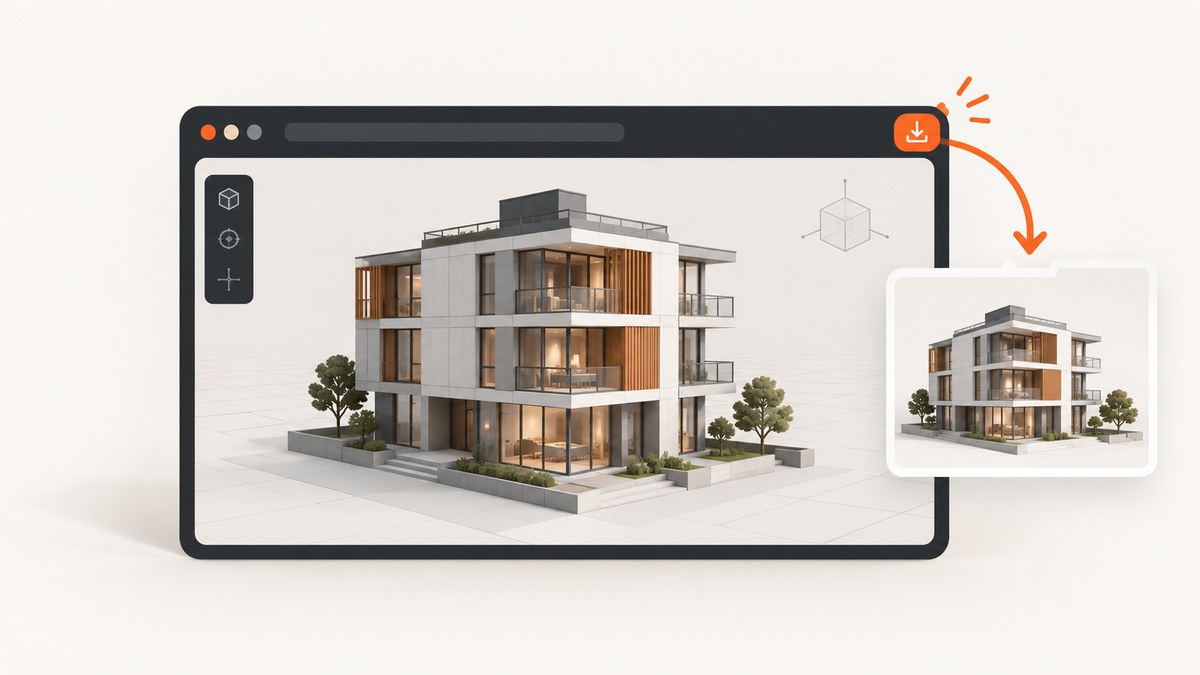
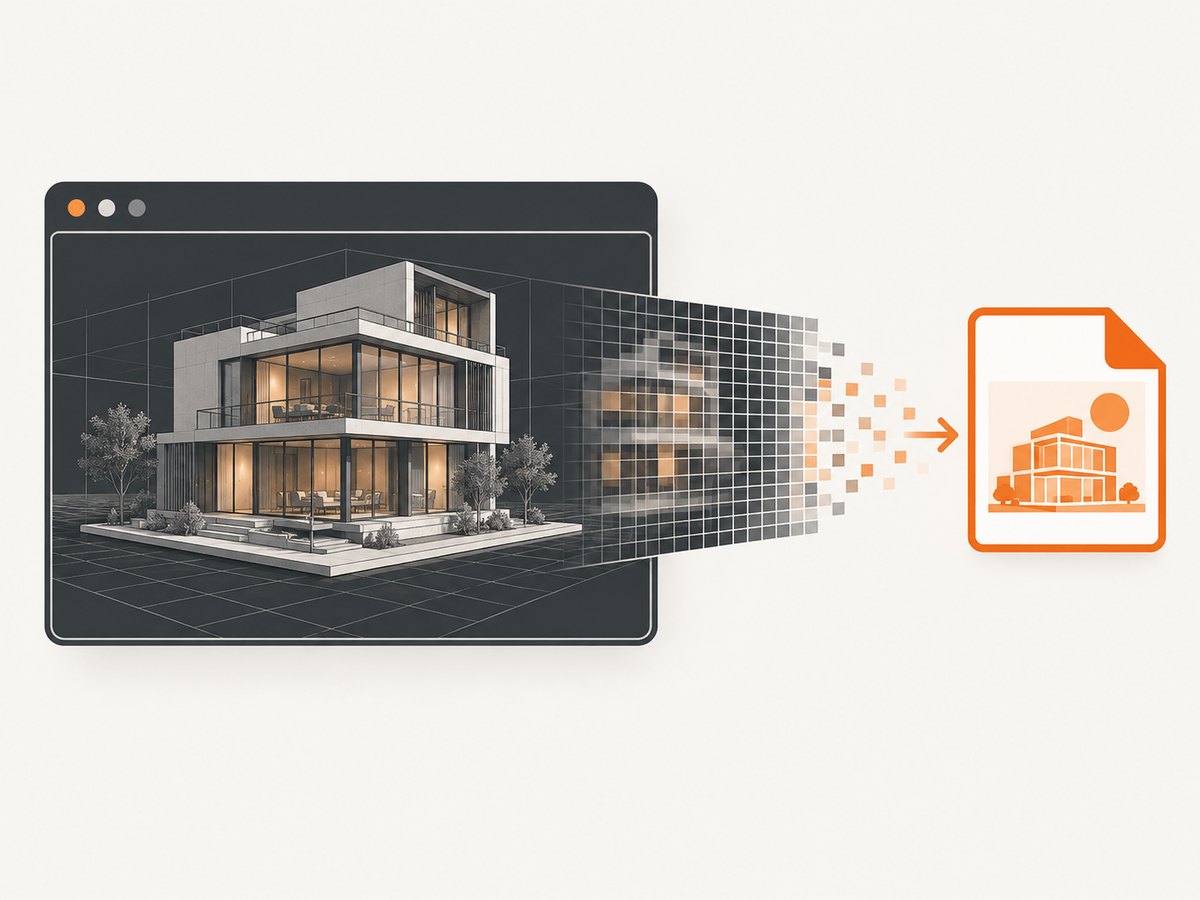
xBIM Viewer renders its model into an HTMLCanvasElement. The practical way to save only that canvas is to preserve the WebGL drawing buffer before xBIM creates its context, wait for the model to load and render, then export the canvas as an image. This interception technique is a community-reported workaround, not a documented xBIM screenshot API, so verify it with the browser and xBIM version used by your application.
What you need
- An xBIM Viewer instance and its canvas element.
- Code that runs before the viewer first requests a WebGL context.
- A stable rendered frame. Use the documented
draw()method for a one-time still render, orstart()when the viewer must remain interactive. - An export method such as
HTMLCanvasElement.toBlob()or an image library such asdom-to-image.
How the workaround works
- Wrap
HTMLCanvasElement.prototype.getContext. - When xBIM requests a
webglcontext, addpreserveDrawingBuffer: trueto the context attributes. - Initialize xBIM Viewer after the wrapper is installed.
- Load the model and wait for the viewer’s
loadedevent. - Render a still frame with
draw(), or start the interactive renderer withstart(). - Export the viewer’s canvas.
The order matters. If the viewer has already obtained its WebGL context, changing the prototype afterward cannot change that context’s attributes.
Complete browser example
The following example shows the sequence. Replace the model URL with one appropriate for your application and use the xBIM Viewer version already installed by your project.
<!doctype html>
<html lang="en">
<head>
  <meta charset="utf-8">
  <title>xBIM canvas screenshot</title>
  <style>
    html, body { margin: 0; height: 100%; }
    #viewer { width: 100%; height: 80vh; display: block; }
    #download { margin: 1rem; }
  </style>
</head>
<body>
  <canvas id="viewer"></canvas>
  <button id="download" type="button" disabled>Download screenshot</button>

  <script>
    // Install this before loading xBIM Viewer or constructing Viewer.
    (() => {
      const originalGetContext = HTMLCanvasElement.prototype.getContext;

      HTMLCanvasElement.prototype.getContext = function (type, attributes) {
        if (type === 'webgl' || type === 'experimental-webgl') {
          const requested = attributes || {};
          attributes = { ...requested, preserveDrawingBuffer: true };
        }
        return originalGetContext.call(this, type, attributes);
      };
    })();
  </script>

  <!-- Load @xbim/viewer using your normal package or application bundle here. -->
  <script type="module">
    import { Viewer, ViewType } from '@xbim/viewer';

    const canvas = document.getElementById('viewer');
    const download = document.getElementById('download');
    const viewer = new Viewer(canvas);

    viewer.on('loaded', () => {
      // draw() renders one frame without starting navigation or interaction.
      viewer.draw();
      download.disabled = false;
    });

    viewer.load('https://your-server.example/models/building.wexbim');
    // Use viewer.start() instead of draw() when the viewer must stay interactive.

    download.addEventListener('click', () => {
      canvas.toBlob((blob) => {
        if (!blob) {
          throw new Error('The canvas could not be encoded.');
        }
        const link = document.createElement('a');
        link.href = URL.createObjectURL(blob);
        link.download = 'xbim-viewer.png';
        link.click();
        URL.revokeObjectURL(link.href);
      }, 'image/png');
    });
  </script>
</body>
</html>
The official xBIM API describes Viewer.canvas as an HTMLCanvasElement. It also documents draw() for rendering once without navigation or interaction and start() for an interactive model. The API material does not document a guaranteed screenshot or export method.
Export with dom-to-image
The community-reported xBIM approach passes the viewer canvas to domtoimage.toJpeg(). This is an alternative to the native toBlob() example above.
import domtoimage from 'dom-to-image';

const canvas = document.querySelector('#viewer');

const dataUrl = await domtoimage.toJpeg(canvas, {
  quality: 0.95,
  bgcolor: '#ffffff'
});

const link = document.createElement('a');
link.download = 'xbim-viewer.jpg';
link.href = dataUrl;
link.click();
That library and the interception technique are not xBIM API guarantees. Check the library version, browser behavior, and output in your deployment before making it a production dependency.
Choosing draw() or start()
| Need | Use | Reason |
|---|---|---|
| One stable frame | draw() |
Renders the model once without navigation or interaction. |
| Interactive navigation | start() |
Starts the interactive viewer loop used by the official example. |
Take the screenshot only after the chosen rendering path has produced the view you want. If your application changes the camera, visibility, selection, or lighting, make those changes first and then render again.
Capture only the canvas area
Use the actual viewer canvas as the export target:
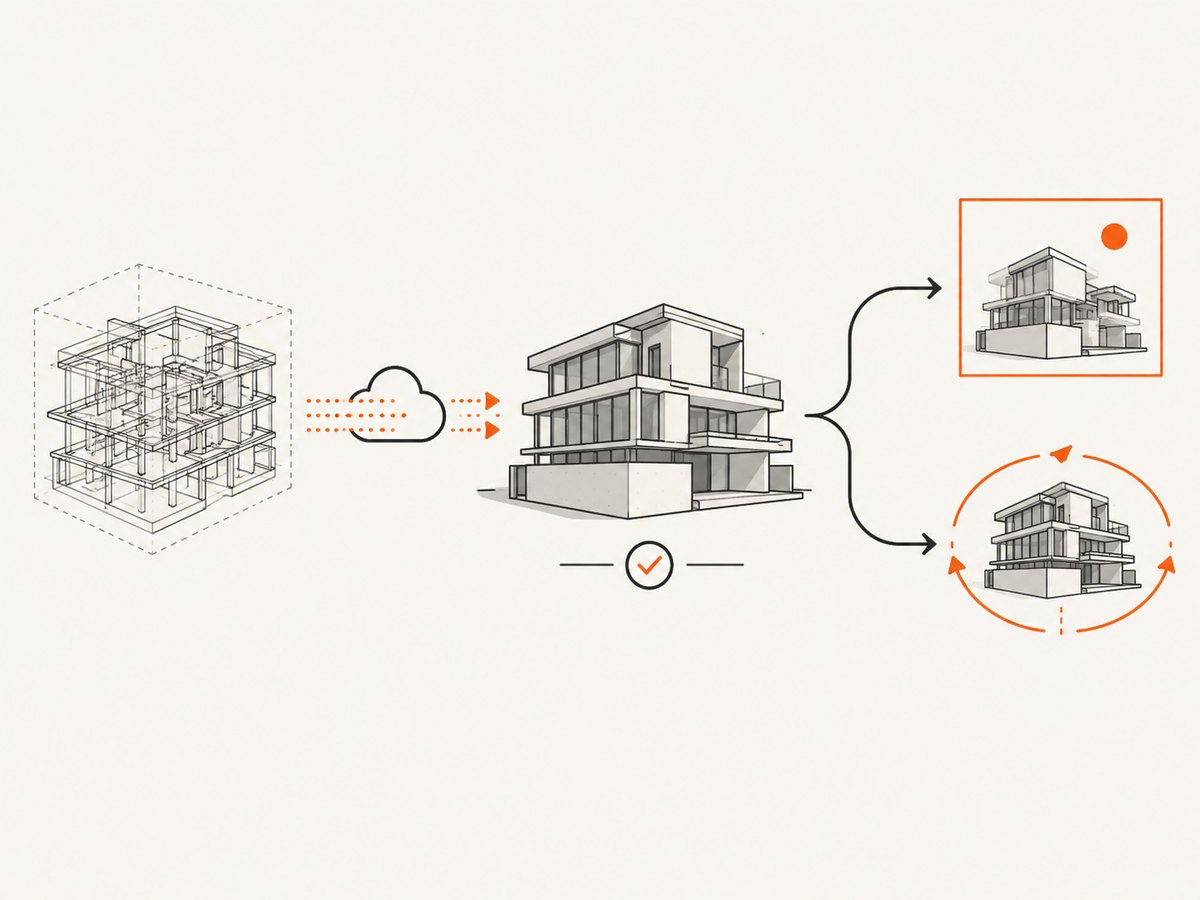
const canvas = viewer.canvas;
canvas.toBlob((blob) => {
  if (!blob) throw new Error('Canvas encoding failed');
  // Store, upload, or download blob here.
}, 'image/png');
Do not capture the surrounding page container if you need only the model. A page-level screenshot tool may include toolbars, margins, or other controls.
Set a predictable output size
The exported image follows the canvas’s drawing-buffer dimensions. Set the canvas dimensions deliberately rather than relying only on CSS sizing:
const canvas = document.querySelector('#viewer');
const cssWidth = 1600;
const cssHeight = 900;
const pixelRatio = window.devicePixelRatio || 1;

canvas.style.width = `${cssWidth}px`;
canvas.style.height = `${cssHeight}px`;
canvas.width = Math.floor(cssWidth * pixelRatio);
canvas.height = Math.floor(cssHeight * pixelRatio);

// Re-render after resizing so the drawing buffer matches the new dimensions.
viewer.draw();
Changing the drawing-buffer size can reset WebGL state in some applications. Apply sizing before the final render and confirm that the camera and viewport still look correct.
Timing and model loading
Wait for the viewer’s loaded event and then render. A timeout alone is less reliable because model size, network speed, and browser scheduling vary.
function waitForLoaded(viewer) {
  return new Promise((resolve) => {
    viewer.on('loaded', resolve);
  });
}

const viewer = new Viewer('viewer');
const loaded = waitForLoaded(viewer);
viewer.load(modelUrl);
await loaded;
viewer.draw();
// Export only after this point.
If the model is opened from a local file:// URL, AJAX model loading can be blocked by browser CORS rules. Serve the example through an HTTP server instead.
Common errors and fixes
| Symptom | Likely cause | Fix |
|---|---|---|
| Export is blank or incomplete | The WebGL context was created before the wrapper ran, or the frame was exported before rendering finished. | Install the wrapper before importing or constructing the viewer. Wait for loaded, then call draw() or use the running viewer before exporting. |
| The wrapper has no effect | The viewer requested a different context type or the context already exists. | Log the requested context type, handle the context type used by your xBIM build, and move the wrapper earlier. |
| Model never loads from a local file | Browser AJAX/CORS restrictions on file://. |
Run a local HTTP server and open the page over http://localhost. |
toBlob() returns null |
The canvas could not be encoded at that moment. | Check that the canvas is valid and rendered, retry after the next frame, and inspect browser console errors. |
| Image contains page controls | The export target is a wrapper element rather than the viewer canvas. | Export viewer.canvas or the canvas selected by its ID. |
| Output differs between browsers | The workaround and export library are browser- and version-sensitive. | Validate the exact browser, xBIM release, GPU path, and export library version used in production. |
| Cross-origin content is missing or export is rejected | WebGL and canvas security rules can restrict resources from another origin. | Serve model and dependent resources with appropriate CORS headers and test the real deployment origin. Do not assume cross-origin export will work. |
Reliability checklist
- Install the
getContextwrapper before xBIM initializes. - Use the same xBIM and browser versions in development and production where possible.
- Wait for
loadedand render the final camera state before capture. - Serve model files over HTTP during local development.
- Exercise empty, large, and partially loaded models.
- Record failures from model loading and image encoding separately.
- Keep the workaround behind a small adapter so it can be replaced if viewer internals change.
Performance and output considerations
Preserving the drawing buffer can affect the browser’s rendering path, and larger canvas dimensions increase memory and encoding work. Capture at the smallest pixel dimensions that meet your downstream requirement. PNG preserves lossless output; JPEG can be smaller but introduces compression artifacts. The dossier does not establish a guaranteed performance profile, browser support matrix, transparency behavior, or compatibility range for this workaround, so measure those properties in your own target environment.
Or skip the browser setup
If you need a URL screenshot rather than an xBIM canvas export, ScreenshotNeo provides a single HTTP request that returns PNG, JPEG, WebP, or PDF. It cannot replace an in-browser WebGL canvas export when the model exists only inside your application, but it is useful when the rendered page is reachable at a URL.
ScreenshotNeo removes cookie and consent banners, newsletter popups, and chat widgets before capture. Bot checks, blank pages, failed loads, timeouts, and cache hits are not billed, and the response identifies the result with X-Page-Verdict and X-Billed headers. Its MCP server provides take_screenshot, get_page_info, and capture_pdf tools for Claude, Cursor, and other MCP clients. The Free plan includes 1,000 screenshots per month without a card; paid plans start at $5 for 3,000 shots.
See the ScreenshotNeo API documentation for the complete option list.
curl -G "https://api.screenshotneo.com/v1/shot" -d access_key=YOUR_API_KEY --data-urlencode url=https://stripe.com -o shot.webpimport requests
r = requests.get(
"https://api.screenshotneo.com/v1/shot",
params={"access_key": "YOUR_API_KEY", "url": "https://stripe.com"},
timeout=90,
)
r.raise_for_status()
open("shot.webp", "wb").write(r.content)const q = new URLSearchParams({ access_key: 'YOUR_API_KEY', url: 'https://stripe.com' });
const res = await fetch(`https://api.screenshotneo.com/v1/shot?${q}`);
if (!res.ok) throw new Error(`Screenshot failed: ${res.status}`);
const data = await res.arrayBuffer();
await Bun.write('shot.webp', data);Create a free ScreenshotNeo account to try 1,000 screenshots a month with no card.
FAQ
Does xBIM Viewer provide an official screenshot method?
The reviewed API documentation exposes the canvas and rendering methods but does not document a guaranteed screenshot or export API.
Why must preserveDrawingBuffer be set before initialization?
WebGL context attributes are chosen when the context is created. Patching the prototype after that point cannot retroactively change the existing context.
Can I capture an interactive view?
Yes. Keep the viewer running with start(), wait until the desired camera state is displayed, and export the canvas. Use draw() when you need a single still frame.
Will the workaround work in every browser?
The dossier reports no complete browser, xBIM-version, or export-library compatibility guarantee. Validate it in the runtime you support.
Can ScreenshotNeo capture a model that exists only in my canvas?
No. ScreenshotNeo captures a page at a URL. For a model rendered only in a local or authenticated application canvas, use the in-browser method above or expose a reachable page first.


