How to Build a Custom MCP Client
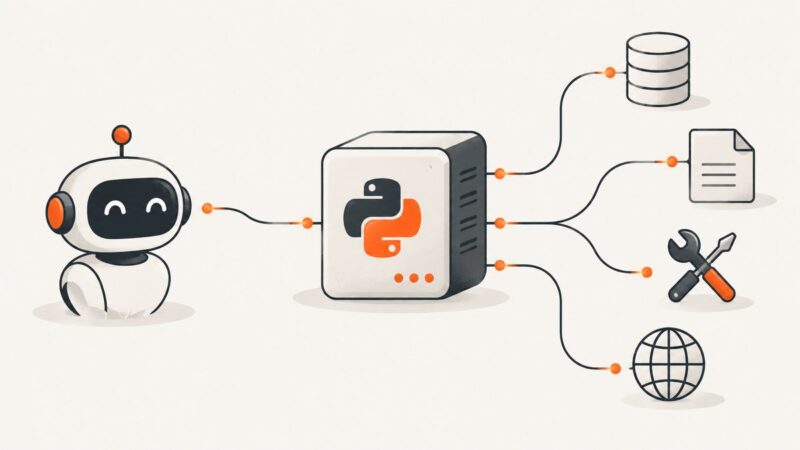
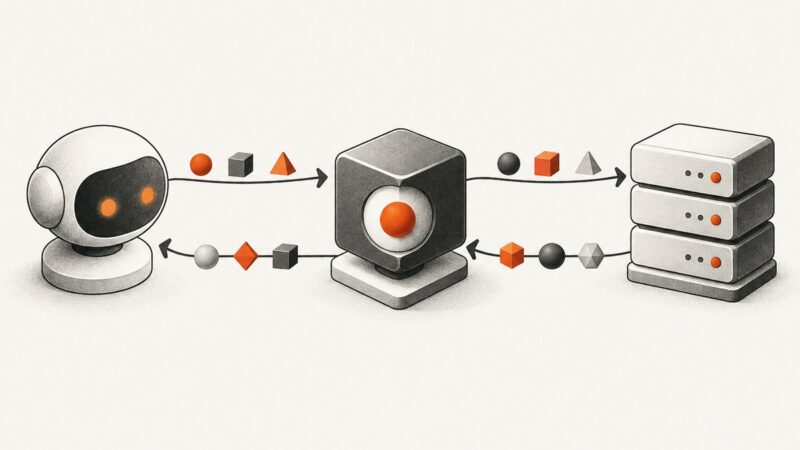
Build a production-ready MCP client: choose transports, negotiate protocol eras, discover tools, route model calls, secure data, and clean up reliably.
Build a production-ready MCP client: choose transports, negotiate protocol eras, discover tools, route model calls, secure data, and clean up reliably.
Build a Python MCP server with typed tools, resources, prompts, local tests, and a secure Streamable HTTP deployment using the official SDK.
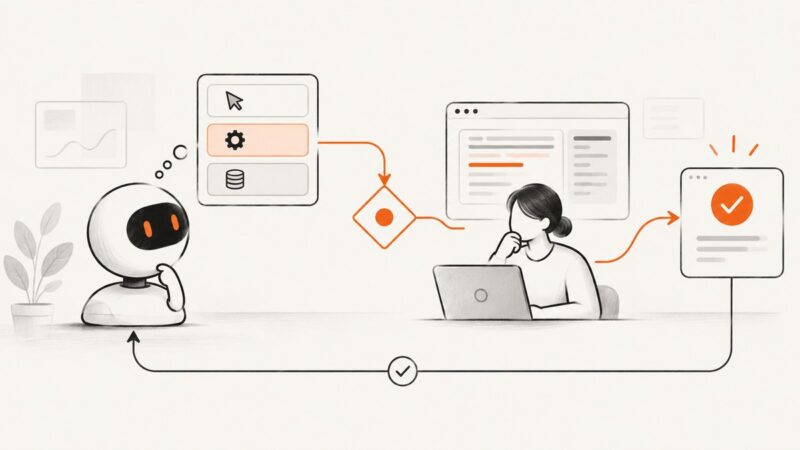
Jev Computer Use adds a typed decision gate to an agent’s action loop. Learn what it does, how to wire it in, and where human review and verification still matter.
Learn how MCP browser automation works, set up Playwright MCP, and handle reliability, security, and deployment tradeoffs.
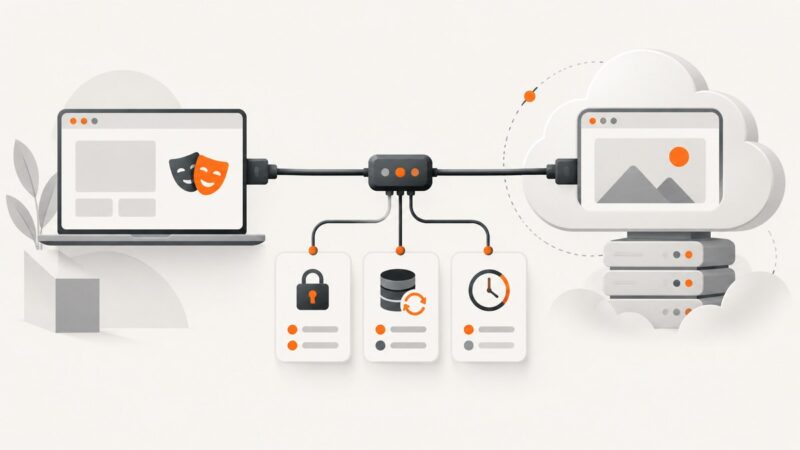
Connect Playwright MCP to a cloud browser over CDP, configure sessions for CI, and troubleshoot authentication, persistence, and timeouts.
If AutoGen returns garbage from a screenshot tool, first check whether PNG bytes became text. Here’s how to trace the payload and deliver a real image to a vision model.
Connect Playwright MCP to an AI client, choose the right browser session, secure it, and automate pages with structured accessibility snapshots.
Connect an MCP client to a browser running remotely with Playwright, standalone HTTP, or a hosted service. Compare setups, configure endpoints, and secure access.
Compare OpenAI, Claude, and Gemini browser automation by tool design, runtime needs, safety, and cost—and choose with a benchmark built around your tasks.
Build a secure MCP browser automation server with Playwright. Learn tool schemas, accessibility references, transports, authentication, sessions, errors, and deployment.
Build a schema-driven interface that launches browser tasks, shows evidence, verifies outcomes, and safely handles dynamic pages.
Connect Playwright to LangChain agents safely: install browsers, expose useful tools, constrain navigation, handle failures, and capture pages reliably.
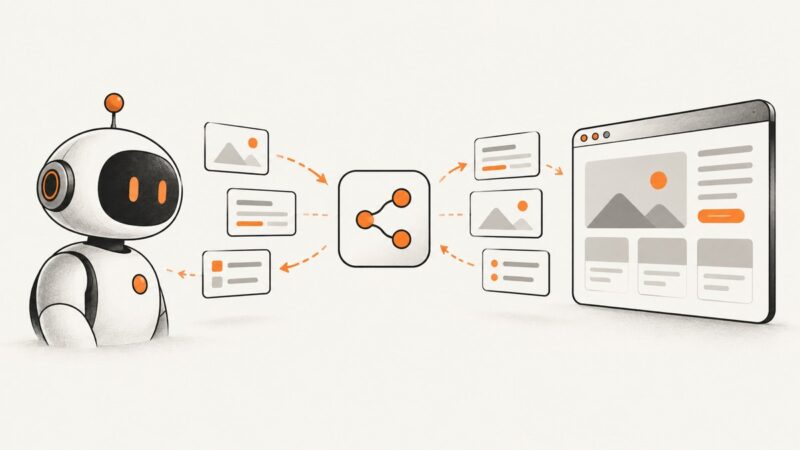
Build a safe screenshot-observation loop for browser agents, combine visual context with DOM references, and automate captures with Playwright or ScreenshotNeo.
Connect Cursor to browser automation with Playwright MCP, Chrome DevTools MCP, or Cursor’s built-in browser. Follow setup, session, security, and troubleshooting guidance.
Connect Stagehand browser workflows to MongoDB Atlas through your app’s backend. Configure each layer, keep credentials safe, and troubleshoot the full flow.
Learn how to audit WebMCP tool discovery, schemas, execution, security, and CI smoke checks without treating agent readiness as a Google ranking factor.
Build a browser agent with Gemini Computer Use, Playwright, and a secure action loop. Includes runnable code, safety handling, troubleshooting, and a screenshot API option.
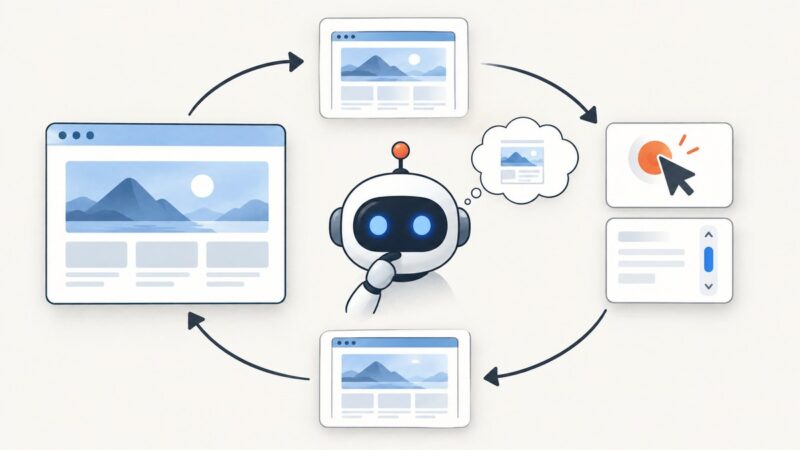
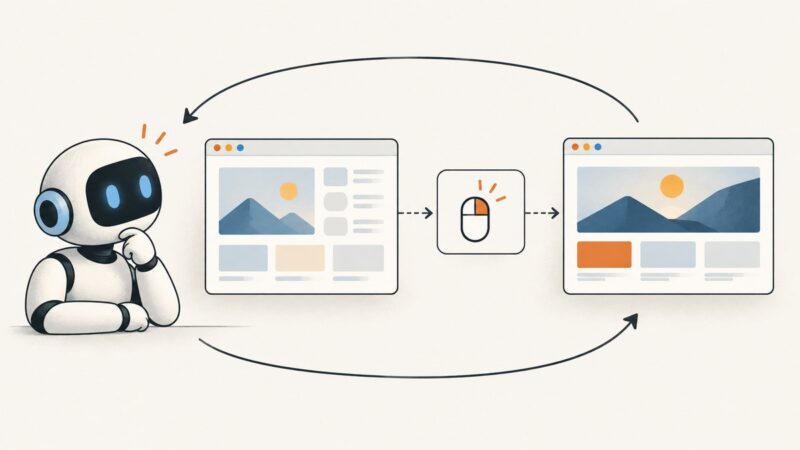
Computer use lets an AI agent interpret screenshots and request clicks, typing, and scrolling. Here’s how the loop works, what it can do, and how to make it safer.