Website Archiving for Compliance: A Practical Records-Management Guide
Learn how to archive website content for compliance with schedules, metadata, integrity controls, retrieval tests, and practical capture code.
Step-by-step guides to capturing the web: screenshots, full pages, elements, devices and more.
Learn how to archive website content for compliance with schedules, metadata, integrity controls, retrieval tests, and practical capture code.
Build a useful B2B prospect database with a permission-aware research workflow, source records, validation, and responsible outreach.
Learn how to save a website for offline use, preserve a site that may disappear, and verify what your archive actually contains.
Design a data pipeline around measurable latency, recovery, security and cost requirements. Compare ETL, ELT, batch and streaming, then build for reliable operation.
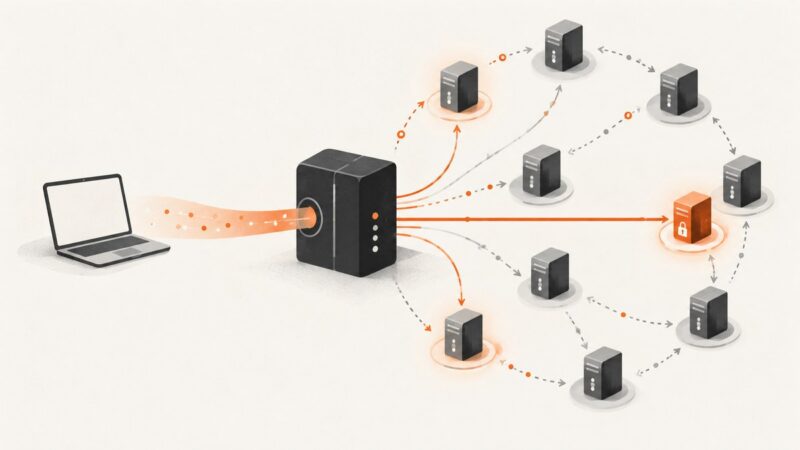
Learn how backconnect proxies route traffic through rotating IP pools, when to use sticky sessions, and how to choose the right gateway.
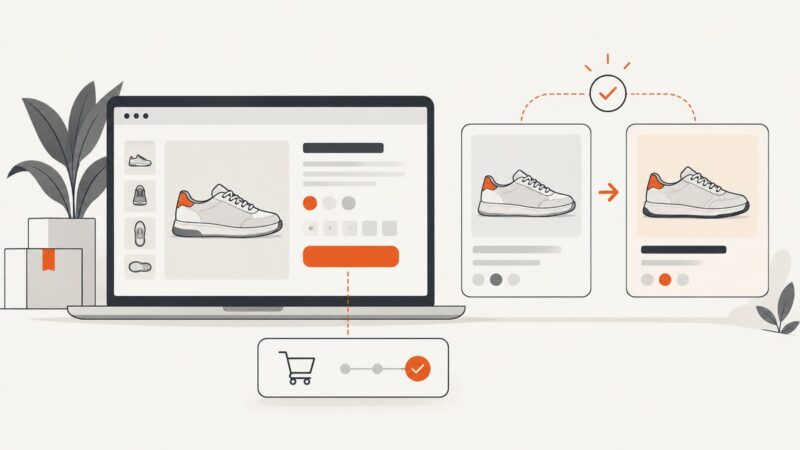
Monitor storefront journeys and product-page changes with browser screenshots, semantic checks, and useful evidence for alerts.
Identify QWERTY, AZERTY, or QWERTZ from the top letter row, then check what your computer actually types and which layout its settings have selected.
Build a repeatable workflow for generating on-brand lead generation images, saving variants, and checking how campaign pages render before launch.
A practical guide to automated website screenshots with Playwright, Puppeteer, visual regression checks, and ScreenshotNeo.
Newsrooms can automate structured data collection and repetitive tasks, with human review, source permissions, and clear accountability built in.
Learn how Nodriver automates Chromium through CDP without ChromeDriver or Selenium, with runnable Python examples, practical limits, and troubleshooting.
Use Google Maps as a verification workflow: check review patterns, prices, photos, crowding and nearby alternatives before you pay.
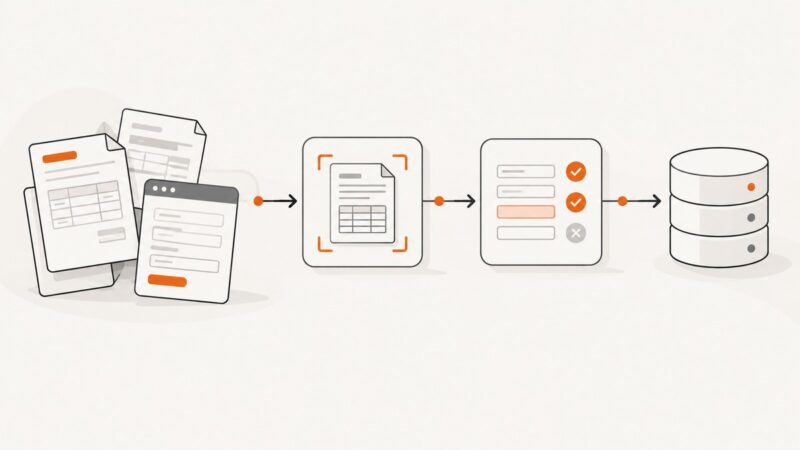
Learn how to automate records verification with authoritative sources, explicit decision rules, human review, and an audit trail that preserves every outcome.
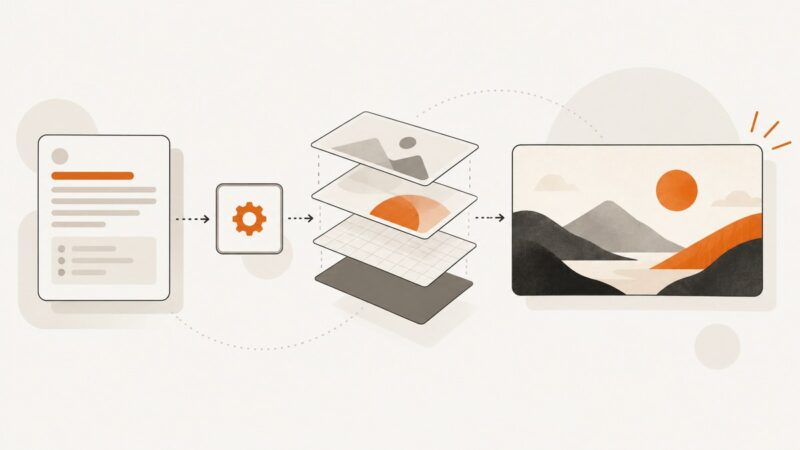
Learn how to design, validate, render, and scale dynamic image templates from CRM, catalog, and spreadsheet data.
Learn how to automate payer portal work, where payer APIs fit, and how to handle exceptions, security, and portal changes.
Build a web automation product around a repeated task, then price and operate it as a real service. Here’s how to choose a model, validate demand, and plan for ongoing work.
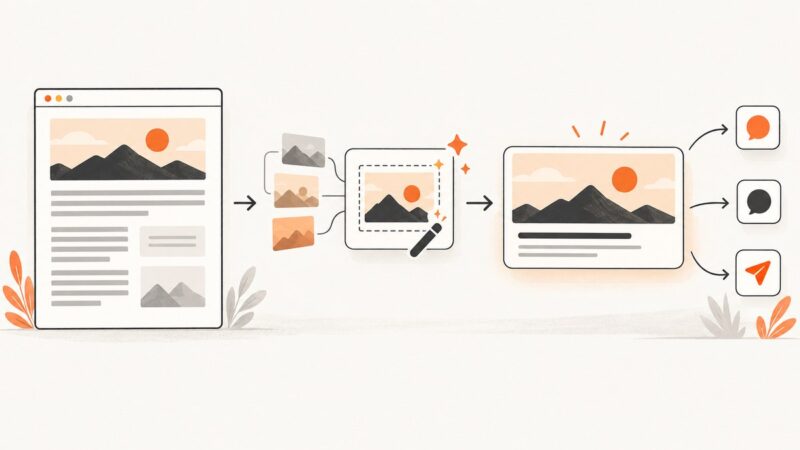
Build automatic Open Graph images for every post with Next.js, media services, or templates—and attach each image to the right metadata.
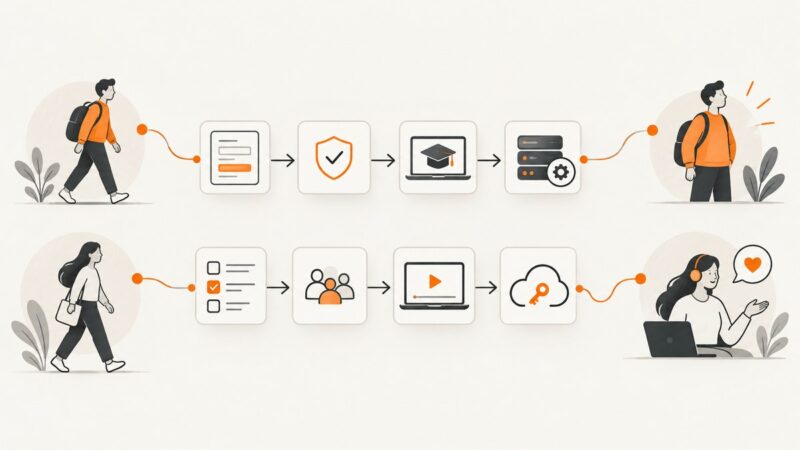
Learn how to design, automate and improve employee and customer onboarding workflows, including integrations, approvals, escalations and measurement.