Headless Browsers for Web Scraping
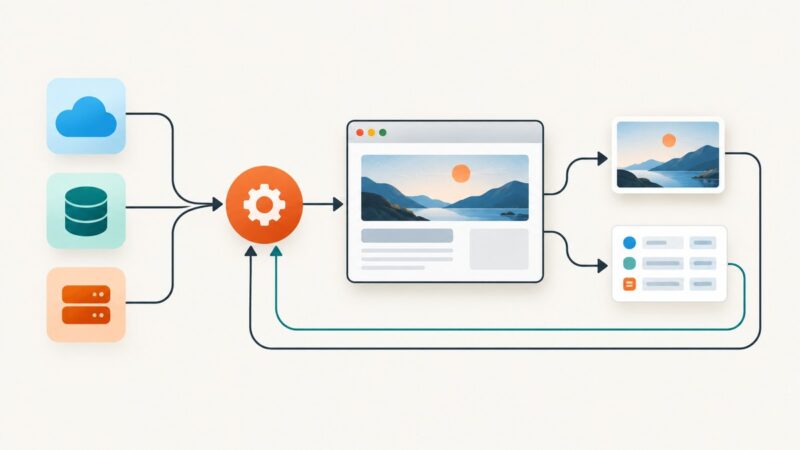
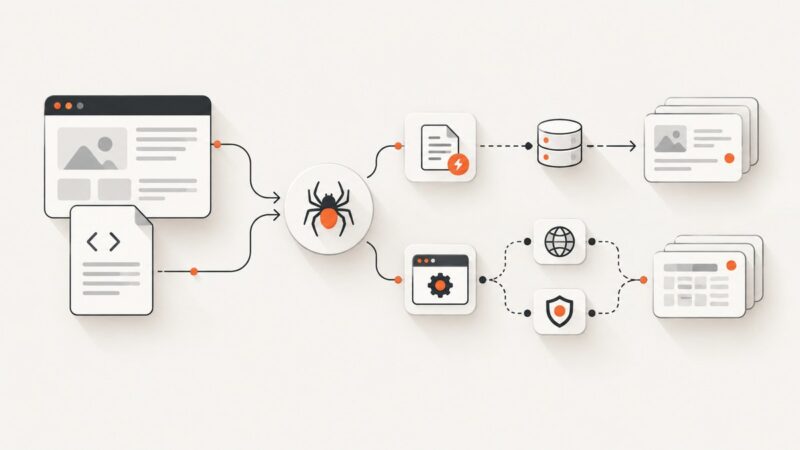
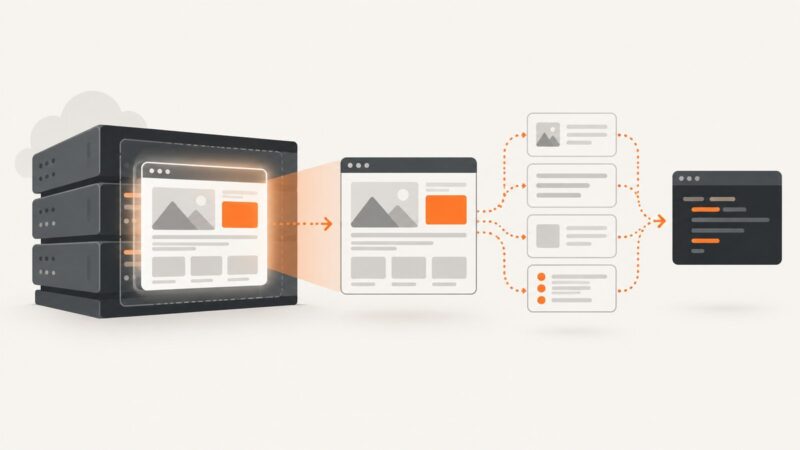
Learn when headless browsers help with scraping, how to run a Playwright example, and how to choose between local browsers and managed services.
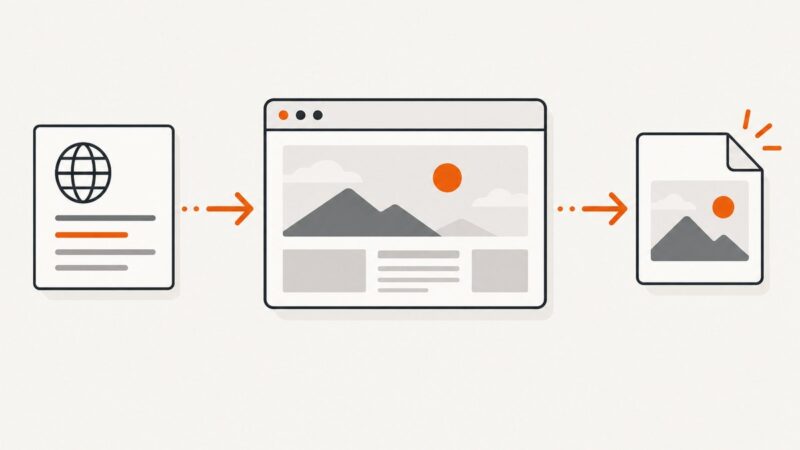
Step-by-step guides to capturing the web: screenshots, full pages, elements, devices and more.
Learn when headless browsers help with scraping, how to run a Playwright example, and how to choose between local browsers and managed services.
Learn to install SeleniumBase, write a runnable browser test, use its waits and reports, and choose UC or CDP mode only when needed.
Build reliable Zapier workflows for Canva, WordPress, YouTube, Drive, and AI-assisted content operations—with examples, costs, and fixes.
Build a repeatable creative workflow with ChatGPT for brainstorming, writing, editing, and images, with practical prompts and review steps.
Screen scraping reads information from a rendered interface. Learn how it works, when to use it instead of an API, and how to collect data responsibly.
Choose the right browser environment for development, cross-browser testing, automation, CI, and hosted device coverage.
Build a no-code workflow that turns a campaign brief into reviewed, branded creative. Compare Zapier, Canva, and Adobe Express, with practical steps and code options.
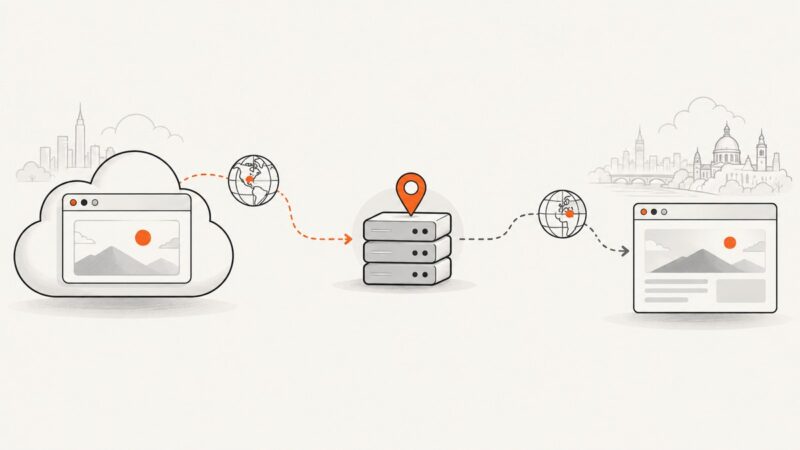
A cloud browser’s server region, proxy egress IP, and browser locale are separate signals. Learn how to configure and verify regional browser tests, and what can go wrong.
Study TikTok behavior with an approved Research Tools workflow: define measures, collect permitted public data, and document coverage, privacy, and limits.
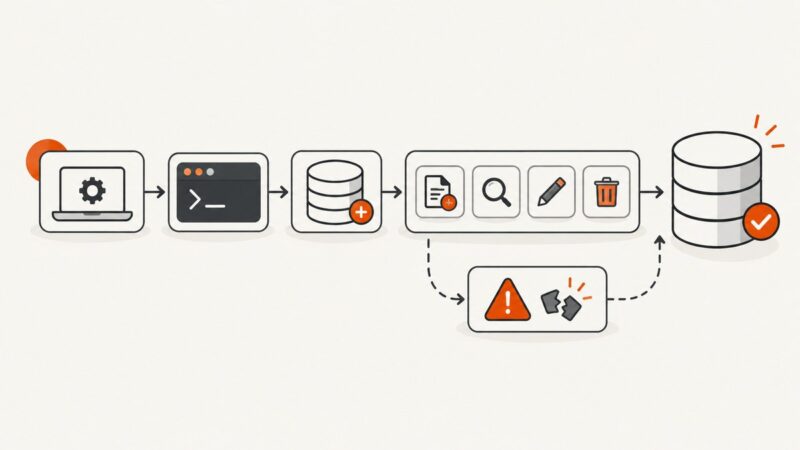
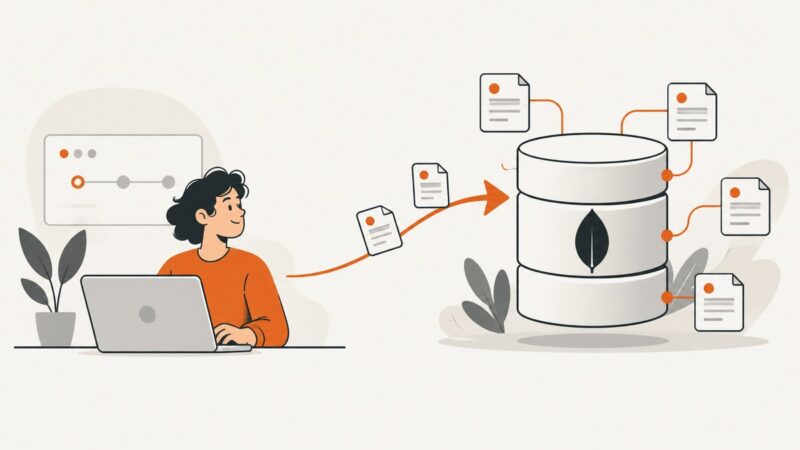
Learn MongoDB from zero: choose a setup, connect with mongosh, create your first collection, run CRUD queries, and avoid common beginner errors.
Learn Selenium WebDriver from setup to reliable waits, browser drivers, remote sessions, troubleshooting, and practical automation patterns.
Learn what Jupyter Notebook is, install it with pip or Anaconda, run your first cells, understand kernels, and share reproducible notebooks.
Compare Go’s chromedp with Rust’s Playwright and native CDP options. Choose an approach by browser support, driver model, and deployment needs.
Learn when to use CheerioCrawler or PlaywrightCrawler, install Crawlee correctly, handle sessions and proxies, and build reliable scraping workflows.
Compare local Playwright debugging with hosted browser live views, then choose the right way to inspect, pause, and diagnose automation runs.
A website warning can mean a browser safety block, a search visibility issue, or a manual action. Identify the provider, fix the cause, then request the right review.
Background padding can mean negative space, outpainting, or transparency. Learn which method to use and how to implement each one.
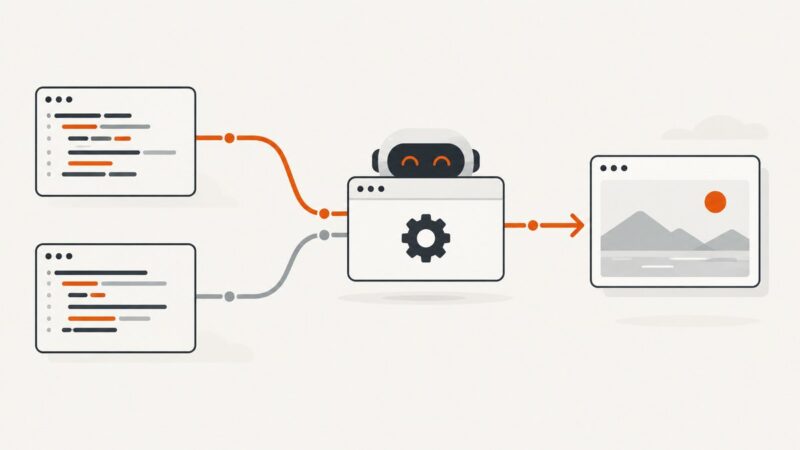
Beautiful Soup parses HTML and XML into a searchable Python tree. Learn what it does, what it cannot do, parser choices, and complete scraping examples.