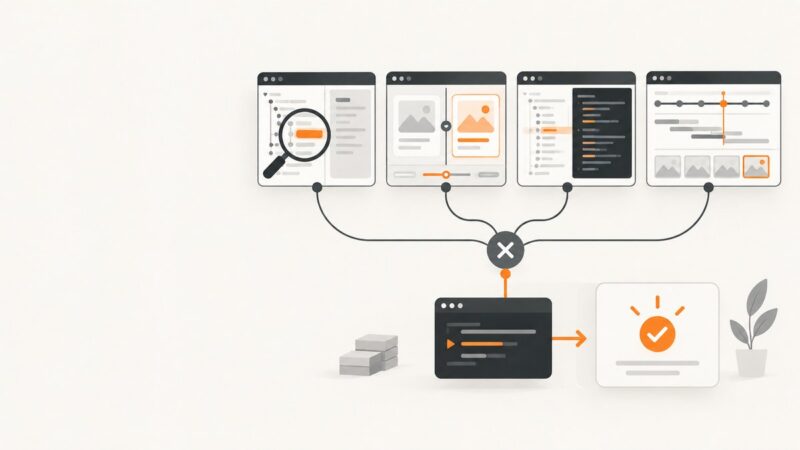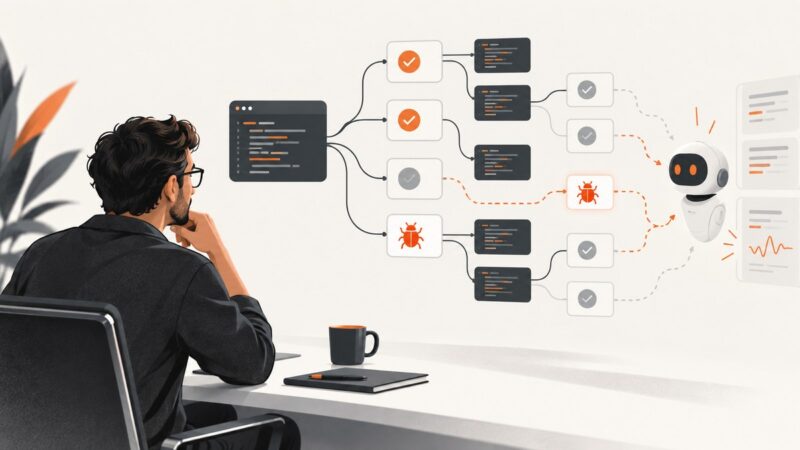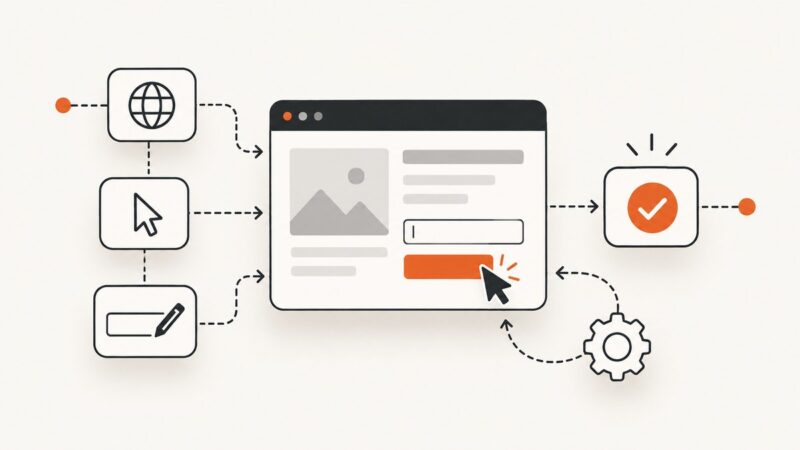
What Is Browser Automation? A Beginner’s Guide
Learn how browser automation works, when to use Selenium or Playwright, how to write reliable tests, and how to capture pages without browser setup.
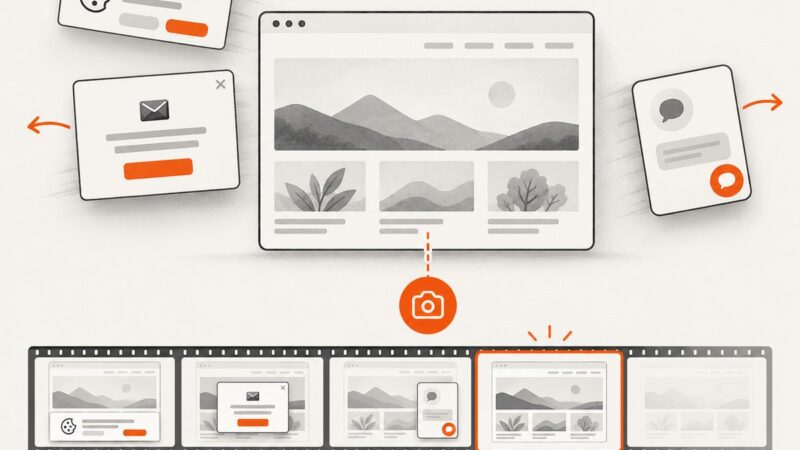
Step-by-step guides to capturing the web: screenshots, full pages, elements, devices and more.
Learn how browser automation works, when to use Selenium or Playwright, how to write reliable tests, and how to capture pages without browser setup.
Choose the right Playwright debugging tool for the failure: Inspector, UI Mode, browser DevTools, or a CI trace. Includes runnable commands and fixes.
Inspect Android Chrome tabs and app WebViews with desktop DevTools. Set up USB discovery and ADB forwarding, use the Chrome DevTools Protocol, and fix common connection problems.
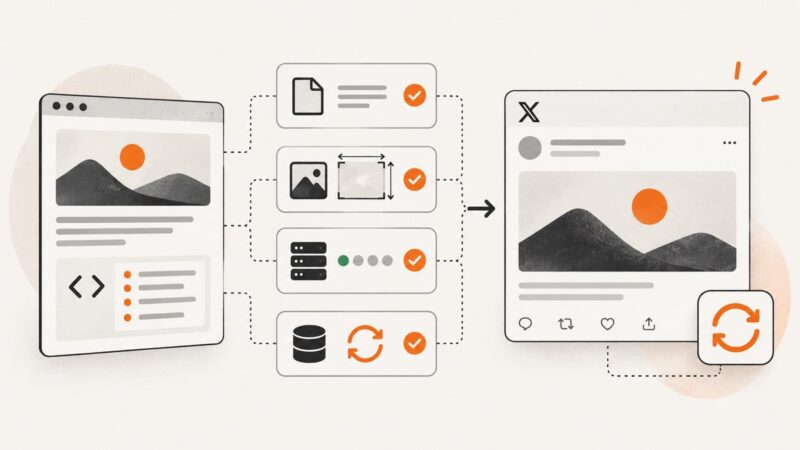
Learn how X/Twitter card previews work, validate metadata and images, diagnose failures, and verify fixes when the old Card Validator is unavailable.
Yes—PNG and WebP can preserve transparent pixels. Learn alpha, export settings, background removal, troubleshooting, and practical workflows.
Playwright Codegen gets you from browser actions to test code. Learn how to refine recordings, isolate state, expand coverage, and scale safely in CI.
Choose a browser automation setup by measuring suite speed, mobile coverage, and iframe needs. Get runnable Playwright and Selenium examples plus practical guidance.
Build a reliable first browser test: choose a framework, install its prerequisites, write a stable end-to-end check, and prepare it for CI.
Screenshot APIs commonly return PNG, JPEG, or WebP, and some also support PDF. Learn how to choose a format, handle responses safely, and use it in cURL, Python, or Node.js.
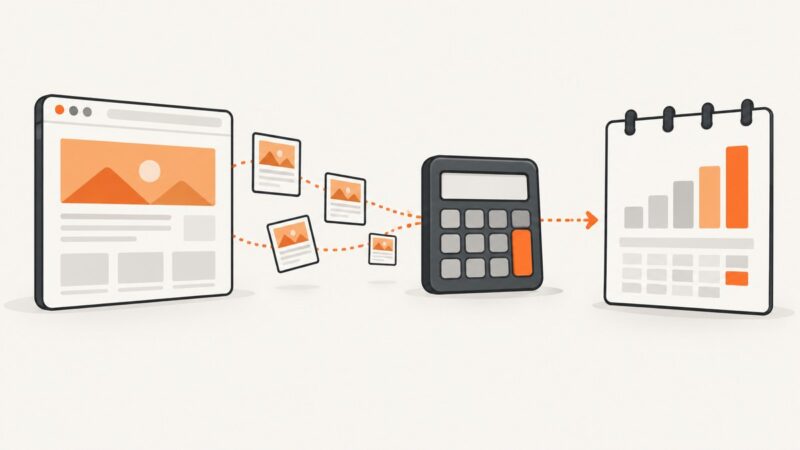
Estimate monthly screenshot API spend from billable renders, quotas, cache hits, failures, and overages—with a worksheet and worked examples.
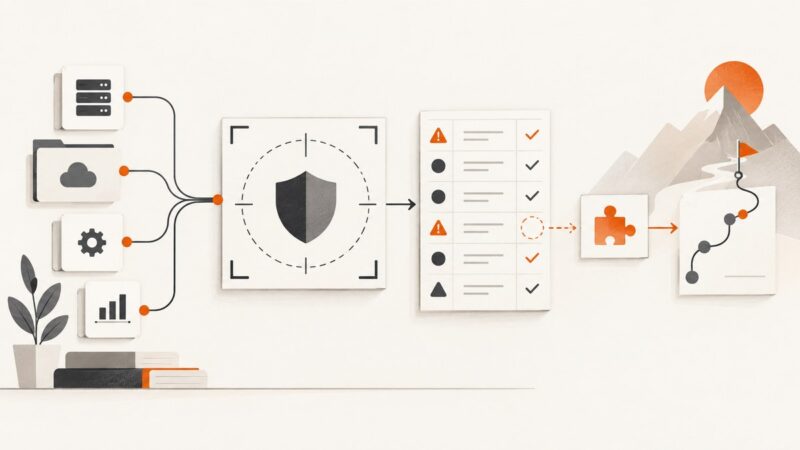
Prepare for a cybersecurity audit with a clear scope, evidence map, reconciled risk records, and an honest plan for gaps.
Learn how remote browser isolation works, when to use it, how to plan deployment, and which compatibility and access controls to verify.
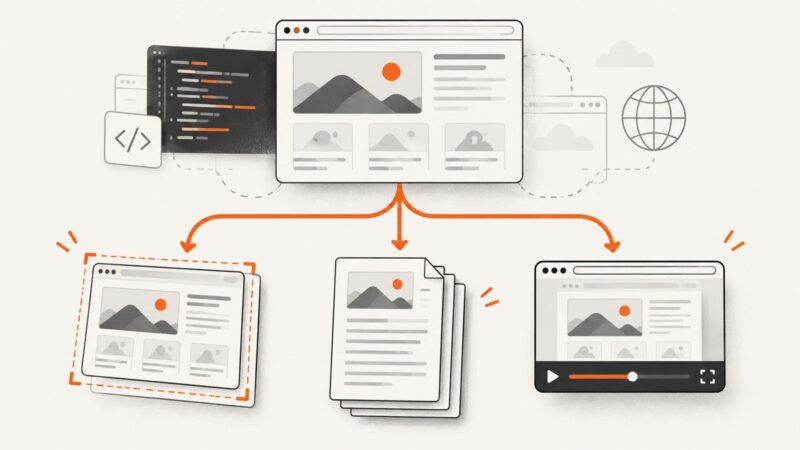
Choose the right browser API for screenshots, PDFs, or recordings, with runnable Playwright, Puppeteer, getDisplayMedia, and ScreenshotNeo examples.
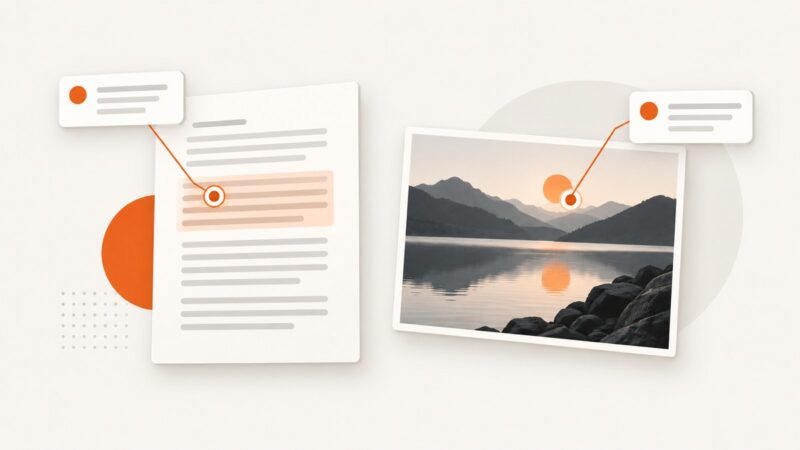
Text and image anchoring can mean attaching a note to a passage or image region—or making text and images act as links. Here’s how the concepts differ and how to choose a locator.
Use the OpenAI Image API’s n parameter to request several images at once, then decode the response array safely in Python, Node.js, or cURL.
A practical framework for comparing crypto protocols, exchanges and tokens using adoption, tokenomics, development, economics and market position.
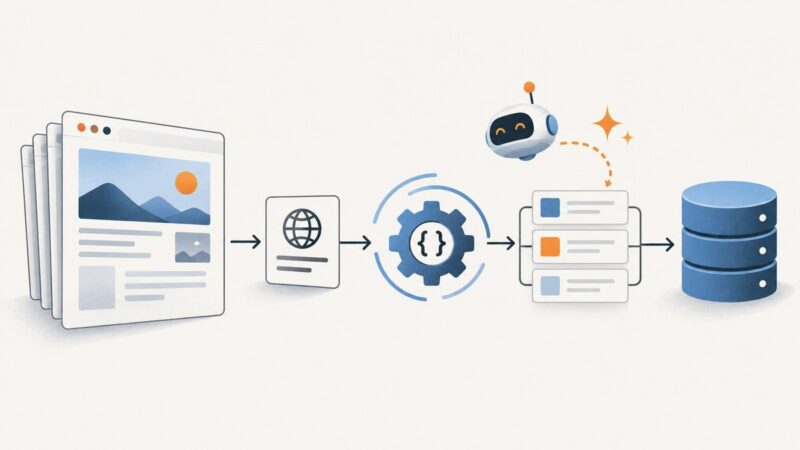
Build a responsible Python scraping workflow with Requests, Beautiful Soup, Playwright, validation, and optional AI-assisted research.
Learn where AI helps in software testing, how to validate generated tests, and how to roll out AI testing without mistaking more tests for better coverage.