Competitor Analysis: Steps, Tools, and Screenshot Tracking
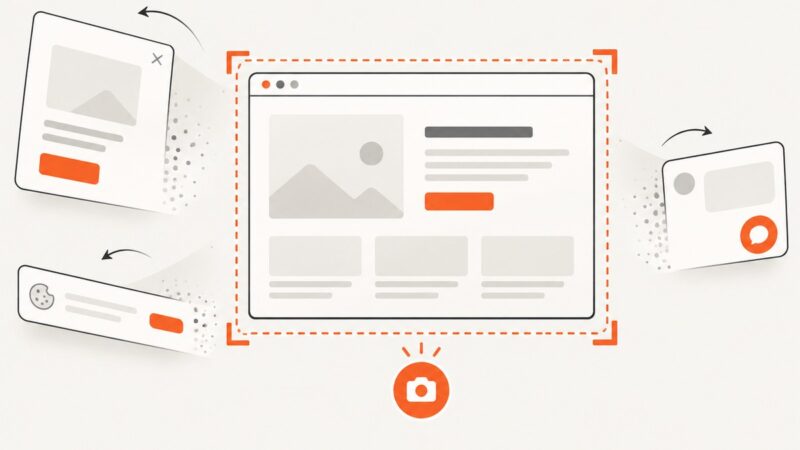
A decision-led competitor analysis workflow: choose the right comparison set, assess SEO and product evidence, and track website changes with dated screenshots.
Step-by-step guides to capturing the web: screenshots, full pages, elements, devices and more.
A decision-led competitor analysis workflow: choose the right comparison set, assess SEO and product evidence, and track website changes with dated screenshots.
Learn what the User-Agent header means, how to write one for scrapers, why UA sniffing fails, and how reduction and client hints affect testing.
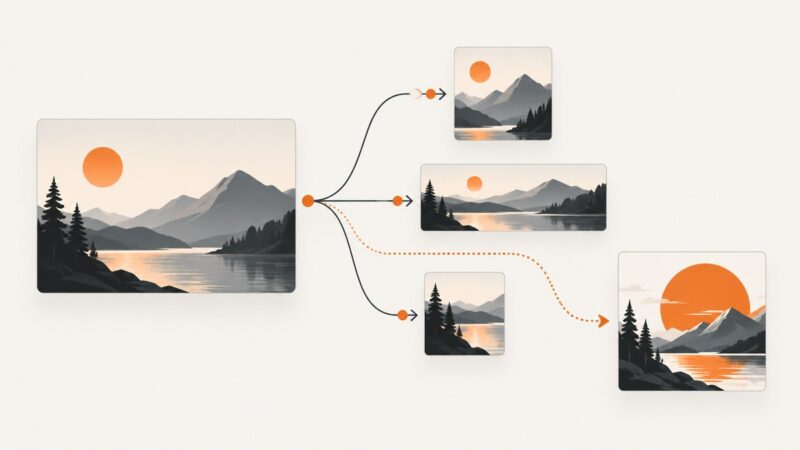
Design platform-native social ads, generate controlled creative variants, and automate production without skipping review, measurement, or disclosure.
Automate the coordination around social media: calendars, publishing, approvals, inbox triage, listening, reporting, and integrations—with human review where it matters.
Improve banner-image CTR with focused visuals, responsive sizes, readable contrast, clear CTAs, and disciplined A/B testing.
Explore eight Stable Diffusion projects, what kinds of tools they are, and how to choose a workflow with current model capabilities and limitations in mind.
Automate image generation, precise edits, channel variants, batch exports, and short video workflows with APIs. Includes a practical pipeline and runnable examples.
Alexa is gone. Build a reliable SEO monitoring system with Search Console, technical checks, segmented reporting, and carefully used third-party estimates.
Compare image generation and transformation APIs, choose an architecture, and build a reliable workflow for creating, editing, and delivering images.
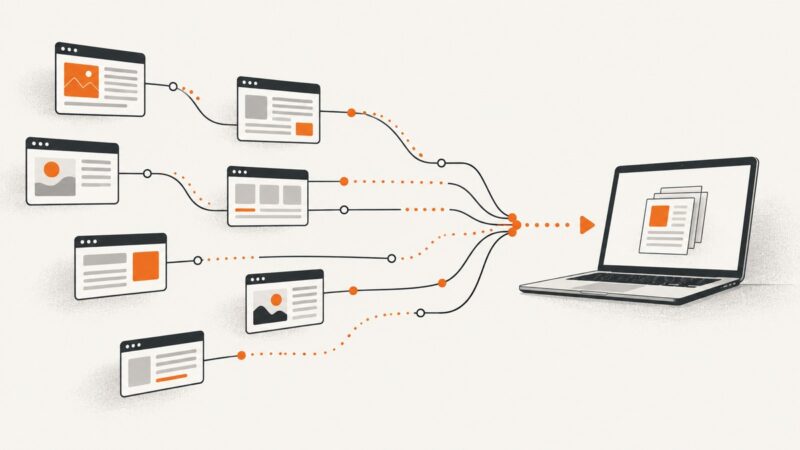
Asynchronous web scraping overlaps network waits so a program can fetch multiple pages without waiting for each one in sequence. Learn how to bound concurrency, handle failures, and choose between Python asyncio, aiohttp, and Scrapy.
Learn what geo-blocking is, how websites detect your location, why streaming catalogs differ, and what VPNs can and cannot change.
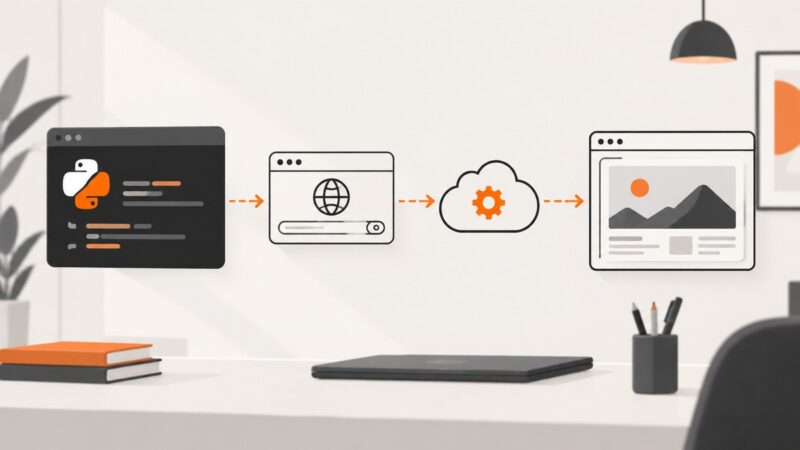
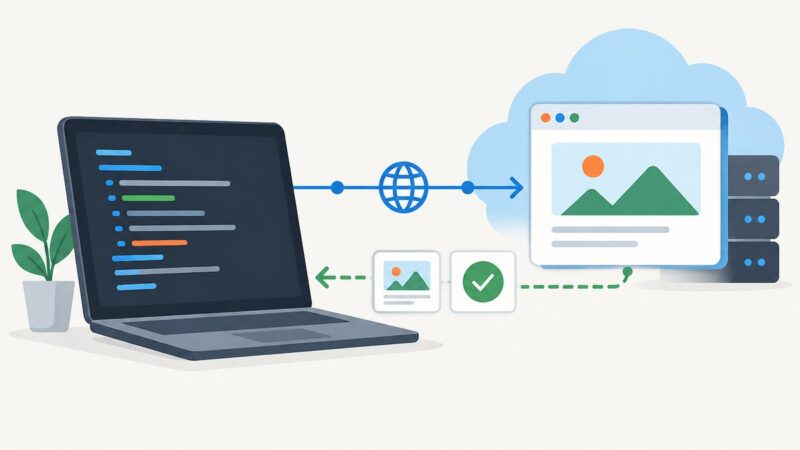
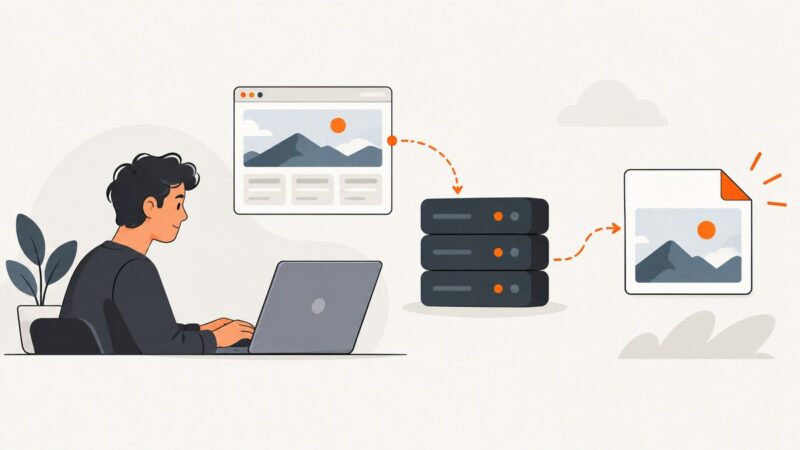
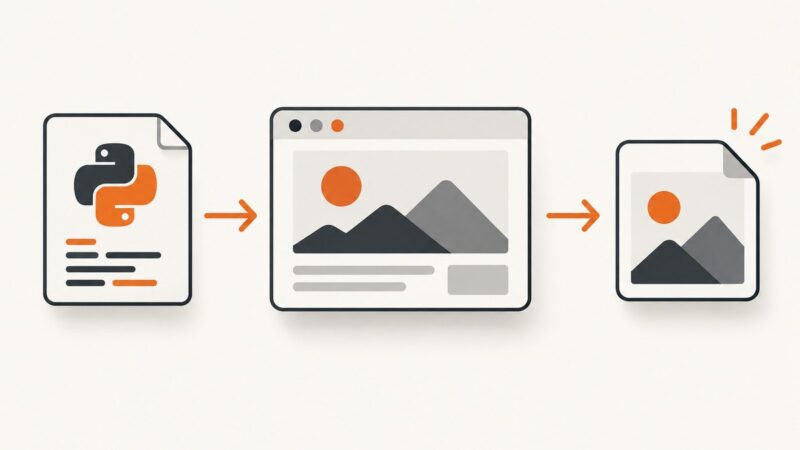
A complete Python guide to screenshot API options: formats, cookies, CSS, geolocation, browser emulation, errors, and production patterns.
ASN means Autonomous System Number: an identifier for a network under one administration and routing policy. Learn how ASNs work in BGP, how they differ from IP addresses, and how they are allocated.
Install Playwright, run a test locally, then connect it to a cloud browser. This quickstart covers provider protocols, configuration, troubleshooting, and when a screenshot API is a simpler fit.
Learn how cloud browser automation works, choose between managed browsers, APIs, and testing grids, and build reliable workflows with Playwright.
Learn how screenshot APIs return captures—as image bytes, hosted URLs, async jobs, webhooks, or Base64—and how to retrieve each reliably.
Learn how cloud browser services work, when to use WebSockets or REST, and how to choose a provider for automation, screenshots, PDFs, and AI agents.
Learn how sports court booking automation connects availability, reservations, payments, and access workflows—and how to evaluate software for your facility.