How to Set a Screenshot Filename with an API
Set screenshot filenames reliably with Playwright, Puppeteer, test runners, cURL, Python, Node.js, and ScreenshotNeo.
Set screenshot filenames reliably with Playwright, Puppeteer, test runners, cURL, Python, Node.js, and ScreenshotNeo.
Render website screenshots with Apple-style emoji by controlling fonts, browser platform, viewport, loading, and capture settings.
Build reusable Instagram carousel end covers with Canva Bulk Create, structured data, review steps, exports, and an API-assisted QA workflow.
Set up SSH public-key login on Linux: generate a key pair, install the public key for the right account, test access, then troubleshoot safely.
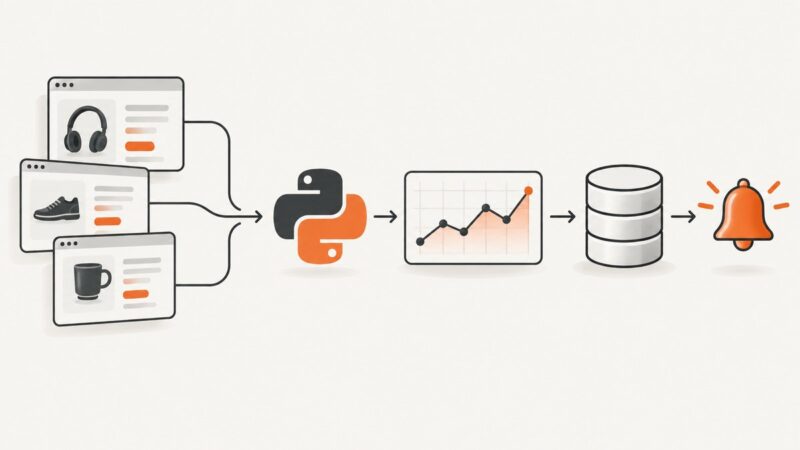
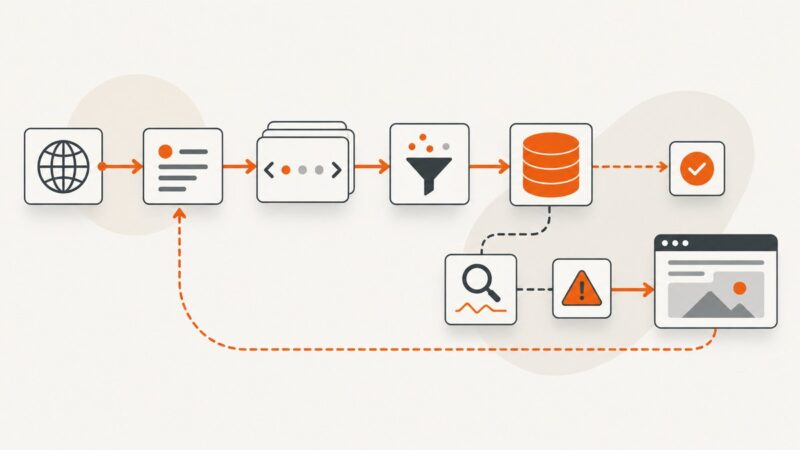
Build a reliable Python price tracker that retrieves permitted pages, validates prices, stores history, compares changes, and sends alerts.
Find one or many HTML elements by id, class, data-*, aria-label, or any attribute with BeautifulSoup’s find(), find_all(), and CSS selectors.
Replace images in Playwright or Puppeteer screenshots with CSS, DOM changes, or intercepted network responses—and keep visual tests stable.
Build a secure JWT token endpoint for embedded editors, with CKEditor and TinyMCE claim differences, runnable code, refresh handling, and troubleshooting.
TeePublic has no official API, but community clients reveal useful search and storefront patterns. Learn a cautious, compliant workflow with Python, cURL, and Node.js.
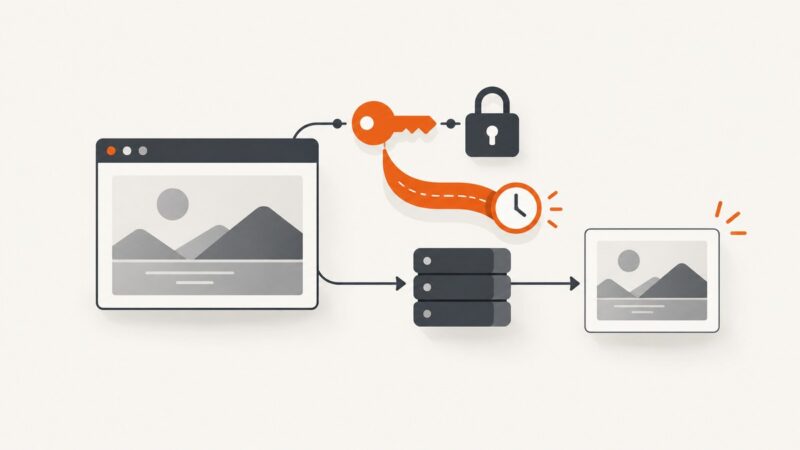
Learn how signed screenshot URLs work, how to create and secure them, and how to embed time-limited images without exposing API keys.
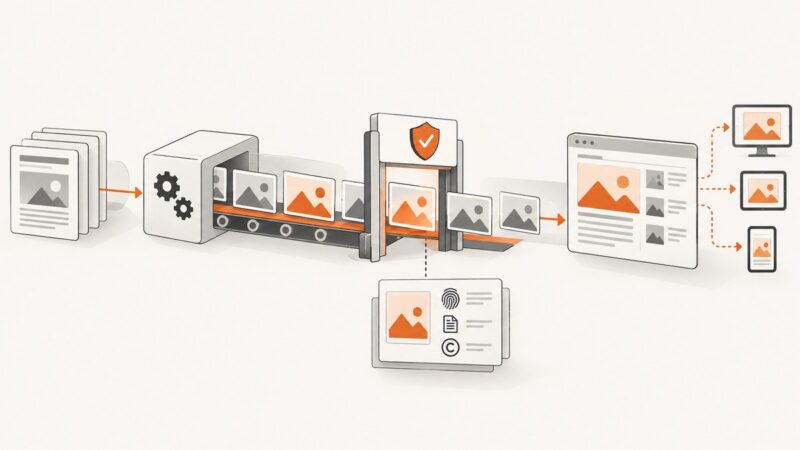
Build an automated image workflow for a news CMS while keeping editorial review, provenance, rights, and labeling under human control.
Stop a long screenshot at the right place on Android, Pixel, Edge, or Chrome. Learn why capture controls vary and how to handle pages that keep scrolling.
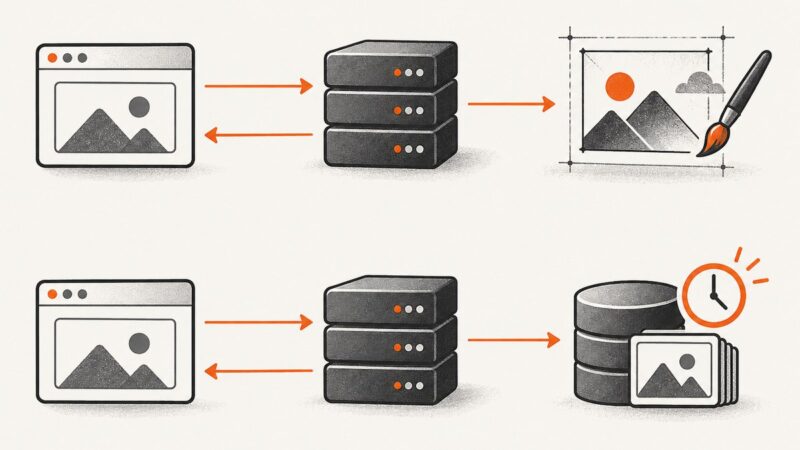
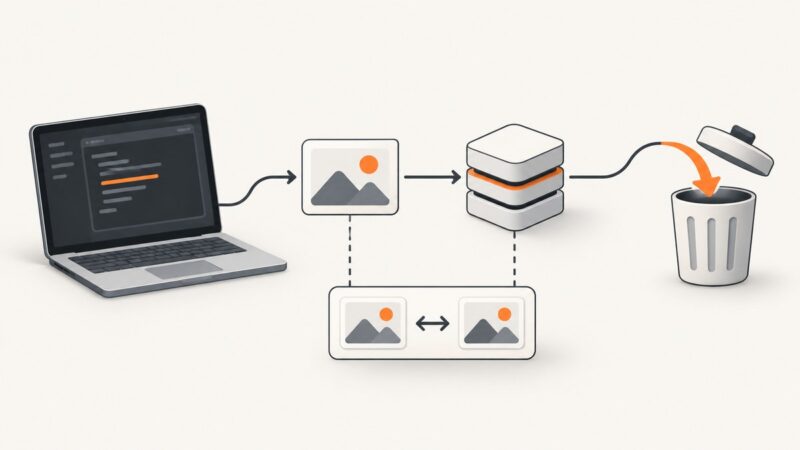
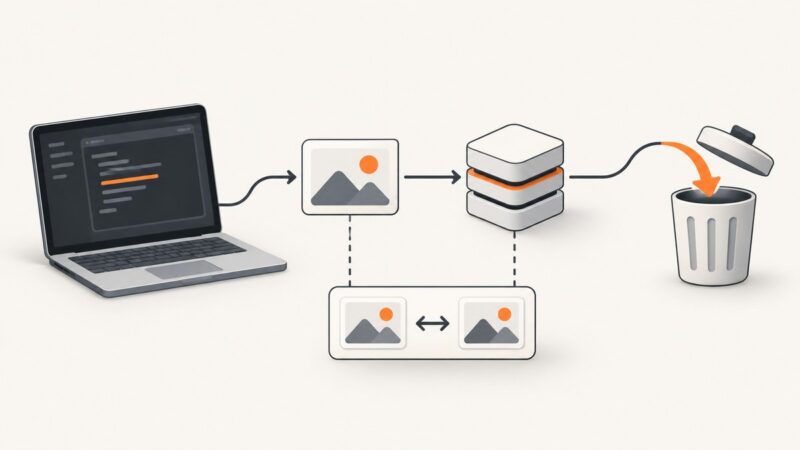
Learn which screenshot resources can be deleted, how expiry and baselines differ, and how to verify retention without deleting the wrong asset.
Capture website screenshots with Playwright in Python or JavaScript. Choose viewport, full-page, or element captures, control output, and troubleshoot common failures.
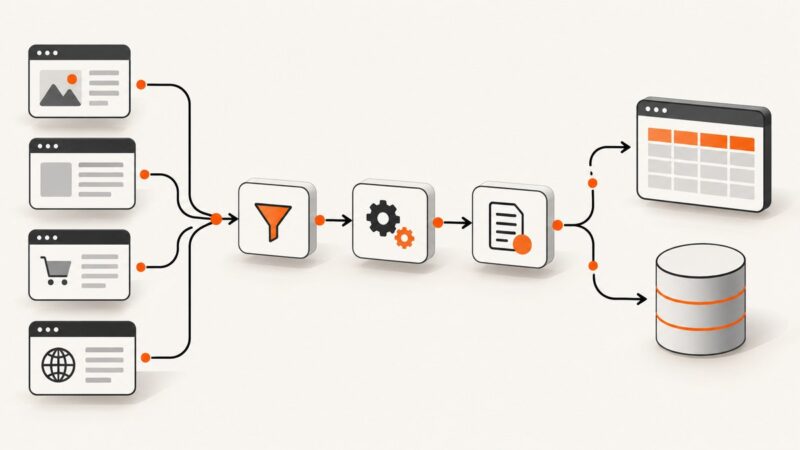
Build a reliable Make scraping workflow with HTTP requests, pagination, filters, storage, troubleshooting, and a browser-rendering fallback.
Build a Make scenario that turns an event and its source data into a document, then saves or delivers the result reliably.
Learn how to get approved StockX API access, authenticate with OAuth, query catalog and market data, handle limits, and build a reliable client.
Render a URL or HTML string in ASP.NET with Playwright, return PNG or JPEG bytes, deploy browsers safely, and compare a hosted API option.