Fixing White or Blank Website Screenshots
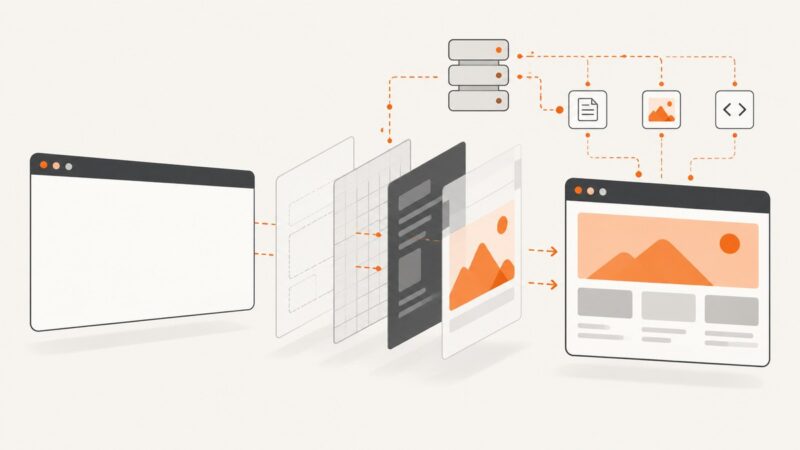
A practical guide to diagnosing blank screenshots caused by rendering timing, CORS, iframes, MIME types, bot checks, and browser policies.
A practical guide to diagnosing blank screenshots caused by rendering timing, CORS, iframes, MIME types, bot checks, and browser policies.
Measure proxy traffic, block only unnecessary requests, and validate capture quality so bandwidth savings don’t come at the cost of missing content.
Build scheduled and event-driven n8n screenshot workflows with Browserless, then compare a hosted API shortcut for clean, reliable captures.
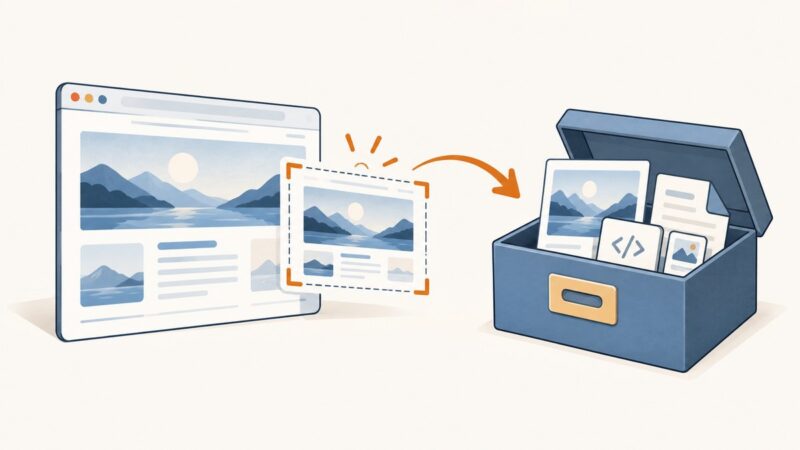
Select and save part of a webpage with Chrome, Firefox, Windows Snipping Tool, code, or ScreenshotNeo’s element capture API.
Build a repeatable screenshot audit that finds visual funnel friction, compares reviewed baselines, and connects changes to analytics evidence.
Build a Python screenshot script with Playwright, then schedule it with APScheduler or your operating system. Covers capture options, reliability, and troubleshooting.
Use Clobbr to measure a screenshot API’s baseline latency, concurrency behavior, and failure rate without mistaking a quick diagnostic for a capacity guarantee.
Capture a Facebook post with your device’s built-in screenshot tools, or export your own account data when you need an archive.
Apps Script can coordinate screenshot jobs, but UrlFetchApp does not render webpages. Learn how to capture pages with headless Chrome, handle batches, and work within Apps Script limits.
Compare seven practical Chrome screenshot workflows, with runnable Puppeteer, Playwright, CDP, headless, Recorder, test, and MCP examples.
PHP can capture an existing desktop or drive a real browser to screenshot a webpage. Compare five methods, with runnable code, setup notes and fixes for common errors.
Capture website screenshots in n8n with an HTTP Request node, secure credentials, dynamic-page waits, and reliable downstream storage.
Capture the current view or a full page with agent-browser, save to an explicit path, and learn what the documented element and PDF options can do.
Use Playwright for .NET to capture a webpage as an image in C#. Set up Chromium, save a viewport or full-page screenshot, and choose the right output options.