How to Scrape Amazon Best Sellers by Category
Learn how to collect Amazon Best Sellers by category, choose an authorized data source, parse permitted HTML, and keep ranked product data reliable.
Learn how to collect Amazon Best Sellers by category, choose an authorized data source, parse permitted HTML, and keep ranked product data reliable.
Learn when to record a real screen and when to animate still screenshots, with workflows for Android, Qt Creator, Apple devices, and web pages.
Generate an image, host it at a public HTTPS URL, then create and publish an Instagram media container with the Graph API.
Capture a website with Go and chromedp. Choose element, viewport, or full-page screenshots, save the image, and handle common browser issues.
Diagnose false positives, choose Playwright or direct HTTP, configure owner-side allowlists, and capture authorized pages without treating automation as a bypass.
Handle 403s, 429s, CAPTCHAs, and JavaScript challenges with an authorized, reliable scraping workflow.
Improve an animated GIF by preparing frames before palette reduction, tuning dithering consistently, and checking motion, transparency, and file size after optimization.
Use the Stack Exchange API to collect Stack Overflow questions and answers reliably, with pagination, backoff, attribution, code examples, and policy guidance.
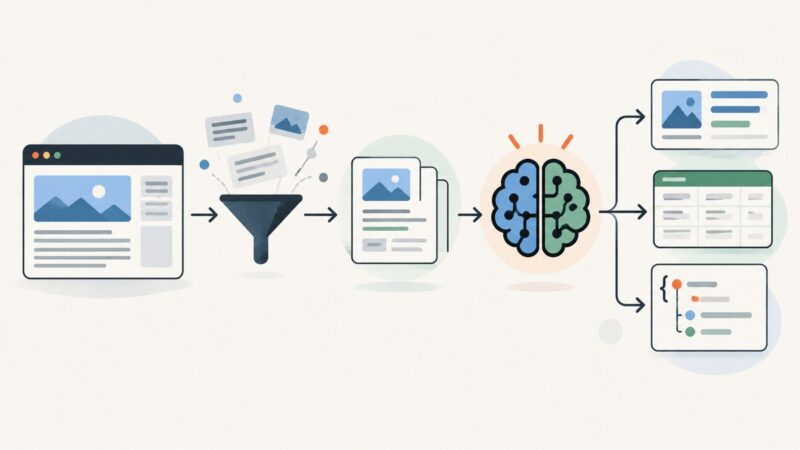
Fetch a page with Python, clean its HTML, and use Perplexity to extract validated JSON. Learn when JavaScript rendering is needed and how to handle failures.
Route compatible Linux applications through Tor with ProxyChains-ng, prevent DNS leaks, verify the path, and understand the limits of per-process anonymity.
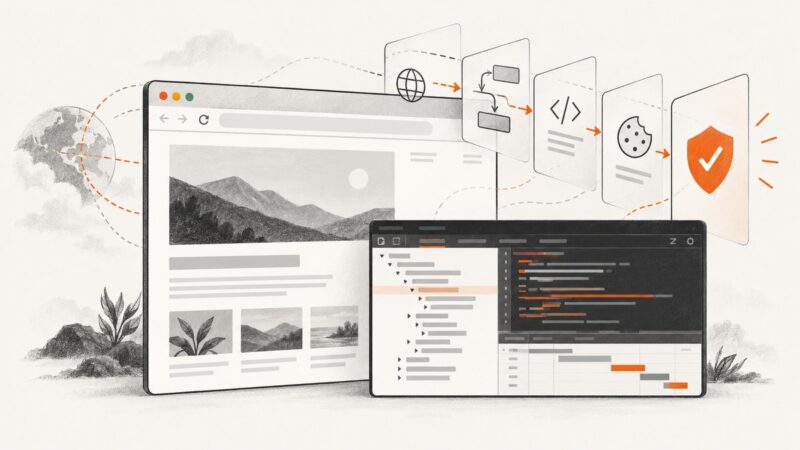
Use Chrome DevTools to identify challenge pages, redirects, injected scripts, cookies, and invisible bot scoring without trying to bypass protection.
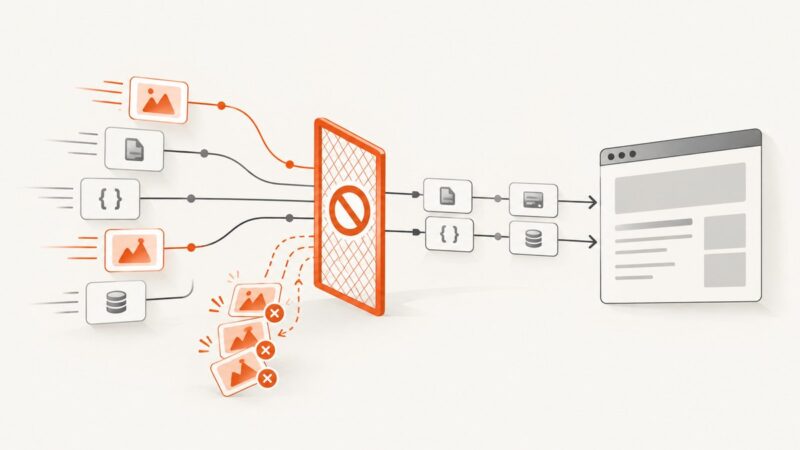
Block images in Puppeteer by enabling request interception and aborting requests classified as images. Here’s runnable code, safe handler patterns, troubleshooting, and alternatives.
Use Fetch in Node.js to read webpage responses without browser rendering, handle CORS and errors, and know when you need a screenshot API.
Capture a website as visitors in another country see it. Learn how IP routing, locale, timezone and browser geolocation affect the result.
Scrape JavaScript-heavy pages with Playwright using reliable waits, robust locators, and response capture, while respecting site rules and diagnosing failures.
Learn how to watermark website screenshots with logos or text, choose placement and opacity, automate batches, and avoid readability and export problems.
Learn when to add effects during image generation and how to refine shadows, blur, and depth in Photoshop, Canva, or code.
Learn how to capture clean website screenshots by dismissing or hiding overlays, filtering ads, automating Playwright, or using ScreenshotNeo.