Why Does My PDF Download URL Return a 403 Error?
A 403 means a server understood your PDF request but refused it. Find the denying layer and fix CloudFront, S3, signed URL, WAF, and client errors.
A 403 means a server understood your PDF request but refused it. Find the denying layer and fix CloudFront, S3, signed URL, WAF, and client errors.
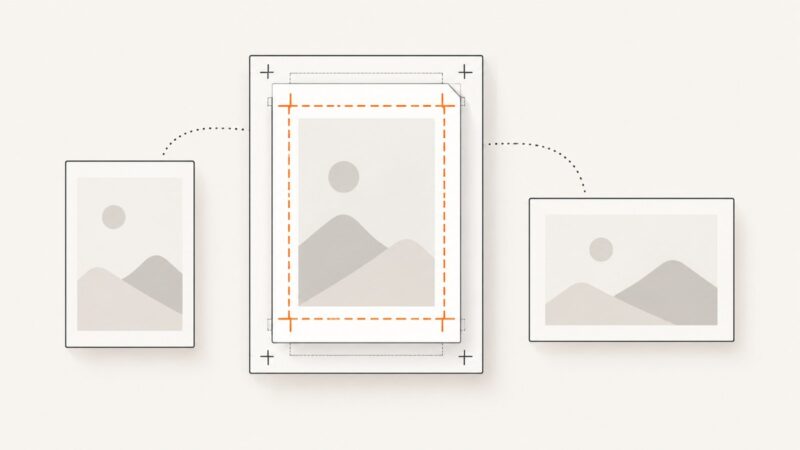
Learn how PDF page dimensions, cropping, print scaling, orientation, and viewer layout differ—and how to choose the right setting for your goal.
Learn how to prepare print CSS, control page breaks, and generate reliable PDFs with Puppeteer or Playwright.
Generate reliable PDFs from URLs or HTML with Playwright, control print layout, debug rendering issues, and compare a managed ScreenshotNeo workflow.
Render your HTML invoice in Chrome or Playwright, control print CSS and page layout, and avoid common PDF generation failures.
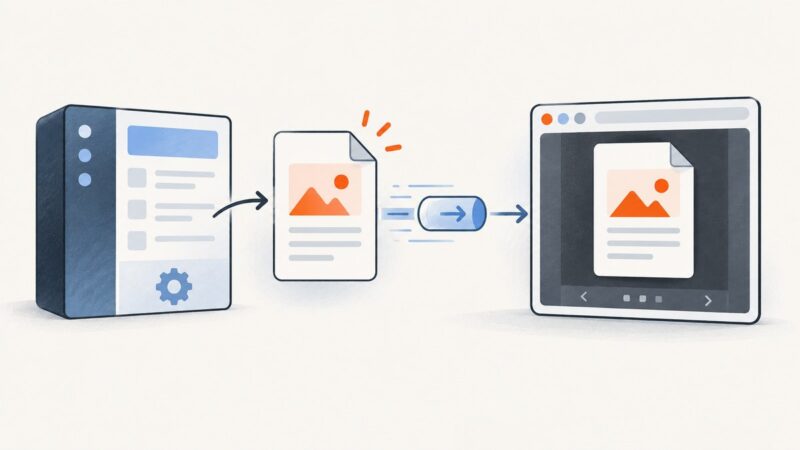
Return PDFs correctly, preview them with iframe or PDF.js, handle Blob URLs and CORS, and choose the right delivery pattern for your app.
Learn three reliable ways to convert any web URL into a PDF: managed APIs, Playwright browser automation, and ScreenshotNeo.