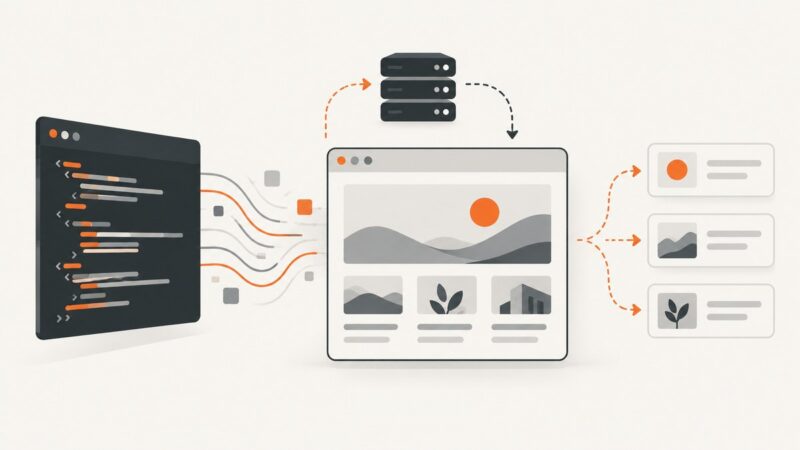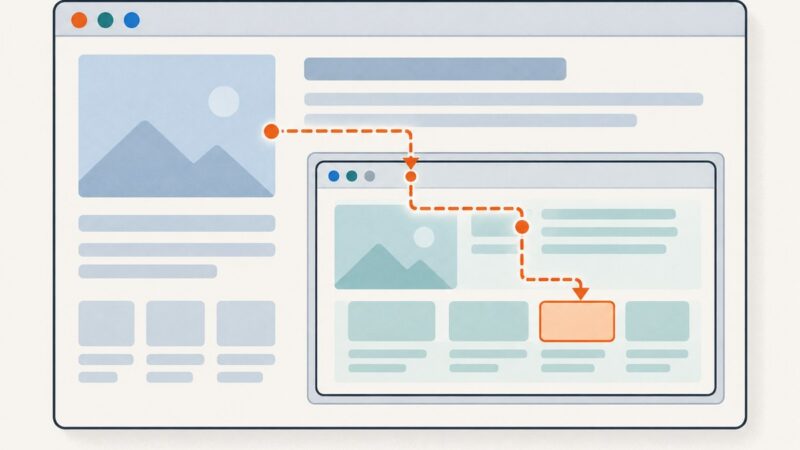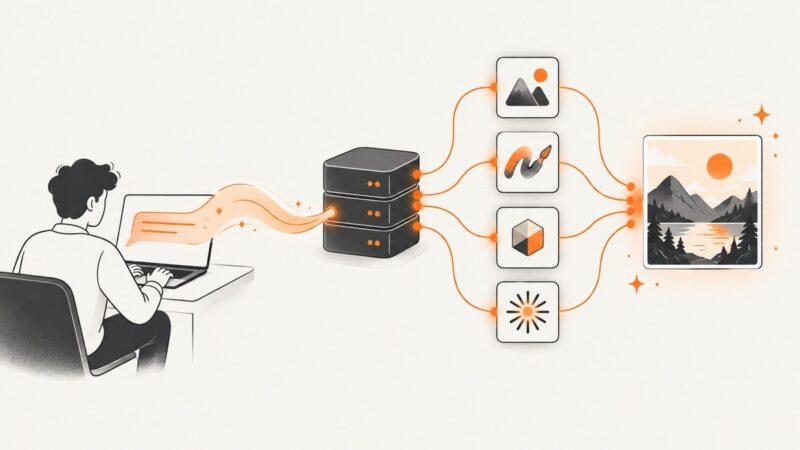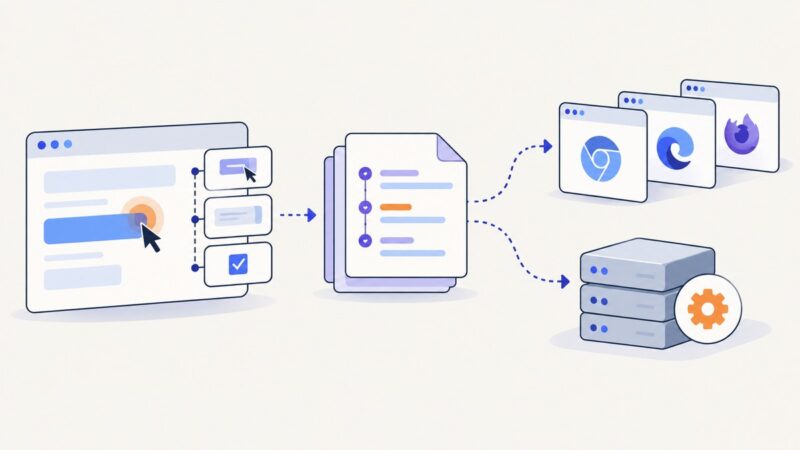
How to Use Browser Automation with CrewAI for Smarter, Cheaper Web Scraping
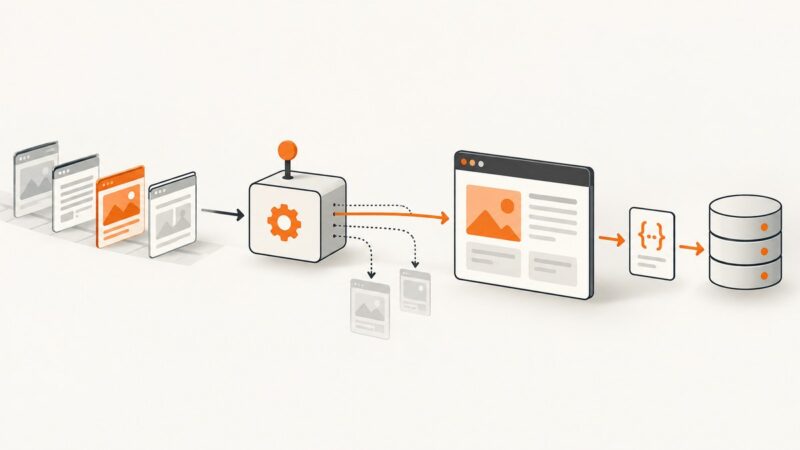
Use CrewAI Flows to control scraping and reserve browser automation for pages that need it. Here’s a runnable pattern for retries, validation, and lower costs.
Blog
How to take clean screenshots, turn HTML into images and PDFs, run headless browsers, and give AI agents eyes. Written by the team that builds ScreenshotNeo.
Use CrewAI Flows to control scraping and reserve browser automation for pages that need it. Here’s a runnable pattern for retries, validation, and lower costs.
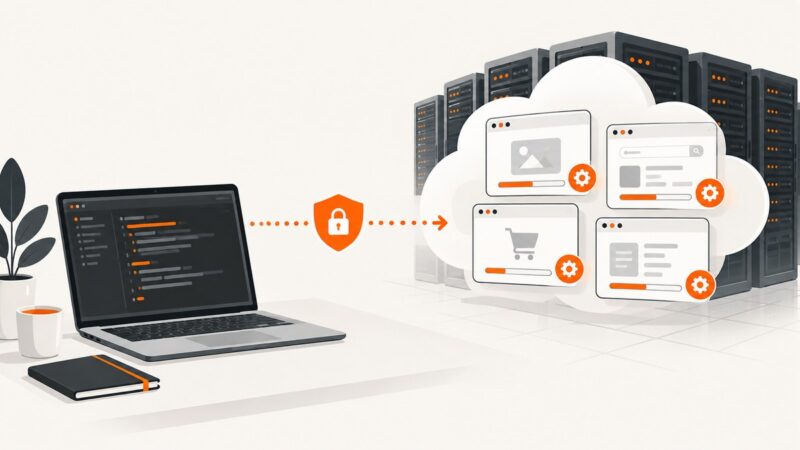
Learn how managed cloud browsers work, when BaaS beats self-hosting, how to compare providers, and how to run Playwright remotely.
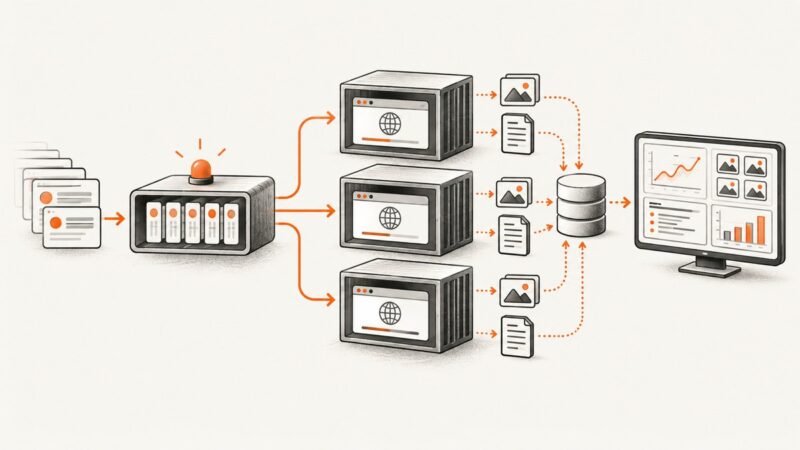
Design reliable headless browser automation with practical guidance on worker concurrency, session isolation, browser versions, CI, and scaling.
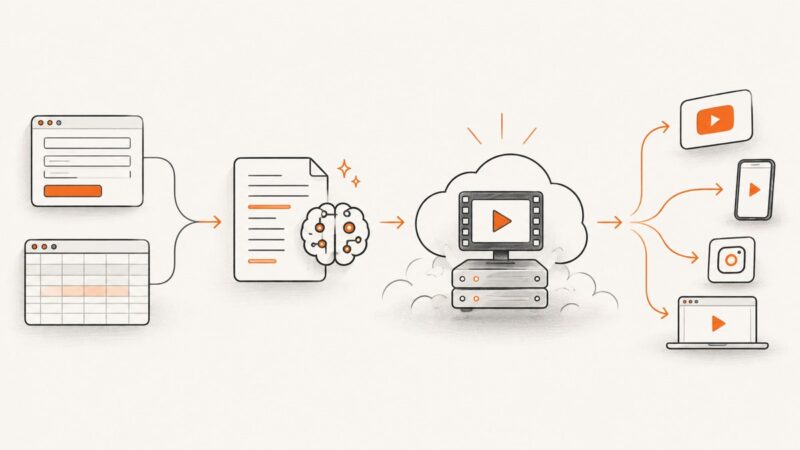
Build a reliable Zapier video pipeline: structure a brief, generate a script, render with Creatomate or HeyGen, wait for completion, and publish.
Playwright Codegen gets you from browser actions to test code. Learn how to refine recordings, isolate state, expand coverage, and scale safely in CI.
Compare browser-based scraping APIs for JavaScript-heavy sites, including rendering, waits, automation, billing, reliability, and setup guidance.
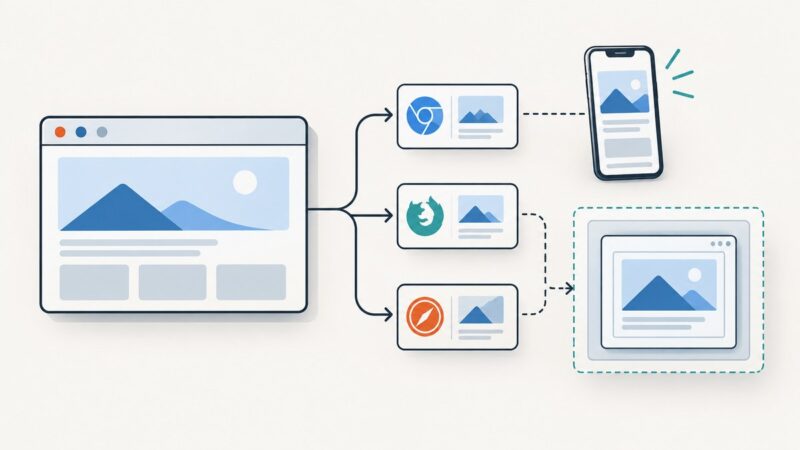
Choose a browser automation setup by measuring suite speed, mobile coverage, and iframe needs. Get runnable Playwright and Selenium examples plus practical guidance.
Build a repeatable Medium image workflow: generate a story-fit cover, validate it, upload it, set the focal point, and automate screenshots safely.
Build a reliable first browser test: choose a framework, install its prerequisites, write a stable end-to-end check, and prepare it for CI.
Learn how to choose a PDF renderer, control layout and assets, preserve semantics, validate output, and automate reliable document generation.
Image generation APIs can create and edit images inside software, support iterative creative workflows, and help with commerce and brand content. Here’s how to choose an API and build it into a product.
Compare Playwright and Selenium for browser tests, cross-browser coverage, setup, and permitted scraping, with runnable JavaScript examples and a practical choice guide.
Generate a Pinterest-ready image for every Next.js blog post with App Router, ImageResponse, safe layouts, caching, and reliable fallbacks.
Build one event poster per audience time zone with Node.js, correct DST handling, reusable templates, and reliable image rendering.
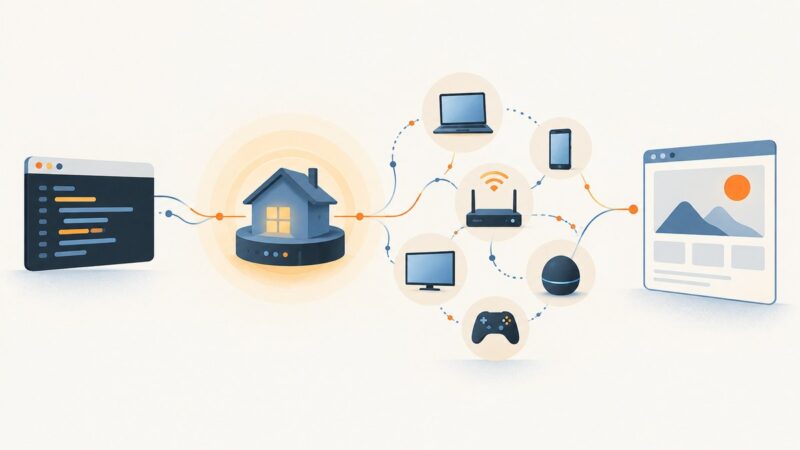
Use Zapier to coordinate browser automation with Code steps, webhooks, external Playwright workers, or the Chrome Extension.
Learn how to add client-specific email previews to an app, handle capture results and hosted images, and fit screenshots into a reliable pre-send QA workflow.
Fetch crypto prices from CoinGecko, turn them into Chart.js data, and render reliable PNG or WebP images with an image API.
Screenshot APIs commonly return PNG, JPEG, or WebP, and some also support PDF. Learn how to choose a format, handle responses safely, and use it in cURL, Python, or Node.js.