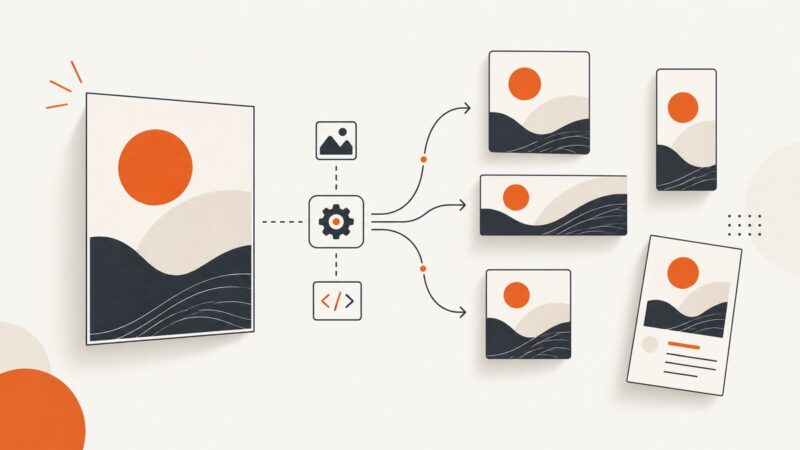
How to Automatically Generate LinkedIn Images for a Job Board
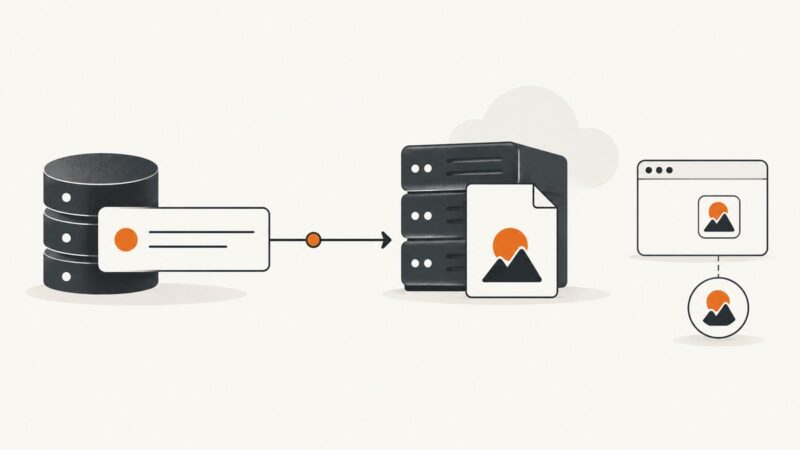
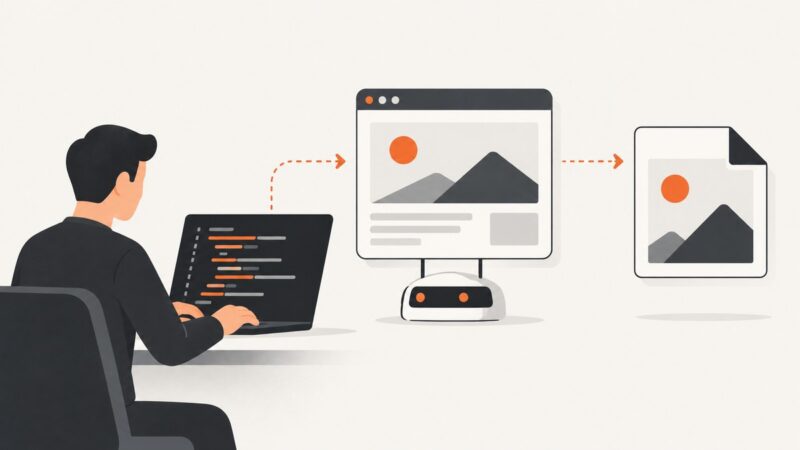
Build an approval-based workflow that turns job listings into branded LinkedIn images, validates assets, and publishes safely at scale.
Blog
How to take clean screenshots, turn HTML into images and PDFs, run headless browsers, and give AI agents eyes. Written by the team that builds ScreenshotNeo.
Build an approval-based workflow that turns job listings into branded LinkedIn images, validates assets, and publishes safely at scale.
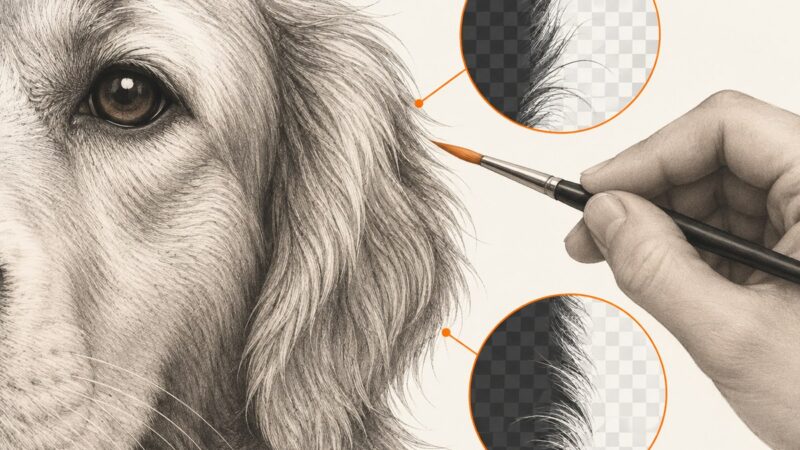
Learn how to remove image backgrounds in Canva or Photoshop, fix difficult edges, preserve transparency, and automate clean image capture.
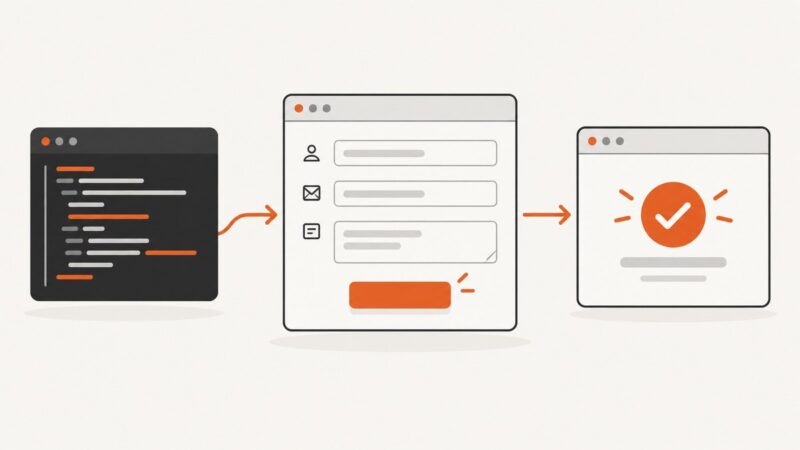
Use Puppeteer locators to fill and submit a form, then verify completion with the signal that matches the site. Includes runnable patterns, troubleshooting, and a screenshot API option.
Yes—PNG and WebP can preserve transparent pixels. Learn alpha, export settings, background removal, troubleshooting, and practical workflows.
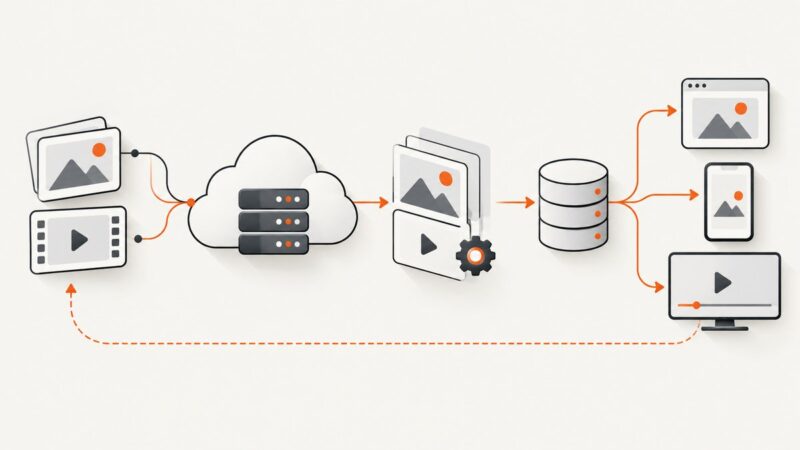
Use Sharp and a size manifest to create image variants in Node.js. Choose the right crop behavior, handle failures, and control batch concurrency.
DNS does not provide a universal logo directory. For email branding, query a domain’s BIMI TXT record and follow its indicator URL; for website logos, inspect the site’s assets separately.
Install Puppeteer, Chrome, Linux dependencies, and a reliable Node.js service on Ubuntu EC2, then diagnose common launch and SSH failures.
Deploy Puppeteer reliably on Azure Functions: choose the right plan, package Chrome, avoid read-only filesystem traps, and fix missing-browser errors.
Use Playwright for .NET to capture a website as a viewport, full-page image, or element screenshot, with runnable setup and troubleshooting steps.
Use Puppeteer to hide a verified cookie banner for a clean screenshot, or interact with its controls to test consent. Includes runnable examples, iframe handling, and fixes for common failures.
Create hundreds of consistent image variations from a spreadsheet using Canva, Adobe Express, Zapier, Make, and practical validation steps.
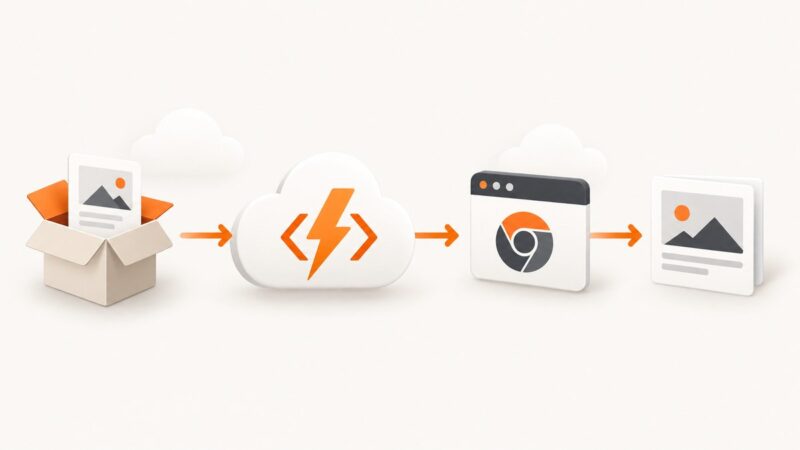
Deploy Puppeteer and Chromium on AWS Lambda with containers or layers, arm64 guidance, working code, troubleshooting, and a browser-free API option.
Use Playwright’s screenshot-time CSS to blur selected page content without editing the site. Learn when to use a solid mask, how to capture one element, and how to troubleshoot.
Set up Playwright MCP, choose browser and profile settings, secure the trust boundary, and decide when hosted browsers or ScreenshotNeo fit.
Build a Node.js workflow that drafts conference updates from approved facts, routes them to Buffer channels, and schedules posts with review and error handling.
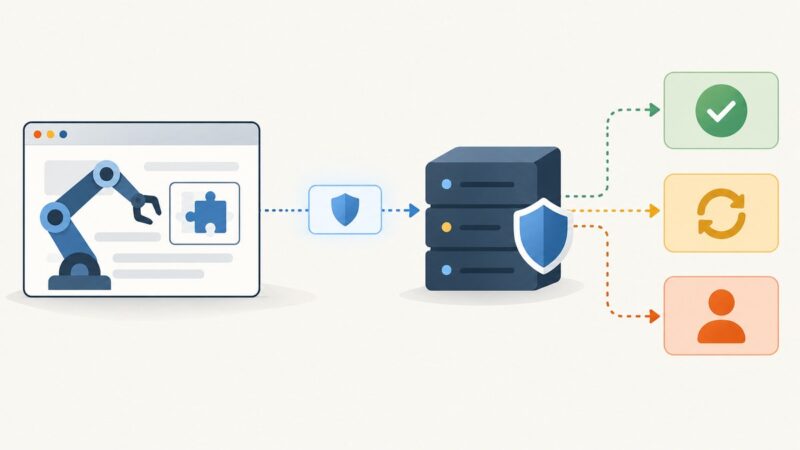
Learn how CAPTCHA tokens, backend verification, CI test keys, and browser automation fit together without attempting unsafe or unreliable bypasses.
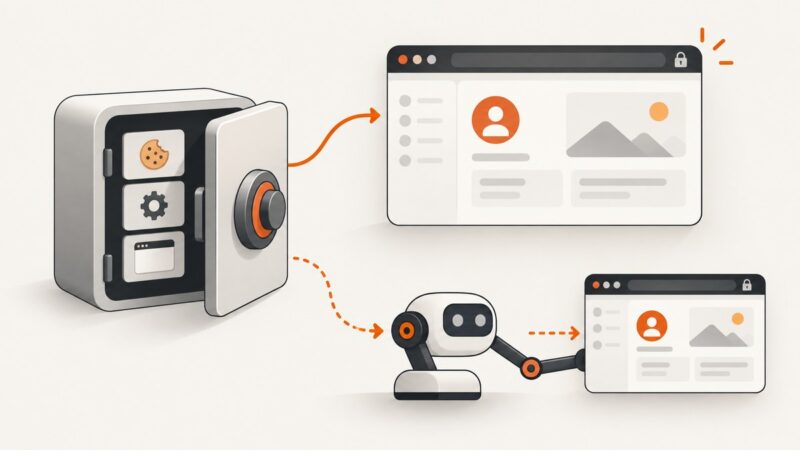
Reuse signed-in Playwright sessions safely with storageState, cookies, local storage, session storage, and practical troubleshooting.
Build a secure Node.js gift-card issuer with cryptographic codes, unique database constraints, atomic redemption, OpenAI metadata, and Shopify integration.