Multi-Page Browser Automation: Pages, Contexts, Popups, and Multiple Users
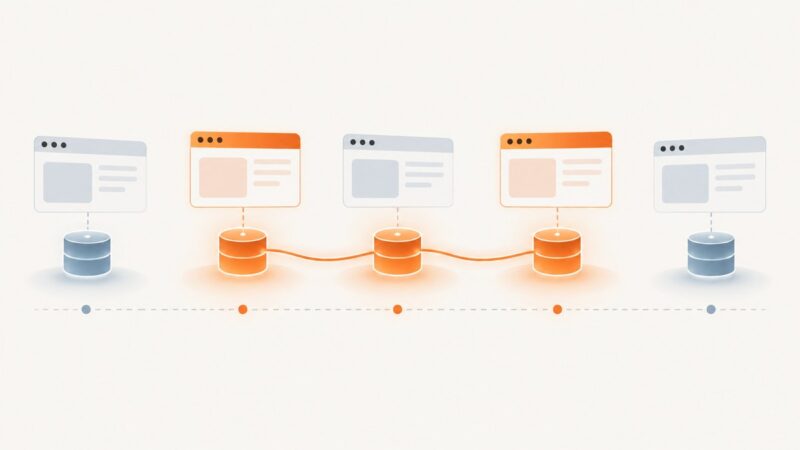
Learn how to automate multiple tabs, popups, and isolated users with Playwright, with practical lifecycle, debugging, and reliability patterns.
Puppeteer, Playwright, Selenium and headless Chrome, and what they take to run well.
Learn how to automate multiple tabs, popups, and isolated users with Playwright, with practical lifecycle, debugging, and reliability patterns.
Choose the right Playwright strategy for isolated tests, reusable logins, or a browser profile that survives restarts—and keep that state secure.
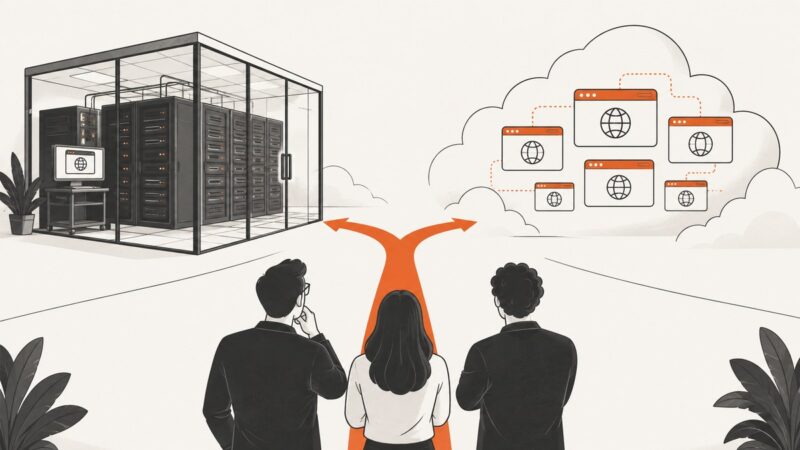
Decide whether to run Playwright or Selenium yourself by weighing privacy, network access, concurrency, coverage, operations, and total cost.
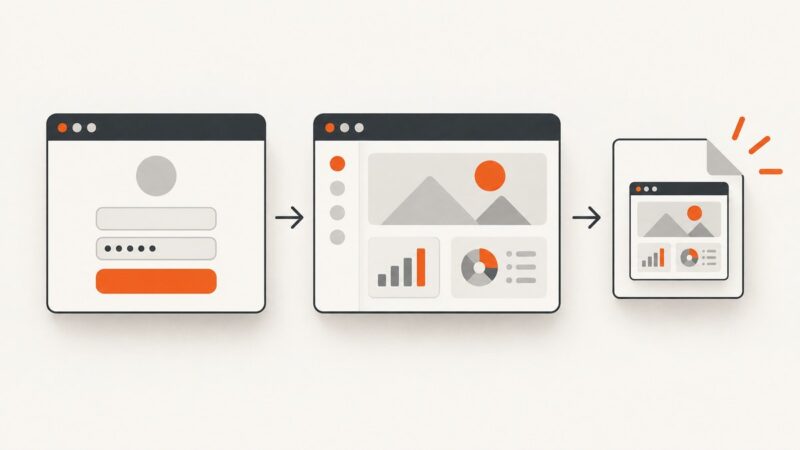
Learn when to use Playwright storage state or persistent profiles, how to secure them, and how to reuse authenticated sessions reliably.
Learn the reliable wait-before-action pattern for Playwright and Puppeteer events, promises, popups, requests, downloads, navigation, and failures.
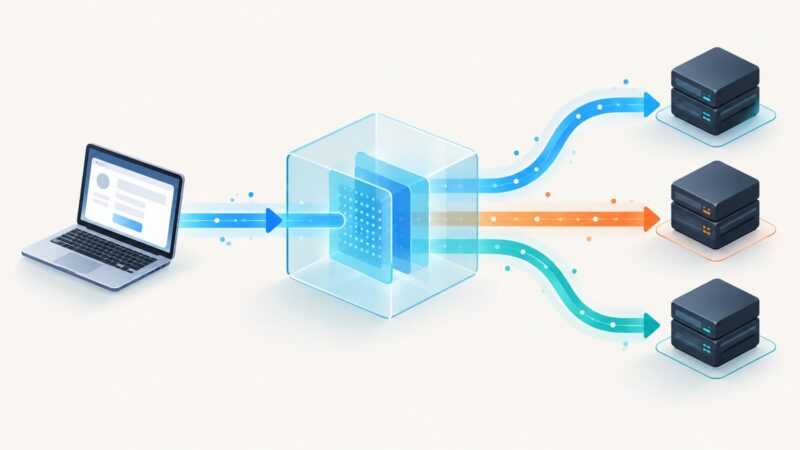
Learn how API proxies route, secure, transform, and observe requests, how they differ from gateways, and when adding one makes sense.
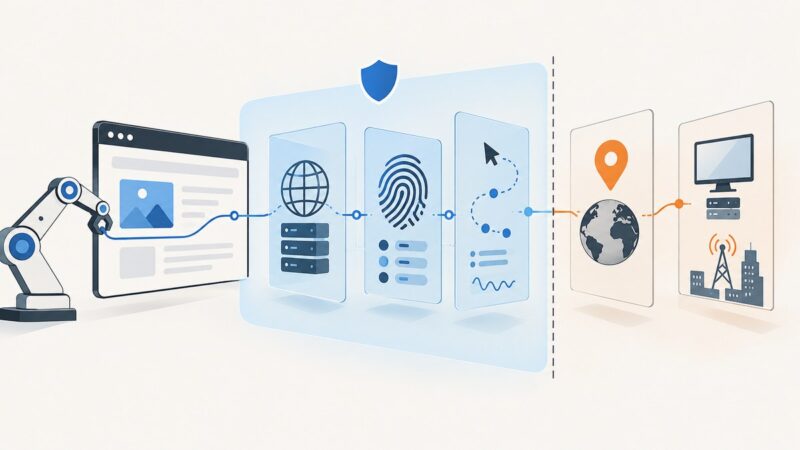
Learn what browser stealth can change, what modern bot detection still sees, and how to build reliable automation for authorized use.
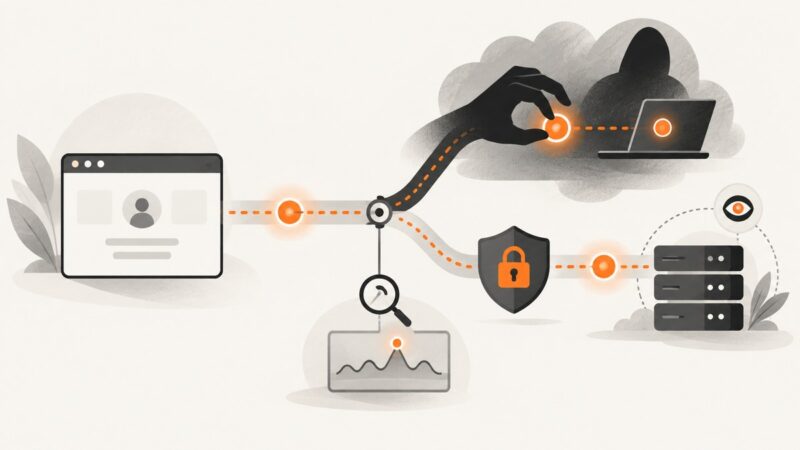
Learn how session hijacking works, how attackers steal or fix session IDs, and how to prevent, detect, test, and respond to compromised sessions.
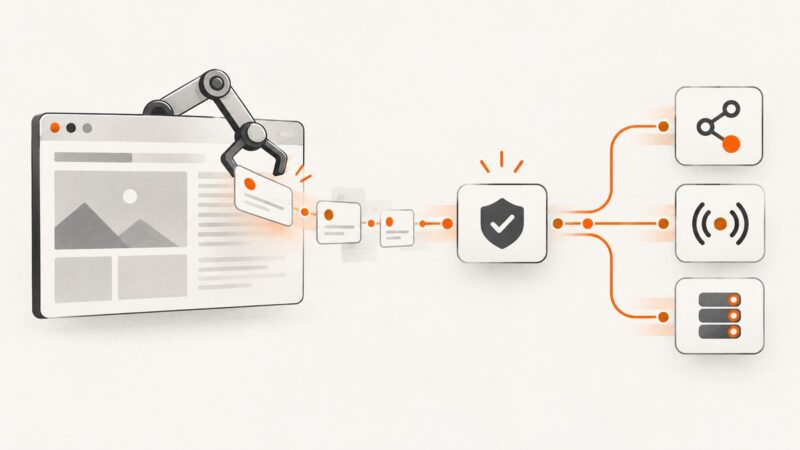
Build a reliable browser-automation pipeline that captures live JavaScript data, validates events, and republishes them through APIs, WebSockets, or queues.
Build browser session replay around the outcome you need: diagnose failures, preserve visual evidence, author tests, or reproduce execution.
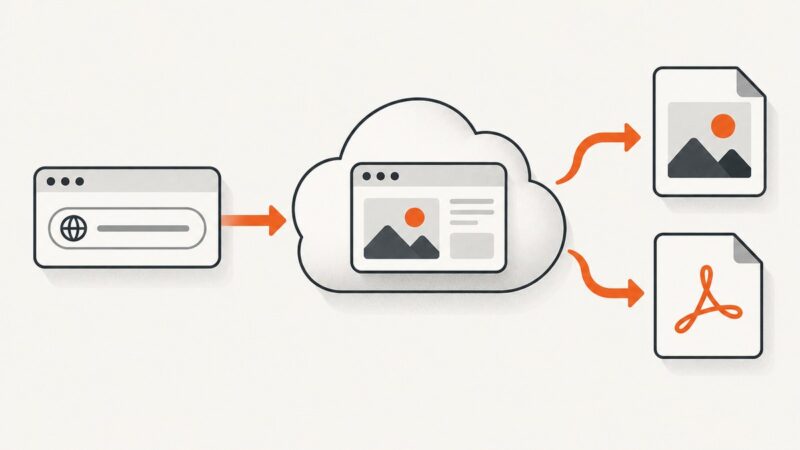
Most screenshot APIs run headless Chromium, but Playwright can use Firefox or WebKit. Learn how engines, versions, fonts and waits change pixels.
Learn how headless browsers work, choose Playwright, Puppeteer or Selenium, and build reliable browser automation with runnable examples.
Design cache layers for browser APIs and screenshots with correct freshness, privacy, readiness, invalidation, and cost controls.
Learn how to build reliable website change monitoring with crawler APIs, snapshots, diffs, scheduling, alerts, and ScreenshotNeo captures.
Learn how to inspect a website’s browser requests, safely replay authorized calls, and document the contract in OpenAPI.
Build reliable webhook handling for async screenshot and image generation jobs, with provider specific verification, retries, idempotency, and recovery.
Keep a Puppeteer browser running while workers disconnect, then reconnect safely with its WebSocket endpoint, lifecycle controls, diagnostics, and production patterns.
Learn how to model editable templates, design a versioned REST API, handle exports as jobs, and choose between building an editor and embedding one.