Automatically Generate Website Screenshots via an API
Learn how to generate reliable website screenshots with Playwright, Puppeteer, or a hosted API, including full-page capture, troubleshooting, and cost.
Learn how to generate reliable website screenshots with Playwright, Puppeteer, or a hosted API, including full-page capture, troubleshooting, and cost.
Add an animated GIF above your template footage, then adjust its position, size, and timing. Here’s the workflow, editor-specific guidance, and fixes for common problems.
Build a Zap that turns a brief or content rows into multiple AI-generated images and routes them to a social publishing step, with checks for output mapping and account requirements.
Upload website screenshots to Amazon S3 with the console, CLI, SDKs, or secure browser presigned URLs—with code, CORS, IAM, and fixes.
Choose Zapier, Make, or a browser automation API based on the task. See runnable workflows, code, setup guidance, costs, and fixes for common failures.
Pexels has no random-photo endpoint. Search or use its curated feed, then choose and rotate photos in your application.
Use an Airtable button to send record data to an external API with JavaScript fetch. Choose a scripting extension for manual runs or an automation for background work.
Build a server-side image-generation pipeline with structured prompts, review, and caching so your app can create polished, on-brand visuals reliably.
Build an Airtable automation that renders, validates, and stores YouTube thumbnails whenever a record is approved.
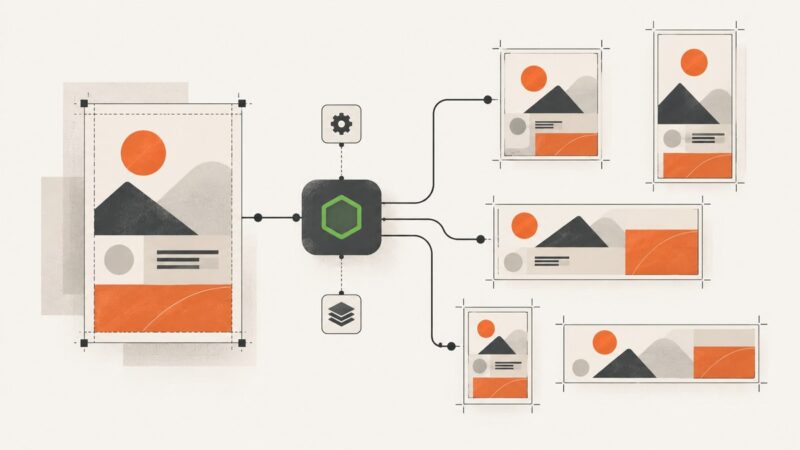
Build one reusable event graphic template and render it at every target size with Node.js. Compare Sharp, node-canvas, and hosted rendering, with complete code and layout checks.
Build a one-click Airtable workflow that sends record data to a graphics renderer, saves the result, handles errors, and keeps credentials secure.
Generate dynamic Open Graph images from page data with a Next.js API route, Satori, or a hosted service. Learn how to render, cache, and debug social cards.
Learn how to authenticate, send prompts, handle image responses, retries, limits and provider differences when connecting to an image generation API.
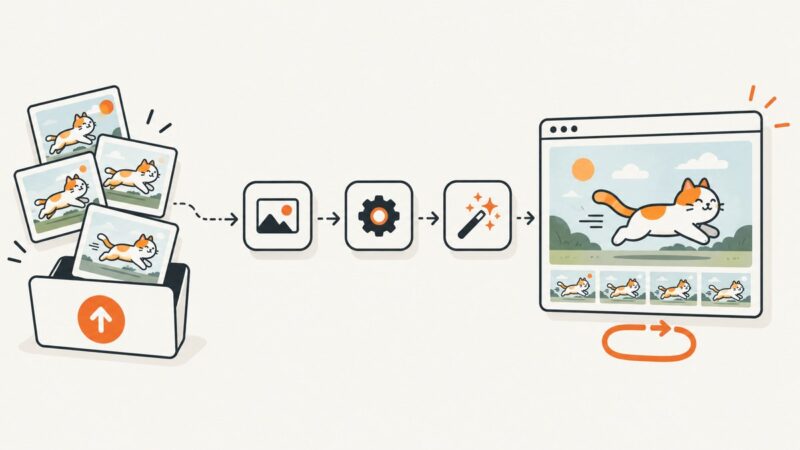
Build a Zap that turns images, video, or template data into animated GIFs, then stores, publishes, and monitors the result.
Build an Airtable content engine that drafts, reviews, schedules, and publishes social posts with reliable approvals and error handling.
Use Puppeteer to collect browser-resolved links, wait for JavaScript content, and crawl a site with clear scope, deduplication, and error handling.
Learn how to generate, review, and save images from Airtable records using AI fields, automations, templates, and reliable attachment workflows.
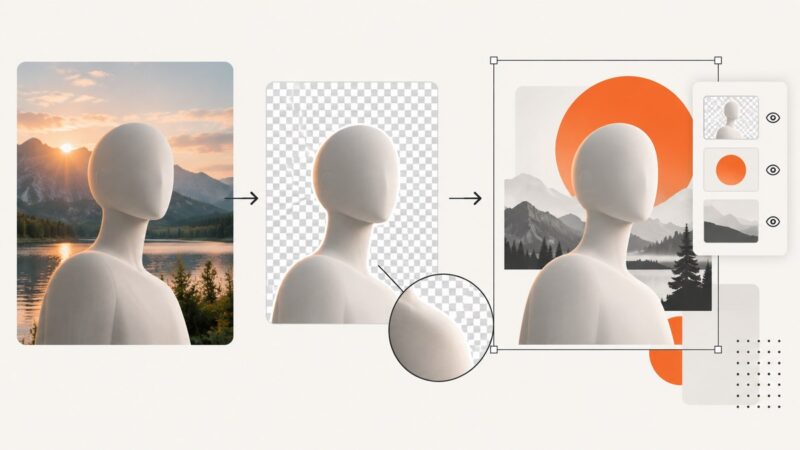
Remove a photo background, refine the subject cutout, and place it in a template. Learn the Adobe Express and Canva workflows and how to export transparency.