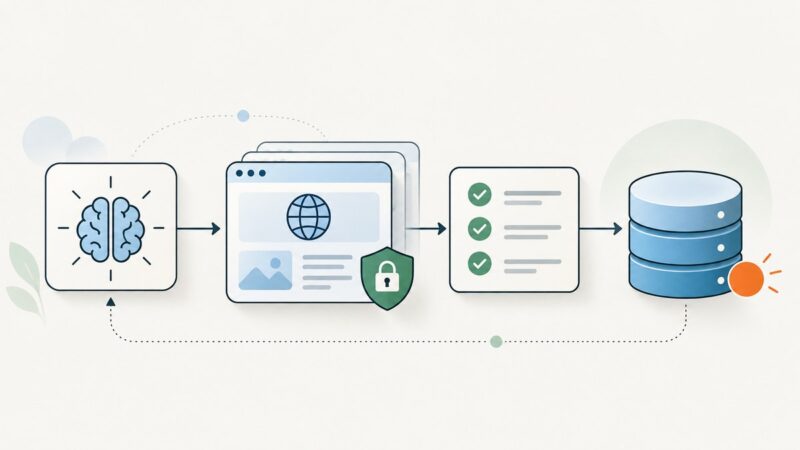
Why Your AI-Built Scraper Works Locally and Breaks in the Cloud
AI-built scrapers often fail in the cloud because browsers, libraries, networking, and startup settings differ from a laptop. Here’s how to diagnose and fix them.
Blog
How to take clean screenshots, turn HTML into images and PDFs, run headless browsers, and give AI agents eyes. Written by the team that builds ScreenshotNeo.
AI-built scrapers often fail in the cloud because browsers, libraries, networking, and startup settings differ from a laptop. Here’s how to diagnose and fix them.
Generate IPv4 samples by legacy class A–E, with runnable code, clear range boundaries, and checks for special-use addresses.
Use Puppeteer’s page.content() for a complete document, or page.evaluate() and selector helpers for specific DOM markup. Includes runnable examples, iframe guidance, and fixes for common extraction issues.
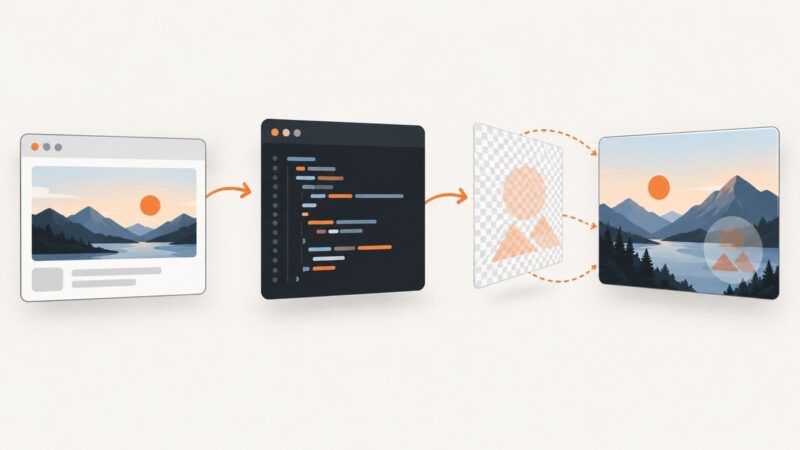
Learn how to capture a webpage, add a text or logo watermark, choose an export workflow, and automate repeat screenshots.
Use screenshots to make design feedback specific and visual regression checks repeatable, from choosing capture scope to reviewing diffs.
Build a reliable LLM scraping agent with a guarded crawl pipeline, typed extraction, evidence, validation, and a runnable Python example.
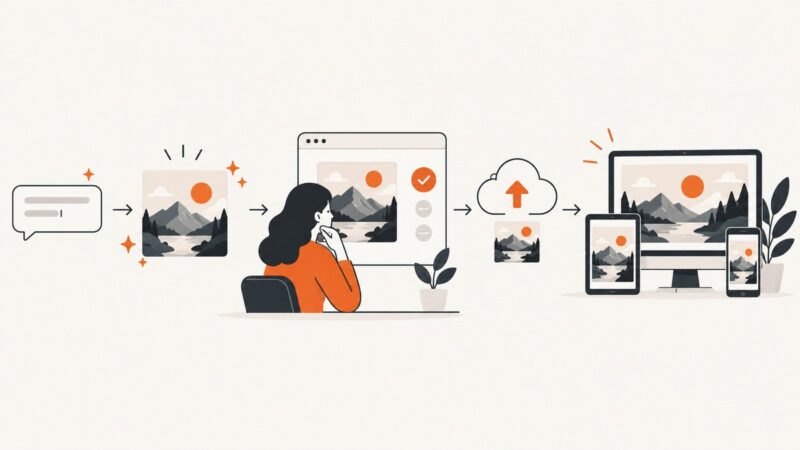
Build a WordPress plugin that generates, reviews, and uploads AI images with the AI Client, then deliver responsive Media Library assets reliably.
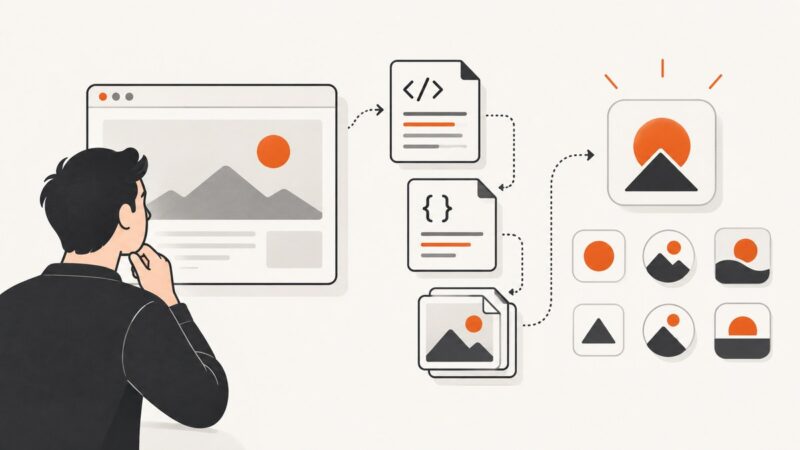
Find a site’s real logo with a layered extraction pipeline: inspect HTML, structured data and manifests, then render and validate ambiguous candidates.
Learn Webflow’s native CMS image setup, what it can’t generate, and how to automate branded Open Graph images with a reliable workflow.
Add text or logo watermarks to ASP.NET screenshots with WebImage, Graphics, and an API workflow, including code, options, troubleshooting, and costs.
A practical workflow for briefing, reviewing, approving, and handing off reusable image templates that stay on brand and work for the people who use them.
Build a repeatable lead-generation process around qualified outcomes, reliable measurement, relevant landing pages, and fast follow-up—not form volume alone.
Learn how to make graphics clickable in PDFs, websites, and prototypes—and how to manage large batches without losing links.
Add a transparent image watermark to every PDF page with PyMuPDF or pypdf, control placement and opacity, and avoid common rotation and readability errors.
Build a scheduled workflow that captures competitor product pages, preserves visual evidence and flags price changes for review.
Build maintainable SaaS documentation by capturing workflows, generating screenshots and steps, reviewing sensitive data, and publishing updates automatically.
Add repeating headers, footers, page numbers, and titles to Java PDFs with iText 7, iText 5, or Apache PDFBox.
Compare API SDK generators by source of truth, language quality, runtime behavior, customization, workflow, and licensing—and learn how to choose safely.