How to Capture Webpages as WebP Images in Ruby
Use Ferrum to capture a webpage in Chrome and save it as WebP from Ruby. Choose viewport, full-page, element, or rectangular captures, then tune quality and scale.
Blog
How to take clean screenshots, turn HTML into images and PDFs, run headless browsers, and give AI agents eyes. Written by the team that builds ScreenshotNeo.
Use Ferrum to capture a webpage in Chrome and save it as WebP from Ruby. Choose viewport, full-page, element, or rectangular captures, then tune quality and scale.
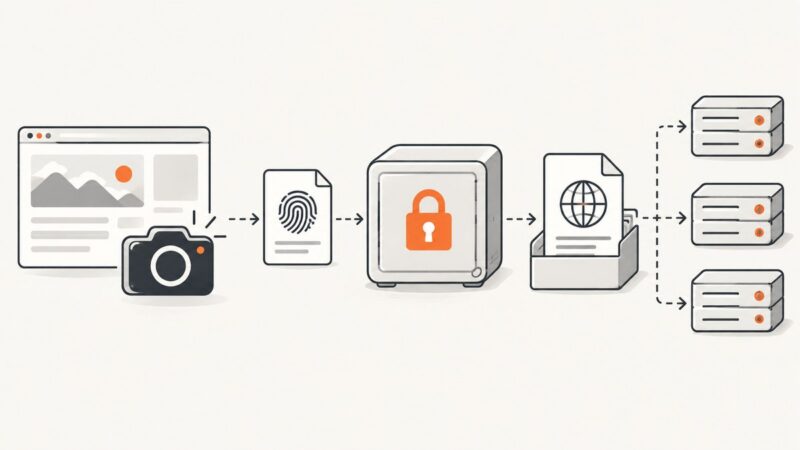
A practical workflow for capturing, hashing, storing, and presenting website screenshots with verifiable evidence and WARC context.
Save any rendered webpage as a PNG with Firefox or Playwright, capture full pages and elements, troubleshoot failures, and automate reliable screenshots.
Use Python’s built-in argparse to define positional inputs, flags, defaults, and validation, then parse them into a Namespace.
Capture a webpage as a JPEG in Python with Playwright, including full-page and element screenshots, quality settings, troubleshooting, and an API alternative.
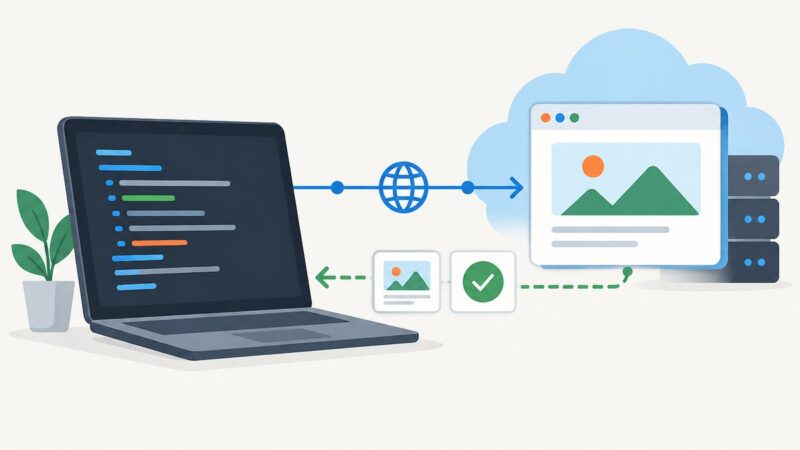
Install Playwright, run a test locally, then connect it to a cloud browser. This quickstart covers provider protocols, configuration, troubleshooting, and when a screenshot API is a simpler fit.
Capture one HTML element as an image with Playwright or html2canvas. Choose the right method, handle cross-origin resources, and troubleshoot common failures.
Learn how cloud browser automation works, choose between managed browsers, APIs, and testing grids, and build reliable workflows with Playwright.
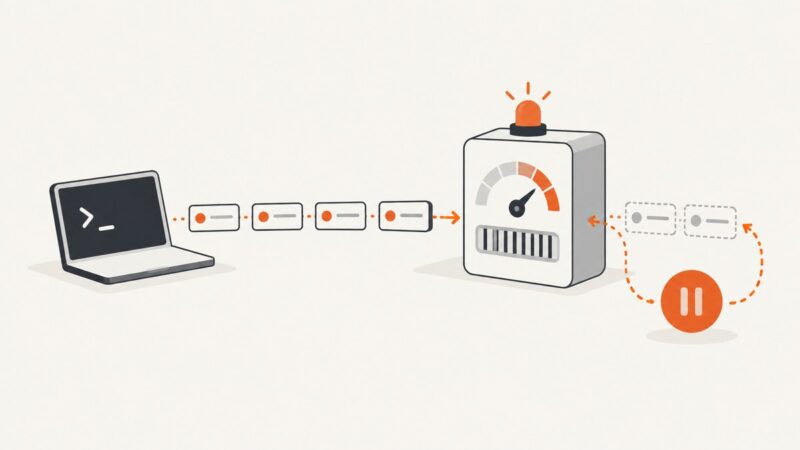
An API rate limit controls request frequency. Learn what 429 means, how Retry-After works, and how to build reliable clients that back off safely.
Learn how screenshot APIs return captures—as image bytes, hosted URLs, async jobs, webhooks, or Base64—and how to retrieve each reliably.
Learn reliable iframe automation with Playwright and Selenium, including nested frames, waits, debugging, and clean ScreenshotNeo captures.
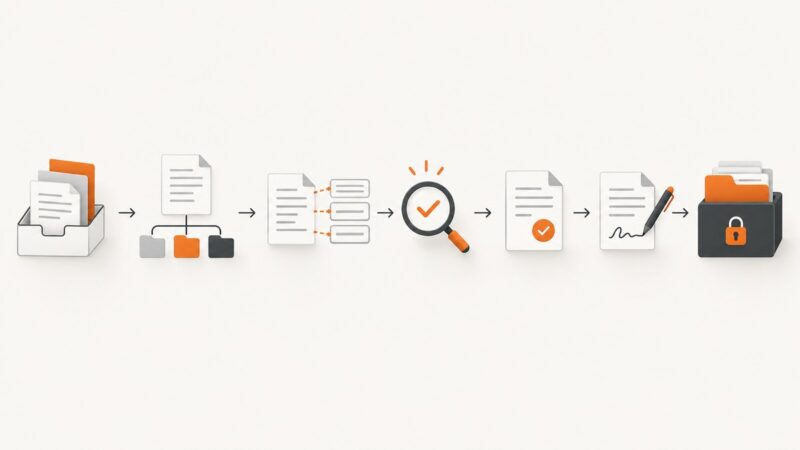
A practical guide to automating document intake, extraction, generation, approvals, signatures, filing, exceptions, and audit controls.
Use Playwright, scheduled jobs, source checks, and compliant email delivery to assemble and send a reliable daily newsletter.
Use Playwright’s Python API to save a webpage as a WebP screenshot, tune quality and dimensions, capture full pages or elements, and troubleshoot common issues.
Learn how cloud browser services work, when to use WebSockets or REST, and how to choose a provider for automation, screenshots, PDFs, and AI agents.
Build a personal Wayfair price tracker around timestamped observations, a clear alert threshold, and a reliable notification path. Check the live listing and checkout total before buying.
Learn how inline, embedded, linked, and API-supplied CSS behaves in Puppeteer and WeasyPrint, with runnable code and fixes for missing styles.
Build reliable inspection PDFs from structured field data, evidence, approvals and corrective actions, with code, templates and troubleshooting.