Using Agent Mode in a Browser Automation CLI
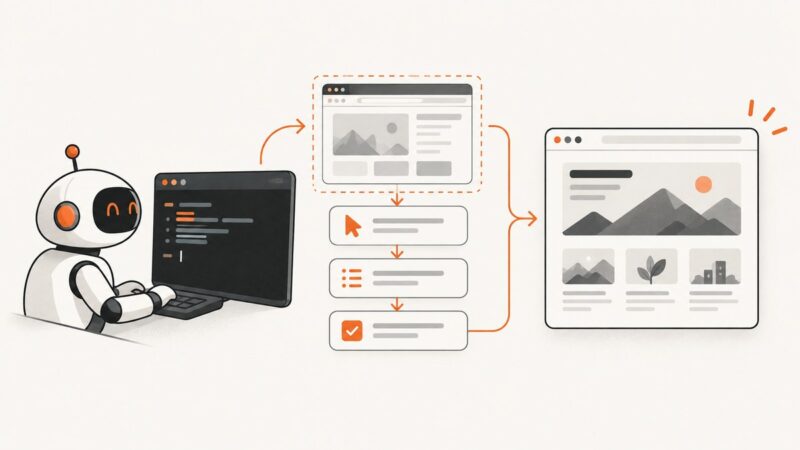
Learn the Agent Mode loop in agent-browser: install it, inspect JSON snapshots, act on fresh element references, and run reliably in CI.
Blog
How to take clean screenshots, turn HTML into images and PDFs, run headless browsers, and give AI agents eyes. Written by the team that builds ScreenshotNeo.
Learn the Agent Mode loop in agent-browser: install it, inspect JSON snapshots, act on fresh element references, and run reliably in CI.
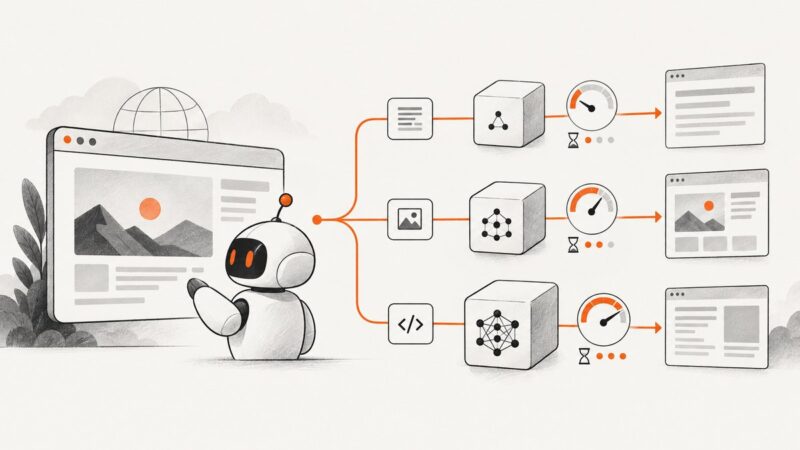
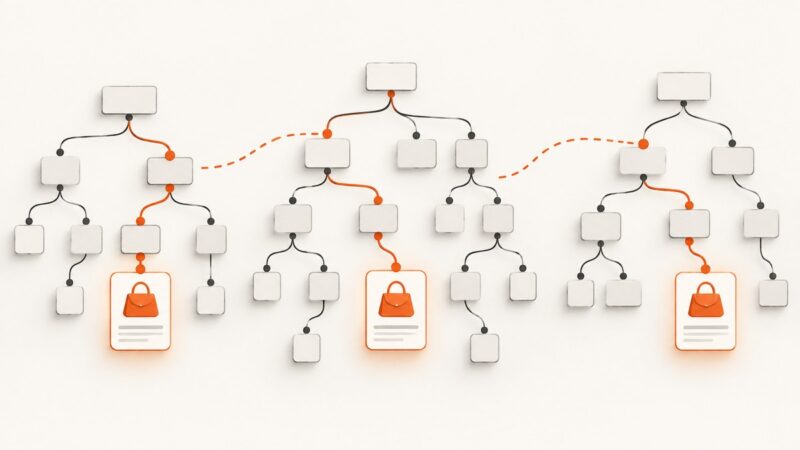
Route each browser step to the cheapest model that meets your quality, latency and safety gates, then measure cost per successful task.
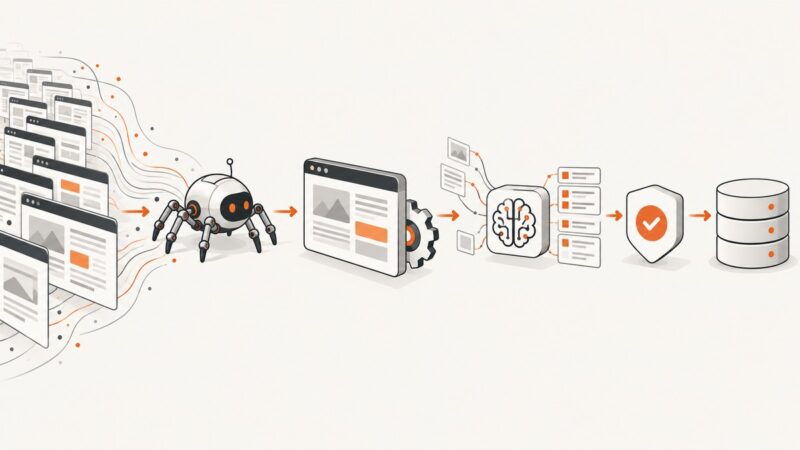
Learn how to collect, clean, annotate, and govern AI training data, with a practical pipeline for quality, privacy, provenance, and ongoing maintenance.
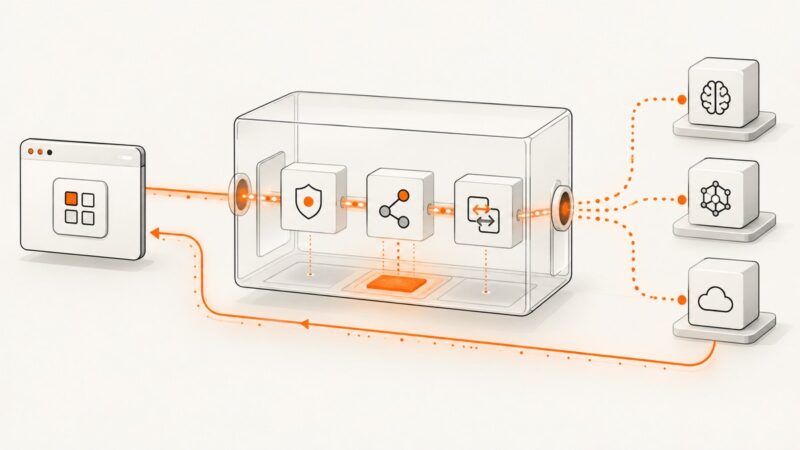
Trace an AI proxy request from authentication and routing to provider response, retries, logging, and practical implementation choices.
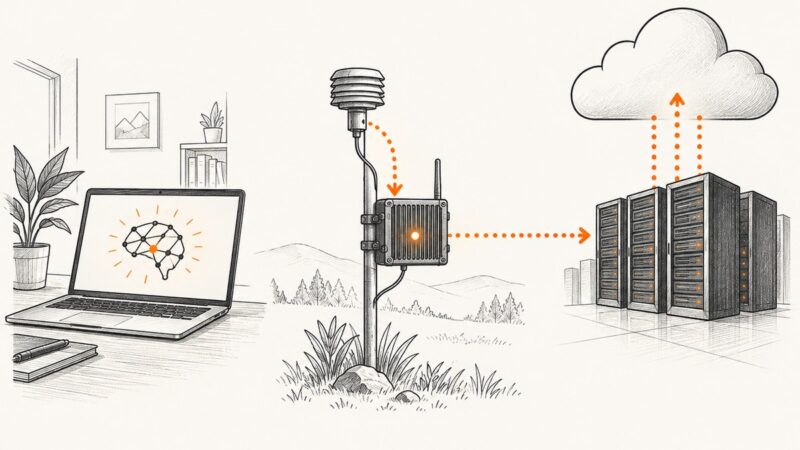
AI hardware is a system of processors, memory, software, and power. Learn how CPUs, GPUs, NPUs, FPGAs, and TPUs differ—and how to choose where AI runs.
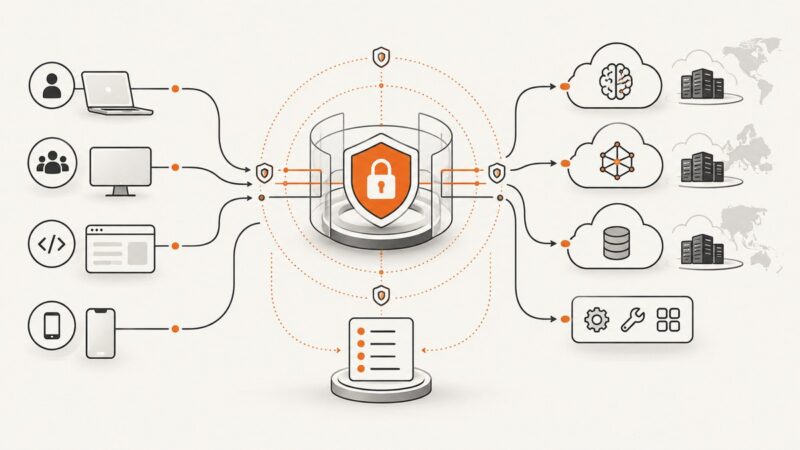
Learn how an enterprise AI proxy centralizes model traffic, enforces zero-trust policy, and creates audit evidence across teams and providers.
Build reusable video templates with smooth keyframed movement, editable controls, replaceable media, and reliable timing in Premiere or After Effects.
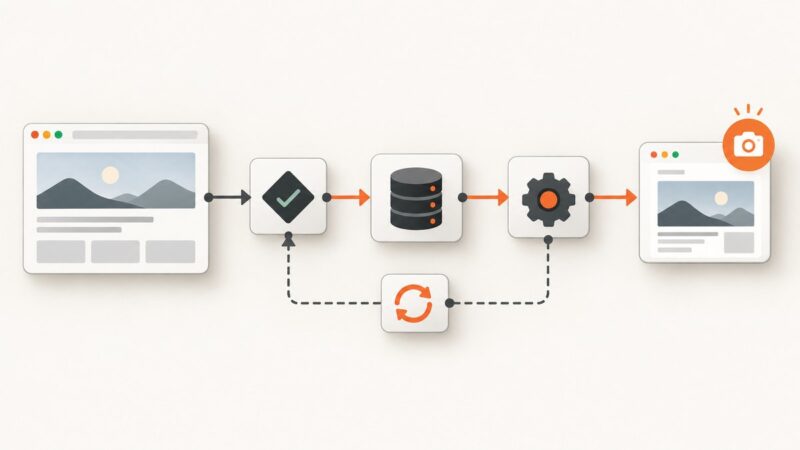
Add reliable website screenshots to Clay with URL validation, HTTP API enrichment, automation, retries, and a ScreenshotNeo shortcut.
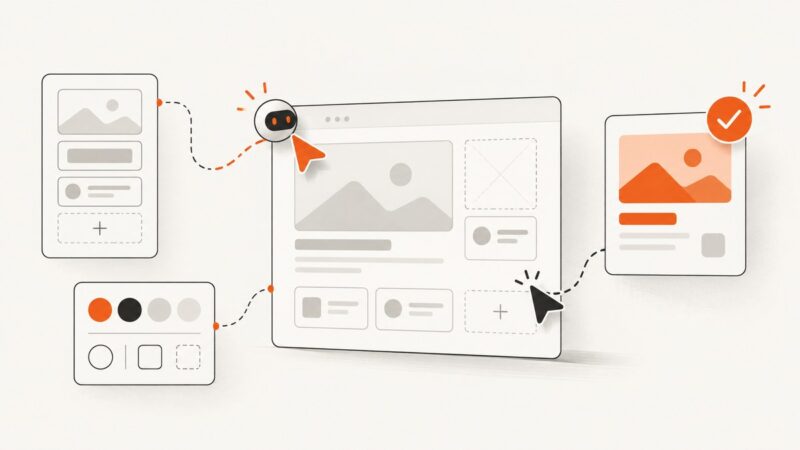
Build a Figma-connected AI design agent that uses your design system, makes reviewable edits, and validates its work before approval.
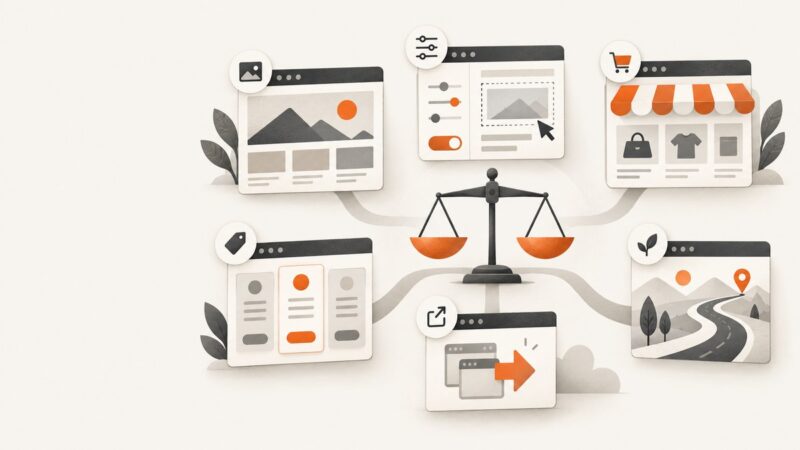
Compare the best AI website builders by site type, editing control, business features, pricing terms, portability, and long-term fit.
AI training data comes from web crawls, licensed collections, human-created examples, public-domain works, and synthetic data. Here’s how those sources are assembled and how to check their provenance.
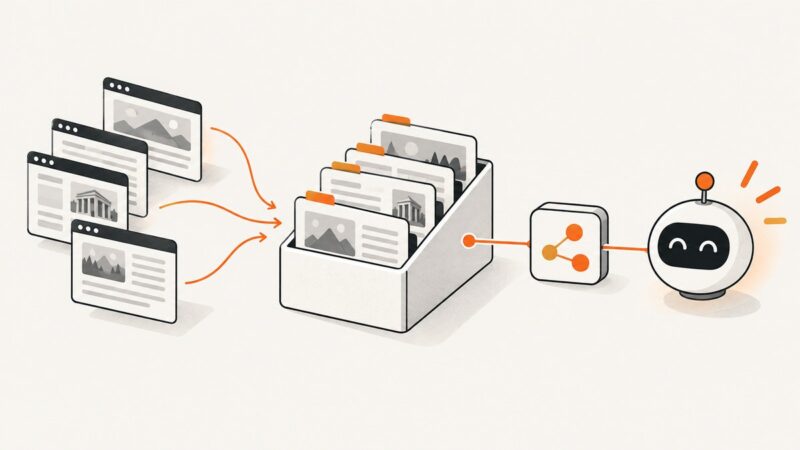
Build a reusable AI research dataset with Web MCP: crawl pages once, preserve citations, secure retrieval, and refresh content deliberately.
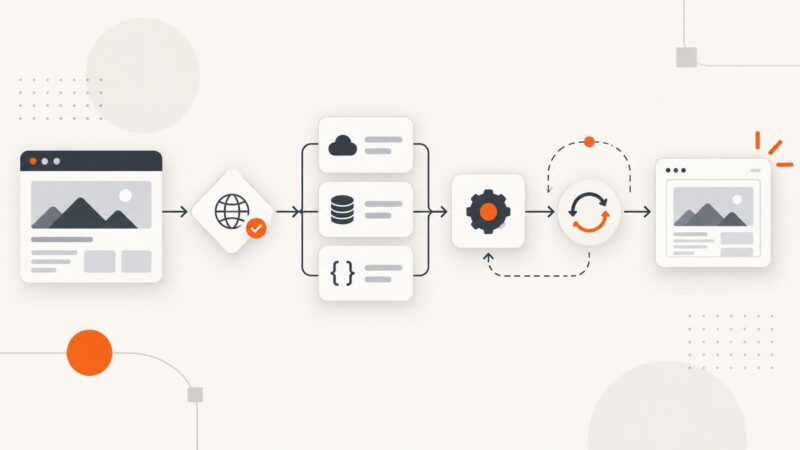
Turn screenshots into validated JSON with vision models, schemas, retries, and reliable capture workflows.
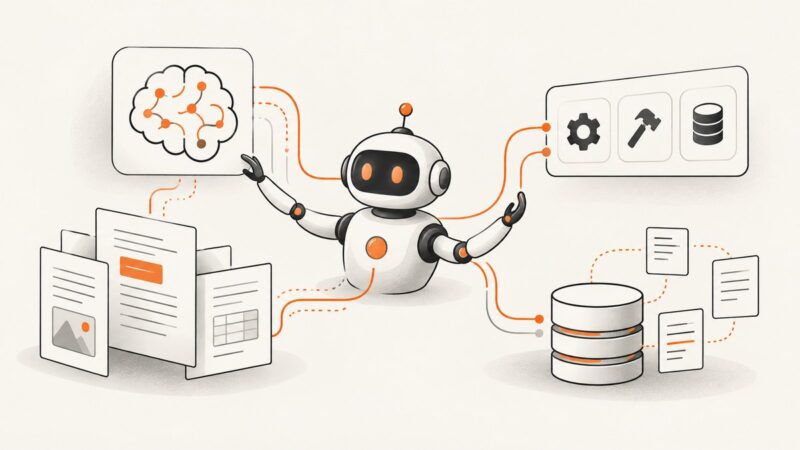
Install Qwen-Agent, connect a Qwen model, add custom tools, and build a practical retrieval workflow with safety and deployment guidance.
Exa helps agents discover and read web sources; Apify runs task-specific scrapers that return structured datasets. Choose by the data and workflow you need.
TikTok calls a thumbnail a video cover. Learn how to choose one before posting, when custom uploads may be available, and what to know about changing it later.
Learn how Scrapling keeps selectors working as websites change, when to use HTTP or browser fetchers, and how to scale resilient crawls.
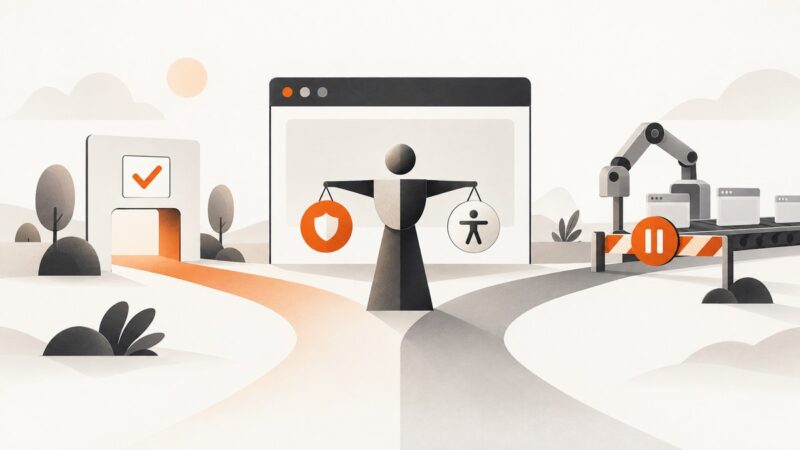
CAPTCHAs can protect sensitive actions, interrupt visitors, and stop browser tests. Learn how challenge types differ and how to build reliable, accessible flows.