How to Take Screenshots with Java
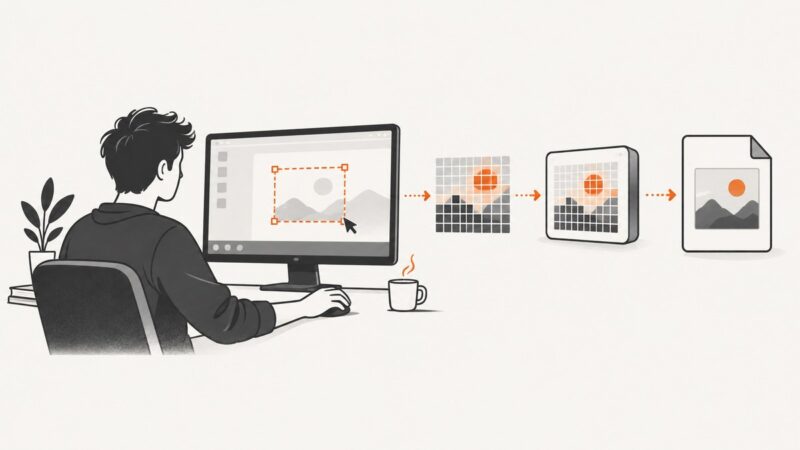
Capture the desktop or a screen region in Java with AWT Robot, save it as an image, and handle headless, permission, multi-monitor, and HiDPI issues.
Blog
How to take clean screenshots, turn HTML into images and PDFs, run headless browsers, and give AI agents eyes. Written by the team that builds ScreenshotNeo.
Capture the desktop or a screen region in Java with AWT Robot, save it as an image, and handle headless, permission, multi-monitor, and HiDPI issues.
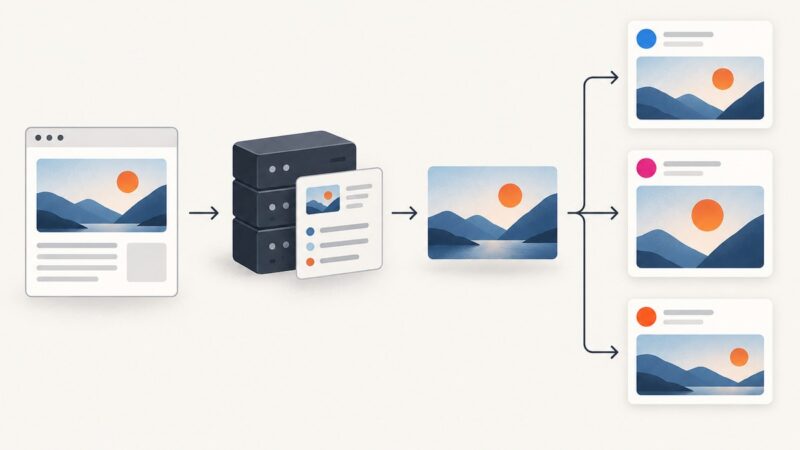
Learn what an Open Graph image does, how to add `og:image` correctly, choose a practical size, and fix previews that do not update.
Render an HTML string or URL with Puppeteer, then export it as a PDF or image. Learn how to wait for the right content, tune output, and fix common failures.
Use 1200 × 630 px as a practical Open Graph image canvas, then add the right metadata and check how each platform displays the preview.
Learn how to capture website evidence, preserve context and source details, understand screenshot limits, and automate repeatable records.
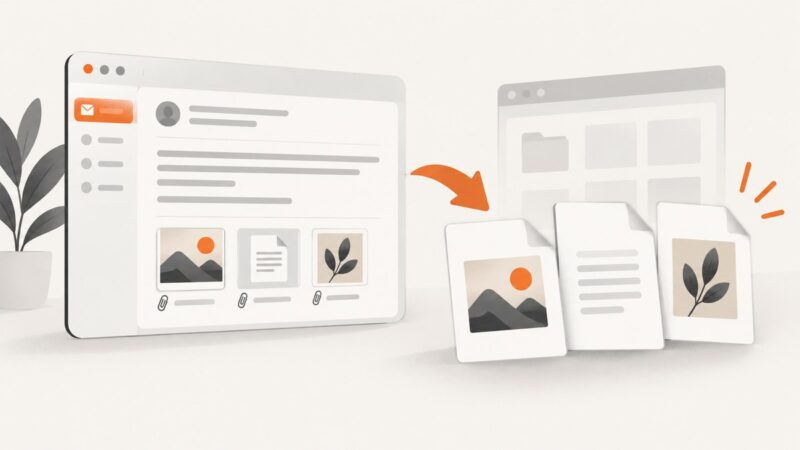
Convert a rendered email to PNG, JPEG, WebP, or PDF—and save attached images correctly—with Gmail, Outlook, Apple Mail, browser automation, and ScreenshotNeo.
There is no single font detection API: choose the right interface for local fonts, browser settings, font catalogs, or font delivery.
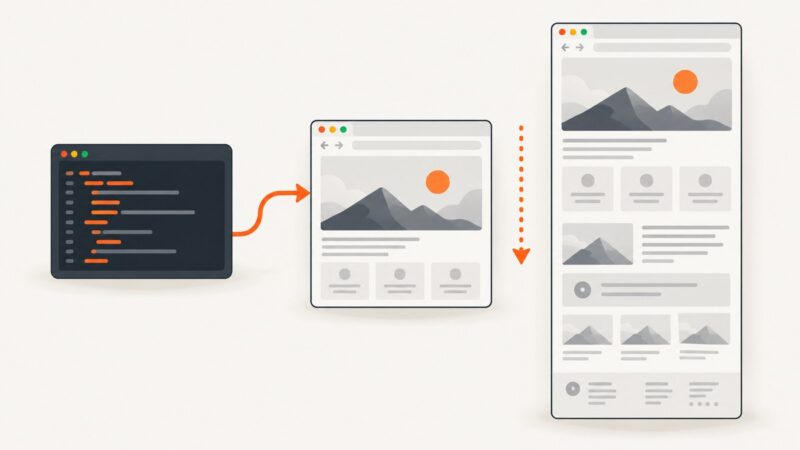
Capture complete, scrollable webpages with Playwright in Python, handle async code, lazy content, output formats, failures, and production tips.
Configure iframe parameters safely with accessible HTML, responsive sizing, sandboxing, permissions, privacy controls, troubleshooting, and production examples.
Generate reliable PDFs from URLs or HTML with Playwright, control print layout, debug rendering issues, and compare a managed ScreenshotNeo workflow.
AI can help generate extraction logic, interpret messy pages, and navigate dynamic interfaces—but reliable scraping still needs validation, a conventional baseline, and clear limits.
Learn how to scrape web pages into clean, structured Markdown for LLMs, RAG pipelines, and AI agents—with rendering, validation, and provenance.
Set recovery targets, protect backups, document response, and rehearse restoration so your website can survive outages and platform failures.
PNG is the safest default for crisp screenshots; lossless WebP can reduce bytes, while JPEG suits photographic pages where artifacts are acceptable.
Learn how to scrape JavaScript sites with Playwright using ethical scope, resilient locators, reliable waits, isolated sessions, and bounded scaling.
Prepare a focused federal FOIA request: find the right agency, describe existing records, plan fees and timing, and follow up effectively.
Render your HTML invoice in Chrome or Playwright, control print CSS and page layout, and avoid common PDF generation failures.
Capture a website, place it in a Google Sheets cell or over cells, and automate repeatable screenshots with IMAGE formulas, Apps Script, or ScreenshotNeo.