How to Render Screenshots With Playwright
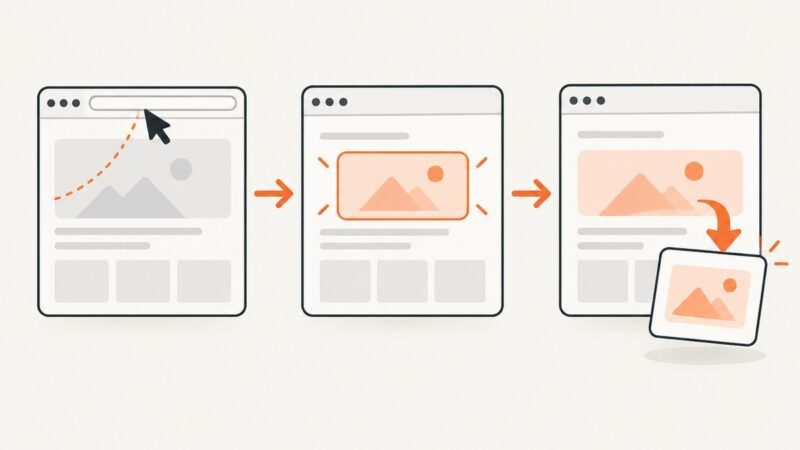
Learn how to render viewport, full-page, clipped, and element screenshots with Playwright, tune output options, troubleshoot failures, and automate reliable captures.
Blog
How to take clean screenshots, turn HTML into images and PDFs, run headless browsers, and give AI agents eyes. Written by the team that builds ScreenshotNeo.
Learn how to render viewport, full-page, clipped, and element screenshots with Playwright, tune output options, troubleshoot failures, and automate reliable captures.
Use Playwright to capture a website’s visible page, full scrollable page, or a selected element with Python. Includes runnable examples, troubleshooting, and a no-browser-setup option.
Capture a page, full document, or selected element with Puppeteer. Learn the key options, handle common failures, and save screenshots as files or bytes.
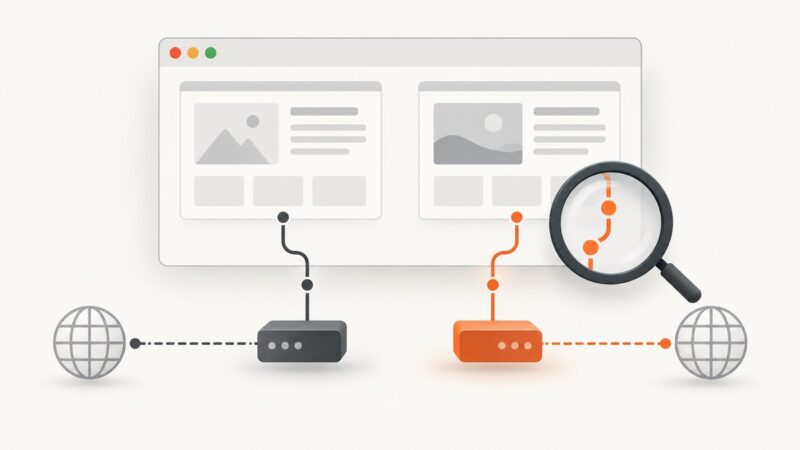
A URI identifies a resource by name, location, or both. Learn how URI parts work and how URIs differ from URLs and URNs.
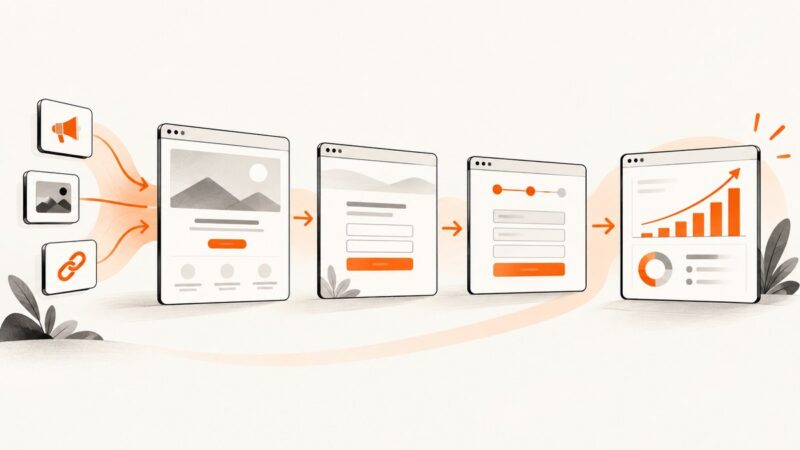
Create a reliable visual record of funnel stages, traffic sources, conversions and attribution with screenshots that retain the context needed to interpret them.
Capture complete scrolling pages and parallax sections without missing lazy-loaded content. Choose Firefox for quick captures or Playwright for repeatable control.
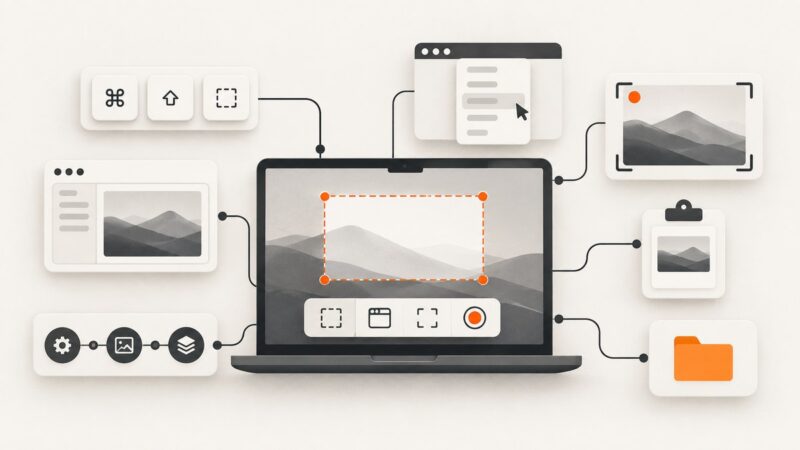
Learn every Mac screenshot shortcut, how to capture windows and menus, change save locations, copy to the clipboard, record video, and automate captures.
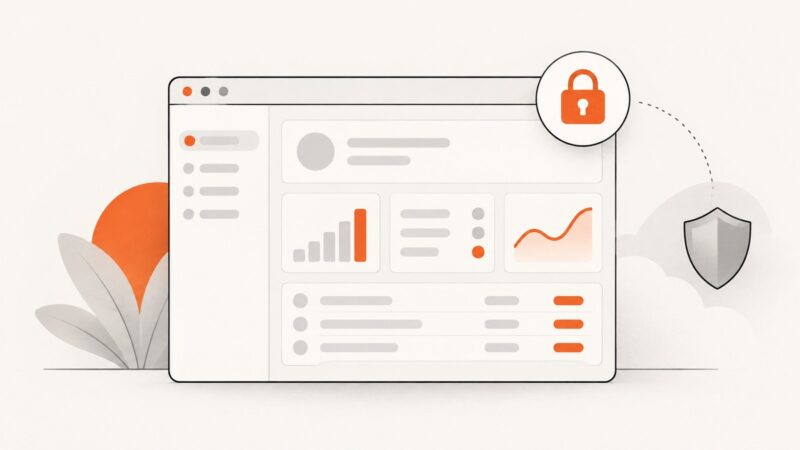
Use Site Health, uptime checks, backups, and screenshot comparisons to catch WordPress failures after updates before visitors do.
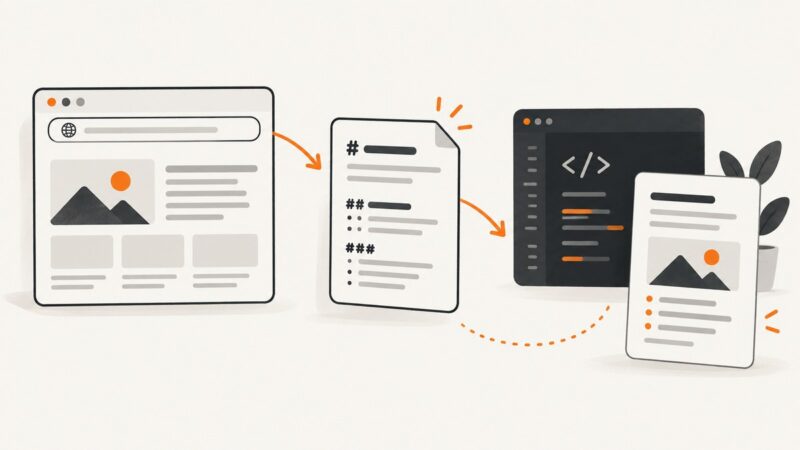
Convert any webpage URL to Markdown with Jina Reader, browser clipping, or your own pipeline. Learn rendering, selectors, errors, automation, and costs.
Puppeteer has no native page proxy. Learn browser and context routing, authenticated proxies, page-level workarounds, debugging, and a simpler API option.
Create consistent website thumbnails with Puppeteer: set the viewport, wait for the right page state, choose a capture shape, and save the image.
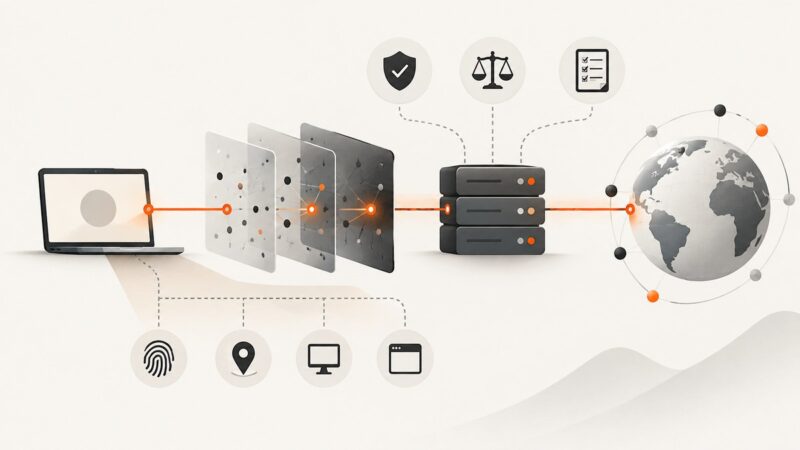
Proxies can change your apparent IP without making you anonymous. Learn the real risks, provider checks, legal limits, and an ethical sourcing checklist.
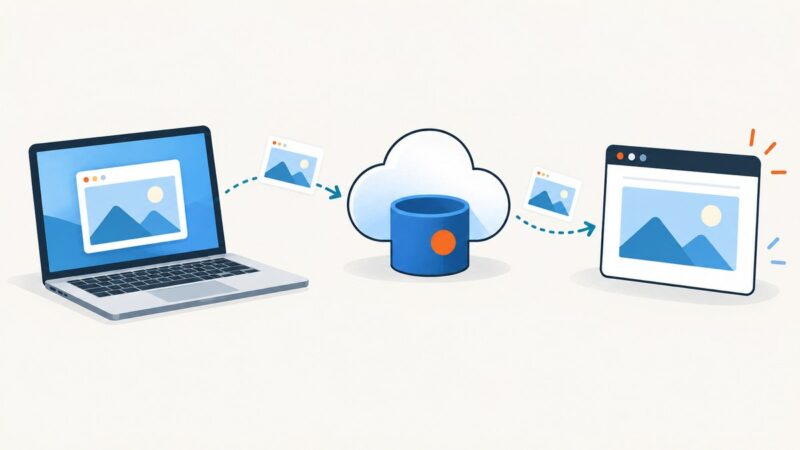
Upload screenshots to DigitalOcean Spaces with s3cmd, choose safe object permissions, and handle browser CORS, CDN delivery, and private links.
Web scraping is not automatically legal or illegal. Learn how access rules, contracts, GDPR, copyright, AI regulation, and ethics affect your project.
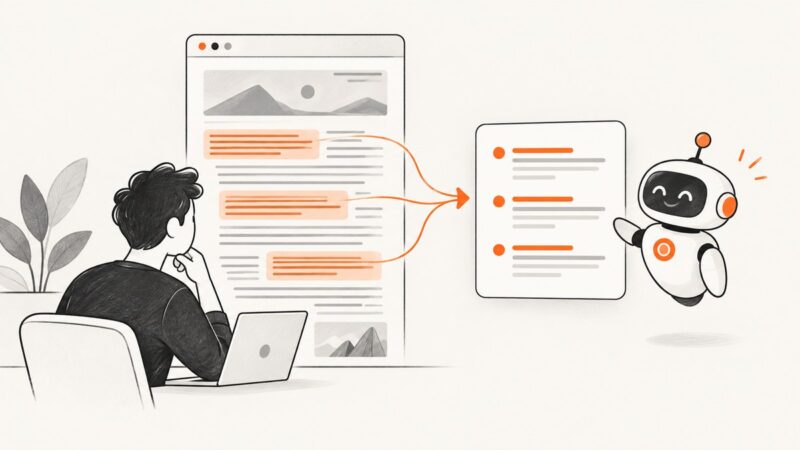
Learn how to summarize any web article with ChatGPT, verify citations, handle long pages, and produce reliable briefs with reusable prompts.
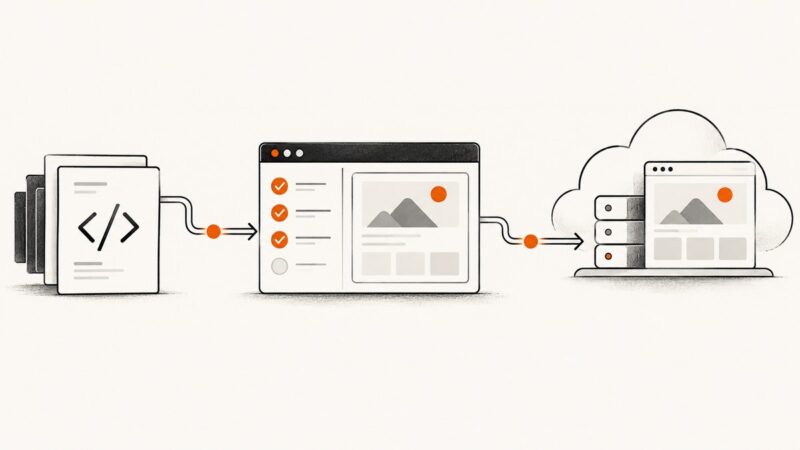
Run Playwright in CI against local builds or Netlify Deploy Previews. Includes setup, configuration, readiness checks, troubleshooting, and a ScreenshotNeo option.
Prepare, crop, check, and export portfolio screenshots so your work stays clear, consistent, and private at the size people will see it.
Learn how to prepare print CSS, control page breaks, and generate reliable PDFs with Puppeteer or Playwright.