How to Connect AI Agents to Web Data with an MCP Plugin
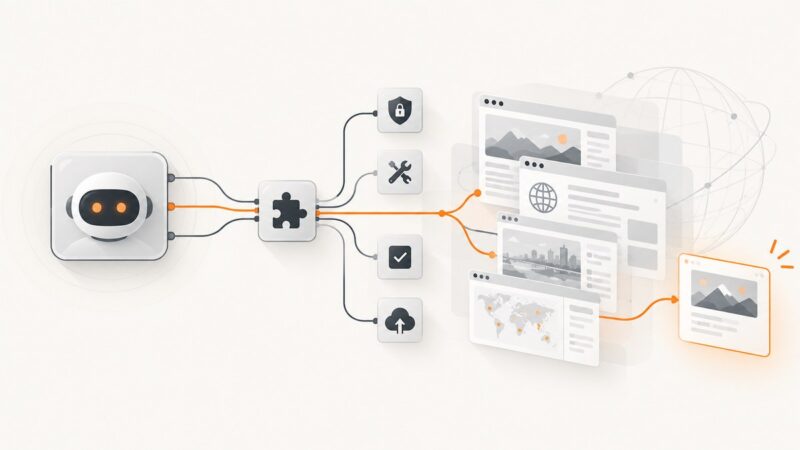
Connect an AI agent to live web data with MCP. Learn transports, tool design, security, testing, deployment, and a ScreenshotNeo shortcut.
Connect an AI agent to live web data with MCP. Learn transports, tool design, security, testing, deployment, and a ScreenshotNeo shortcut.
Connect an AI coding agent to image or PDF tools with built-in tools, functions, or MCP—and return the result as a usable artifact.
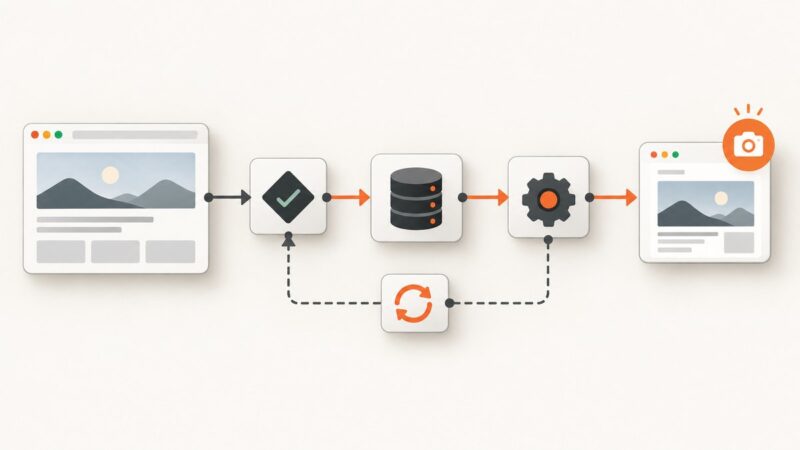
Verify deployed pages with an AI agent, Playwright screenshot baselines, and reviewable release evidence. This guide includes runnable CI code.
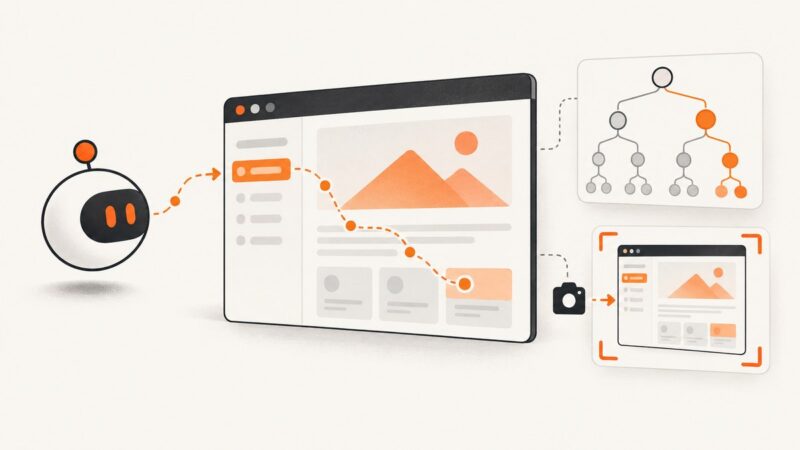
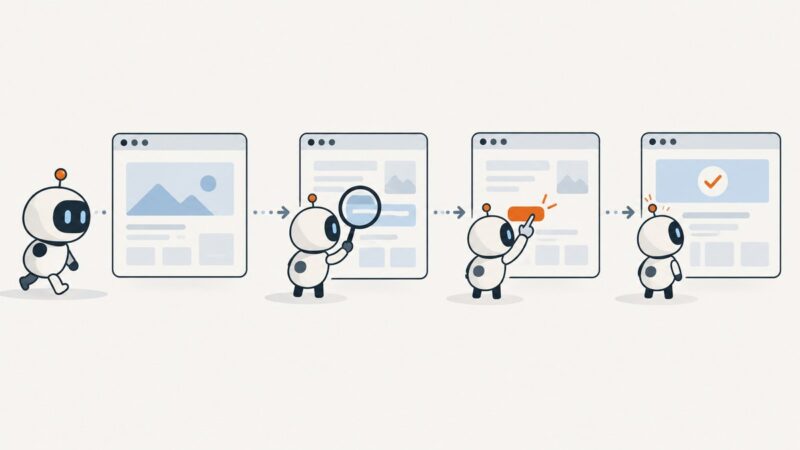
Build a browser agent as a bounded loop: let a model propose actions, enforce permissions in application code, and verify the resulting page state.
Build a reliable LangChain workflow for web ingestion, retrieval-augmented generation, and tool-using agents with practical Python and JavaScript examples.
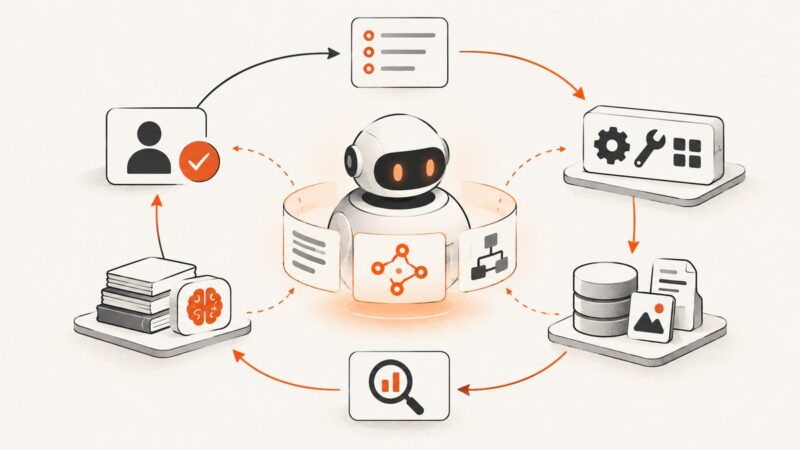
Agentic AI uses a model, tools, memory, and a control loop to pursue goals. Learn how it works, where it fits, and how to make it safer and more reliable.
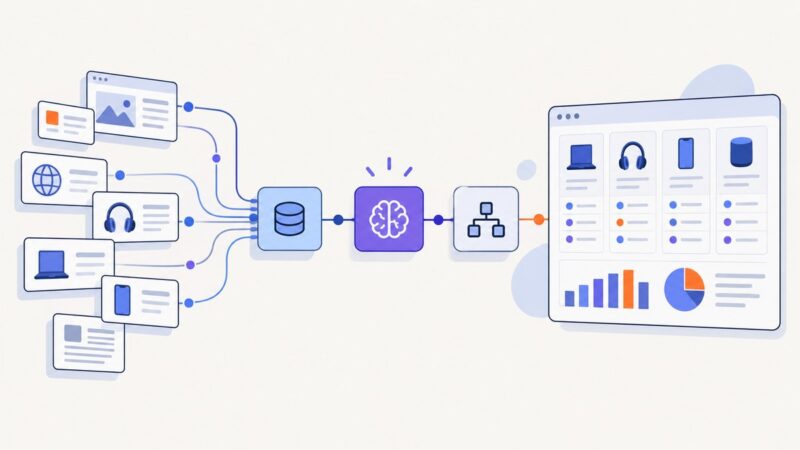
Build an evidence-first n8n agent that collects products, extracts facts, scores options, and produces traceable recommendations.
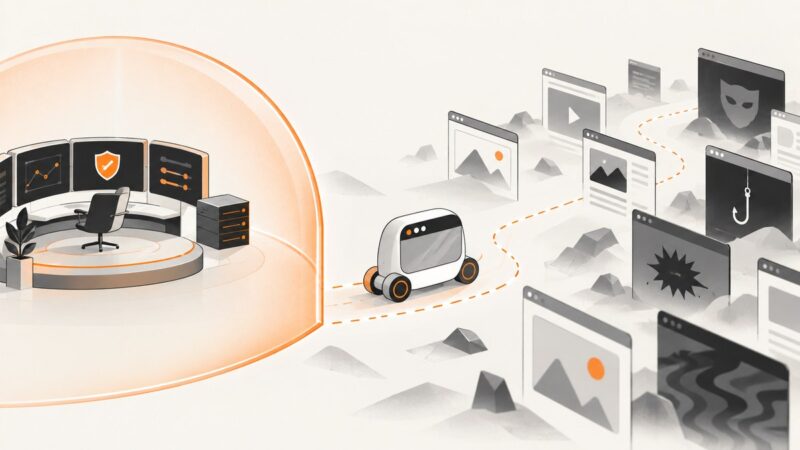
Treat browser content as untrusted input, and keep agent permissions in a separate, enforceable control plane. Here’s how to design, test, and audit that boundary.
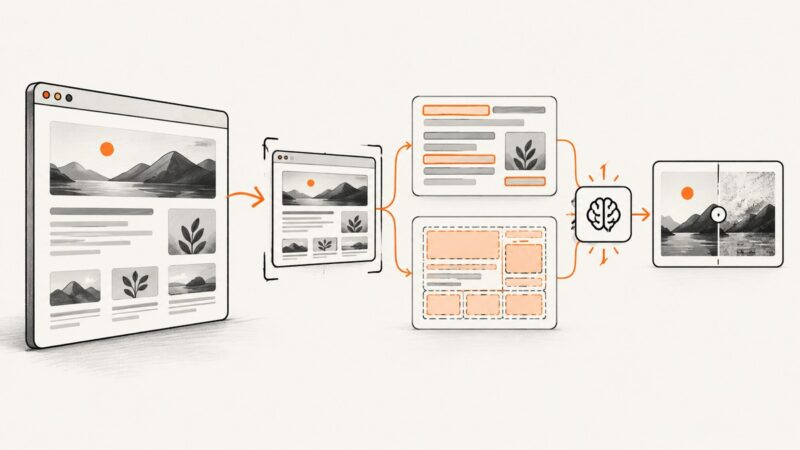
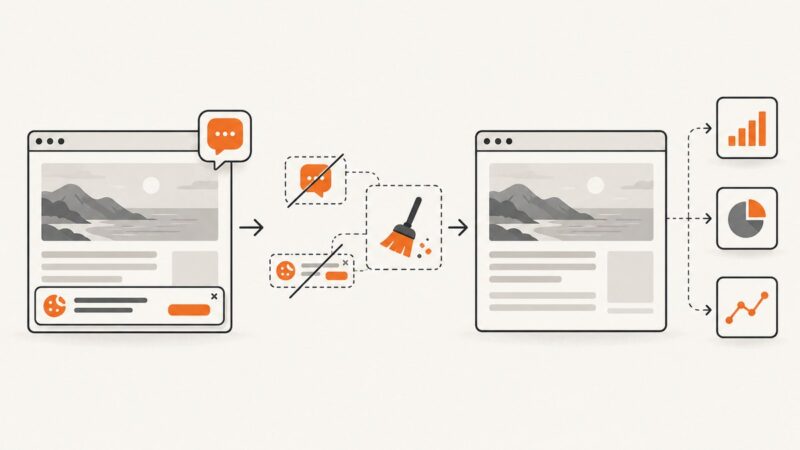
Learn how to capture webpages, run OCR and vision analysis, choose viewport or full-page shots, and build reliable visual regression checks.
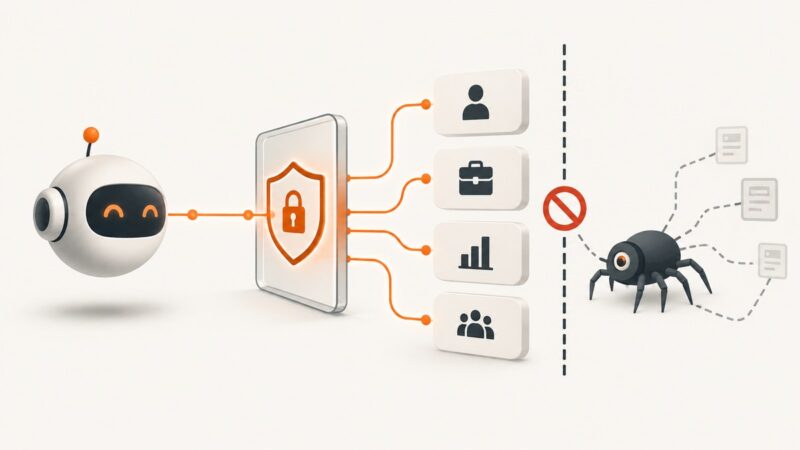
There is no generally authorized LinkedIn scraping API. Build AI agents with approved APIs, consent, clear scopes, retention controls, and auditable vendors.
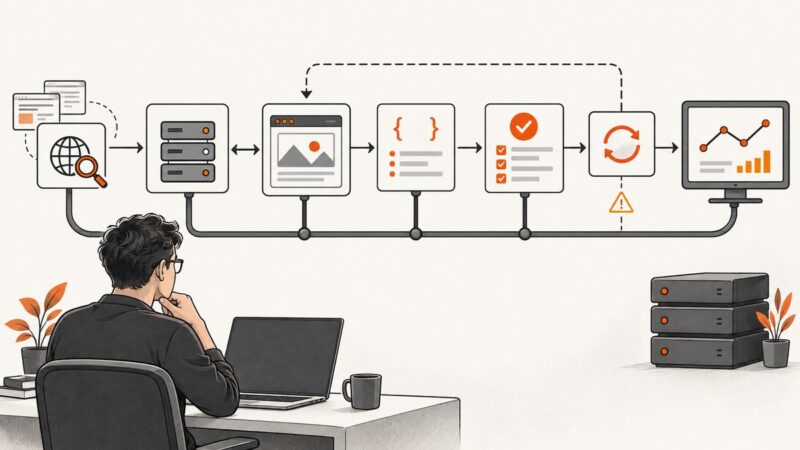
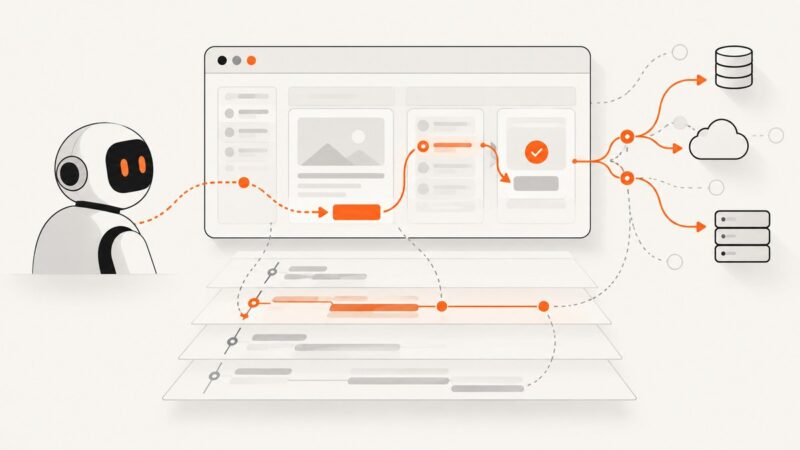
Browser traces show what an AI agent did in a page and its network. Learn how to capture, inspect, and combine them with agent traces to debug automation.
Learn Hermes Agent’s browser backends, accessibility-tree workflow, screenshot analysis, Chrome CDP setup, troubleshooting, and a simpler ScreenshotNeo option.
Connect Hermes Agent to browser screenshots with built-in tools, a hosted API, or MCP. This guide covers code, queues, security, troubleshooting, and ScreenshotNeo.
Build a reliable browser automation skill with a clear SKILL.md, a Playwright workflow, verification steps and deliberate safety limits.
Learn the Agent Mode loop in agent-browser: install it, inspect JSON snapshots, act on fresh element references, and run reliably in CI.
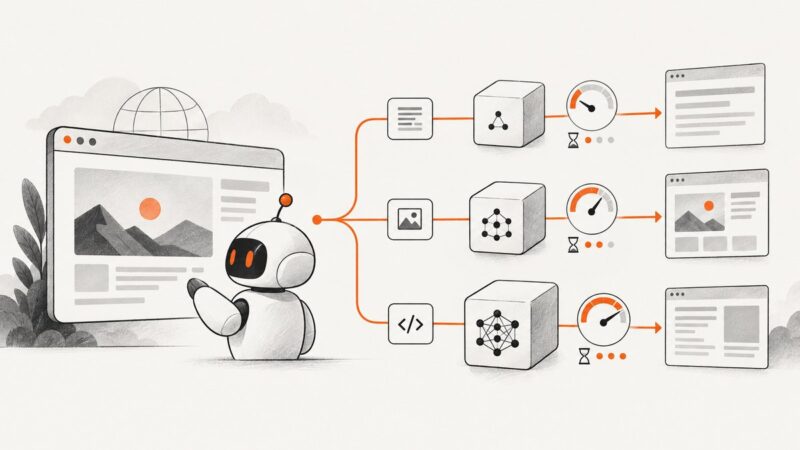
Route each browser step to the cheapest model that meets your quality, latency and safety gates, then measure cost per successful task.
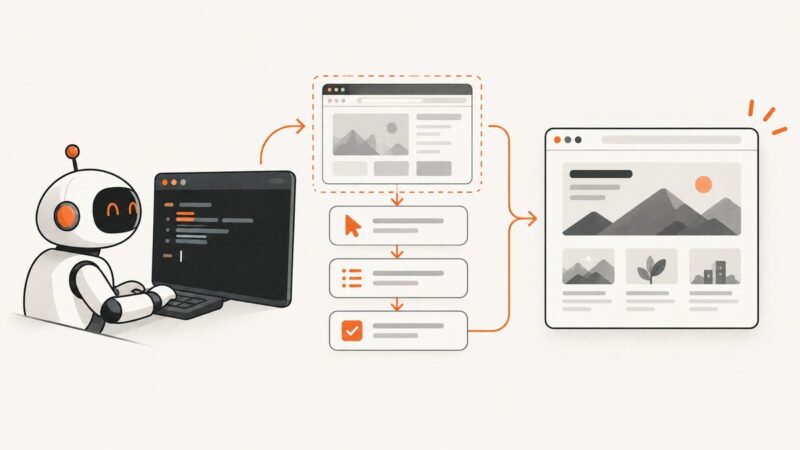
Build a Figma-connected AI design agent that uses your design system, makes reviewable edits, and validates its work before approval.
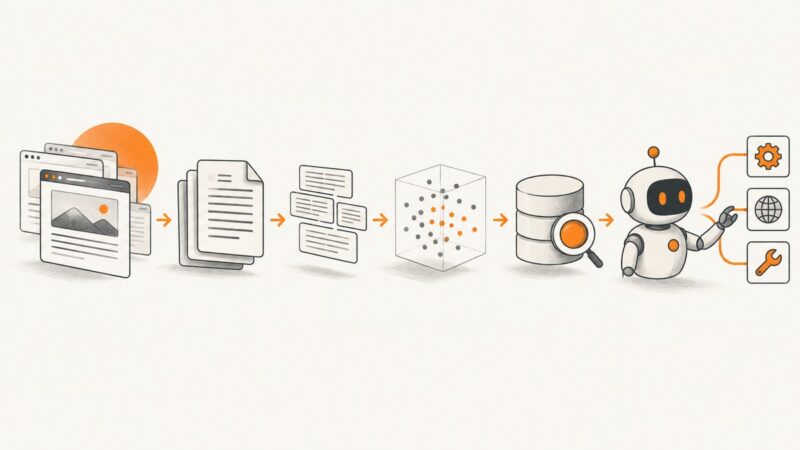
Build a reusable AI research dataset with Web MCP: crawl pages once, preserve citations, secure retrieval, and refresh content deliberately.