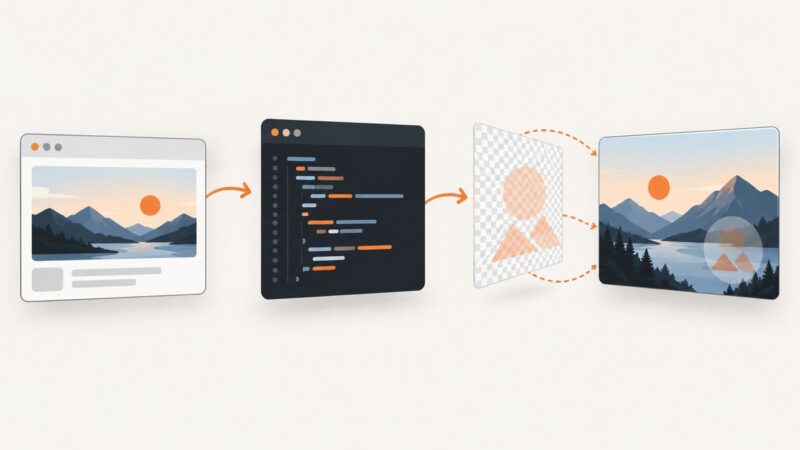
Wait for a Custom Element Before Capturing a Page in PHP
Use customElements.whenDefined() plus a component-ready assertion to capture reliable PHP Playwright screenshots without racing hydration.
Use customElements.whenDefined() plus a component-ready assertion to capture reliable PHP Playwright screenshots without racing hydration.
Learn when to click a DOM cookie banner, when to handle a native JavaScript dialog, and how to keep Playwright tests reliable.
Trace Puppeteer failures across your code, page, network, DevTools protocol, browser process, and host environment—with practical debugging steps and fixes.
Fix cropped, blank, late-loading, and inconsistent website screenshots with DevTools diagnostics, reproducible checks, code, and an API alternative.
Choose a Puppeteer wait condition that matches what your script needs: navigation, a visible element, an interaction-ready locator, or network idle.
Fix missing glyphs, wrong fonts, and layout differences in Puppeteer across Docker, CI, Linux, and custom web fonts.
Learn how to monitor any product page, detect real price drops, handle dynamic listings, and send reliable alerts with Python or hosted tools.
Find out why a Facebook link preview shows the wrong title, image, or description, and fix it with Facebook’s debugger and a repeatable metadata checklist.
When browser automation hits a bot check, identify the control, verify authorization, and use a supported test or access path instead of retrying blindly.
Use ACF fields in WordPress to build social graphics or link previews, expose data safely through REST, and automate captures with ScreenshotNeo.
Generate IPv4 samples by legacy class A–E, with runnable code, clear range boundaries, and checks for special-use addresses.
Use Puppeteer’s page.content() for a complete document, or page.evaluate() and selector helpers for specific DOM markup. Includes runnable examples, iframe guidance, and fixes for common extraction issues.
Learn how to capture a webpage, add a text or logo watermark, choose an export workflow, and automate repeat screenshots.
Build a WordPress plugin that generates, reviews, and uploads AI images with the AI Client, then deliver responsive Media Library assets reliably.
Find a site’s real logo with a layered extraction pipeline: inspect HTML, structured data and manifests, then render and validate ambiguous candidates.
Learn Webflow’s native CMS image setup, what it can’t generate, and how to automate branded Open Graph images with a reliable workflow.
Add text or logo watermarks to ASP.NET screenshots with WebImage, Graphics, and an API workflow, including code, options, troubleshooting, and costs.
Learn how to make graphics clickable in PDFs, websites, and prototypes—and how to manage large batches without losing links.