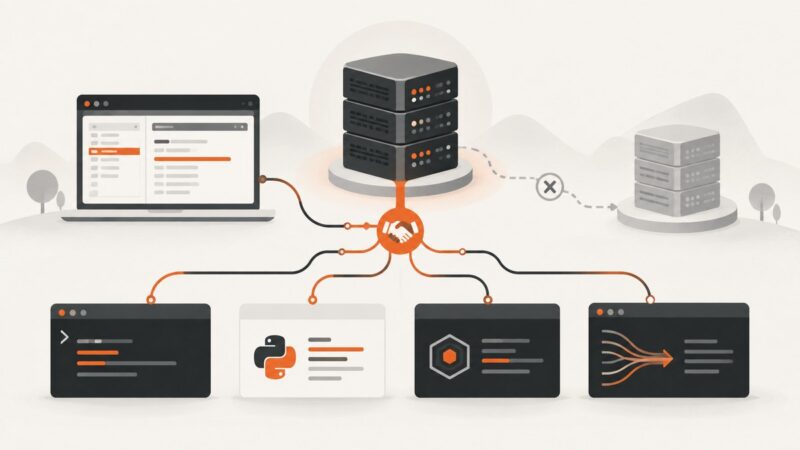
Using 1Password with Browser Automation
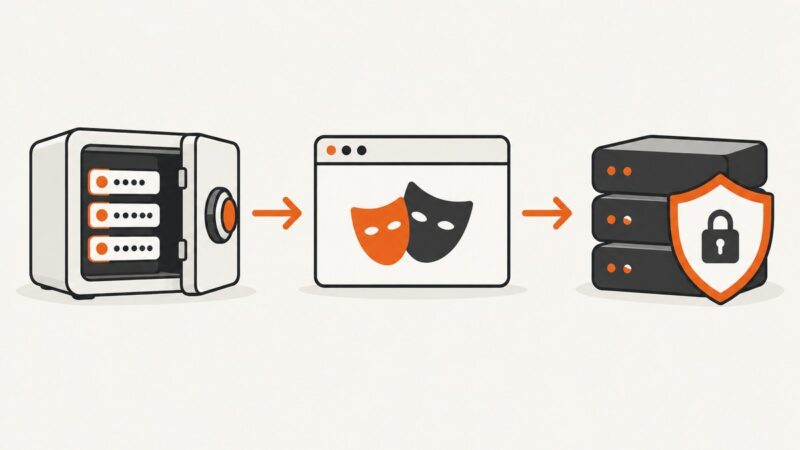
Inject 1Password secrets at runtime in Playwright or Selenium, keep credentials out of code and CI logs, and automate logins safely.
Inject 1Password secrets at runtime in Playwright or Selenium, keep credentials out of code and CI logs, and automate logins safely.
Find who competes for your Google Ads auctions, keywords and ad clicks with three practical methods, plus a repeatable analysis workflow.
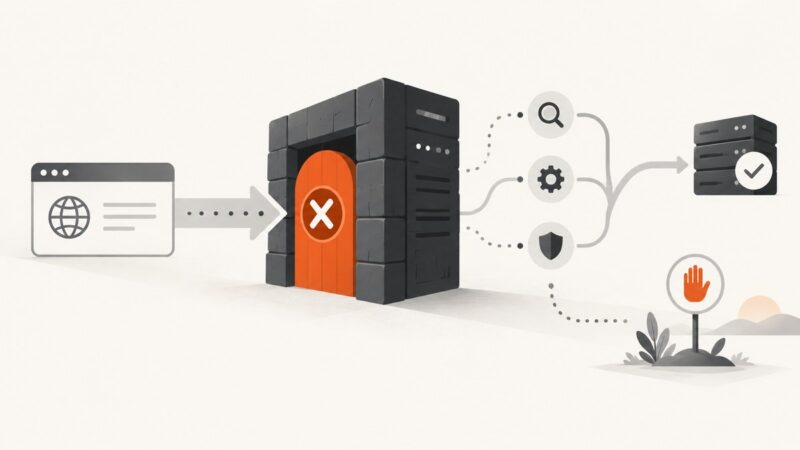
A 403 means the server understood your request and refused it. Diagnose the source, fix permitted access problems, and know when to stop.
Learn how to verify HTTP/2 with browser DevTools, curl, Python, Node.js and nghttp, then diagnose ALPN and HTTP/1.1 fallback.
Build a Python website change tracker that normalizes page text, stores SHA-256 snapshots, reports readable diffs, and runs on a schedule.
Use Google Maps to check which everyday services you can reach in 15 minutes by walking, cycling, or transit—and understand what the map can’t tell you.
Use curl, browser DevTools, or an external probe to check whether a site actually negotiates HTTP/3—and understand what Alt-Svc can and cannot tell you.
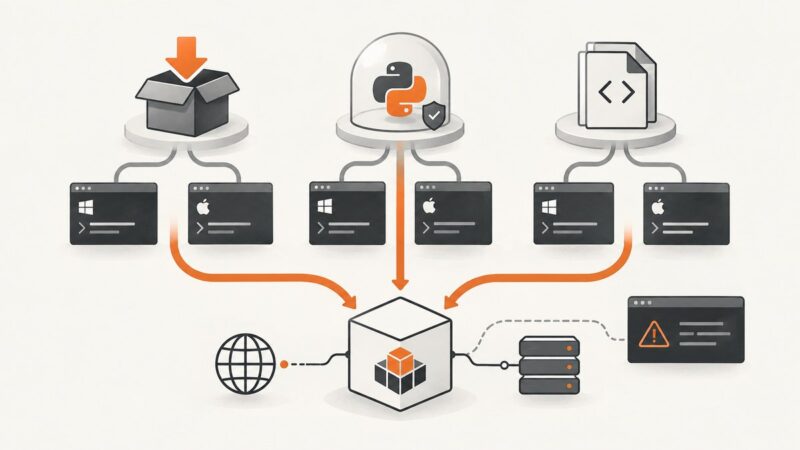
Install Requests with pip, isolate it in a virtual environment, or work from source. Includes Windows and macOS/Linux commands and troubleshooting.
Install Requests with pip, isolate it in a virtual environment, or work from source. This guide covers Windows, macOS, Linux, offline installs, and common fixes.
Put an app screenshot into an accurate iPhone 14 frame, preserve its proportions, and export a mockup with Figma, a browser tool, or code.
Combine Zod, React Hook Form, and Next.js 15 Server Actions with clear client feedback and server-side validation you can trust.
Upload screenshots to Wasabi by console, S3-compatible API, or a secure browser flow. Learn how to keep credentials private and control who can view each object.
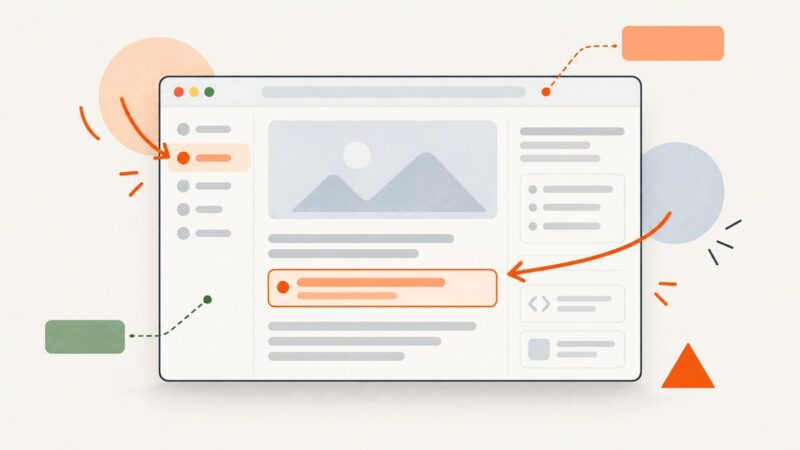
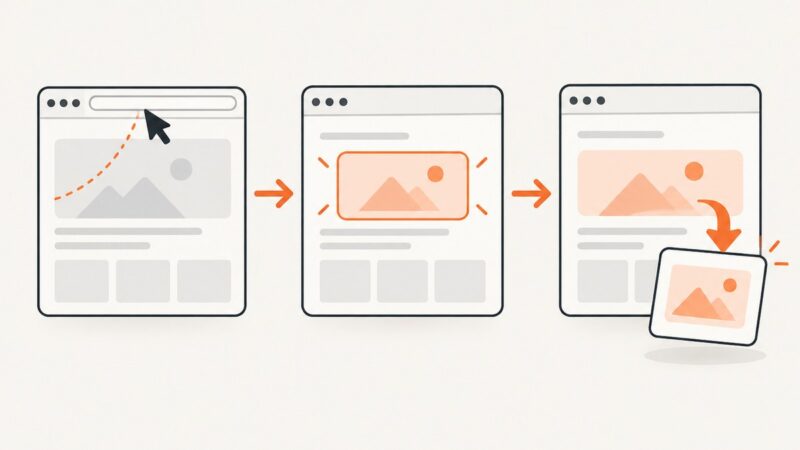
Learn how to add editable text, arrows, callouts, and graphics to website screenshots with Canva, Figma, DevTools, code, and ScreenshotNeo.
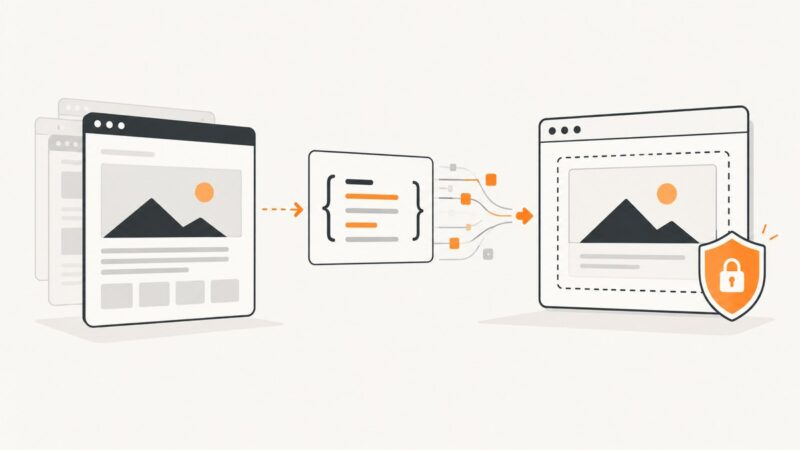
Fetch oEmbed metadata, validate provider HTML, and render secure responsive native iframes with reliable fallbacks.
Capture authenticated pages safely with Firefox, Playwright, and Puppeteer, while protecting sensitive data and handling blocked or dynamic content.
Learn how to render viewport, full-page, clipped, and element screenshots with Playwright, tune output options, troubleshoot failures, and automate reliable captures.
Use Playwright to capture a website’s visible page, full scrollable page, or a selected element with Python. Includes runnable examples, troubleshooting, and a no-browser-setup option.
Capture a page, full document, or selected element with Puppeteer. Learn the key options, handle common failures, and save screenshots as files or bytes.