How to Capture a Screenshot and Convert It to PDF
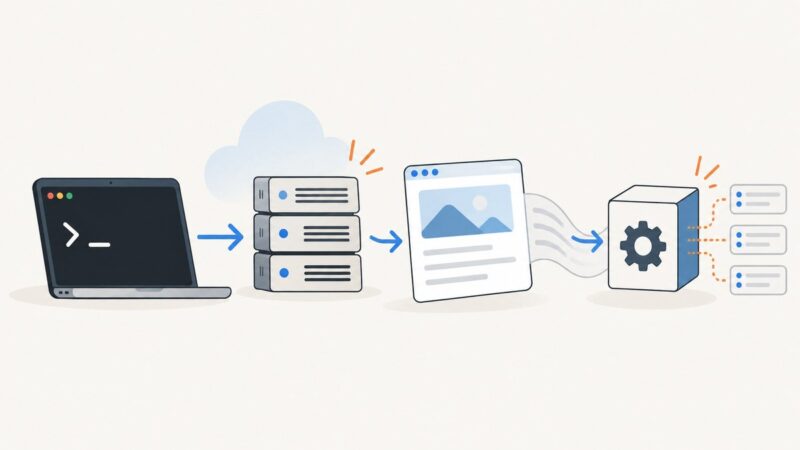
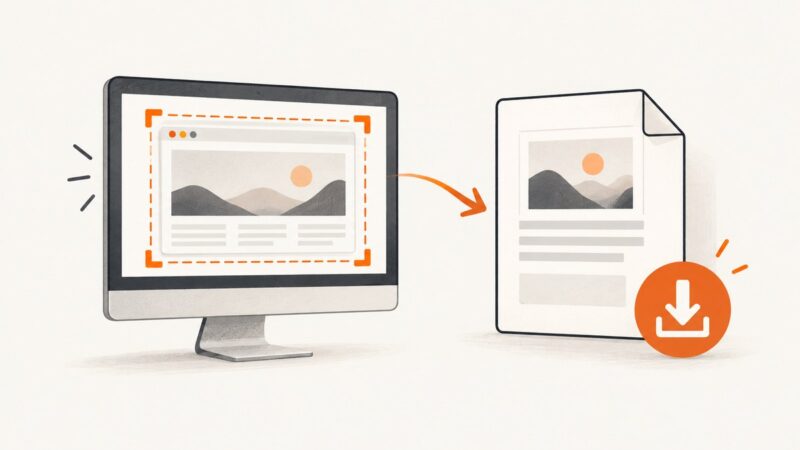
Capture a screen on Windows, Mac, iPhone, or Android, then save it as a PDF with the right quality and layout.
Capture a screen on Windows, Mac, iPhone, or Android, then save it as a PDF with the right quality and layout.
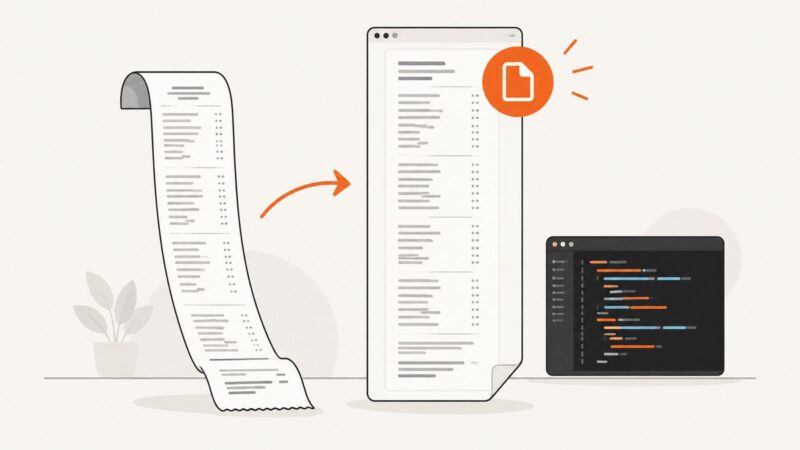
Generate a single PDF page whose height follows its content with QuestPDF, or choose fixed-size pages for print. Includes HTML and iText alternatives.
Protect a generated PDF with PHP by encrypting it in your PDF library or submitting it to Adobe PDF Services. See runnable PHP examples, setup, and troubleshooting.
Generate a PDF in Node.js, then serve it or upload it for sharing. Compare PDFKit, Puppeteer, and signed storage links with runnable examples.
Control where PDF tables break with CSS page-break rules, practical examples, renderer-specific checks, and fixes for common pagination problems.
Choose Prawn for PDFs laid out in Ruby, or a Chromium renderer for existing HTML and webpages. This guide covers pagination, setup, readiness, and troubleshooting.
Create a single tall PDF page in Go by setting explicit dimensions, choosing suitable units, and managing margins and content overflow.
Style generated PDFs by page, content, and position with CSS paged media. A practical WeasyPrint guide to page rules, headers, breaks, and debugging.
Gate PDF.js conversion on a successful document load, preserve the original error, and diagnose bytes, workers, versions, CORS, and memory safely.
PDFs and web pages use different units, zoom controls, and display scaling. Learn why the same text looks different and how to compare it fairly.
Choose the right reuse pattern for flowing layouts, static artwork, fillable forms, and data-driven PDFs, then build and validate it with practical examples.
Learn how to control page size, margins, typography, headers, footers, and page breaks with CSS in code-based PDF templates.
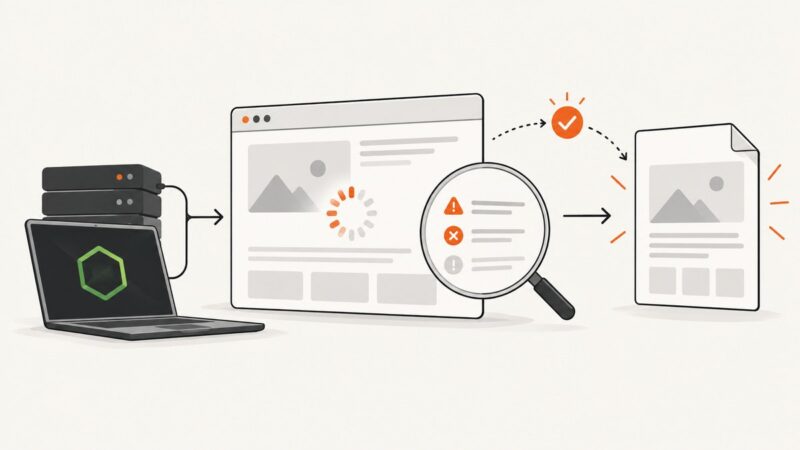
Learn how to detect navigation failures, HTTP errors, and incomplete client rendering before generating reliable PDFs with Puppeteer in Node.js.
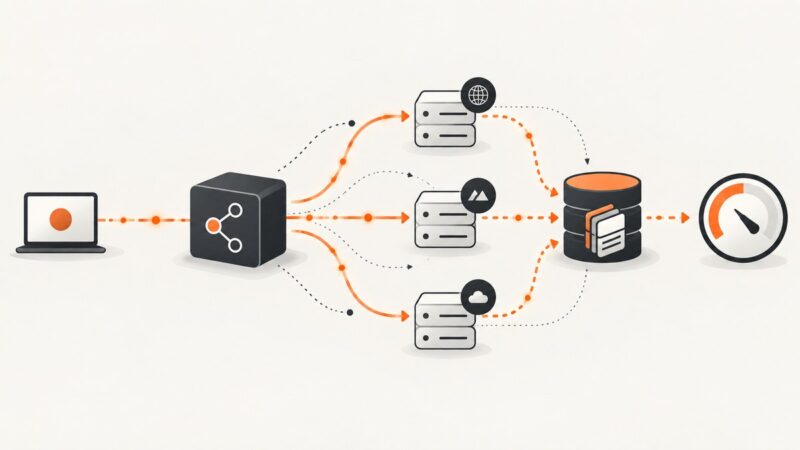
Convert a curated URL list into one PDF, separate PDFs, or a ZIP. Compare local CLI, headless Chrome, hosted batches, and a screenshot API workflow.
Build reusable PDF templates with HTML/CSS, JSON data, browser renderers, PDF libraries, and schema-driven tools.
A practical guide to generating reliable PDFs from HTML with Puppeteer, Playwright, Prince, and ScreenshotNeo—including CSS, pagination, fonts, and troubleshooting.
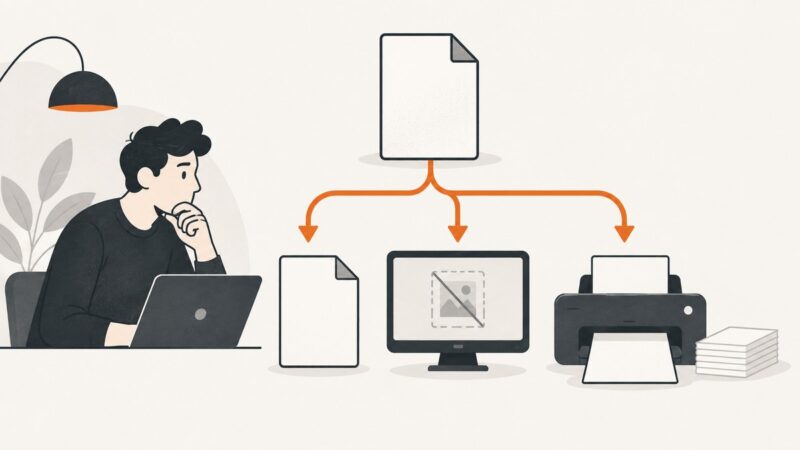
A blank PDF can be an empty export, a viewer problem, or a printing failure. Follow this sequence to find where the content disappears and fix it.
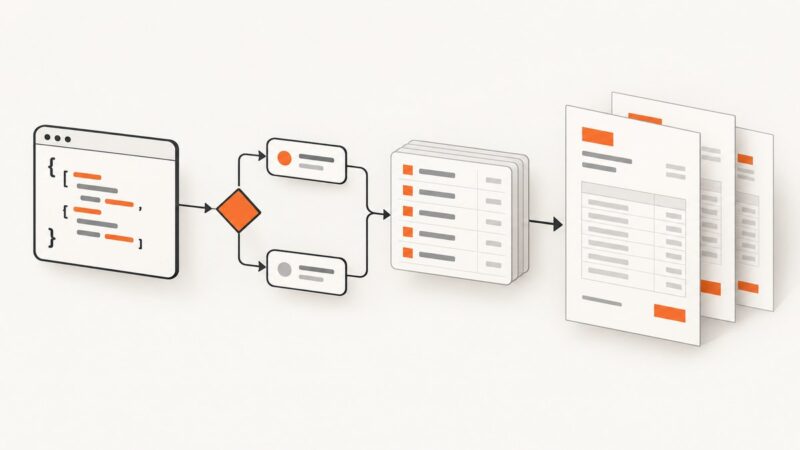
Learn how to conditionally show PDF content, loop over invoice data, prevent blank space, and choose the right template engine.